🔥 It's probably common knowledge that Netlify makes deployment incredibly simple- you can connect a repo, pick a build command and 🚀

or just drop a folder in and you're done!

...but here are some other things you might not know about our deploys that are very special 🧵

Netlify has a concept of "atomic" deploys- which means a few things:

- You can preview a deploy when you've or someone else has just put in a PR

- You can roll back to ANY previous state, with one click, in milliseconds

- You always know what state your cache is in!
Netlify allows you to cancel a deploy- did you just put in a change, merge it and then realize you've made a terrible mistake? I've never done that. 😬 er...

No worries. You can cancel that deploy with the click of a button.
You can lock a deploy. Let's say you get everything ready for a big release, code review and tests are complete, it's all ready.

You can lock a deploy in a state to get ready for a major release, so that you know exactly what you're releasing and sleep well the night before. 😴
You can even get notifications about locked deploys via email, outgoing webhook, or Slack. Netlify can notify you when a deploy is either locked or unlocked.
You can skip deploys! Let's say you have a bunch of dependabot changes and you want to merge them without redeploying the site multiple times.

You can add [skip ci] or [skip netlify] to the most recent commit message, and it will apply to all other commits in the push.
You can download a deploy!

Let's say you were curious about what your site looked like 4 years ago. Aside from the fact that you can actually just redeploy that version of the site since it's atomic, you can also download that version in time, and revisit your older approach!
⭐️The last one is my fave- you can use different branch deploys for split testing! ⭐️

You don't have to incur heavy JS costs of A/B testing frameworks. You can send traffic to different versions of your site, and add google analytics to the different branches too :)
That's it! I hope this has been helpful. For more information you can visit our docs:

- https://t.co/5chwghhps2
- https://t.co/MWa9HNNDmd

More from Tech

On Wednesday, The New York Times published a blockbuster report on the failures of Facebook’s management team during the past three years. It's.... not flattering, to say the least. Here are six follow-up questions that merit more investigation. 1/

1) During the past year, most of the anger at Facebook has been directed at Mark Zuckerberg. The question now is whether Sheryl Sandberg, the executive charged with solving Facebook’s hardest problems, has caused a few too many of her own. 2/
https://t.co/DTsc3g0hQf


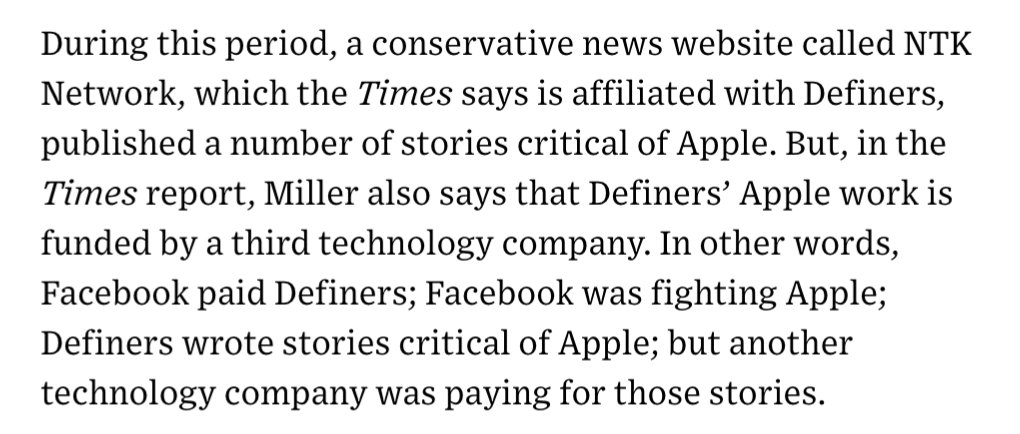
2) One of the juiciest sentences in @nytimes’ piece involves a research group called Definers Public Affairs, which Facebook hired to look into the funding of the company’s opposition. What other tech company was paying Definers to smear Apple? 3/ https://t.co/DTsc3g0hQf


3) The leadership of the Democratic Party has, generally, supported Facebook over the years. But as public opinion turns against the company, prominent Democrats have started to turn, too. What will that relationship look like now? 4/

4) According to the @nytimes, Facebook worked to paint its critics as anti-Semitic, while simultaneously working to spread the idea that George Soros was supporting its critics—a classic tactic of anti-Semitic conspiracy theorists. What exactly were they trying to do there? 5/
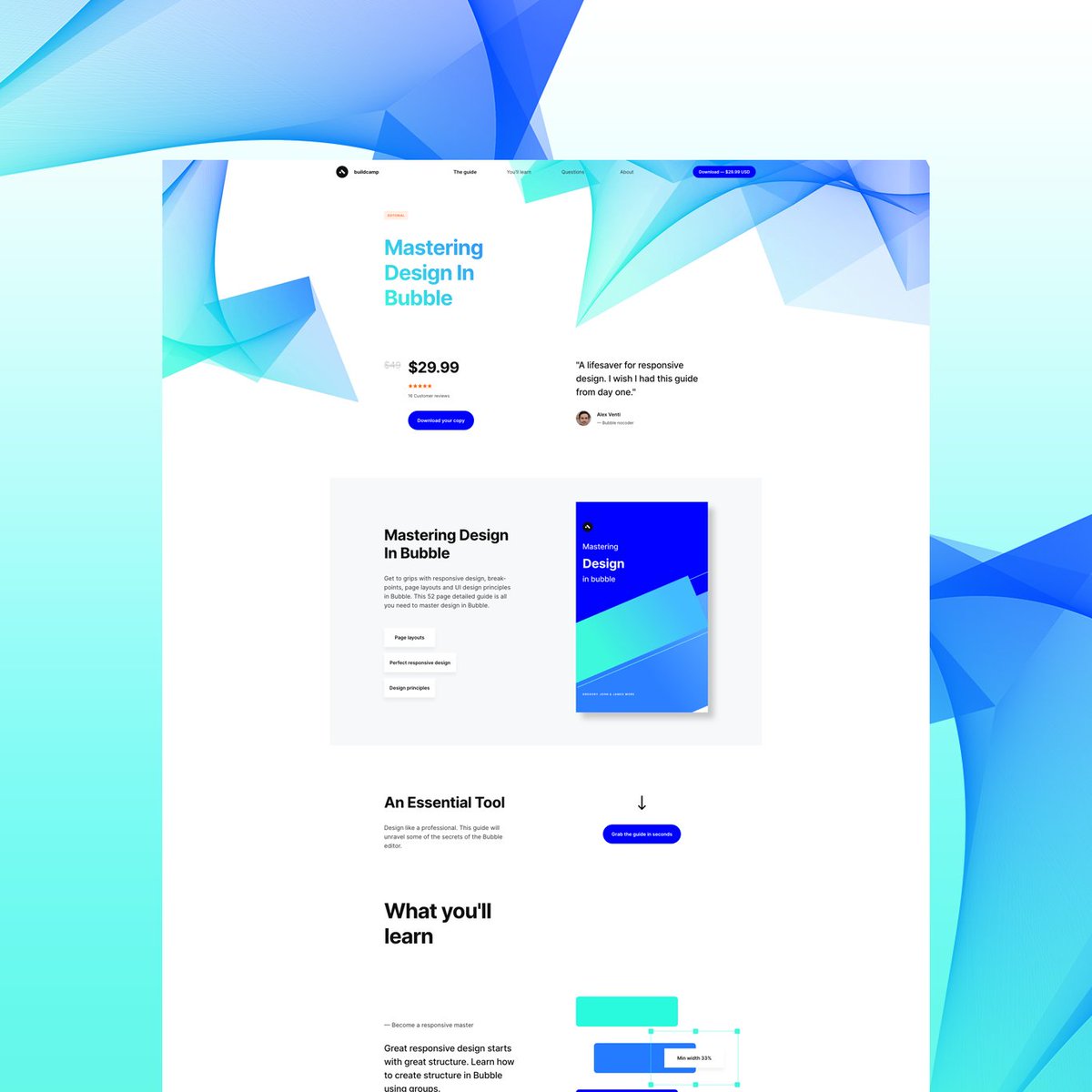
One of the best decisions I made during a very turbulent 2020 was to leave conventional coding behind and embrace the #nocode movement. @bubble made this a reality. Although my own journey thus far is premature, I’ve learned a lot so here’s a power thread on....


‘How I created @buildcamp sales funnel landing page in under 2hours’.

Preview here 👇

https://t.co/s9P5JodSHe

Power thread here 👇

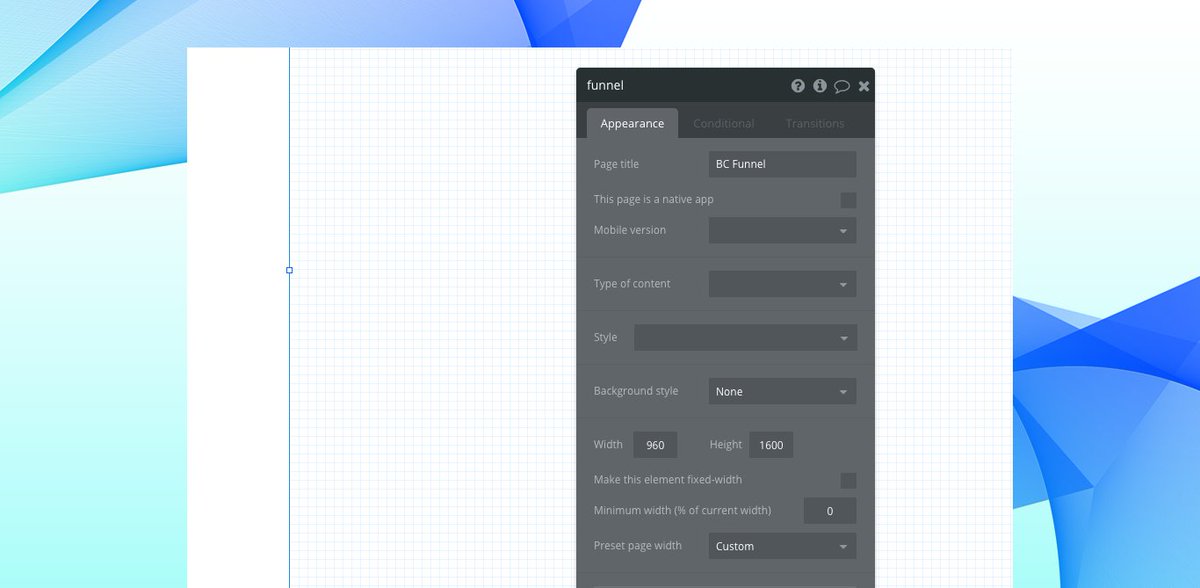
1. Started with a vanilla bubble app ensuring that all styles and UI elements were removed. Created a new page called funnel and set the page size to 960px as this allows the page to render proportionately on both web and mobile when hitting responsive breakpoints.


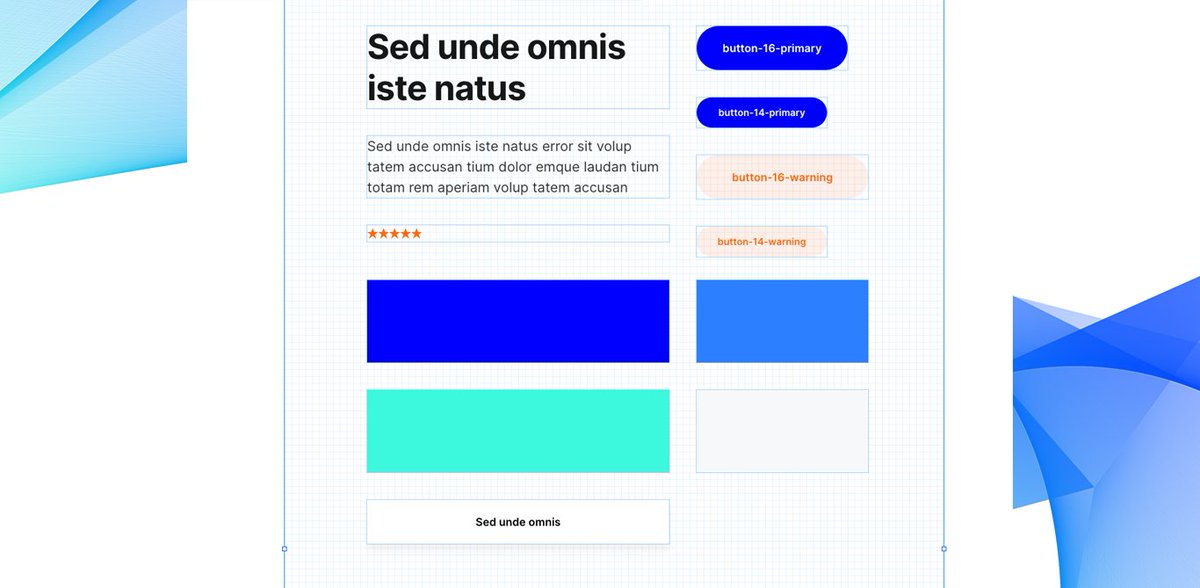
2. Began dropping elements onto the page to ‘find the style’. These had to be closely aligned to our @buildcamp branding so included text, buttons and groups - nothing too heavy. Played around with a few fonts, colors and gradients and thus pinned down the following style guide.


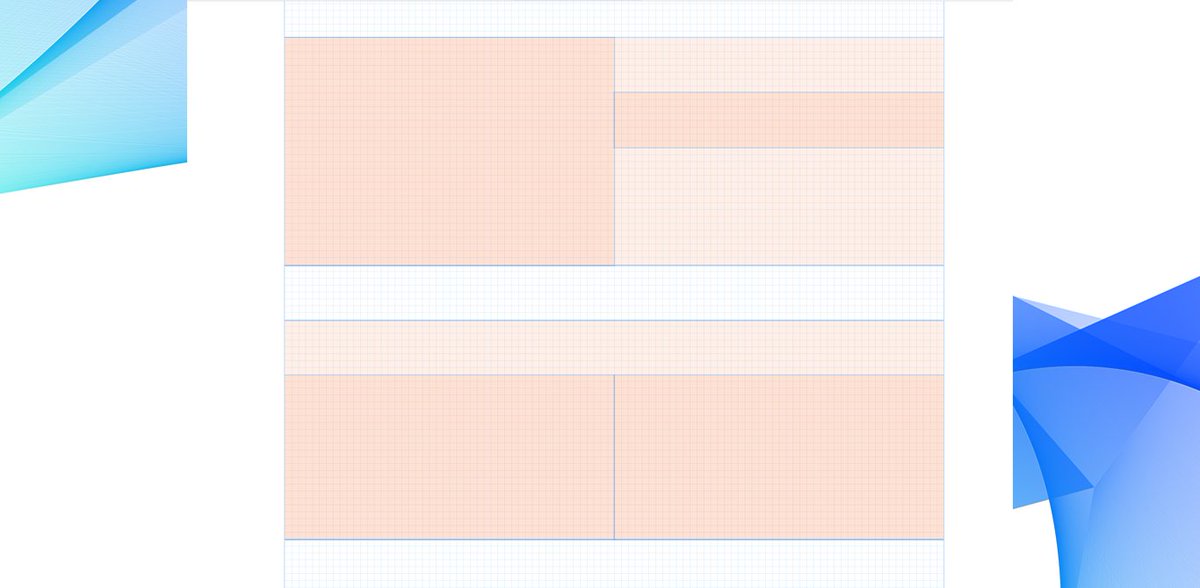
3. Started to map out sections using groups as my ‘containers’ to hold the relevant information and imagery needed to pad out the sales pitch. At this point, they were merely blocks of color #ff6600 with reduced opacity set to 5% to ease page flair.

You May Also Like