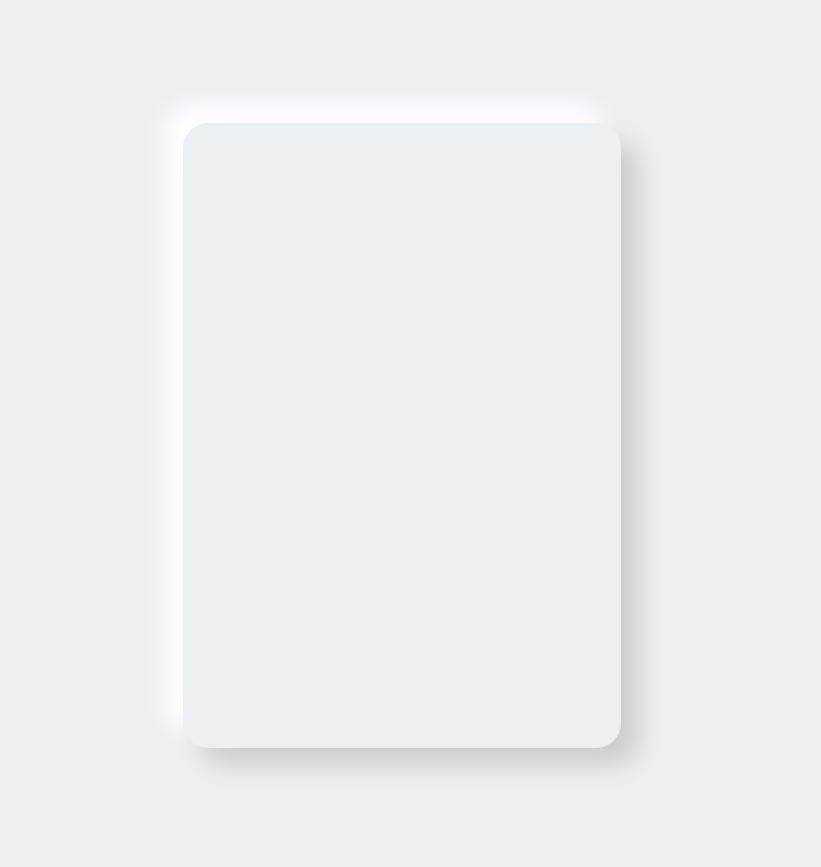
Neumorphism is a trendy UI style nowadays. So let's create a neumorphic form using few simple steps

THREAD🧵

Neumorphic design is another UI design that has become popular these days.

Making neumorphic effect is actually pretty easy using only just CSS box-shadow

We'll be creating a neumorphic form in steps👇🏼

2.
STEP 1:

Place a light source(virtually) on screen. In this example I'm considering that my light source is placed top left corner of the screen

3.
STEP 2:

Create a container div and set background color slightly darker than white. I picked #ecf0f3

* Make sure that the color of body and container should be same

CONTINUE...

4.
As we placed our light source on top-left corner, make sure left and top border of container should be brighter than right and bottom border.

This will make the element looks like it has the light source illuminating from the top left corner of the screen.

5.
STEP 3:

Create a brand logo using same technique. Since brand going to protrude from the container, use same color i.e, #ecf0f3

Add bright color shadow at the top left side and dark color shadow at the bottom right side

6.
STEP 4:

The input fields going to have a sunken effect. And to achieve this we will use inset box-shadow

CONTINUE...

7.
As light is coming from top-left corner, hence right and bottom border will be bright in this case because input fields have sunken effect.

8.
STEP 5:

Create a button preferably of same color as logo because this will give you a more fascinating look to your design

Add hover selector and apply box-shadow none when you mouse over it

9.
Wasn't it easy?

Neumorphic design is all based on box-shadow property.
You just need to remember two things👇🏼

- Protrude effect in outer element (normal box-shadow)
- Sunken effect in inner elements (Inset box-shadow)

10.
Source code: @CodePen

11.
https://t.co/HEiFRU3abH

More from Pratham 👨‍💻🚀

If you start with the right course then the process becomes a little easier

I found some amazing YouTube videos and courses that will help you start your Web Development journey

🧵👇🏻

HTML and CSS

- A great way to arouse your web dev journey with Gary's (@designcoursecom) course on YouTube

🔗
https://t.co/xjm7nfV2L2


JavaScript

- Although it's impossible to learn JavaScript in 2 hours but JavaScript mastery is one the best YouTube chanel for JavaScript. This 2 hours long crash course will help you start your journey and gives you quick overview.

🔗 https://t.co/1zcSeu4zKE


Git and GitHub

Git is an essential tool. And after learning JavaScript, I think one should go for Git and GitHub. Check out this free great course on Udemy

🔗 https://t.co/E14cibOLXb


React

What you'll learn
- what problems React can solve
- how React solves those problems under the hood
- what JSX is and how it translates to regular JavaScript function calls and objects
- manage state with hooks
- build forms

🔗 https://t.co/3z22aeVQFc
5 great gradient background sites for every web developer and designer 🎨

🧵👇🏻


1️⃣ uiGradients

- A handpicked collection of beautiful color gradients for designers and developers.

🔗
https://t.co/EainhiePop


2️⃣ Eggradient

- Ready to use gradient background colors. ✓ Cool Gradients are prepared according to the latest design trends

🔗 https://t.co/F0uYVsZbA4


3️⃣ Mesh Gradients

- Create beautiful gradient like aurora UI in few clicks

🔗 https://t.co/MV8PT7q3Kz


4️⃣ CSS Gradient

- Create beatiful gradeint either linear or radial on different angles

🔗 https://t.co/dlCExilHAT

More from Design

You May Also Like