Are you planning to learn CSS for adding some cool styling in your website?

In this thread, I'm covering all the basics and proper plan you need to know in order to getting started with CSS.

🧵 👇🏻

We need to know the importance of CSS first. Why CSS?

Well I guess CSS is the only language that add some visuals in website. Without CSS, Without it, websites would still be plain text on white backgrounds.

{ 02 / 17 }
Let's compare a website with and without CSS

Image 1: With CSS
Image 2: Without CSS

{ 03 / 17 }
I this should be enough to explain you why CSS is so important. So lets start

You can gain some decent amount of CSS knowledge in 30 days. And after that you will definitely able to create some good looking website. Let's see how 👇🏻

{ 04 / 17 }
First things first, you need to learn basic stuff

- How to link your CSS files with HTML file
- How to select elements so that you can add styling

{ 05 / 17 }
Color and background are the two properties you can start learning with. Although background is a shorthand property and its deep. So intially you can start with background-color property. Later on, you can explore more

{ 06 / 17 }
There are a lot of great color palette out there using which you can generate pleasant color schemes

Check this great tool for generating accessible colors. Just enter a color and generate nice color palettes

🔗 https://t.co/kmjrXNUDIL

{ 07 / 17 }
Box model is the next important concept you need to learn. As everything is a box in web development.

Check out this detailed thread if you want to learn about box model from my thread

https://t.co/2iPn0jfJO2

{ 08 / 17 }
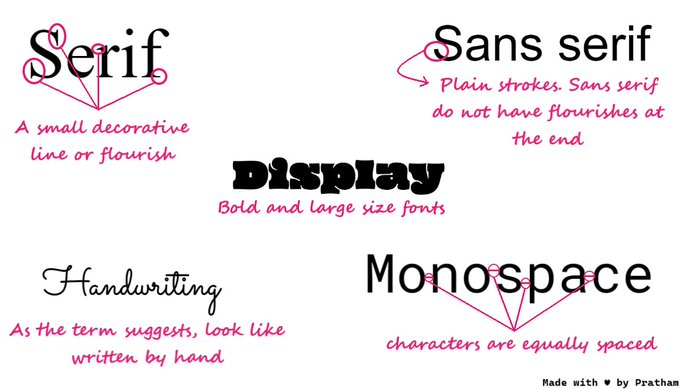
Moving forward, typography is an essential thing of web page. A good font can make your webpage and establish a strong visual hierarchy, provide a graphic balance to the website, and set the product's overall tone

You can add free fonts from Google's official site

{ 09 / 17 }
There are five basic classifications of fonts:

1. serif
2. sans serif
3. script
4. monospaced
5. display

{ 10 / 17 }
Next thing we have in CSS is positioning concept, its yet another powerful and confusing. But don't worry I am here to make it easy for you. You can learn it from anywhere but I also have a thread on it

https://t.co/M4ulcGIueV

{ 11 / 17 }
Up to this point you have some decent knowledge of styling your website. It would be great if you learn about a layout system now.

Flex and Grid

Grid is little bit tough to master but flex isn't

{ 12 / 17 }
You don't even need to learn about Flex if you know Grid layout. Because you can achieve the Flex layout using Grid layout.

https://t.co/XtbgA0wxZP

{ 13 / 17 }
Moving forward, there are million of device on which user will see your website. In order to deliver best experience, you need to make your website responsive. That is also handled by CSS.

{ 14 / 17 }
Few days back I wrote a thread on responsive web design. Give it read and learn about responsiveness in almost no time. This is a visual guide as well

https://t.co/P2f4yNiuHO

{ 15 / 17 }
CSS is deep but I am creating content on twitter in order to reduce the complexity for beginners

Check out this curated list of CSS threads written by me

https://t.co/Nn1V5M7Zoq

{ 16 / 17 }
Amazing! I think this is pretty much it for this thread. Don't think much just start with it, you'll enjoy the process for sure.

Thanks for reading this and share it with your connection it means a lot to me ❤️

Peace out 😉

More from Pratham

You can learn 90% of CSS using these 10 threads

🧵👇

1. All you need to know about CSS


2. Getting started with CSS animations


3. Z-index is tricky but this thread solve all your doubts


4. CSS positioning concepts
5 great background websites for every web developer and designer

🧵👇


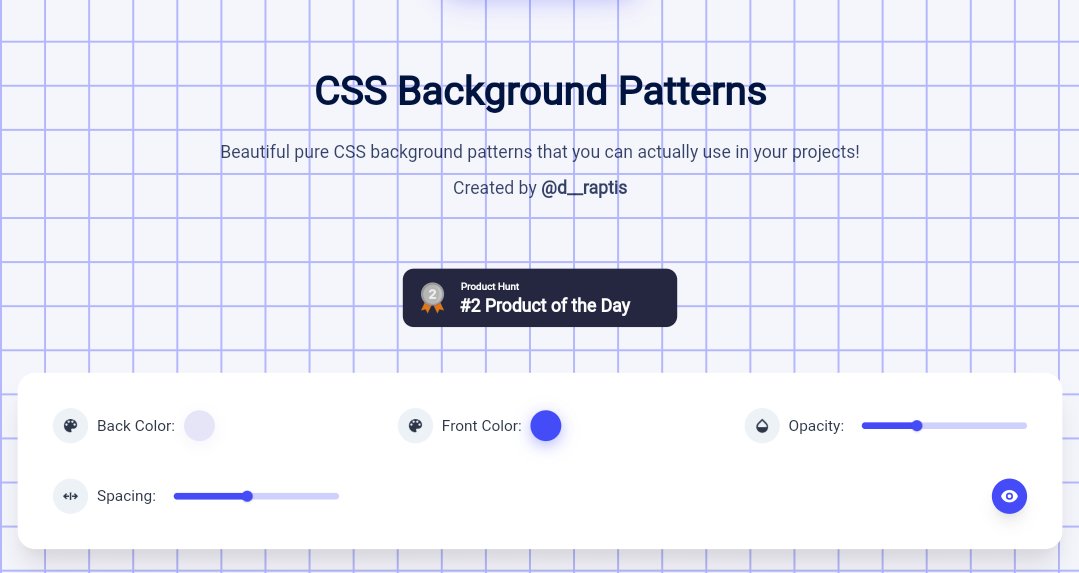
1. Magic pattern

Beautiful pure CSS background patterns that you can actually use in your projects. They are highly customizable as well.

🖇️
https://t.co/ZqczrPfkdZ


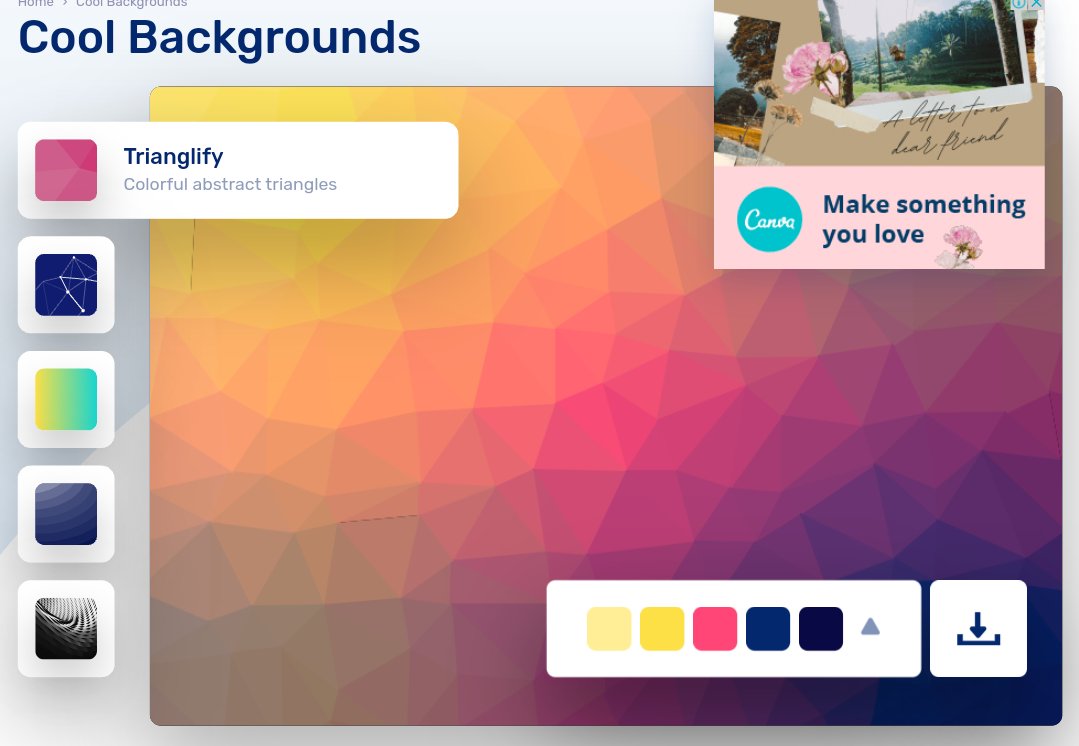
2. Cool backgrounds

Collection of cool backgrounds that you can add to blogs, websites, or as desktop and phone wallpapers

🖇️ https://t.co/df7VSb9t8H


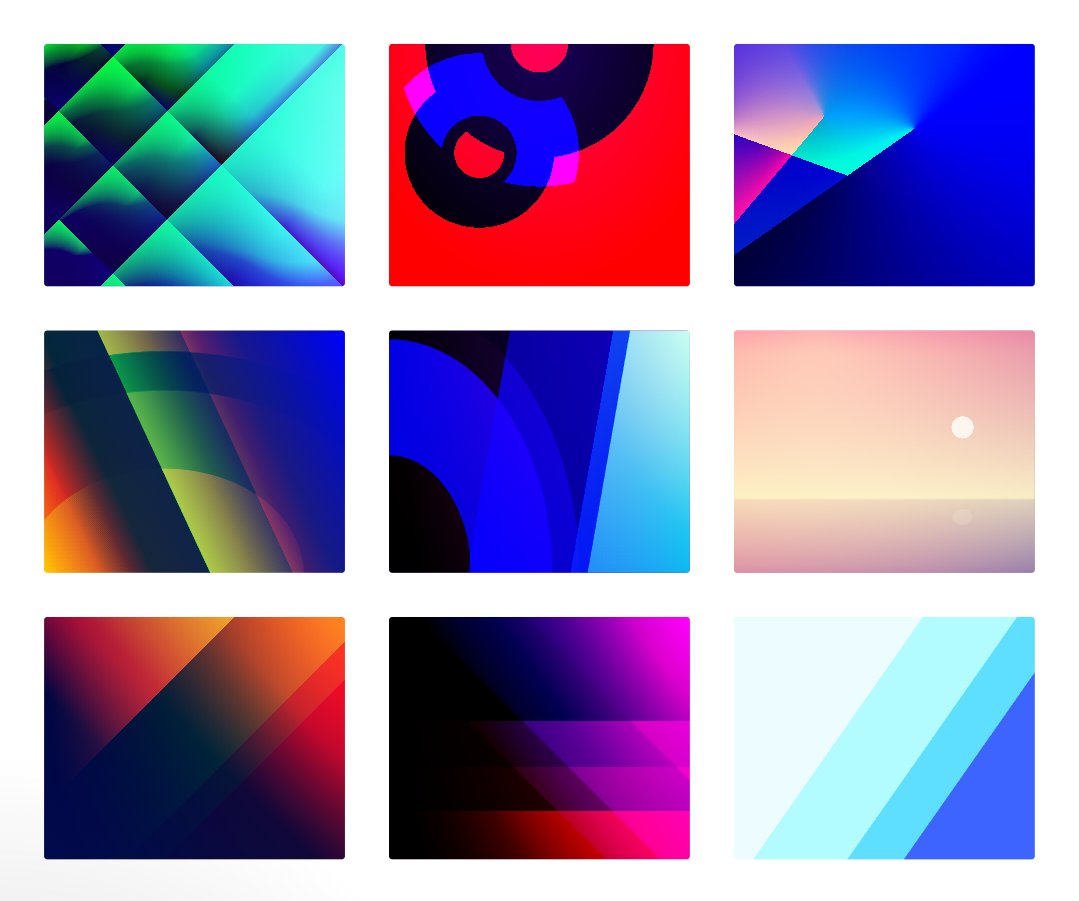
3. Gradienta

Use pure CSS gradient backgrounds for your next website or app, as a JPG image or CSS code, no attribute required

🖇️ https://t.co/R58zrwpZCH


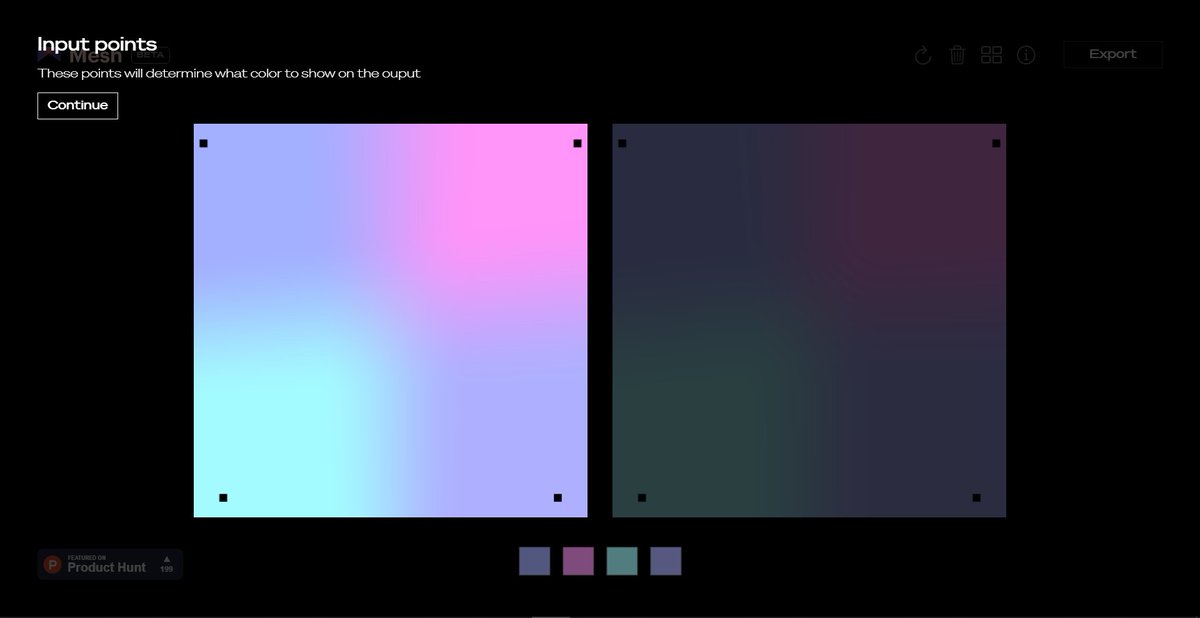
4 Mesh gradient

Creat aurora UI like gradients using few simple clicks

🖇️ https://t.co/vOHHDASr1V
6 beginner friendly websites that will boost your HTML and CSS learning process 🚀

🧵👇🏻

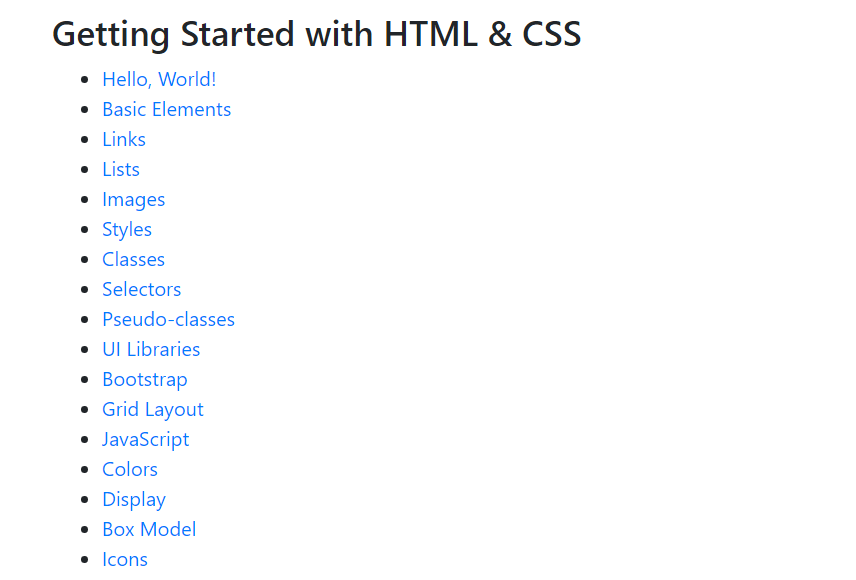
1️⃣ Learn HTML

- The easiest way to learn HTML & CSS. Learn HTML provides an interactive tutorial that explains how to build HTML & CSS websites step by step.

🔗
https://t.co/W1XytKL1MI


2️⃣ HTML best practice

- A very well written document on HTML best practice

🔗 https://t.co/6PTcY1U5Cw


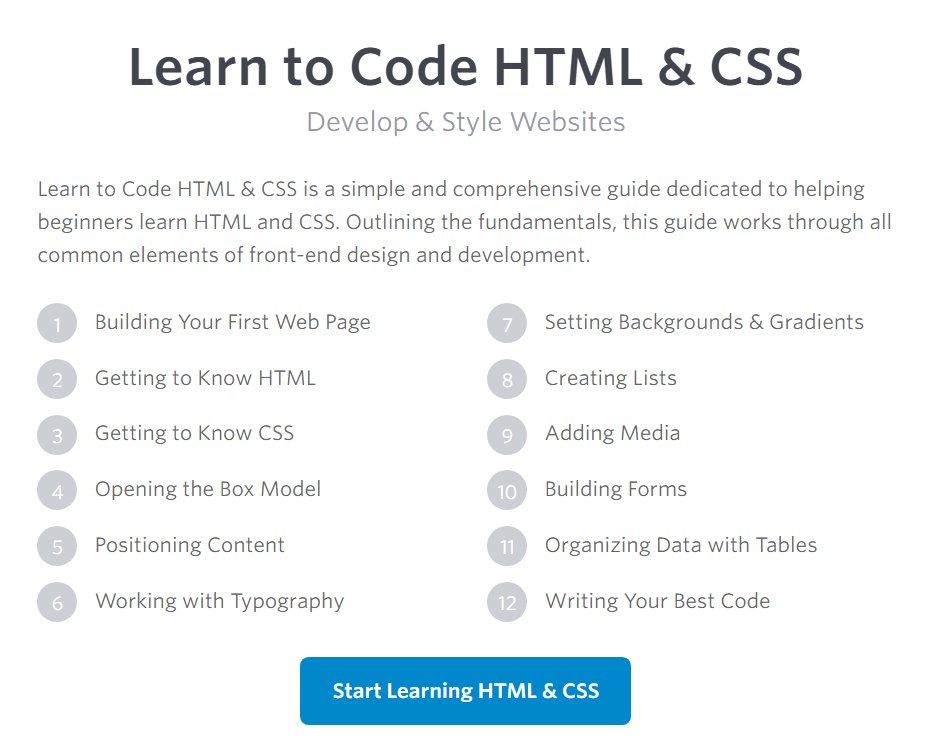
3️⃣ Learn to Code HTML & CSS

- Learn to Code HTML & CSS is a simple and comprehensive guide dedicated to helping beginners learn HTML and CSS

🔗 https://t.co/LwY9E2qUNS


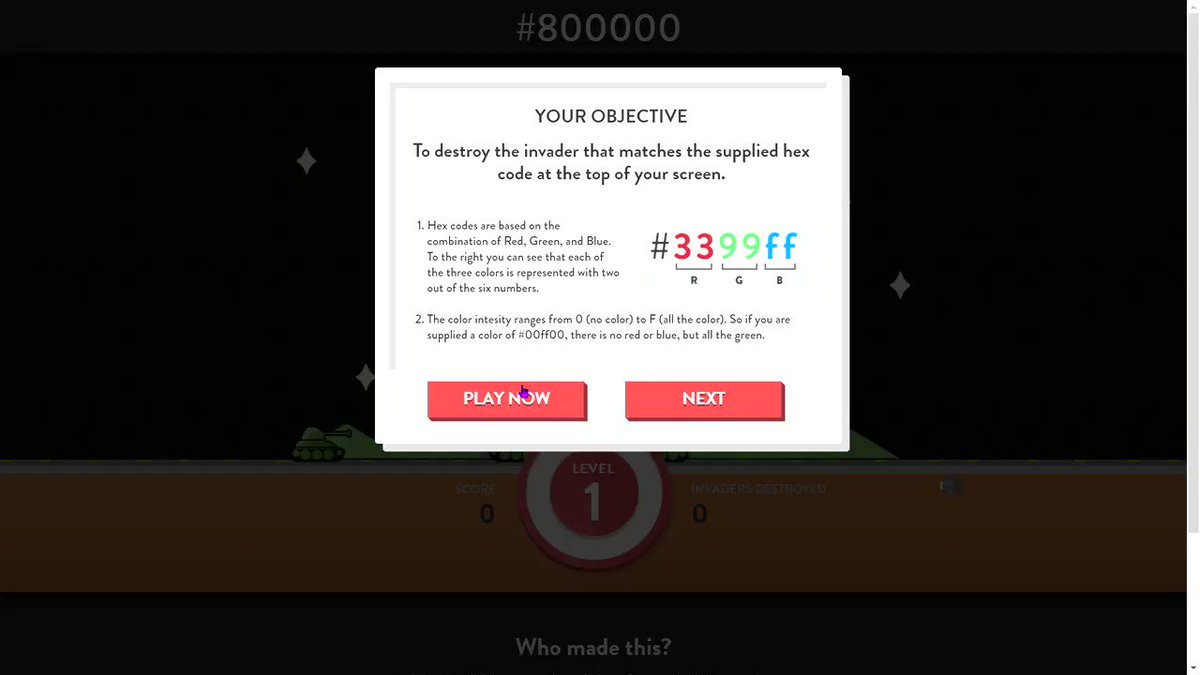
4️⃣ Hex Invaders

- Hex Invaders is a fun way to learn and understand what hex codes are and how they work

🔗 https://t.co/EpQyhlN7pv
7 GitHub repositories will make you a standout developer from 99% of people:

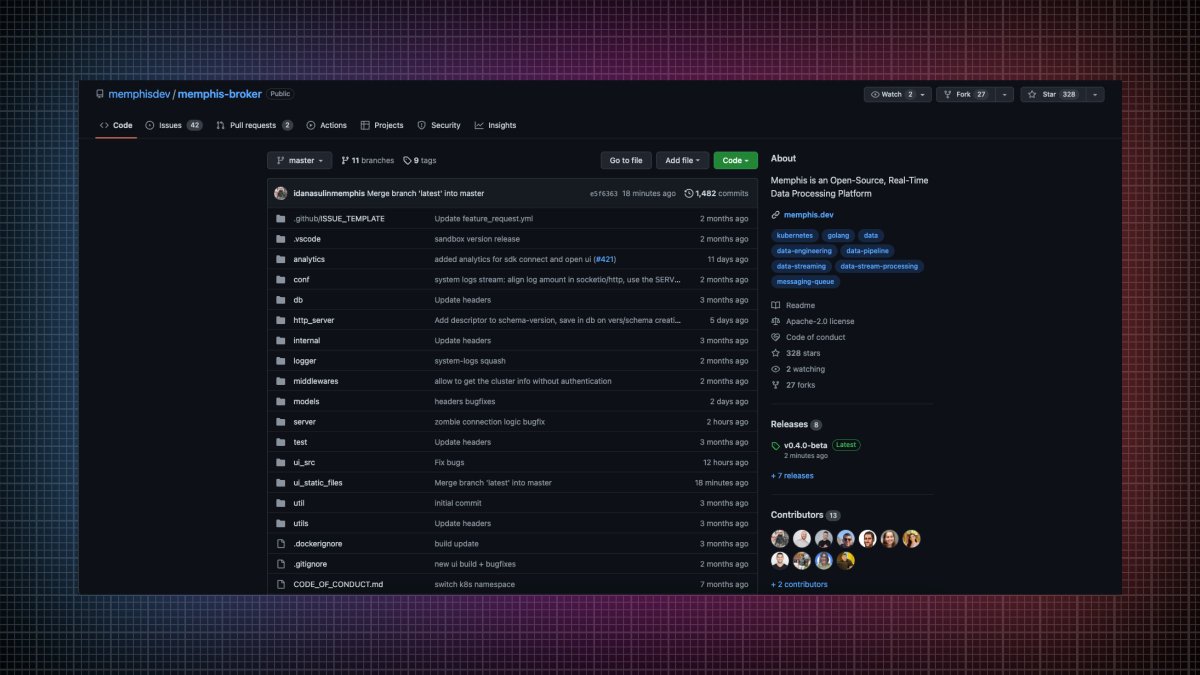
1. Memphis

An open-source real-time data processing platform.

• Message broker
• Schema Management
• Zero ops
• Cloud-native
• Rapid development
• Significantly lower development time

🔗
https://t.co/w5L2aCM3do


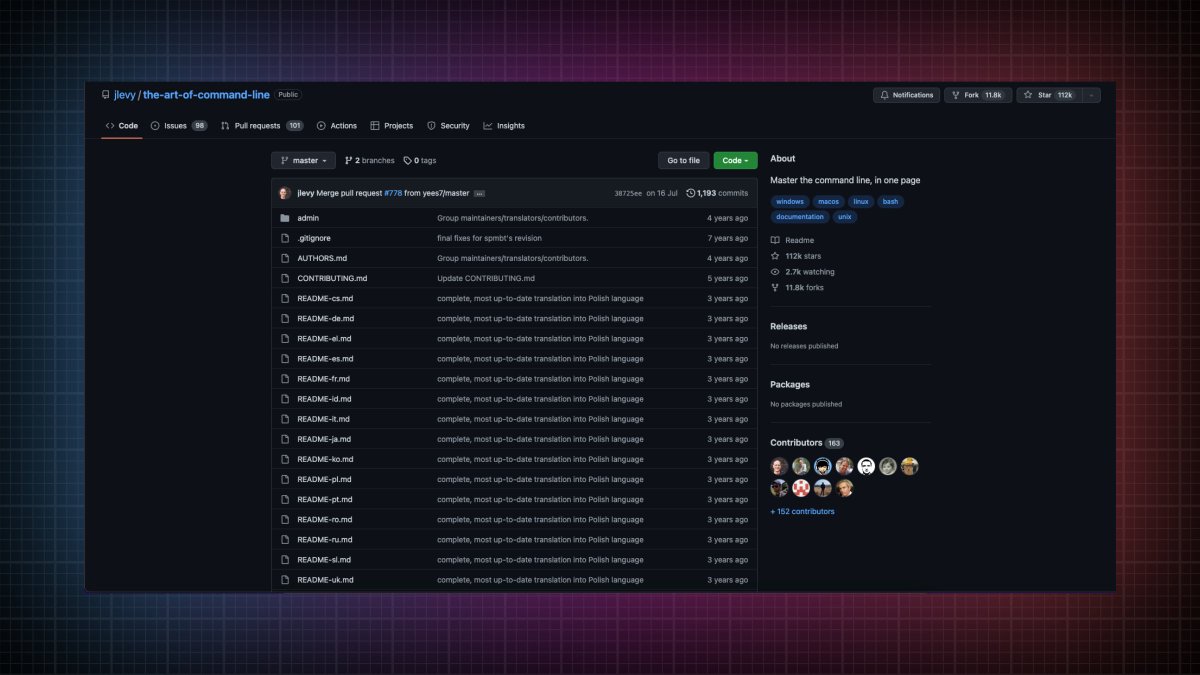
2. The art of command line

Master the command line, in one page.

🔗 https://t.co/uF2RlcUIxb


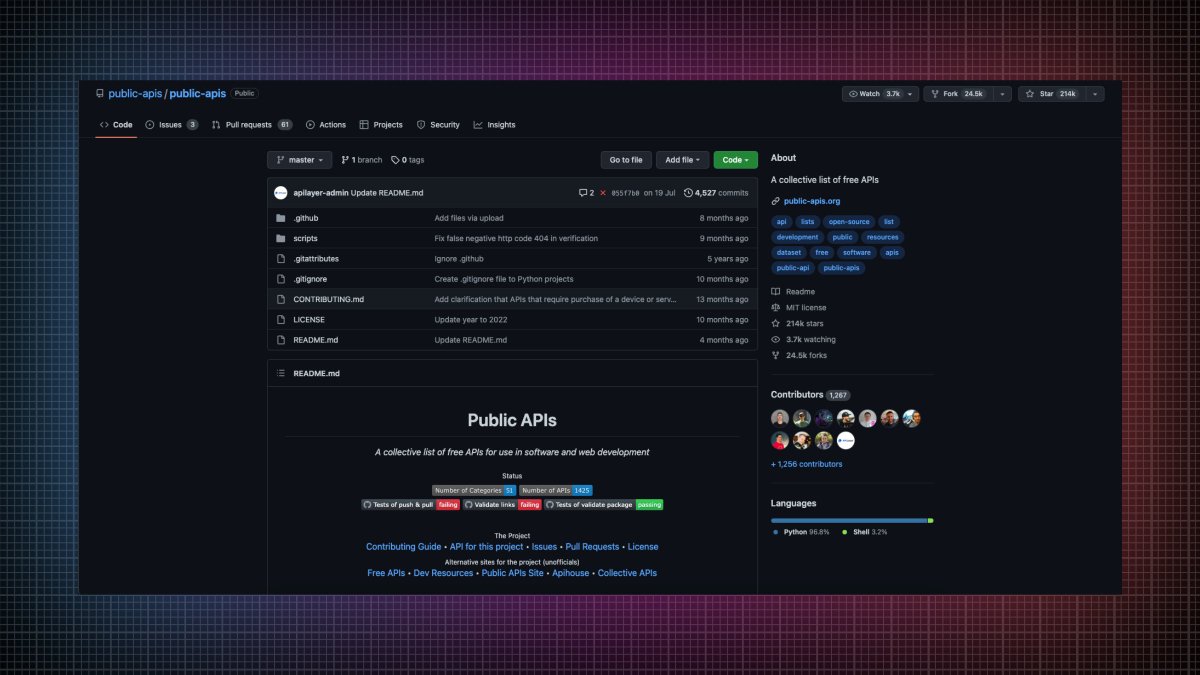
3. Public APIs

A collective list of free APIs for use in software and web development

🔗 https://t.co/vDRQKBf15V


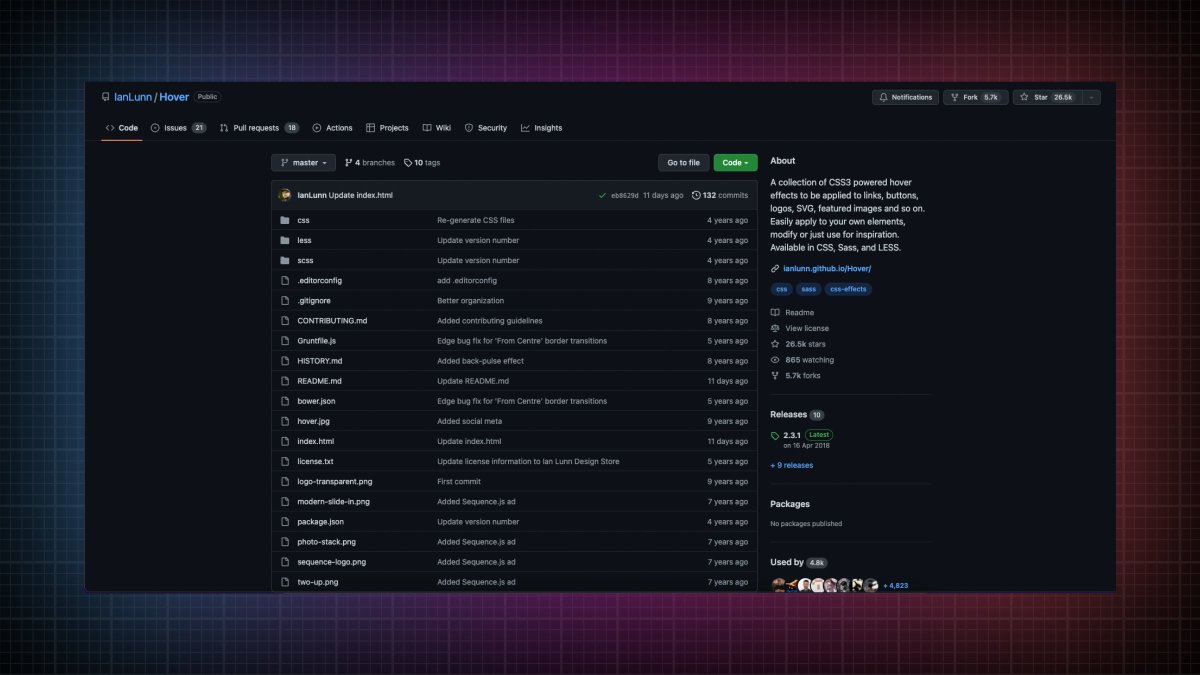
4. Hover

A collection of CSS3 powered hover effects to be applied to links, buttons, logos, SVG, featured images and so on.

🔗 https://t.co/bIGEEPcMkJ
APIs in general are so powerful.

Best 5 public APIs you can use to build your next project:

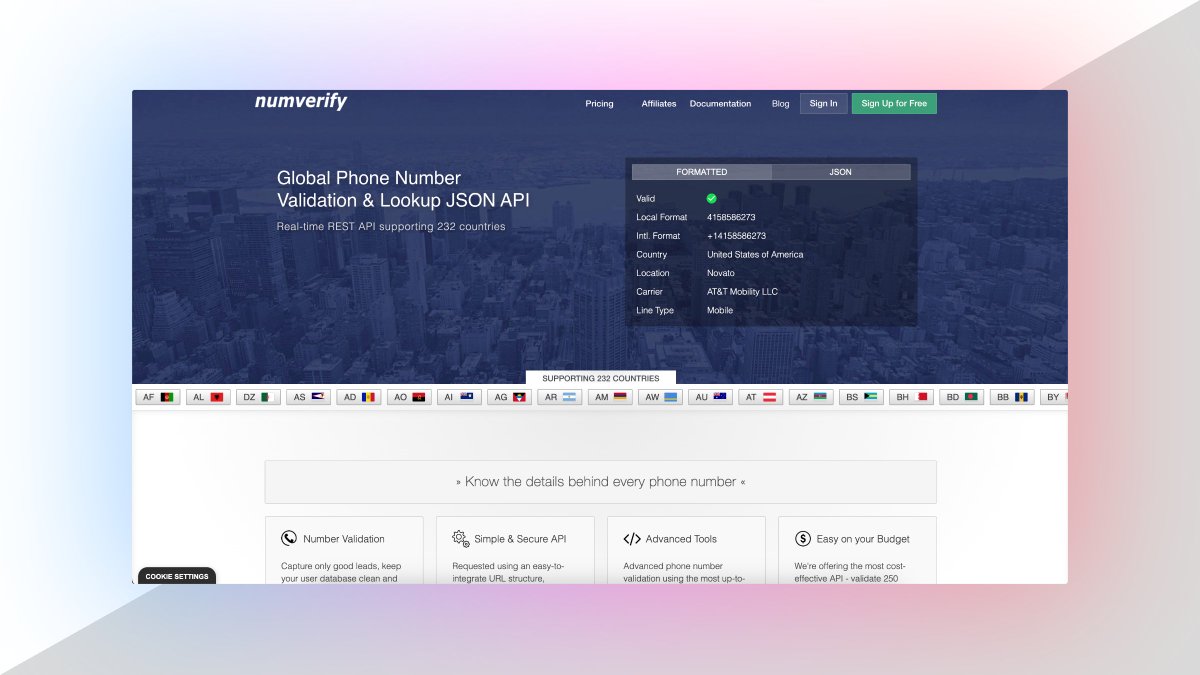
1. Number Verification API

A RESTful JSON API for national and international phone number validation.

🔗
https://t.co/fzBmCMFdIj


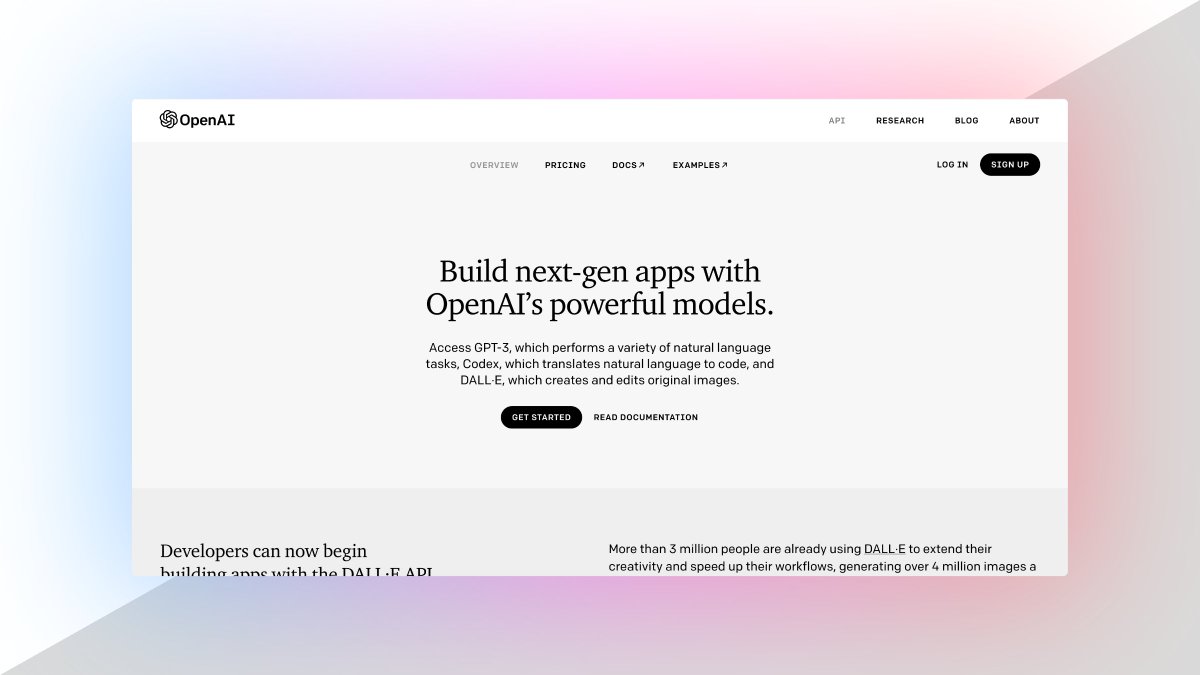
2. OpenAI API

ChatGPT is an outstanding tool. Build your own API applications with OpenAI API.

🔗 https://t.co/TVnTciMpML


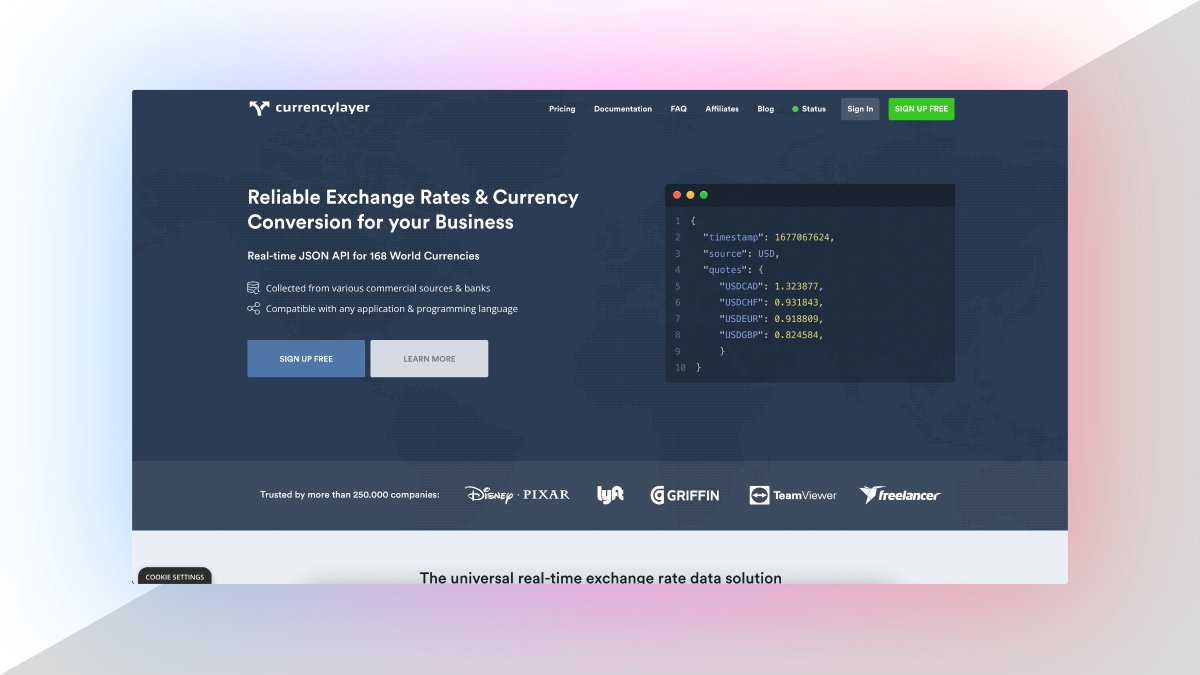
3. Currency Data API

Currency Data API provides a simple REST API with real-time and historical exchange rates for 168 world currencies

🔗 https://t.co/TRj35IUUec


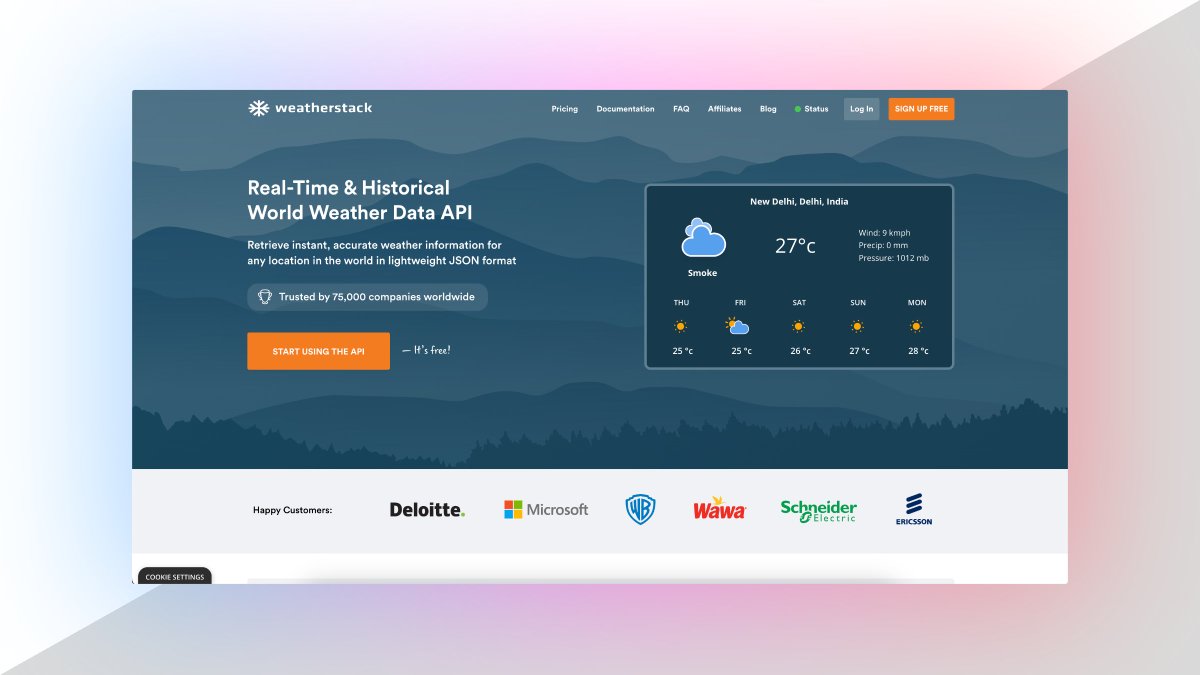
4. Weather API

Real-Time & historical world weather data API.

Retrieve instant, accurate weather information for
any location in the world in lightweight JSON format.

🔗 https://t.co/DCY8kXqVIK

More from All

You May Also Like

Department List of UCAS-China PROFESSORs for ANSO, CSC and UCAS (fully or partial) Scholarship Acceptance
1) UCAS School of physical sciences Professor
https://t.co/9X8OheIvRw
2) UCAS School of mathematical sciences Professor

3) UCAS School of nuclear sciences and technology
https://t.co/nQH8JnewcJ
4) UCAS School of astronomy and space sciences
https://t.co/7Ikc6CuKHZ
5) UCAS School of engineering

6) Geotechnical Engineering Teaching and Research Office
https://t.co/jBCJW7UKlQ
7) Multi-scale Mechanics Teaching and Research Section
https://t.co/eqfQnX1LEQ
😎 Microgravity Science Teaching and Research

9) High temperature gas dynamics teaching and research section
https://t.co/tVIdKgTPl3
10) Department of Biomechanics and Medical Engineering
https://t.co/ubW4xhZY2R
11) Ocean Engineering Teaching and Research

12) Department of Dynamics and Advanced Manufacturing
https://t.co/42BKXEugGv
13) Refrigeration and Cryogenic Engineering Teaching and Research Office
https://t.co/pZdUXFTvw3
14) Power Machinery and Engineering Teaching and Research