If you're familiar with class components then you might know that we have various lifecycle methods but in functional components, we don't have any lifecycle methods. Instead we have a powerful hook called useEffect
React Hooks are the functions which "hook into" React state and lifecycle features from function components. Hooks allows you to manipulate state and other React feature without writing a class. Let's talk about widely used hook
useEffect hook at a glance 🧵👇🏻

If you're familiar with class components then you might know that we have various lifecycle methods but in functional components, we don't have any lifecycle methods. Instead we have a powerful hook called useEffect
So let's start by understanding the syntax first
3/15
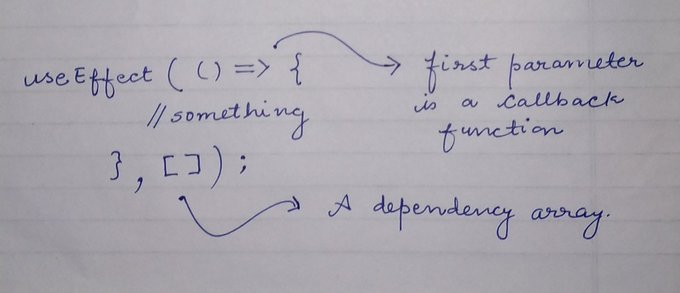
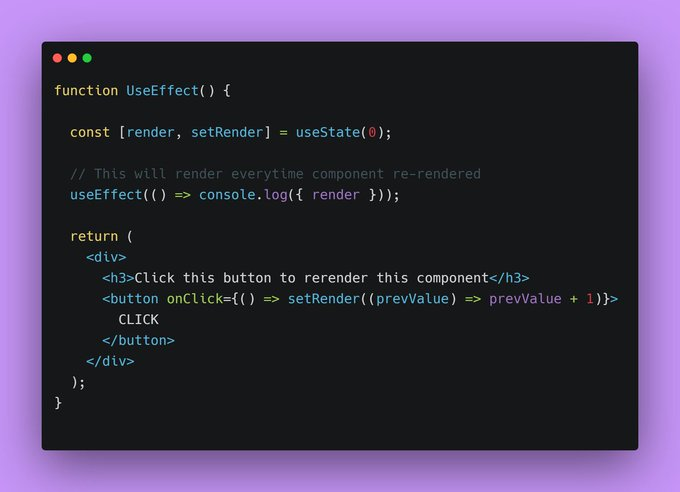
The function inside the useEffect will run every single time component re-render. Consider this piece of code and check the output in next tweet
{ 4 / 15 }
{ 5 / 15 }
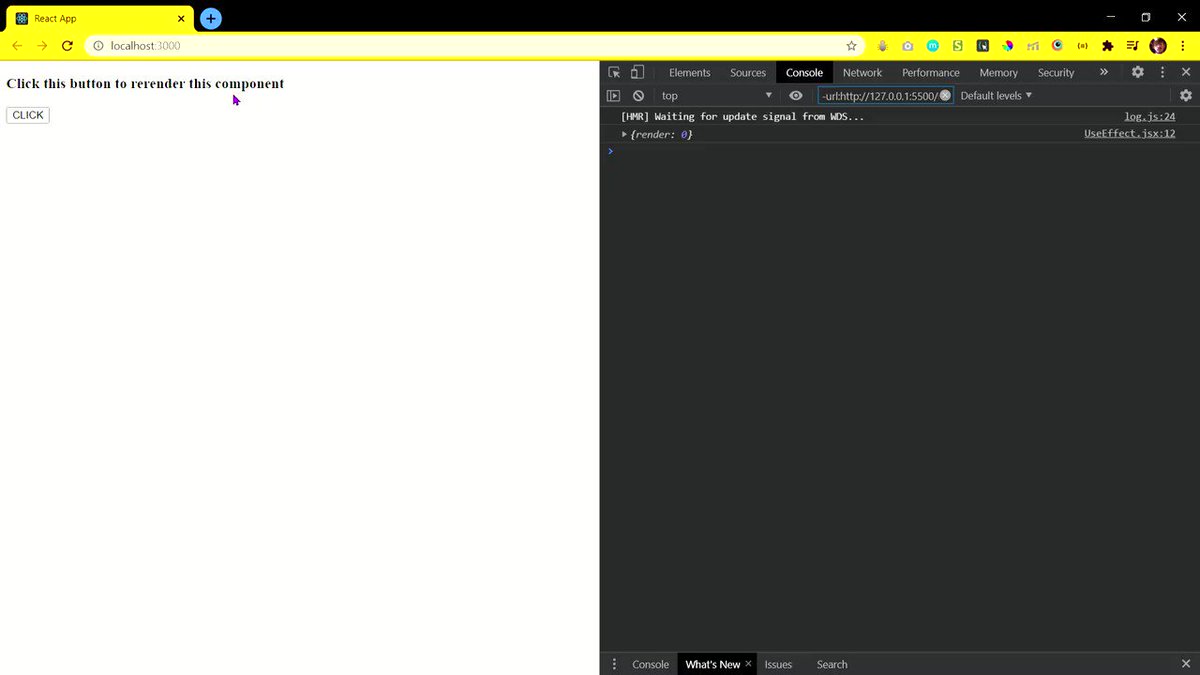
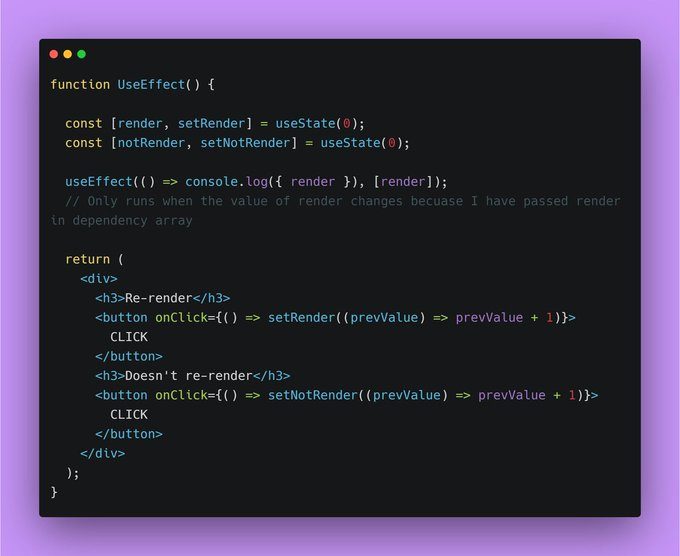
For example, let me modify the code little bit so that you can understand it better
{ 6 / 15 }
{ 7 / 15 }
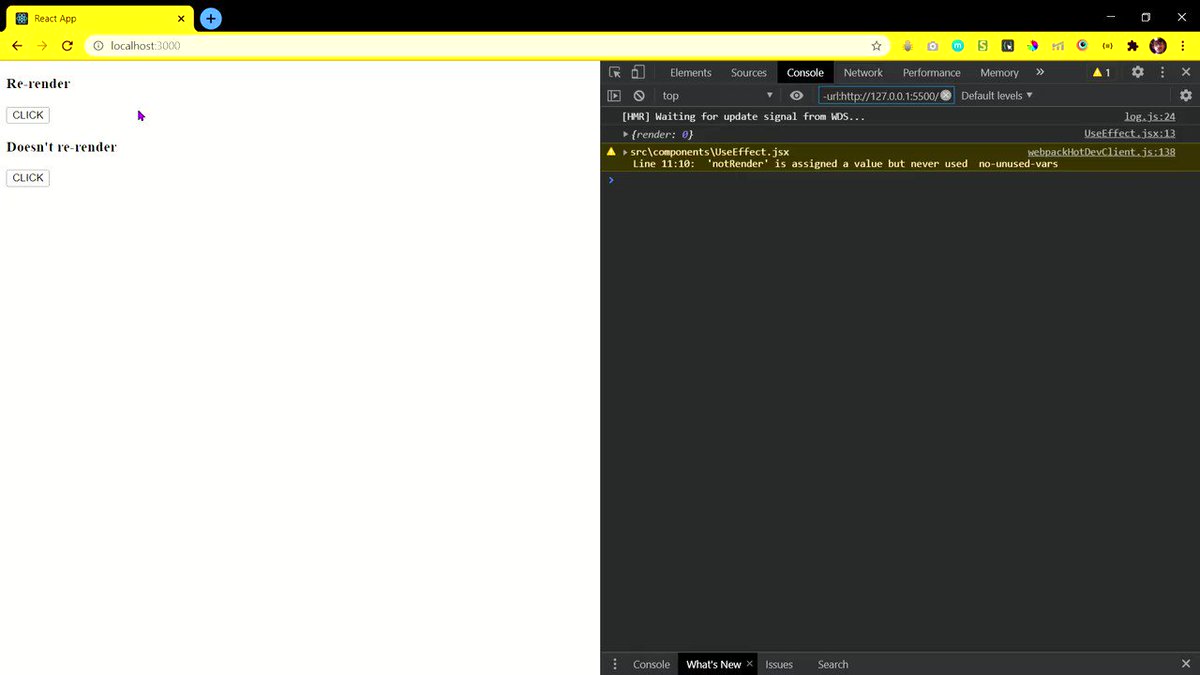
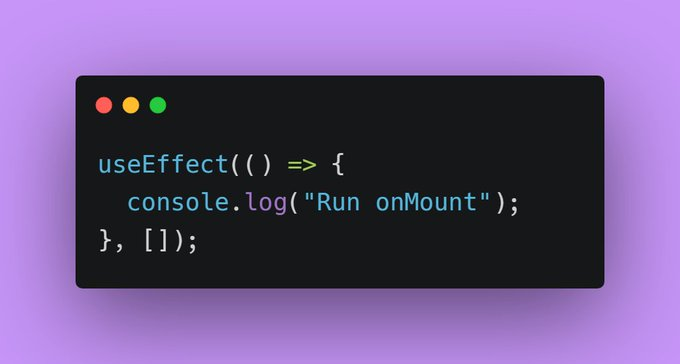
No matter how many times you render your component, the useEffect will run only once because the value of empty array never going to change
{ 8 / 15 }
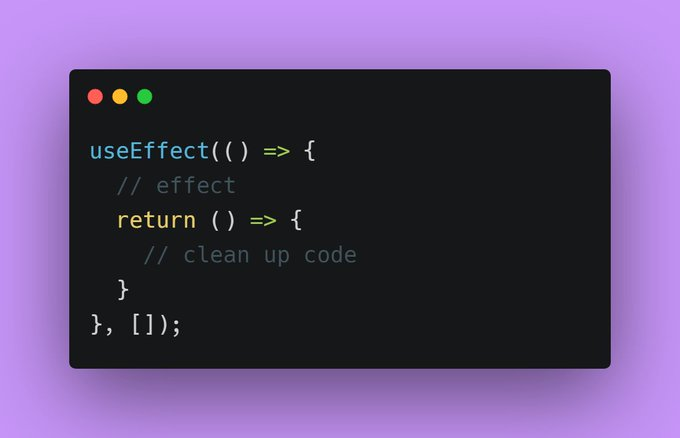
If we return a function within the method, this function perform basically a clean up of what we did last time.
{ 9 / 15 }
useEffect(() => {
console.log({ render });
return () => {
console.log("I'm cleanup function");
};
}, [render]);
Everytime I click the button, first our useEffect perform clean up then run the effect function
10/15
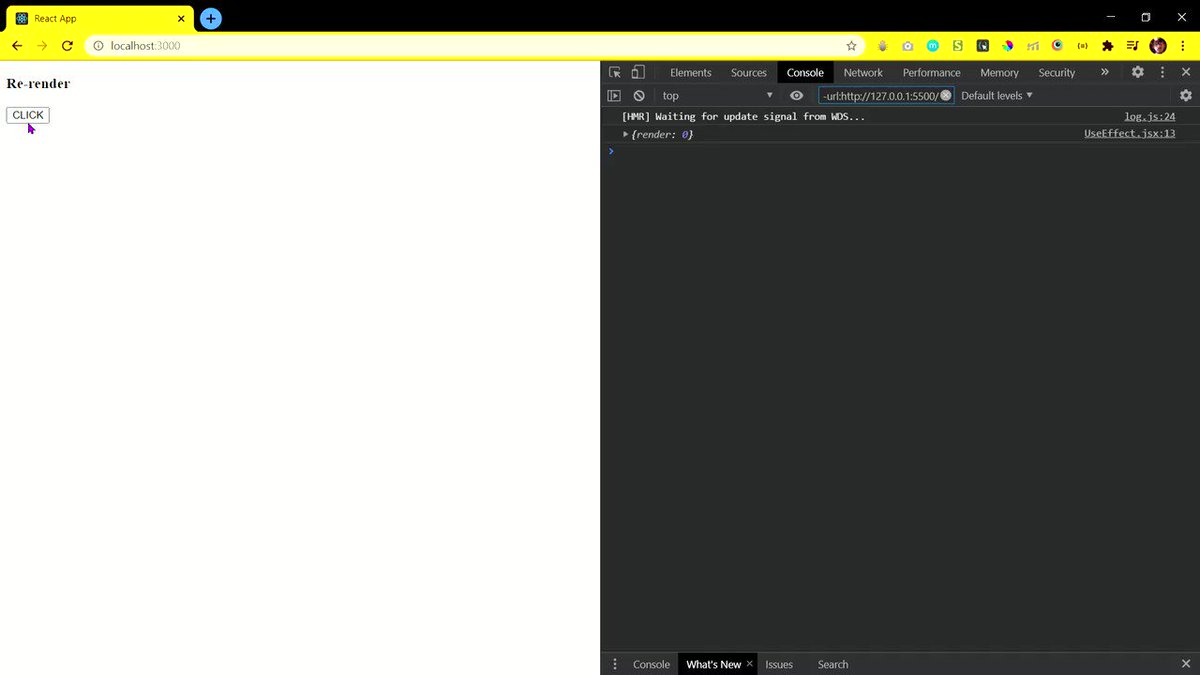
Let's build something useful using it. We will be using useEffect for fetching some COVID data
{ 11 / 15 }
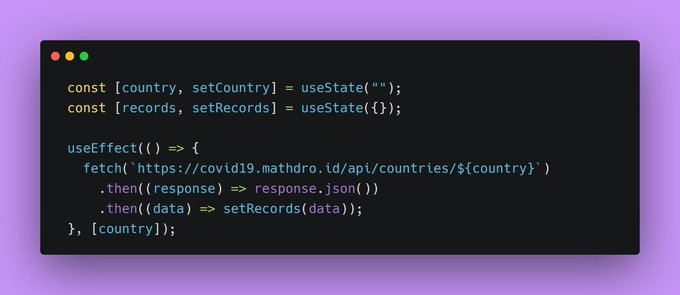
On the basis of the value entered by user we will store that in "country" and change that value in our API link
{ 12 / 15 }
- on form submit, store the input value in "country"
Print the confirmed cases on screen as simple as that
check the entire code
{ 13 / 15 }

More from Pratham
5 amazing websites that will blow the mind of a developer. Definitely check them out
🧵👇🏻
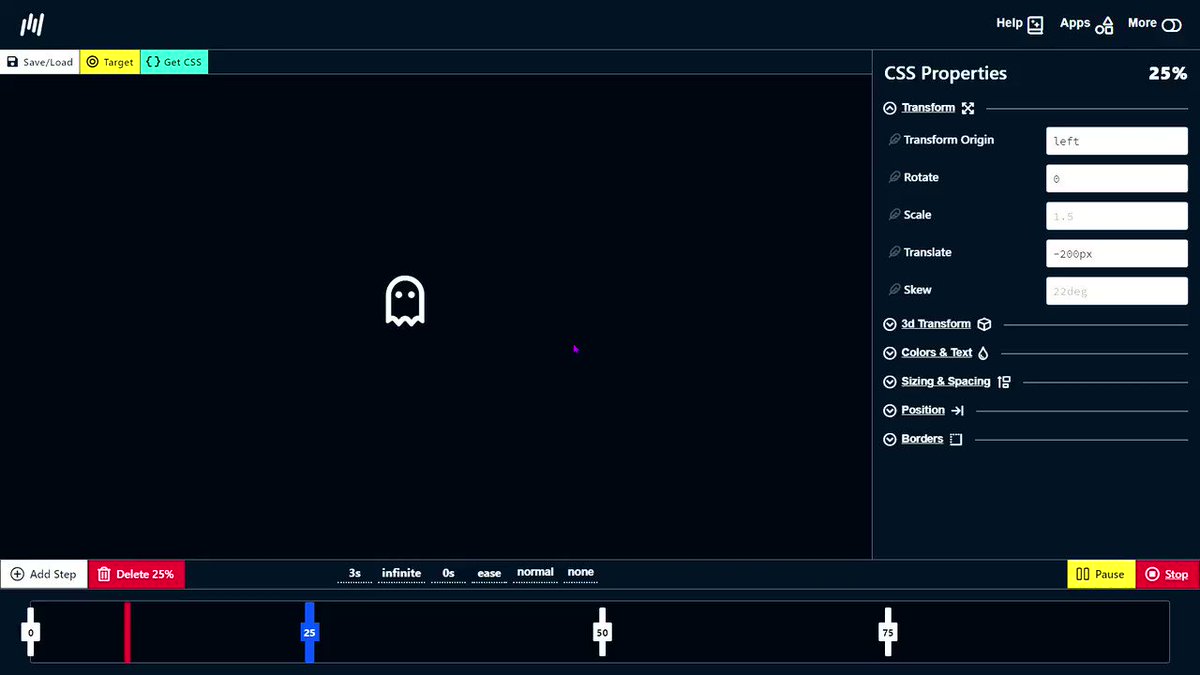
1️⃣ Animation generator
- Dead simple visual tools to help you generate CSS for your projects.
🔗 https://t.co/IFmIEgDiVY
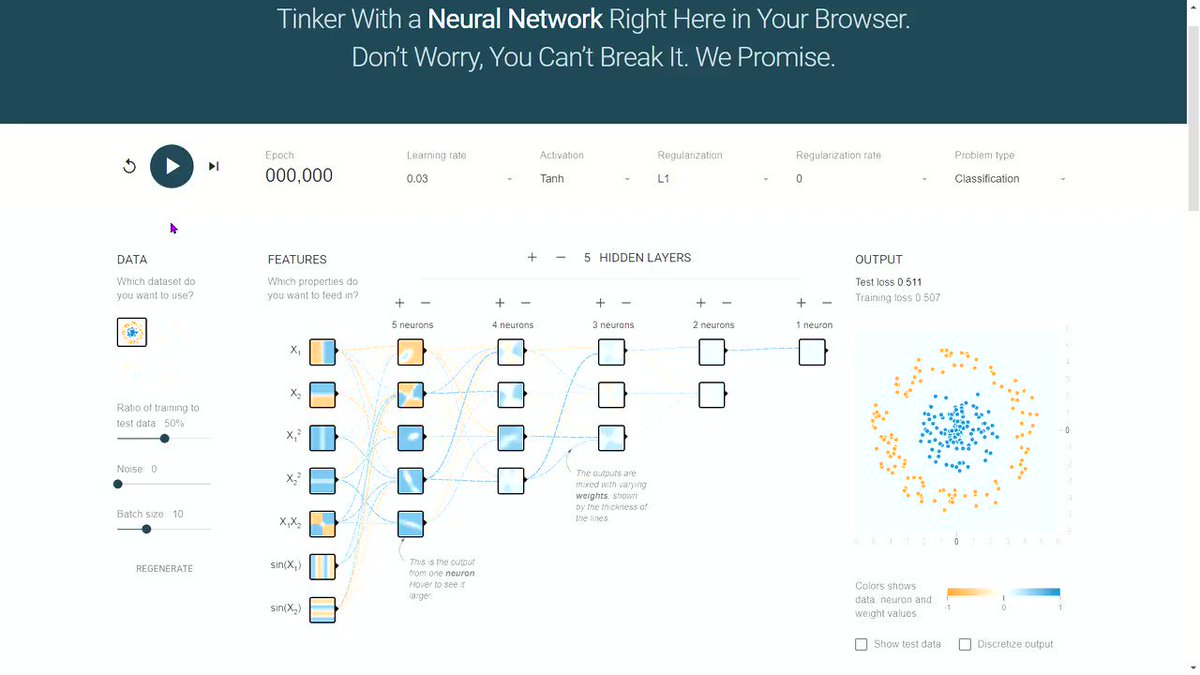
2️⃣ Neural Network Visualizer
- Deep playground is an interactive visualization of neural networks, written in TypeScript using d3.js.
🔗 https://t.co/mTAlFbJsOW
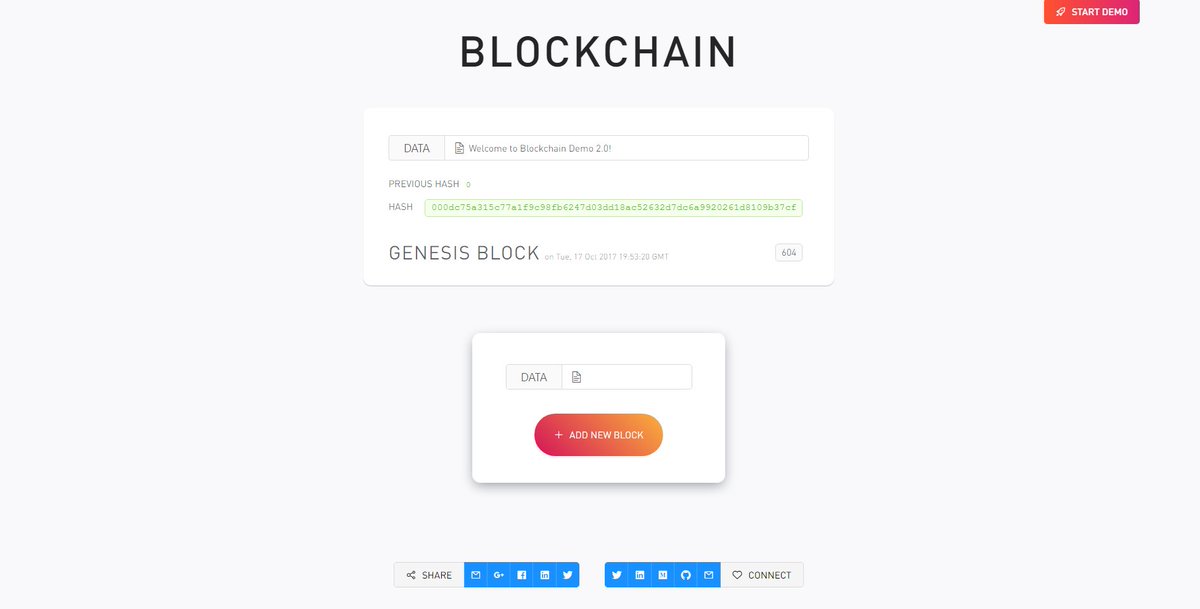
3️⃣ Blockchain Demo
- A visual demo of blockchain technology
🔗 https://t.co/I1RwxYcM1Z
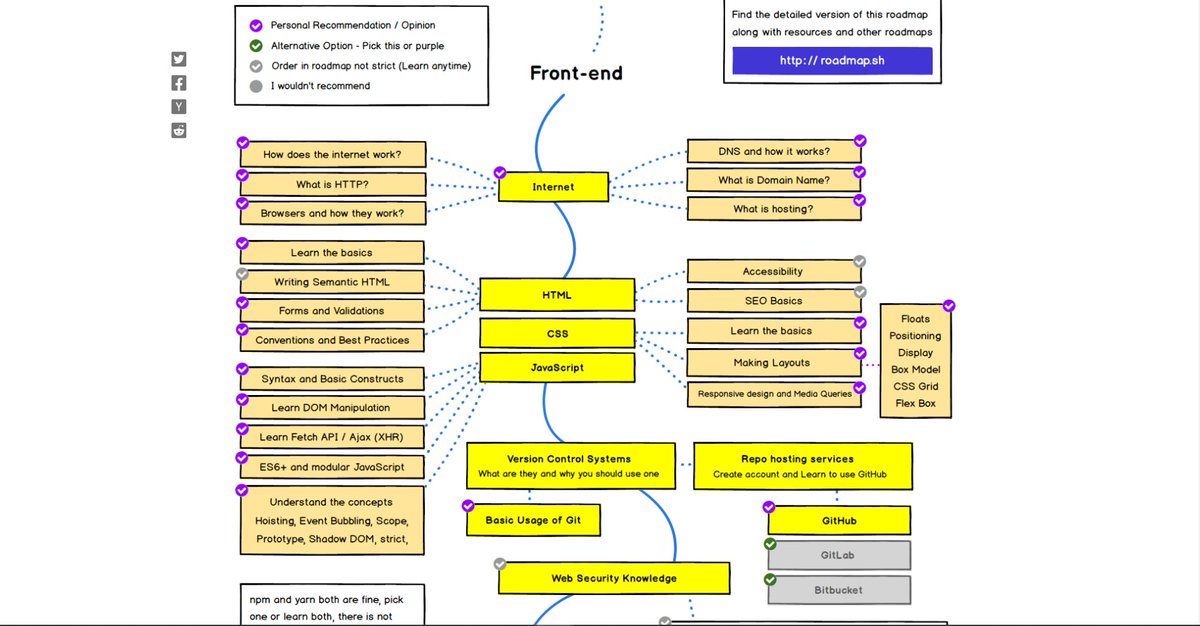
4️⃣ Developer Roadmaps
- Step by step guides and paths to learn different tools or technologies
🔗 https://t.co/VSNPdG8jQR
🧵👇🏻
1️⃣ Animation generator
- Dead simple visual tools to help you generate CSS for your projects.
🔗 https://t.co/IFmIEgDiVY
2️⃣ Neural Network Visualizer
- Deep playground is an interactive visualization of neural networks, written in TypeScript using d3.js.
🔗 https://t.co/mTAlFbJsOW
3️⃣ Blockchain Demo
- A visual demo of blockchain technology
🔗 https://t.co/I1RwxYcM1Z
4️⃣ Developer Roadmaps
- Step by step guides and paths to learn different tools or technologies
🔗 https://t.co/VSNPdG8jQR




9 websites that will help you learn web development faster (they are free) 🧵
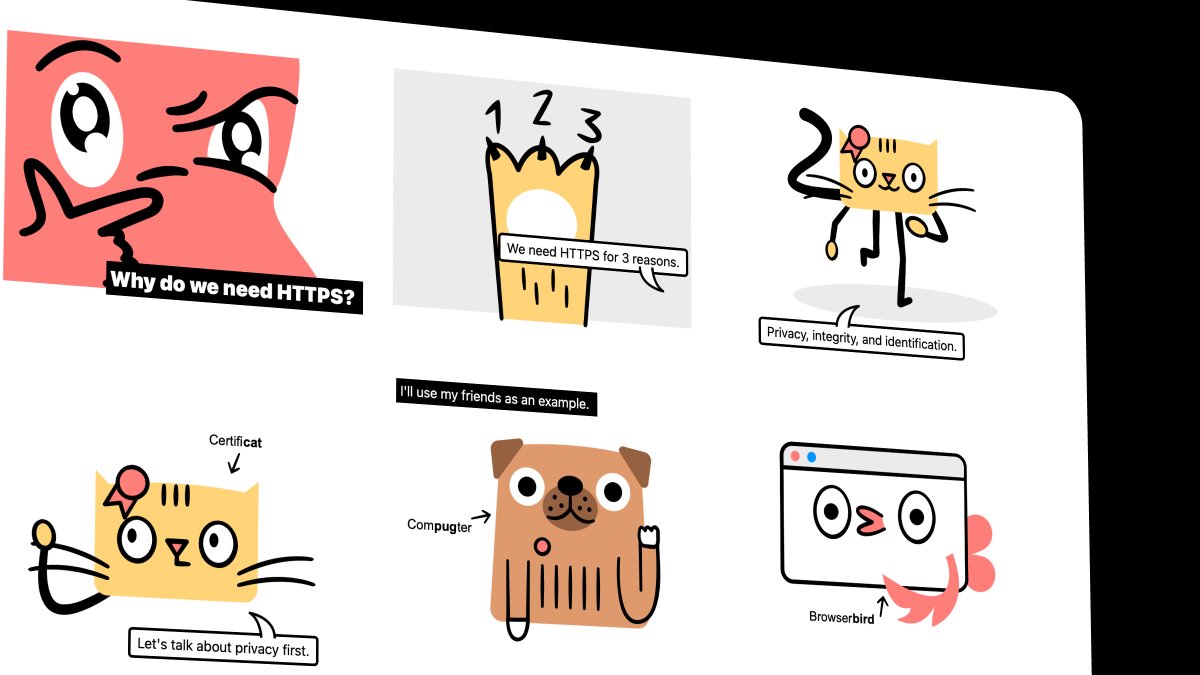
1. How HTTP Works
Everything you need to know about HTTP based system.
🔗 https://t.co/gVZS4RzS1a
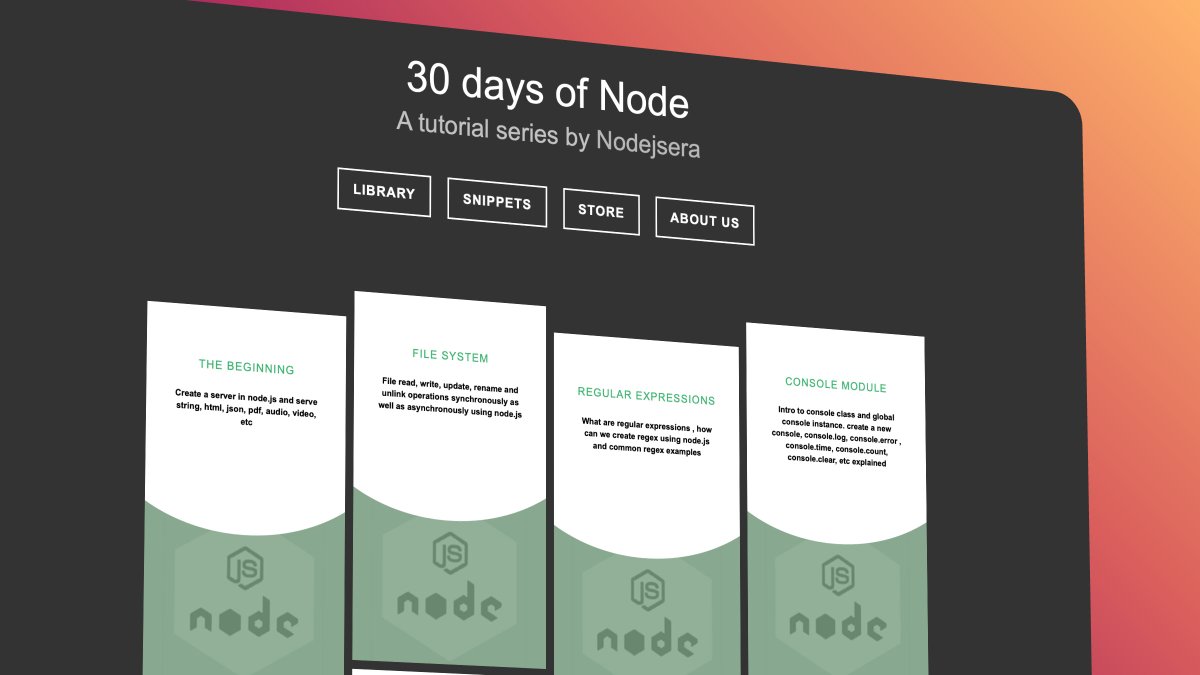
2. 30 Days of Node
Learn Node step by step with interactive examples and code snippet in 30 days.
🔗 https://t.co/9nbtMiNB1C
3. How DNS Works
Learn what happens when you type a website address in your browser
🔗 https://t.co/SqMRNnDbc3

4. Git
Check out this excellent free website to learn git visually.
🔗 https://t.co/rQJMISBDfS
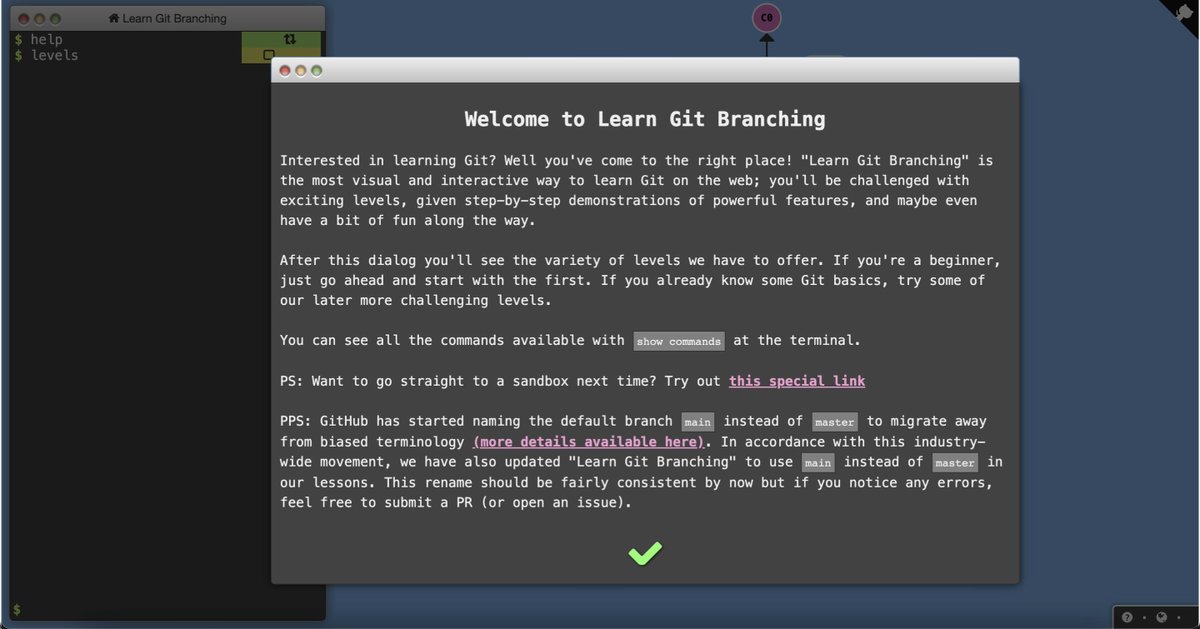
1. How HTTP Works
Everything you need to know about HTTP based system.
🔗 https://t.co/gVZS4RzS1a
2. 30 Days of Node
Learn Node step by step with interactive examples and code snippet in 30 days.
🔗 https://t.co/9nbtMiNB1C
3. How DNS Works
Learn what happens when you type a website address in your browser
🔗 https://t.co/SqMRNnDbc3
4. Git
Check out this excellent free website to learn git visually.
🔗 https://t.co/rQJMISBDfS
5 great gradient background sites for every web developer and designer 🎨
🧵👇🏻

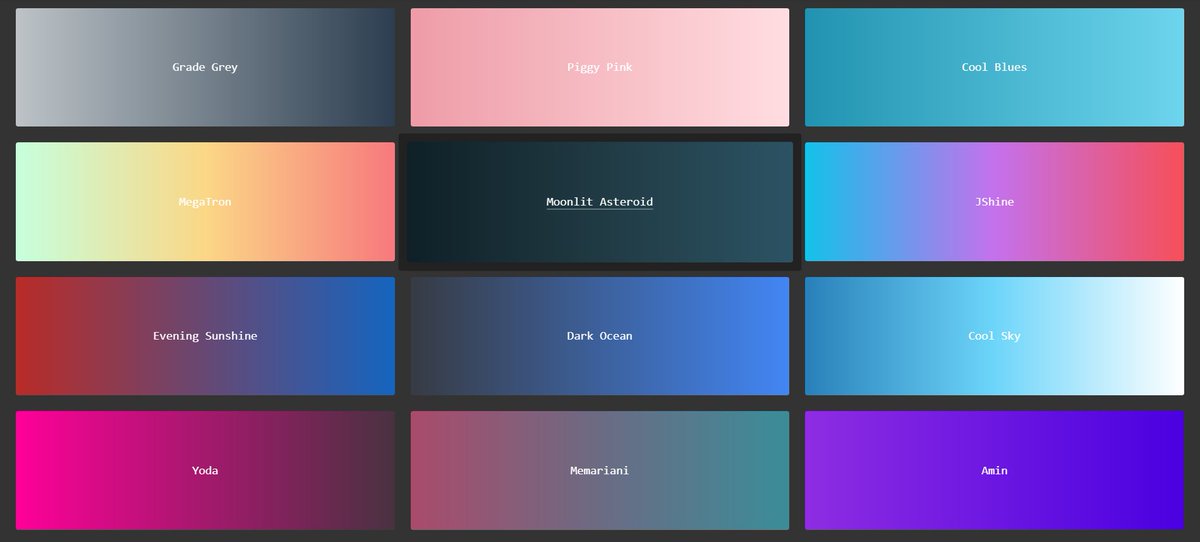
1️⃣ uiGradients
- A handpicked collection of beautiful color gradients for designers and developers.
🔗 https://t.co/EainhiePop
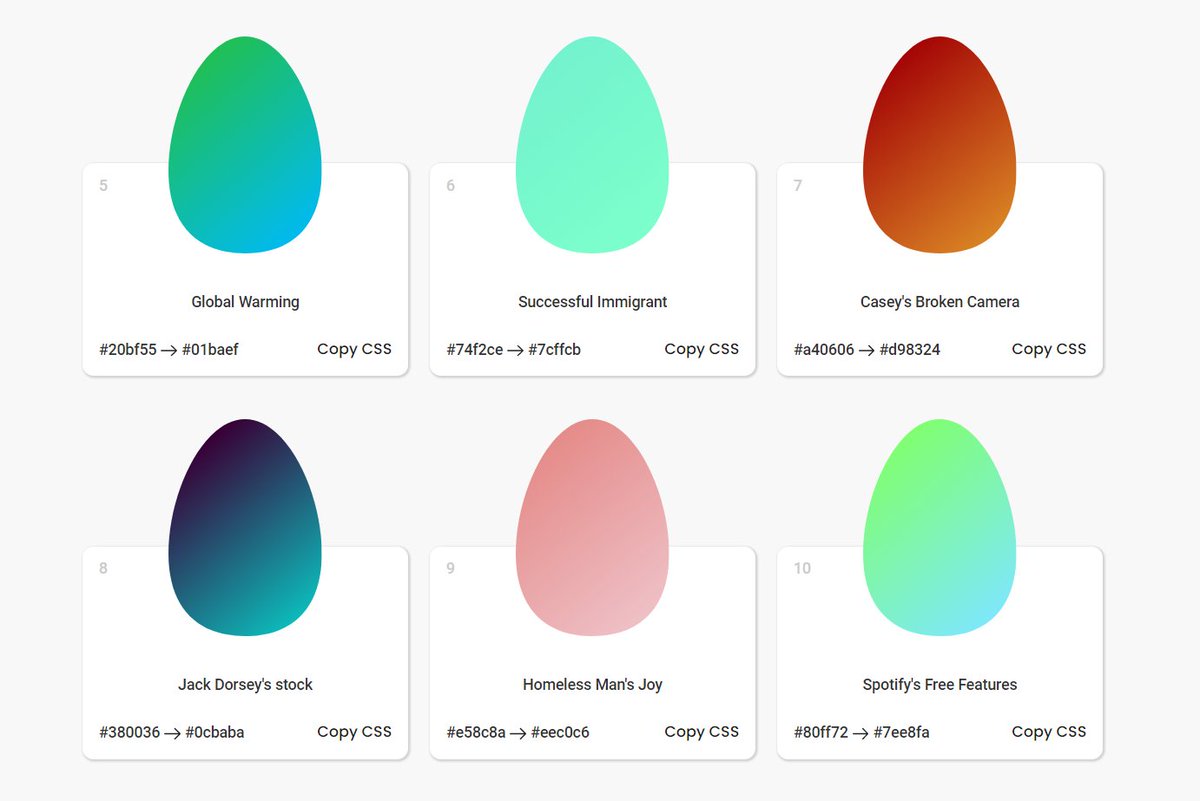
2️⃣ Eggradient
- Ready to use gradient background colors. ✓ Cool Gradients are prepared according to the latest design trends
🔗 https://t.co/F0uYVsZbA4
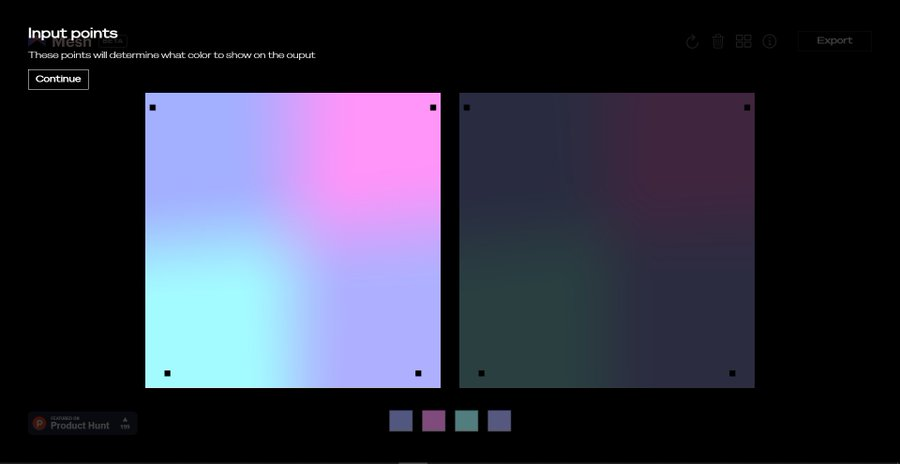
3️⃣ Mesh Gradients
- Create beautiful gradient like aurora UI in few clicks
🔗 https://t.co/MV8PT7q3Kz
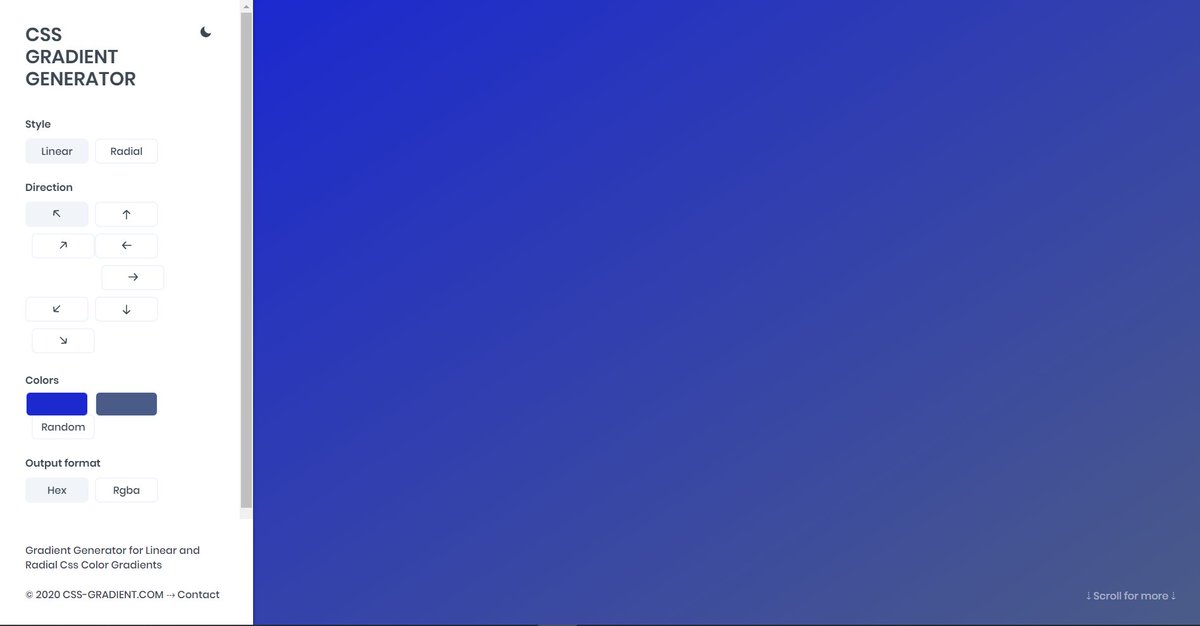
4️⃣ CSS Gradient
- Create beatiful gradeint either linear or radial on different angles
🔗 https://t.co/dlCExilHAT
🧵👇🏻
1️⃣ uiGradients
- A handpicked collection of beautiful color gradients for designers and developers.
🔗 https://t.co/EainhiePop
2️⃣ Eggradient
- Ready to use gradient background colors. ✓ Cool Gradients are prepared according to the latest design trends
🔗 https://t.co/F0uYVsZbA4
3️⃣ Mesh Gradients
- Create beautiful gradient like aurora UI in few clicks
🔗 https://t.co/MV8PT7q3Kz
4️⃣ CSS Gradient
- Create beatiful gradeint either linear or radial on different angles
🔗 https://t.co/dlCExilHAT
If you start with the right course then the process becomes a little easier
I found some amazing YouTube videos and courses that will help you start your Web Development journey
🧵👇🏻
HTML and CSS
- A great way to arouse your web dev journey with Gary's (@designcoursecom) course on YouTube
🔗 https://t.co/xjm7nfV2L2

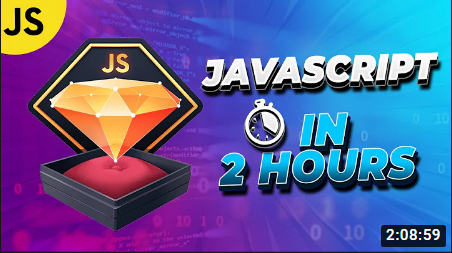
JavaScript
- Although it's impossible to learn JavaScript in 2 hours but JavaScript mastery is one the best YouTube chanel for JavaScript. This 2 hours long crash course will help you start your journey and gives you quick overview.
🔗 https://t.co/1zcSeu4zKE
Git and GitHub
Git is an essential tool. And after learning JavaScript, I think one should go for Git and GitHub. Check out this free great course on Udemy
🔗 https://t.co/E14cibOLXb

React
What you'll learn
- what problems React can solve
- how React solves those problems under the hood
- what JSX is and how it translates to regular JavaScript function calls and objects
- manage state with hooks
- build forms
🔗 https://t.co/3z22aeVQFc

I found some amazing YouTube videos and courses that will help you start your Web Development journey
🧵👇🏻
HTML and CSS
- A great way to arouse your web dev journey with Gary's (@designcoursecom) course on YouTube
🔗 https://t.co/xjm7nfV2L2
JavaScript
- Although it's impossible to learn JavaScript in 2 hours but JavaScript mastery is one the best YouTube chanel for JavaScript. This 2 hours long crash course will help you start your journey and gives you quick overview.
🔗 https://t.co/1zcSeu4zKE
Git and GitHub
Git is an essential tool. And after learning JavaScript, I think one should go for Git and GitHub. Check out this free great course on Udemy
🔗 https://t.co/E14cibOLXb
React
What you'll learn
- what problems React can solve
- how React solves those problems under the hood
- what JSX is and how it translates to regular JavaScript function calls and objects
- manage state with hooks
- build forms
🔗 https://t.co/3z22aeVQFc
More from Webdev
Use these 5 websites to learn web development for free in 2023 (take a look):
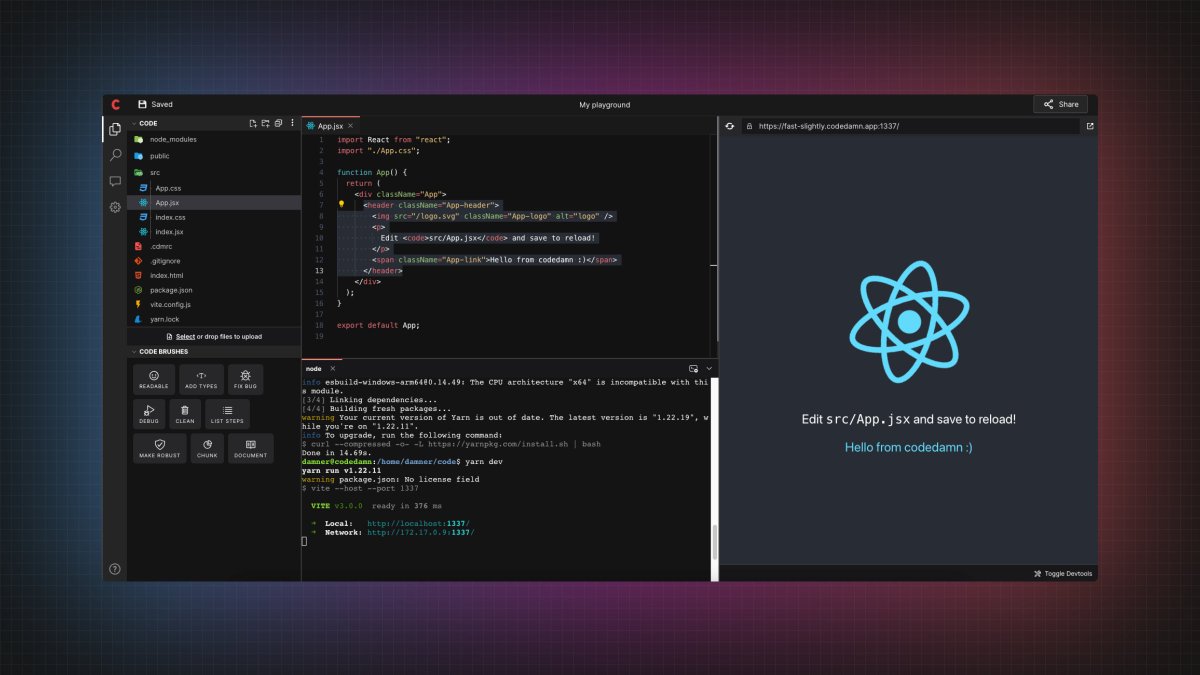
1. Codedamn
All-in-one platform for learning web development:
• Hands-on practice and projects bundled
• Video content along with interactive labs, quizzes, and articles
• Every course comes with a certificate
• code brushes AI in playgrounds
🔗 https://t.co/mXmUtJZnOU
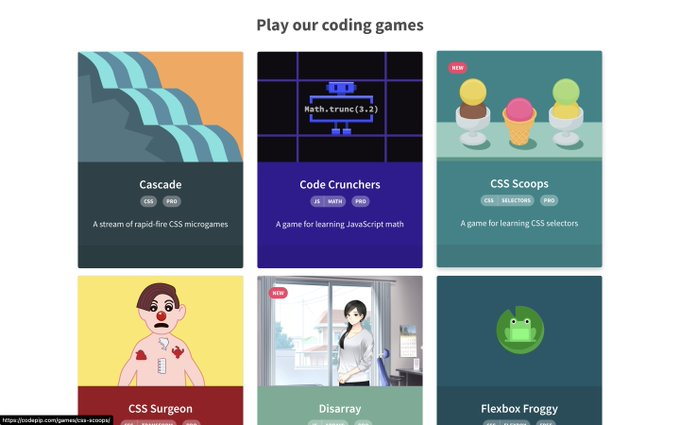
2. Codepip
Codepip is the platform for your favorite web development games. Gain an edge in your following interview or project.
🔗 https://t.co/MjHNsLvkiL
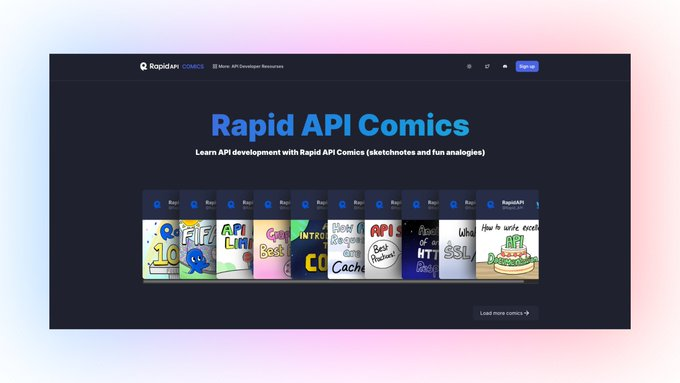
3. RapidAPI Comics
Learn API development with RapidAPI Comics (sketch notes and fun analogies).
🔗 https://t.co/KONorFomgu
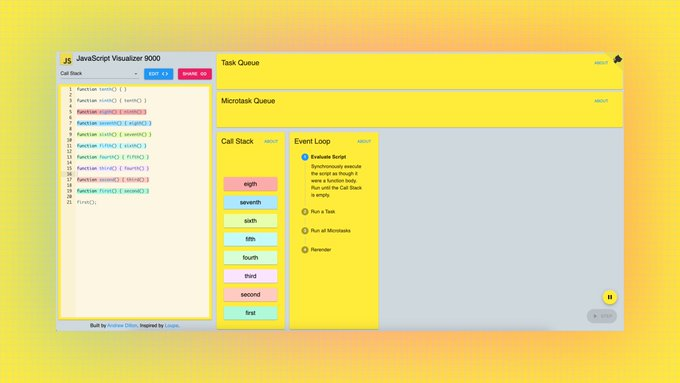
4. JS Visualizer 9000
Learn JavaScript by visualizing your code.
🔗 https://t.co/9NId4GjGAq
1. Codedamn
All-in-one platform for learning web development:
• Hands-on practice and projects bundled
• Video content along with interactive labs, quizzes, and articles
• Every course comes with a certificate
• code brushes AI in playgrounds
🔗 https://t.co/mXmUtJZnOU
2. Codepip
Codepip is the platform for your favorite web development games. Gain an edge in your following interview or project.
🔗 https://t.co/MjHNsLvkiL
3. RapidAPI Comics
Learn API development with RapidAPI Comics (sketch notes and fun analogies).
🔗 https://t.co/KONorFomgu
4. JS Visualizer 9000
Learn JavaScript by visualizing your code.
🔗 https://t.co/9NId4GjGAq

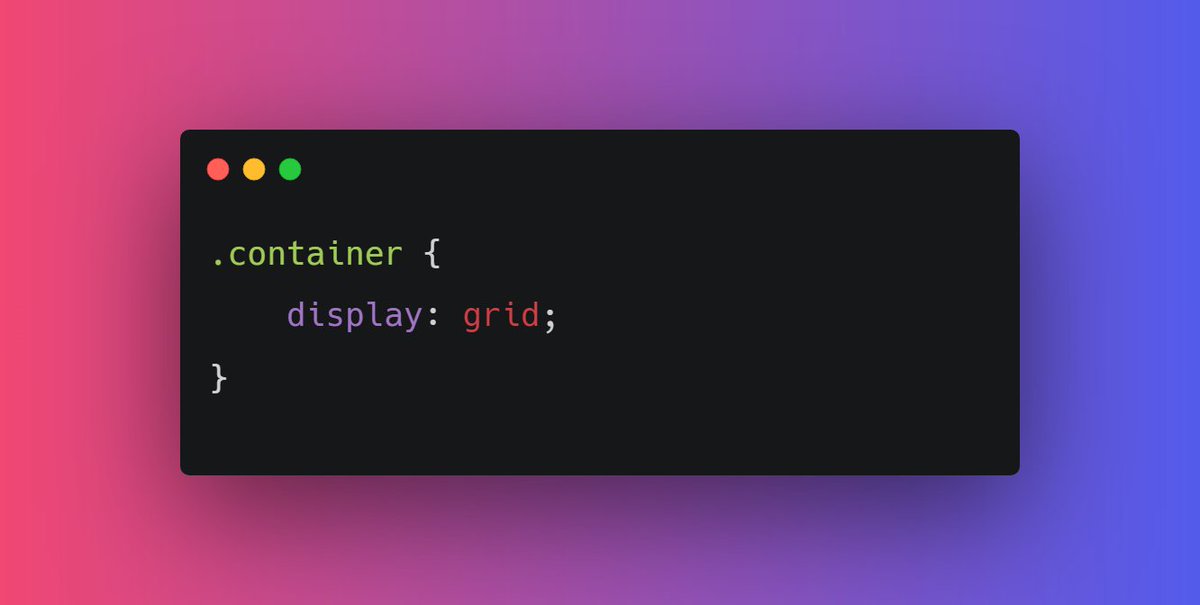

12 websites that will help you learn web development faster (completely free): 🧵
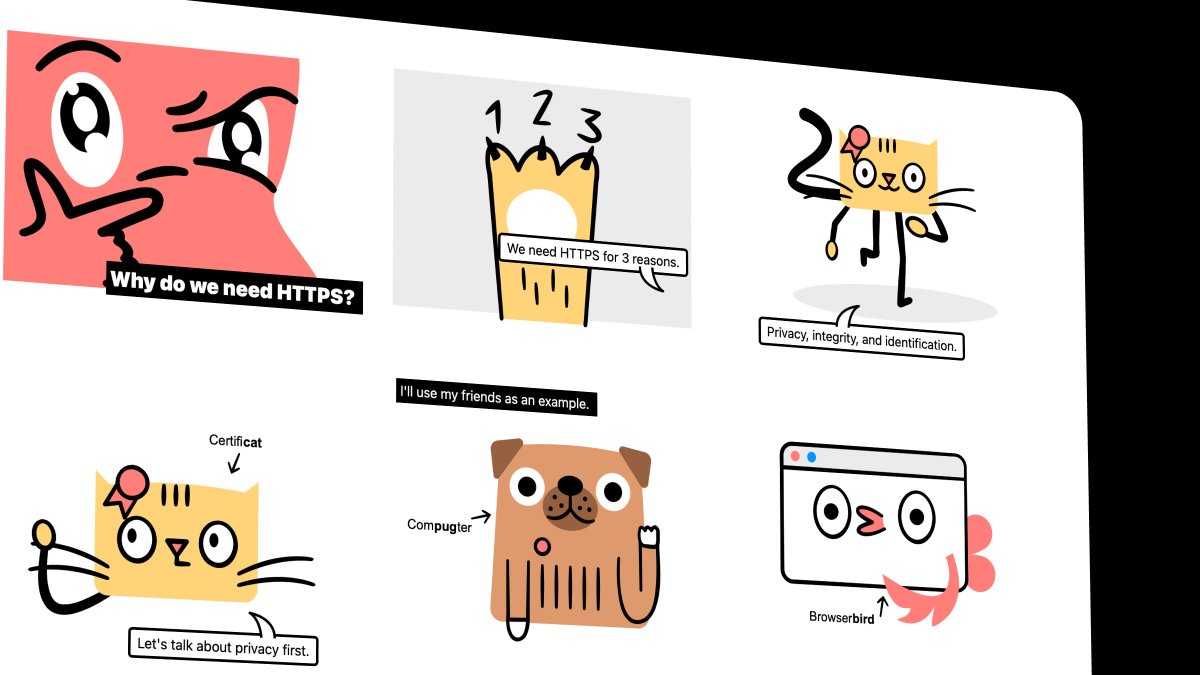
1. How HTTP Works
Everything you need to know about HTTP based system.
🔗 https://t.co/gVZS4RzS1a
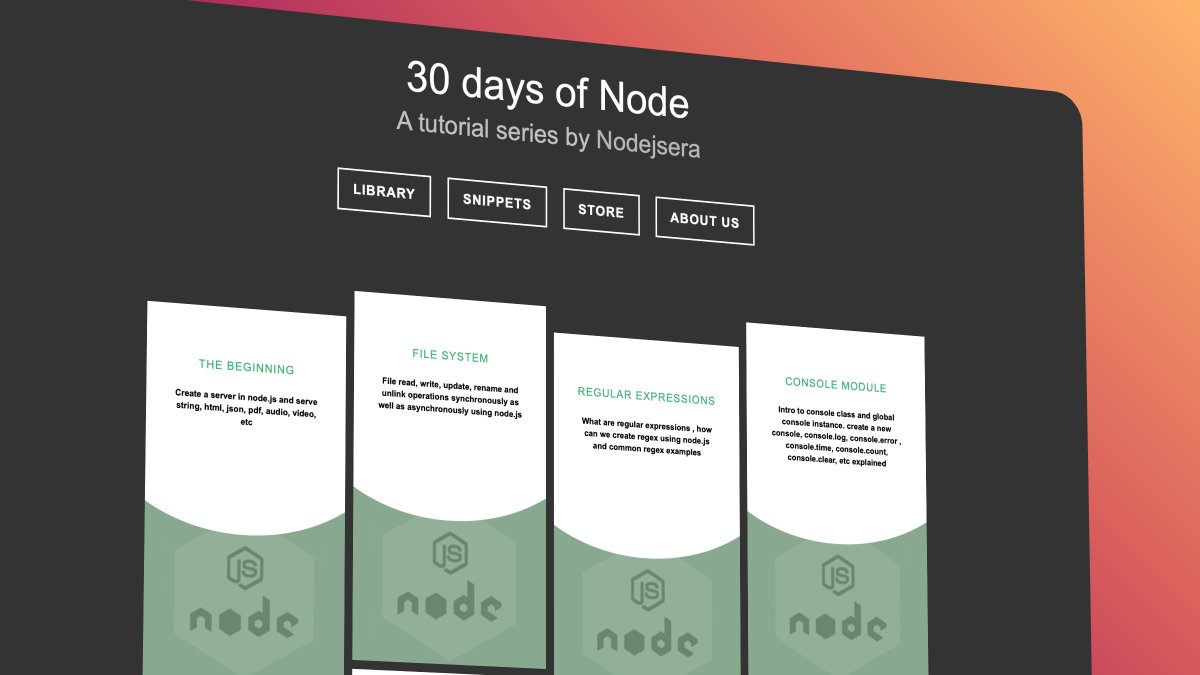
2. 30 Days of Node
Learn Node step by step with interactive examples and code snippet in 30 days.
🔗 https://t.co/9nbtMiNB1C
3. How DNS Works
Learn what happens when you type a website address in your browser
🔗 https://t.co/SqMRNnDbc3

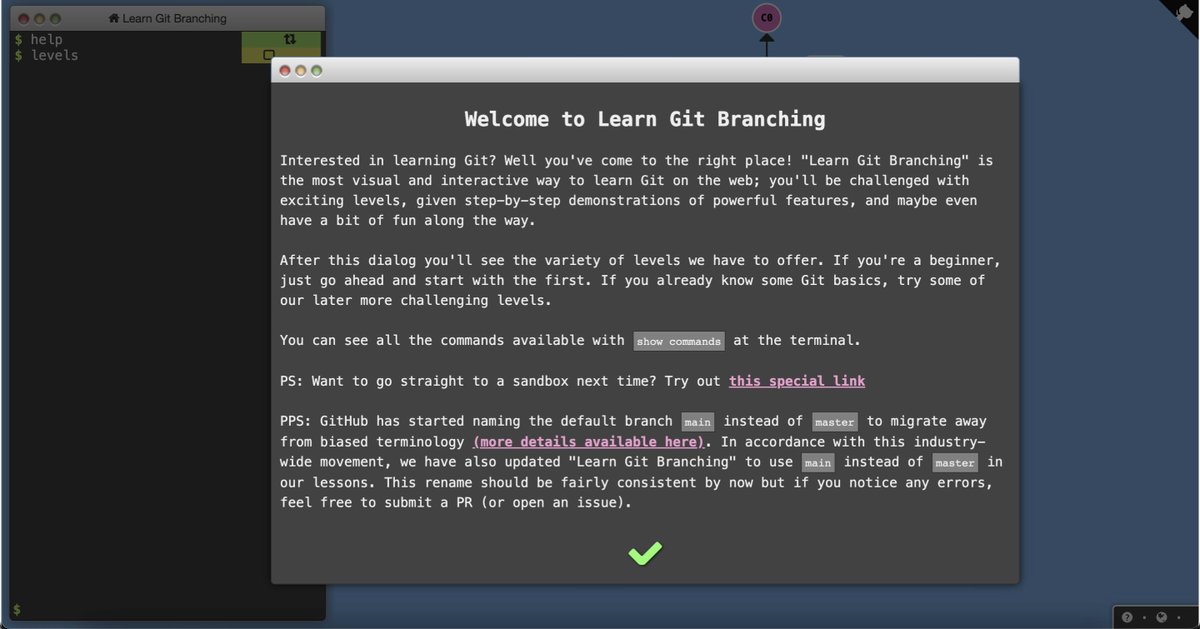
4. Git
Check out this excellent free website to learn git visually.
🔗 https://t.co/rQJMISBDfS
1. How HTTP Works
Everything you need to know about HTTP based system.
🔗 https://t.co/gVZS4RzS1a
2. 30 Days of Node
Learn Node step by step with interactive examples and code snippet in 30 days.
🔗 https://t.co/9nbtMiNB1C
3. How DNS Works
Learn what happens when you type a website address in your browser
🔗 https://t.co/SqMRNnDbc3
4. Git
Check out this excellent free website to learn git visually.
🔗 https://t.co/rQJMISBDfS
5 great gradient background sites for every web developer and designer 🎨
🧵👇🏻
1️⃣ uiGradients
- A handpicked collection of beautiful color gradients for designers and developers.
🔗 https://t.co/EainhiePop
2️⃣ Eggradient
- Ready to use gradient background colors. ✓ Cool Gradients are prepared according to the latest design trends
🔗 https://t.co/F0uYVsZbA4
3️⃣ Mesh Gradients
- Create beautiful gradient like aurora UI in few clicks
🔗 https://t.co/MV8PT7q3Kz
4️⃣ CSS Gradient
- Create beatiful gradeint either linear or radial on different angles
🔗 https://t.co/dlCExilHAT
🧵👇🏻
1️⃣ uiGradients
- A handpicked collection of beautiful color gradients for designers and developers.
🔗 https://t.co/EainhiePop
2️⃣ Eggradient
- Ready to use gradient background colors. ✓ Cool Gradients are prepared according to the latest design trends
🔗 https://t.co/F0uYVsZbA4
3️⃣ Mesh Gradients
- Create beautiful gradient like aurora UI in few clicks
🔗 https://t.co/MV8PT7q3Kz
4️⃣ CSS Gradient
- Create beatiful gradeint either linear or radial on different angles
🔗 https://t.co/dlCExilHAT