A complete beginner's guide to CSS Grid layout 👇🏻

Thread🧵

Grid is used for making complex web design layouts more easily as it's not so hard to master

Using Flex you can make only 1D layout but Grid gives you full power of creating 2D layout

Let's start

{ 2 / 21 }
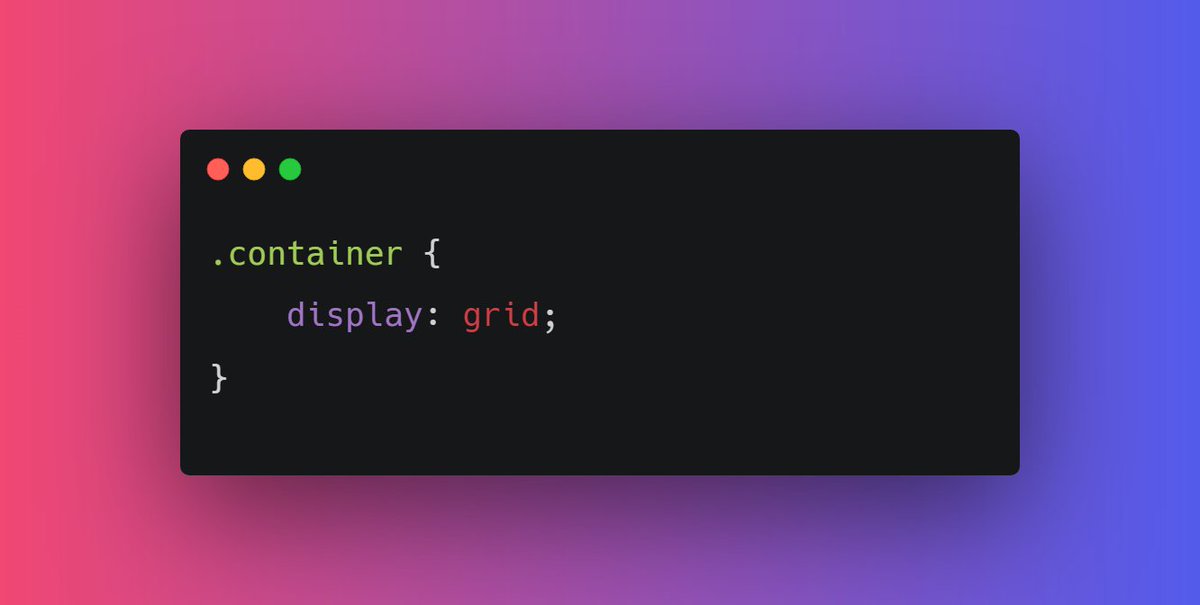
First things first, start with giving the display property "grid" to the container element or parent element

{ 3 / 21 }
Nothing will change after adding display: flex; in the parent container becuase we need to define the width of columns. In order to set that columns width we have gird-template-columns property

{ 4 / 21 }
Let's start with defining the width of our columns.

For example, let's say I need two columns of width 60% and 40% respectively

grid-template-columns: 60% 40%;

{ 5 / 21 }
Ahh!! My grid items looks ugly as there is no spacing between them.
Here "grid-gap" property comes into play. For example I need 10px spacing along column and row

grid-gap: 10px;

{ 6 / 21 }
Similary we have grid-template-rows.

It is used to define the number of rows and height of rows.

grid-template-rows: 200px 400px;

{ 7 / 21 }
As you can see there is a lot of repeated code in
grid-template-columns: 200px 200px 200px 200px 200px;

Instead of this we can use repeat function 👇🏻

grid-template-columns: repeat(5, 200px);

{ 8 / 21 }
You might run into some responsiveness issues if you pass pixel unit or percentage in your grid-template-columns

In order to prevent this, it is recommended to use fraction values

For example 👇🏻

{ 9 / 21 }
You can use repeat function for fr as well

repeat(2, 1fr 2fr);

It wil repeat 1fr 2fr two times.

{ 10 / 21 }
Alright moving forward, you can set he height of grid element using grid-auto-rows

For ex, grid-auto-rows: 200px;

{ 11 / 21 }
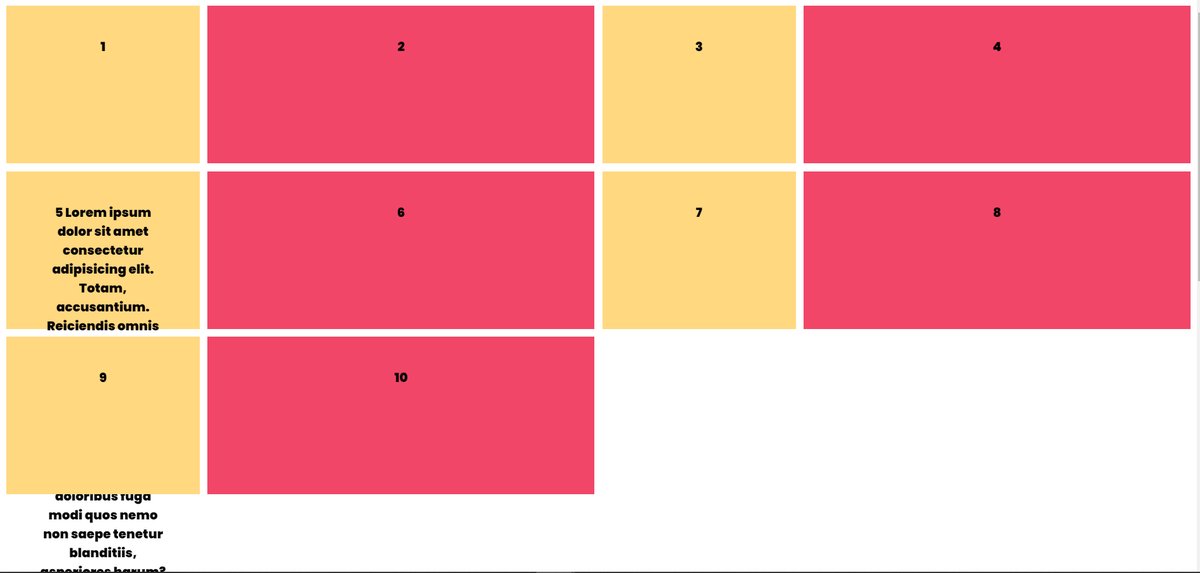
Though there is a problem. By doing this, we are setting the fixed height so content inside items can be overflow.

For example 👇🏻

{ 12 / 21 }
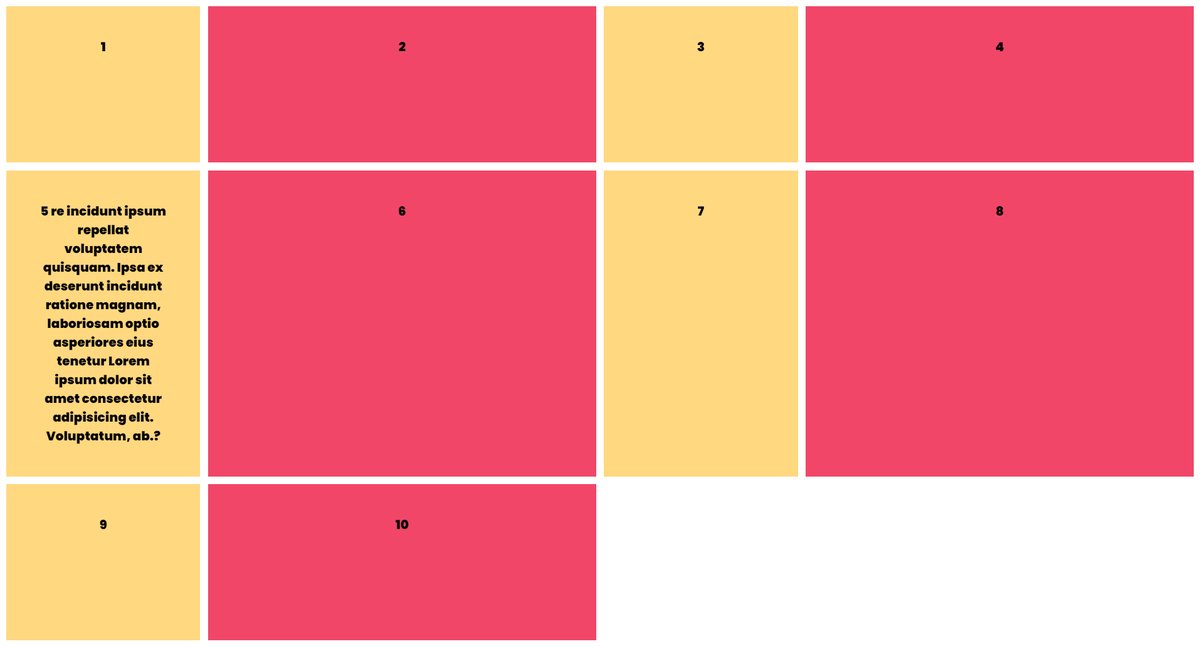
In order to prevent this kind of issues we have minmax function

grid-auto-rows: minmax(200px, auto);

It's pretty intuitive that the height of gird items will be 200px minimun and "auto" maximun(according to content)

{ 13 / 21 }
From 14 to 21

https://t.co/QcX5188vjp

More from Pratham 👨‍💻🚀

You can learn 90% of CSS using these 10 threads

🧵👇

1. All you need to know about CSS


2. Getting started with CSS animations


3. Z-index is tricky but this thread solve all your doubts


4. CSS positioning concepts
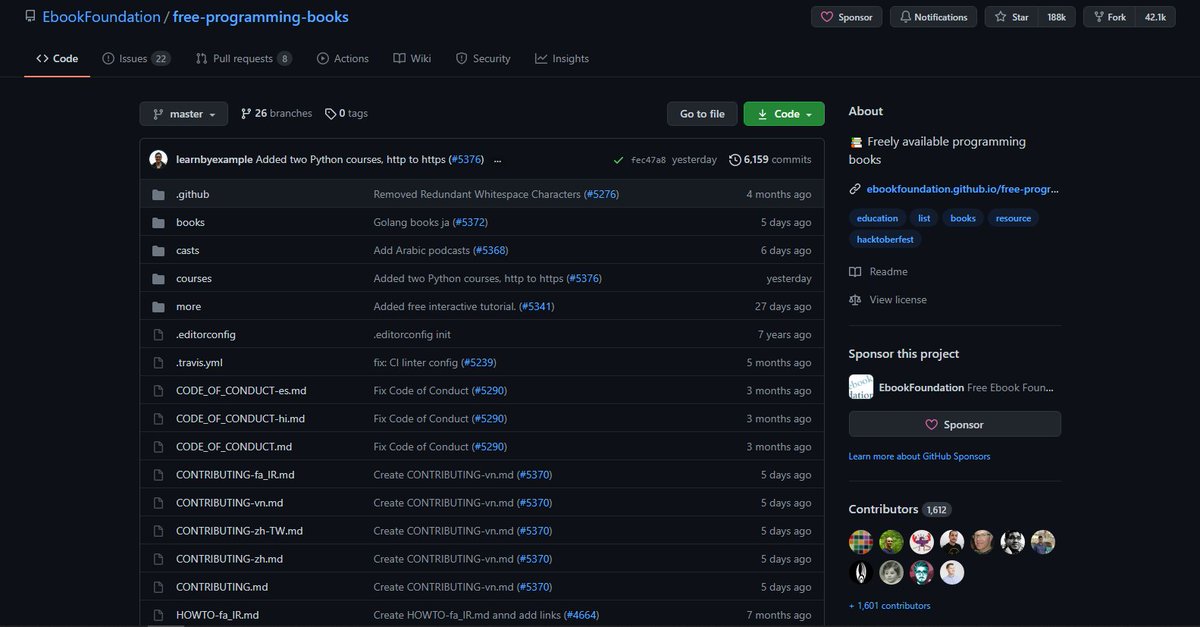
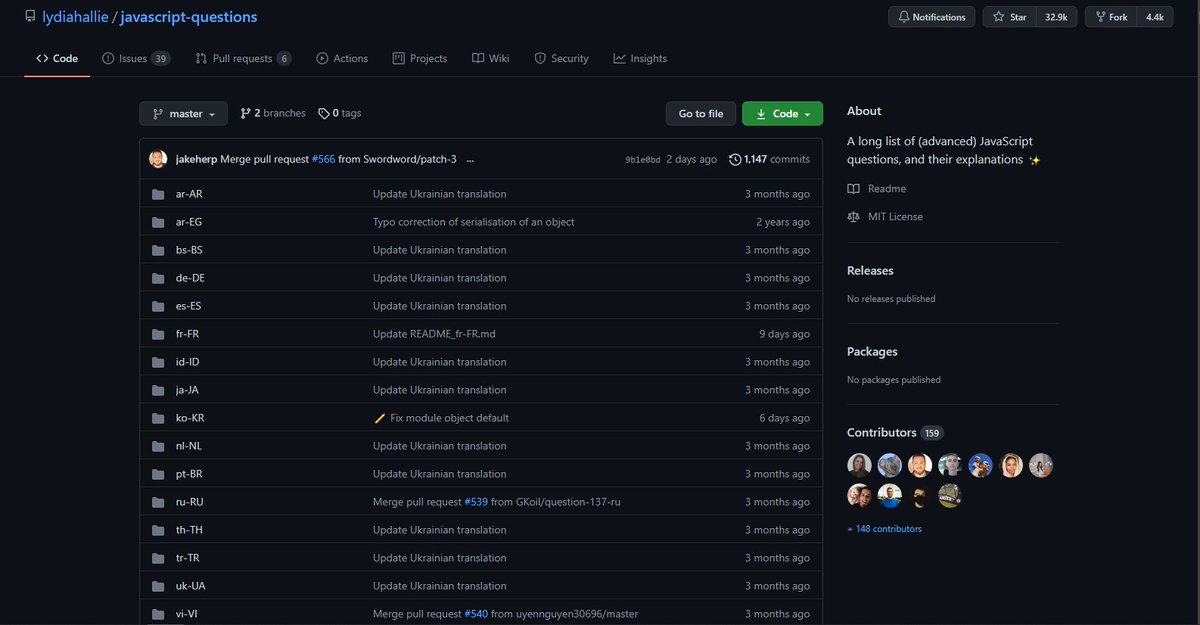
I've brought you some amazing GitHub repositories of web development tips and tricks 🌟

THREAD🧵🔽

1️⃣ JS Tips

- A huge list of 73 great tips and tricks of JavaScript

🔗
https://t.co/r0J9vW8WrH


2️⃣ CSS Protips

- A collection of tips to help take your CSS skills pro. Definitely check it out

🔗 https://t.co/5haB2xTWuz


3️⃣ JS Tips and Tricks

- Some advanced tips and tricks of JavaScript that can help you to take your skills onto next level

🔗 https://t.co/NvfoANwweV


4️⃣ Git Tips

- Git is an essential tool for very programmer. in this repo you'll find the most commonly used git tips and tricks

🔗 https://t.co/34qvOhYCZE

More from Coding

6 amazing GitHub repositories that can help you as a developer

🧵 👇🏻

1️⃣ HTML Best Practice

- This repo will help you writing maintainable and scalable HTML documents

🔗
https://t.co/CvvfjSrfCL


2️⃣ 30 Days Of React

- Learn React in 30 days. A well divided topics of React in days. Definitely check it out

🔗 https://t.co/8WTc1RQOGV


3️⃣ Design resources

- Curated list of design and UI resources from stock photos, web templates, CSS frameworks, UI libraries, tools and much more

🔗 https://t.co/82o5Eyhlji


4️⃣ Websites a programmer should visit

- A well curated list of websites a programmer should visit

🔗 https://t.co/ltdIqcQ6cT
5 amazing websites that will blow the mind of a developer. Definitely check them out

🧵👇🏻

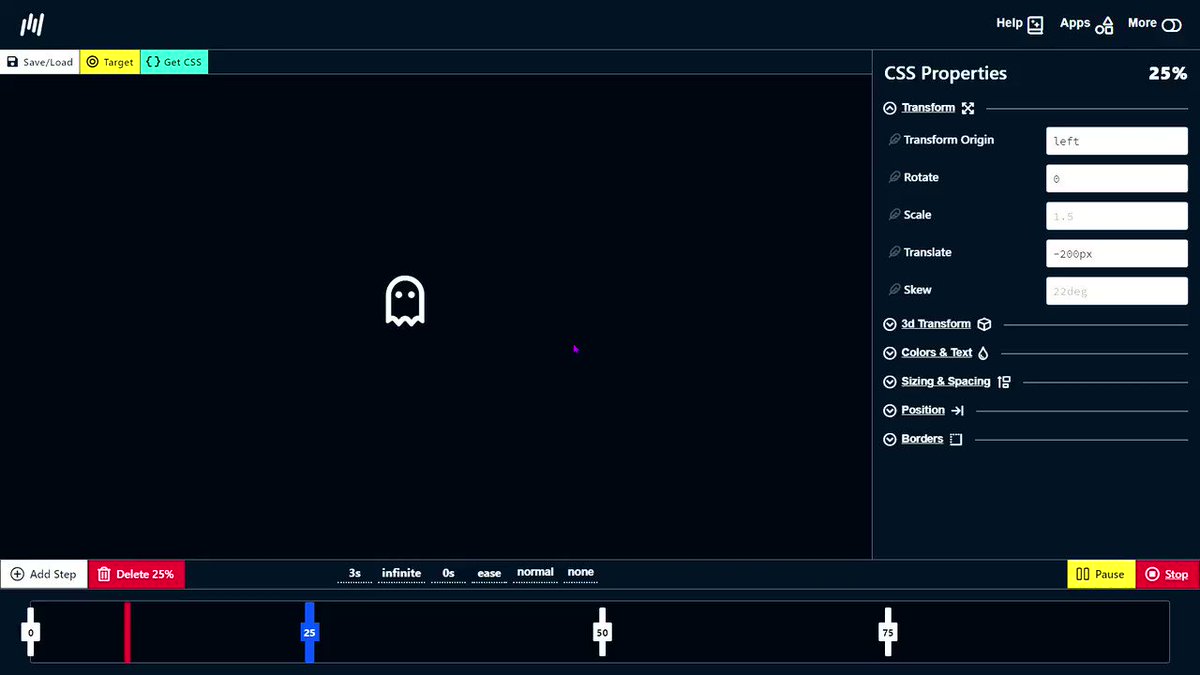
1️⃣ Animation generator

- Dead simple visual tools to help you generate CSS for your projects.

🔗
https://t.co/IFmIEgDiVY


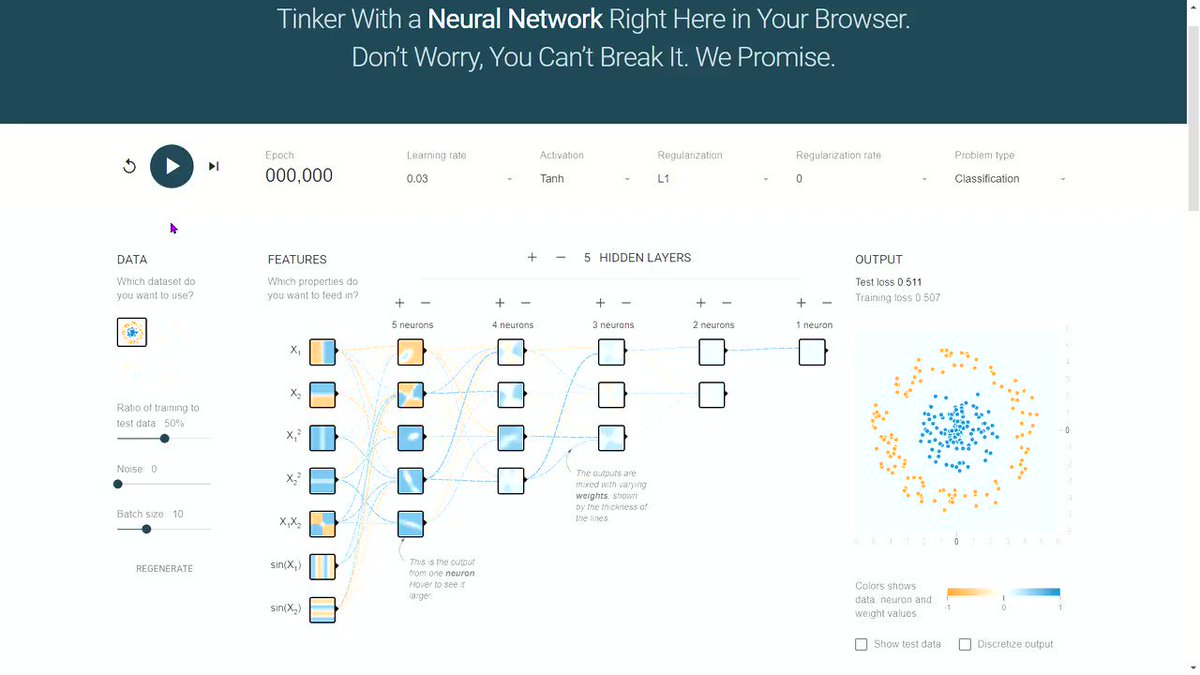
2️⃣ Neural Network Visualizer

- Deep playground is an interactive visualization of neural networks, written in TypeScript using d3.js.

🔗 https://t.co/mTAlFbJsOW


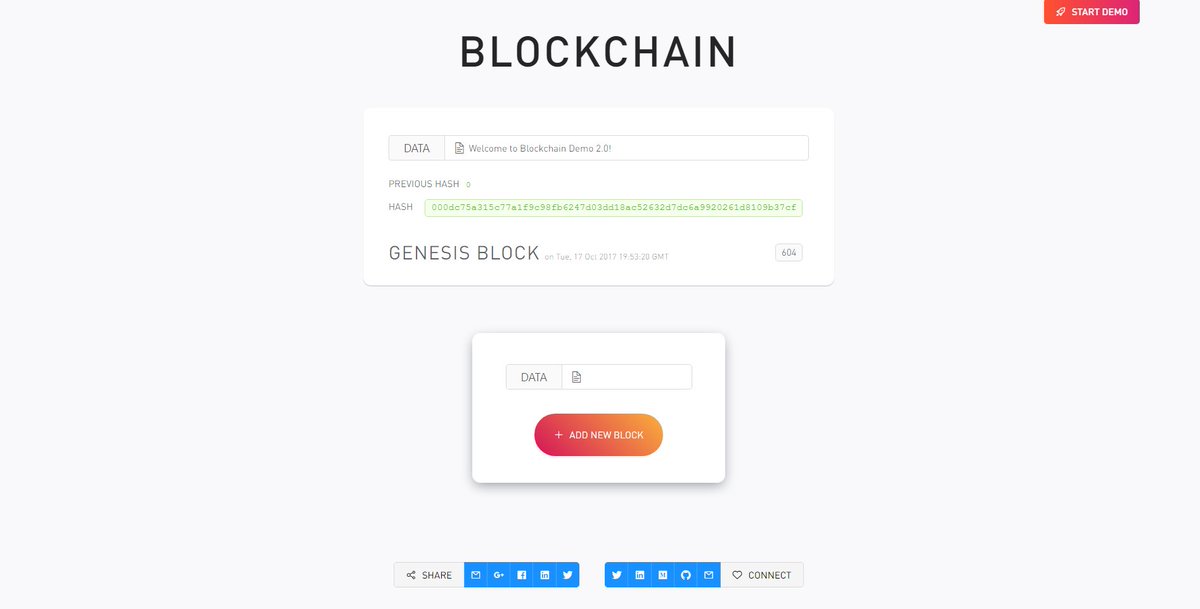
3️⃣ Blockchain Demo

- A visual demo of blockchain technology

🔗 https://t.co/I1RwxYcM1Z


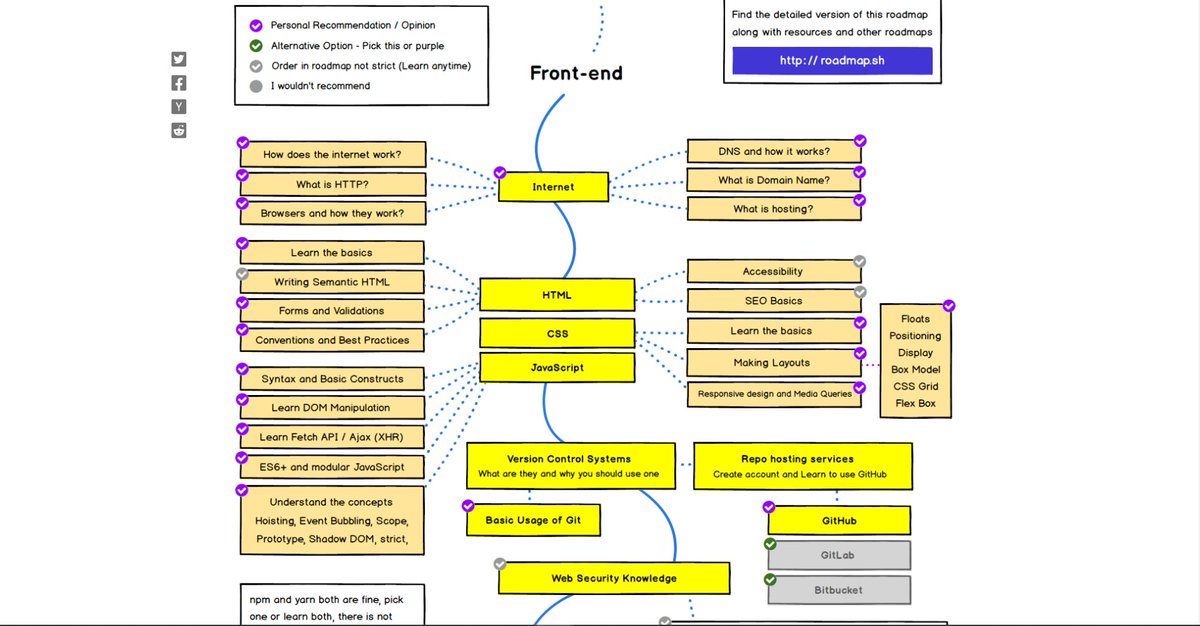
4️⃣ Developer Roadmaps

- Step by step guides and paths to learn different tools or technologies

🔗 https://t.co/VSNPdG8jQR

You May Also Like