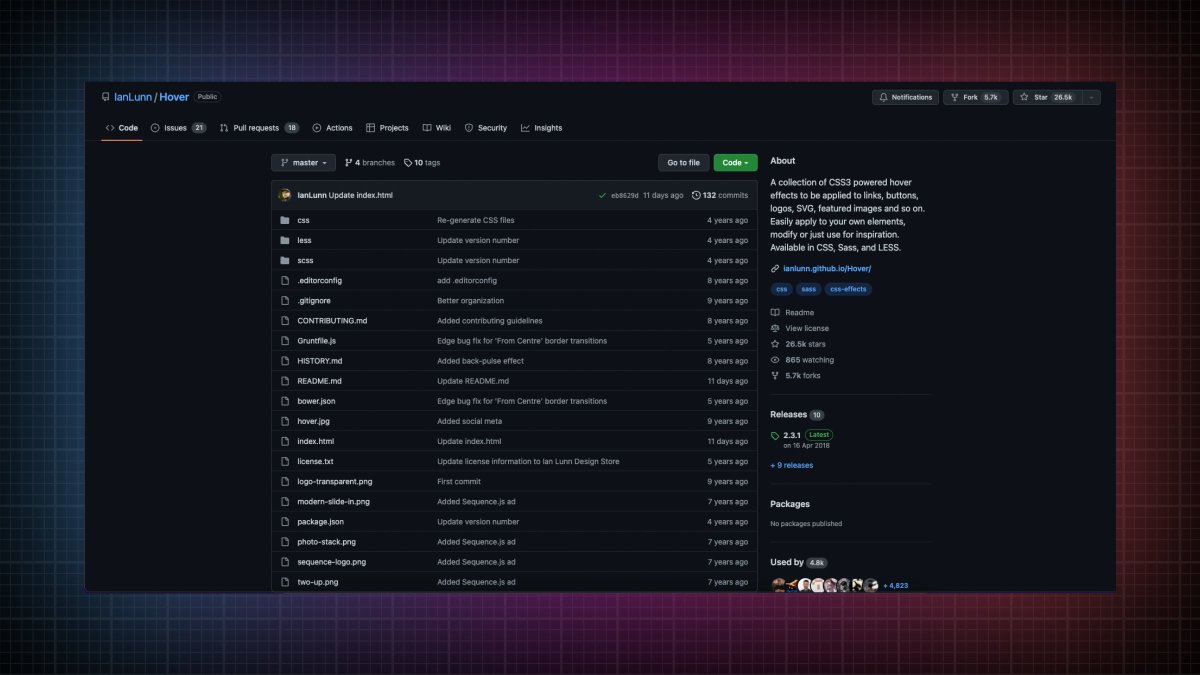
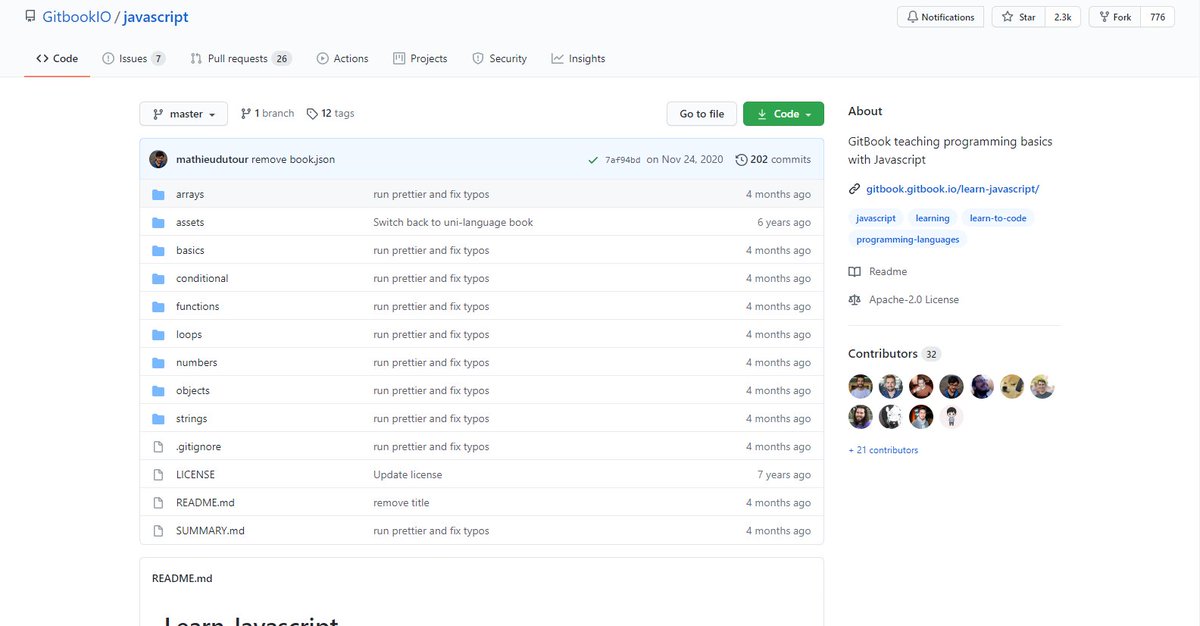
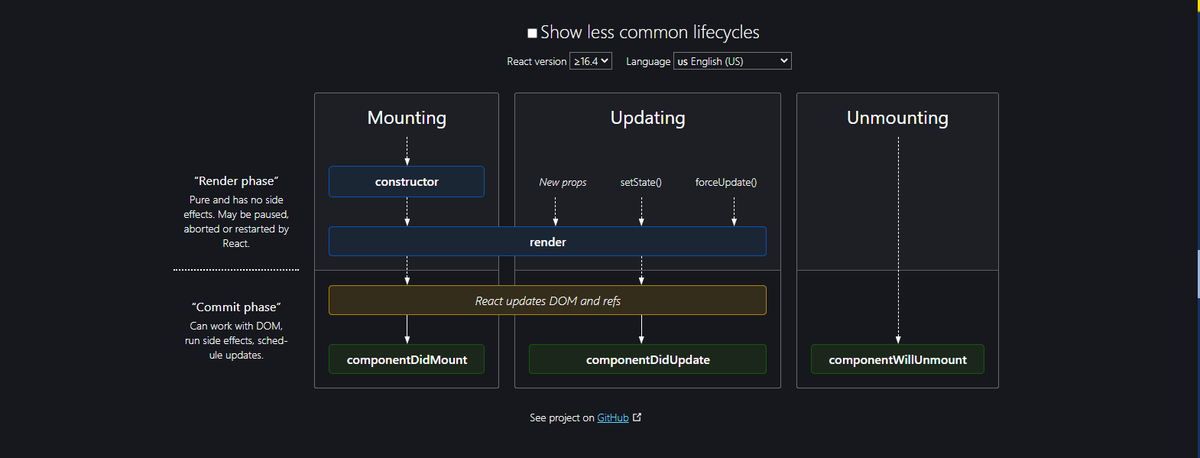
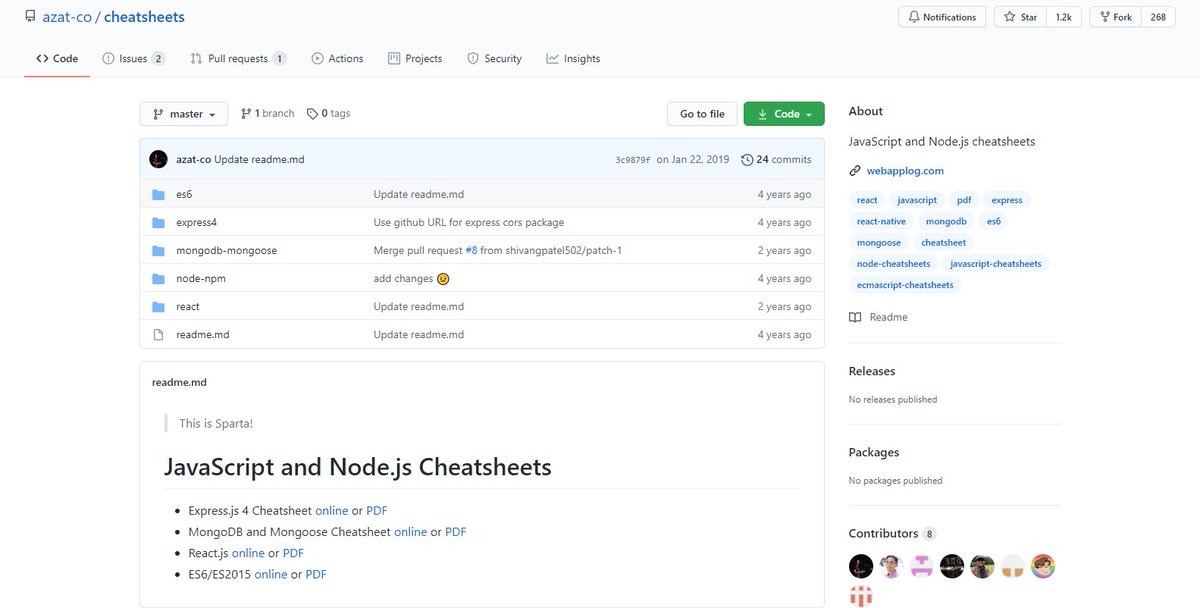
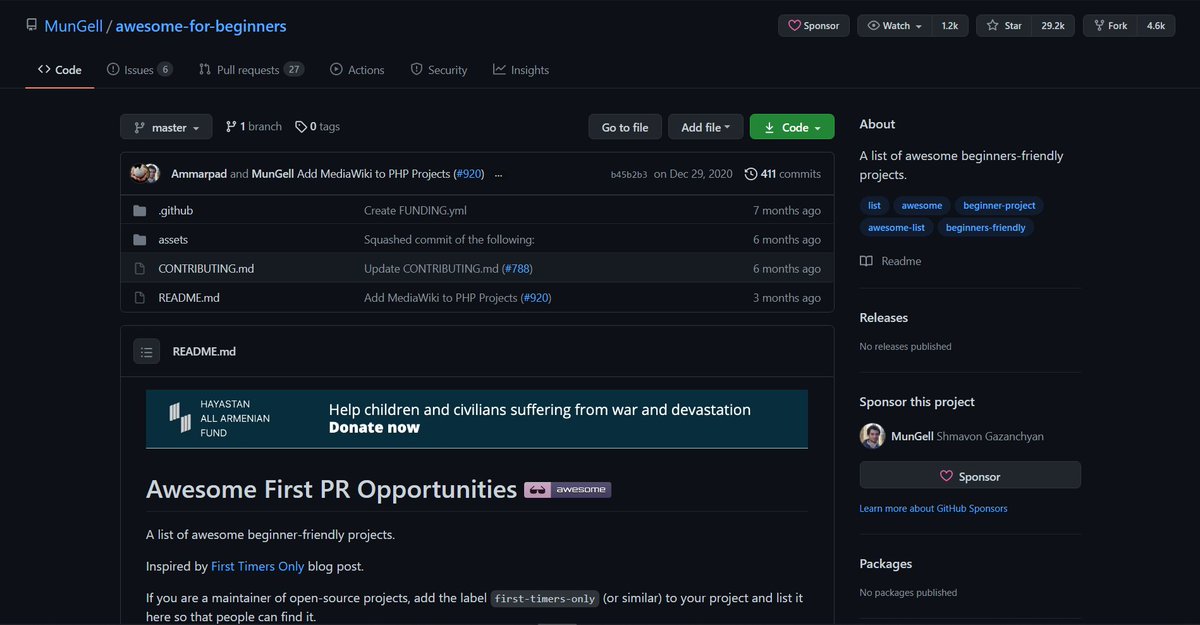
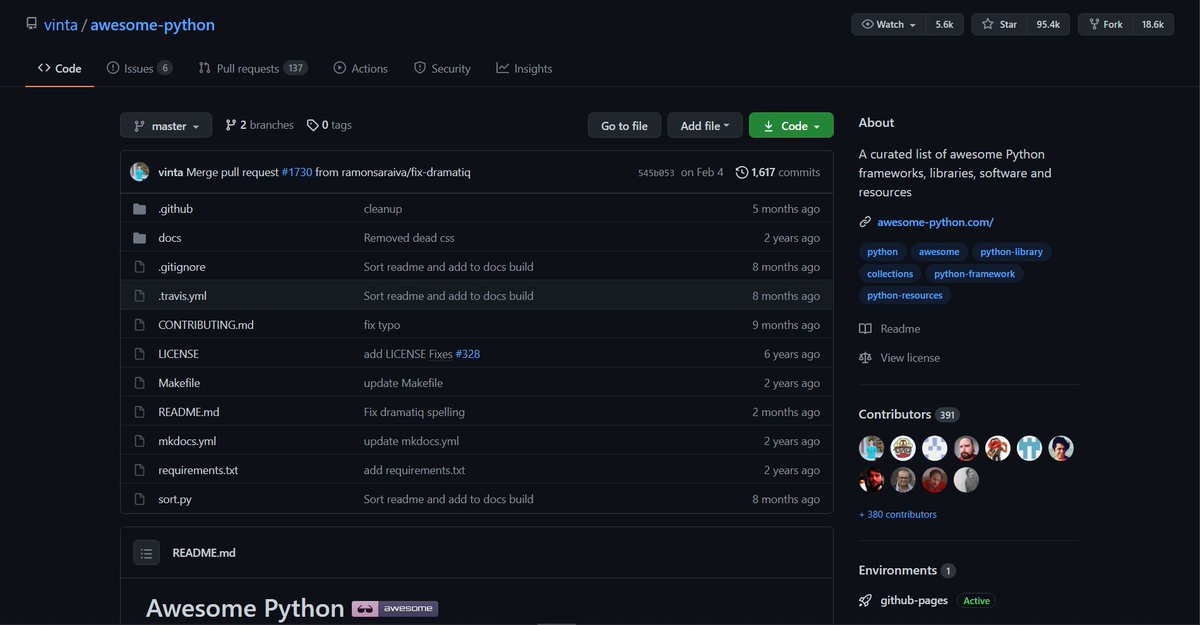
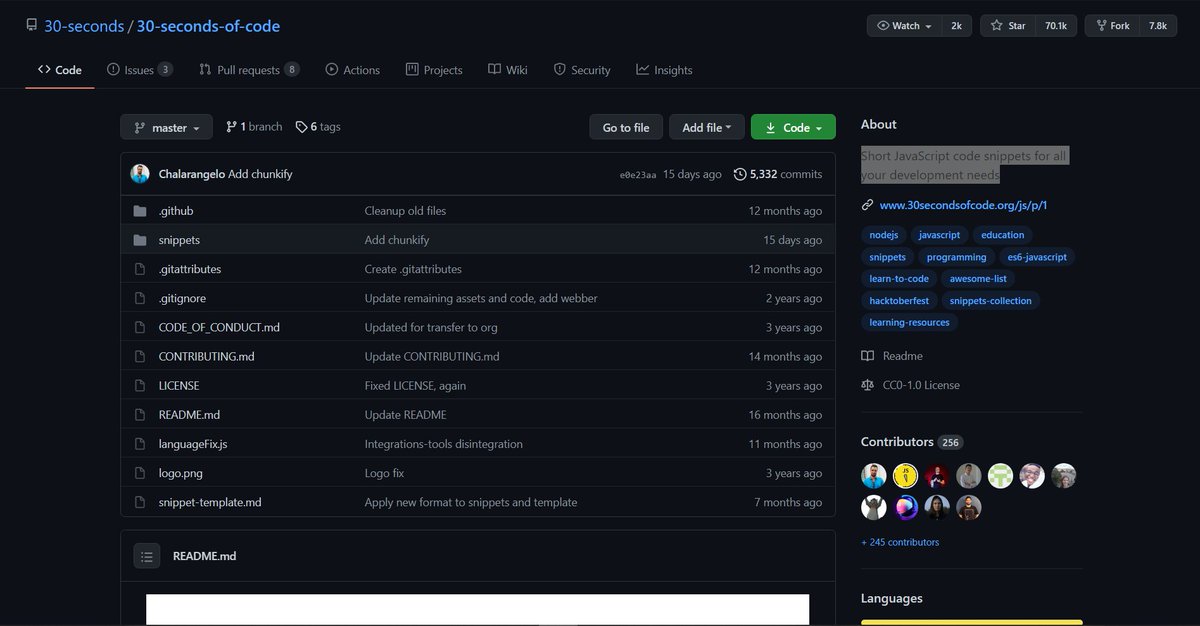
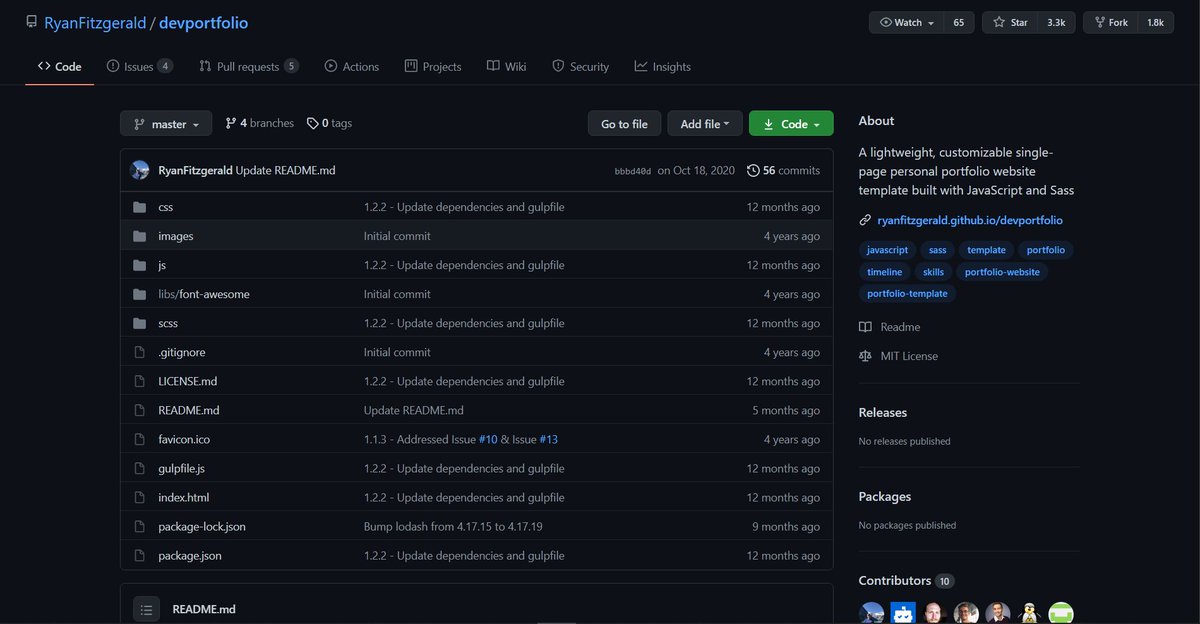
If you're learning or planning to learn Web Development in 2021 then this thread is for you

๐Ÿงต๐Ÿ‘‡๐Ÿป

WHERE TO START? Front-end or Backend?

- Well this may be a debatable question but I would suggest you to start with front-end development

- It depends entirely on the individual but in my opinion, starting with front-end development has its advantages.

{ 2 / 16 }
WHY TO START WITH FRONT-END DEVELOPMENT?

- More visual content gives you an aesthetic vibe

- You can share your creations

- Easier to get feedback as you can show your webpages to any non technical person as well

{ 3 / 16 }
FUNDAMENTALS ARE IMPORTANT

- Don't rush! Spend some time on HTML, CSS and JavaScript. You can do pretty amazing things using these three languages

{ 4 / 16 }
- Make sure to learn and build some web pages using HTML and CSS before jumping onto JavaScript

- JavaScript is the backbone of web development, Don't rush to start with React/Angular/vue or any other front-end framework or library

{ 5 / 16 }
- I don't think we should set some time after which you can start with front-end framework. Just make sure to be develop your strong hold on the foundation.

- I spent about 3-4 months with HTML, CSS and JS

{ 6 / 16 }
DOCUMENT YOUR LEARNINGโœ๏ธ

- Take a short note of what you learn on the daily basis will be helpful in the long term

- Whenever you go for an interview or some test, you can revise through your notes

{ 7 / 16 }
- You can also share your learning, projects or anything on social media. It also helps you to be up-to-date

- Write your achievements or failures while learning a specific topic, create tutorials, write article, etc

{ 8 / 16 }
There are a lot of free tools and courses on the internet you can start with

- I always recommend start with a crash course so that you can have taste of things. Later on, you can buy a course or learn by self teaching

{ 9 / 16 }
DYNAMIC FIELD๐Ÿš€

- Web development is a constantly evolving field. To be a great developer, you need to stay updated

- Almost daily, we come across with new concepts, technique, framework, library, designs, etc. So as to survive strongly in this world, you should be updated
- In order to keep up with these, You can read latest article, watch YouTubers, be active on social media, etc

- It will be more beneficial if you can put new concepts into practice. It will help you to understand a specific concept more accurately and effectively

{ 11 / 16 }
THERE IS ALWAYS A SLIGHT MARGIN TO IMPROVE๐Ÿ€

- You can't be perfect in this field but you can try to be

- Always be open to learn new things, as this is the vast field learning new techniques always pays off

{ 12 / 16 }
BE POSITIVE๐Ÿ˜

- During your journey you will face many challenges. But it does not matter. What matters is your attitude towards your problems

{ 13 / 16 }
- I started learning programming on my old PC. I used to write code in my phone as well. But I didn't give up

- Frustration is the basic side effect of coding. Just take a break. No need to burden yourself

{ 14 / 16 }
This all may sound like a little hectic but it's actually not.

Do not burden yourself. Just try to code daily so that you can develop consistency inside you. Does not matter for hours or minutes

{ 15 / 16 }
That's pretty much it. Don't think much just start. Let me know if i can help you in any way

All the best๐Ÿ˜„

More from Pratham ๐Ÿ‘จโ€๐Ÿ’ป๐Ÿš€

If you start with the right course then the process becomes a little easier

I found some amazing YouTube videos and courses that will help you start your Web Development journey

๐Ÿงต๐Ÿ‘‡๐Ÿป

HTML and CSS

- A great way to arouse your web dev journey with Gary's (@designcoursecom) course on YouTube

๐Ÿ”—
https://t.co/xjm7nfV2L2


JavaScript

- Although it's impossible to learn JavaScript in 2 hours but JavaScript mastery is one the best YouTube chanel for JavaScript. This 2 hours long crash course will help you start your journey and gives you quick overview.

๐Ÿ”— https://t.co/1zcSeu4zKE


Git and GitHub

Git is an essential tool. And after learning JavaScript, I think one should go for Git and GitHub. Check out this free great course on Udemy

๐Ÿ”— https://t.co/E14cibOLXb


React

What you'll learn
- what problems React can solve
- how React solves those problems under the hood
- what JSX is and how it translates to regular JavaScript function calls and objects
- manage state with hooks
- build forms

๐Ÿ”— https://t.co/3z22aeVQFc
If you know CSS then you can use these amazing generators and save your time

Thread ๐Ÿงต๐Ÿ‘‡๐Ÿป

1๏ธโƒฃ CSS Box Shadow Generator

- Generate CSS3 Box Shadow code for your Div, Frame, Buttons or any other HTML element with Outline, and Inset (inner) type shadow effects

๐Ÿ”—
https://t.co/6La36IzBLj


2๏ธโƒฃ Glassmorphism

- Generate glassmorphic design easily

๐Ÿ”— https://t.co/qrKqDV5tzY


3๏ธโƒฃ Cool Backgrounds

- Explore a beautifully curated selection of cool backgrounds that you can add to your next project

๐Ÿ”— https://t.co/df7VSaRSh9


4๏ธโƒฃ Pixel art

- Create CSS pixel art, export the results to CSS and download them.

๐Ÿ”— https://t.co/ojD8qwzuhx
Five free VS Code extensions that will change the way you do web development:

1. RapidAPI Client

Fulfill all your need for API development.

โ€ข Test and consume APIs
โ€ข Work with your VS Code theme
โ€ข Generate TypeScript, Swift, and Python interfaces from responses.

๐Ÿ”—
https://t.co/FR0QhyTi8v


2. Better Comments

Create more human-friendly comments in your code.

โ€ข Alerts
โ€ข Queries
โ€ข TODOs
โ€ข Highlights

๐Ÿ”— https://t.co/AV2BwAMAlL


3. Git Graph

View a Git Graph of your repository and efficiently perform Git actions from the graph.

๐Ÿ”— https://t.co/S5wagmTgsa


4. Peacock

Do you have a habit of keeping multiple VS Code windows open?

Peacock lets you change the color of your VS code even if multiple instances are open.

๐Ÿ”— https://t.co/bmidPkTQOK

More from Coding

These 5 visualizers will help you learn data structures and algorithms up to 10 times faster

Thread ๐Ÿงต๐Ÿ‘‡๐Ÿป

1โƒฃ
https://t.co/H2sKWKEeaz

- Learn DSA and visualize some complex programs. Definitely check it out.


2๏ธโƒฃ https://t.co/0WcFTWBfh9

- Dedicated to graph DS


3๏ธโƒฃ https://t.co/ShEQQkjtWD

- Visualizing data structures and algorithms through animation


4๏ธโƒฃ https://t.co/XxzwBa3vvZ

- All sorting algorithms animations
Do not write CSS code, use these free generators instead that can help you immensely

A Thread ๐Ÿงต

1๏ธโƒฃ Stripes generator

- Pure CSS Stripes Generator that you can use for backgrounds.

๐Ÿ”—
https://t.co/5uTPrwA5xD


2๏ธโƒฃ Gradient generator

- As a free css gradient generator tool, this website lets you create a colorful gradient background for your website, blog, or social media profile

๐Ÿ”— https://t.co/Yr6pueoWgx


3๏ธโƒฃ Pattern generator

- It lets you create background pattern for free

๐Ÿ”— https://t.co/NQuV7pxLIz


4๏ธโƒฃ CSS Accordion Slider Generator

- Create fully responsive, css only accordion sliders

๐Ÿ”— https://t.co/x0qaDhN0z9

You May Also Like

My top 10 tweets of the year

A thread ๐Ÿ‘‡

https://t.co/xj4js6shhy


https://t.co/b81zoW6u1d


https://t.co/1147it02zs


https://t.co/A7XCU5fC2m