Apple Mac apps are the most powerful productivity tools on earth.

Use them properly and they'll save you hours, days, even weeks.

Here are 11 Mac apps that you shouldn't live without...

#1: Raycast

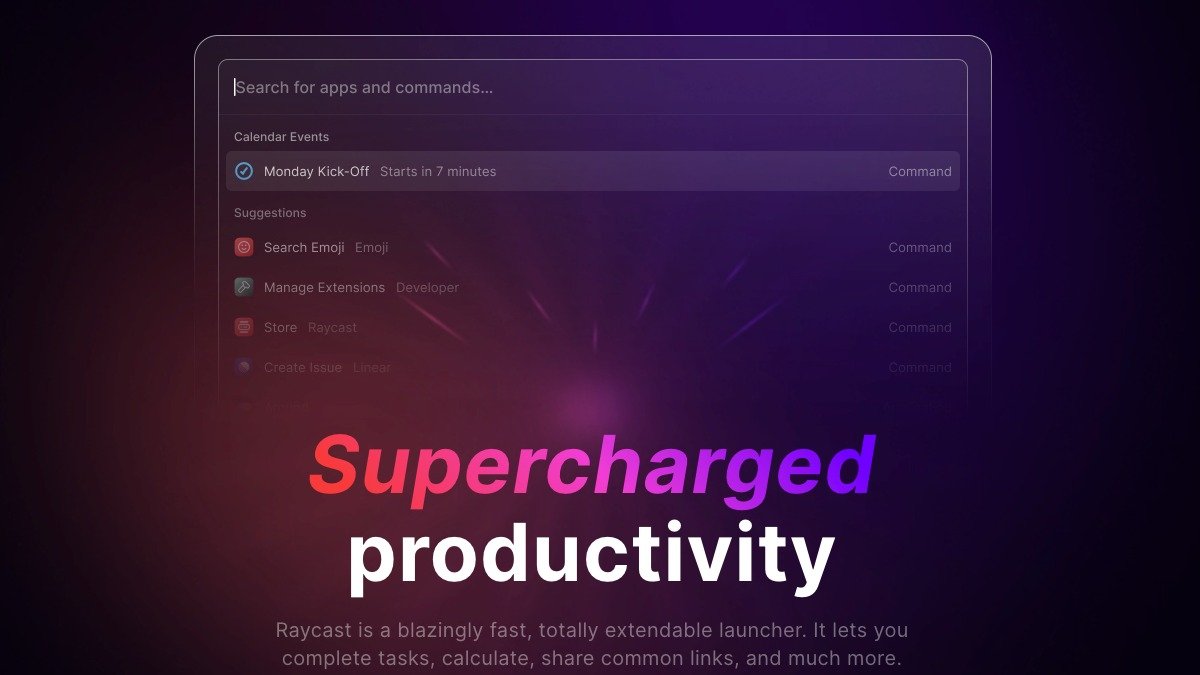
Raycast is “Ctrl + F” for your whole computer.

Simply press command + space, and you can open any file, app, or link in seconds.

You can also add a whole-suite of extensions built by community to take your productivity to new levels.

https://t.co/Ar4S4sc1O3
#2: CheatSheet

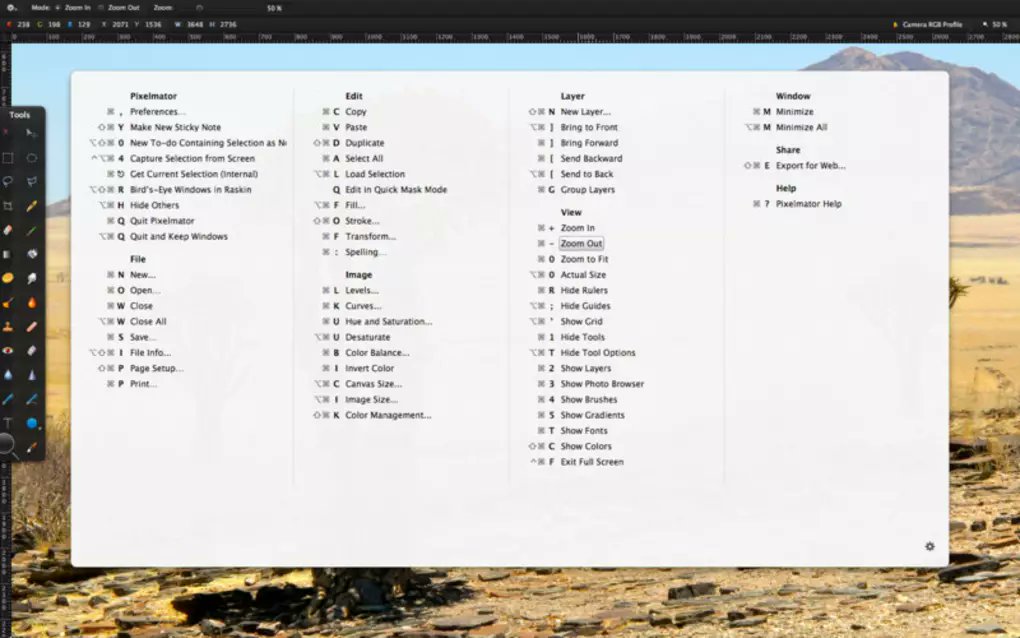
CheatSheet helps you memorize keyboard shortcuts for all your favourite Mac apps.

Just hold the Command Key for a few seconds and you’ll get a list of every shortcut available in that app.

https://t.co/n8SV5URNUM
#3: Magnet

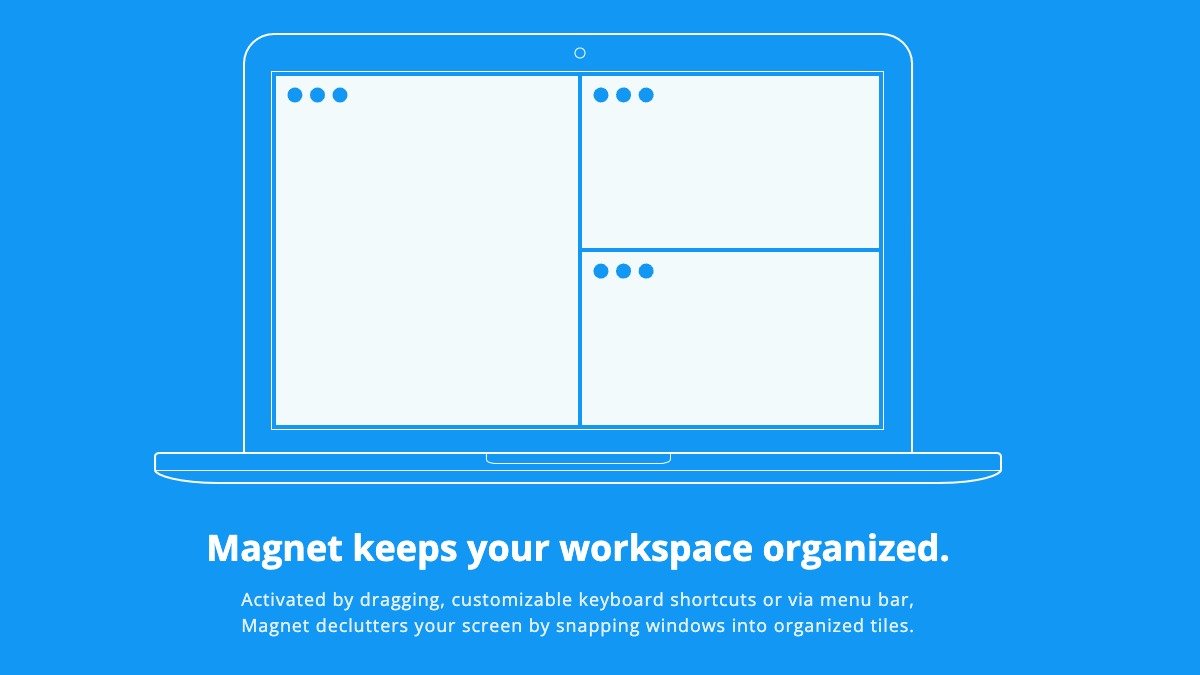
Magnet helps you organize your windows and workspace with configurable keyboard shortcuts.

Having windows where you want them eliminates app switching and significantly enhances multitasking.

https://t.co/o0sTvWbPiW
#4: Meeter

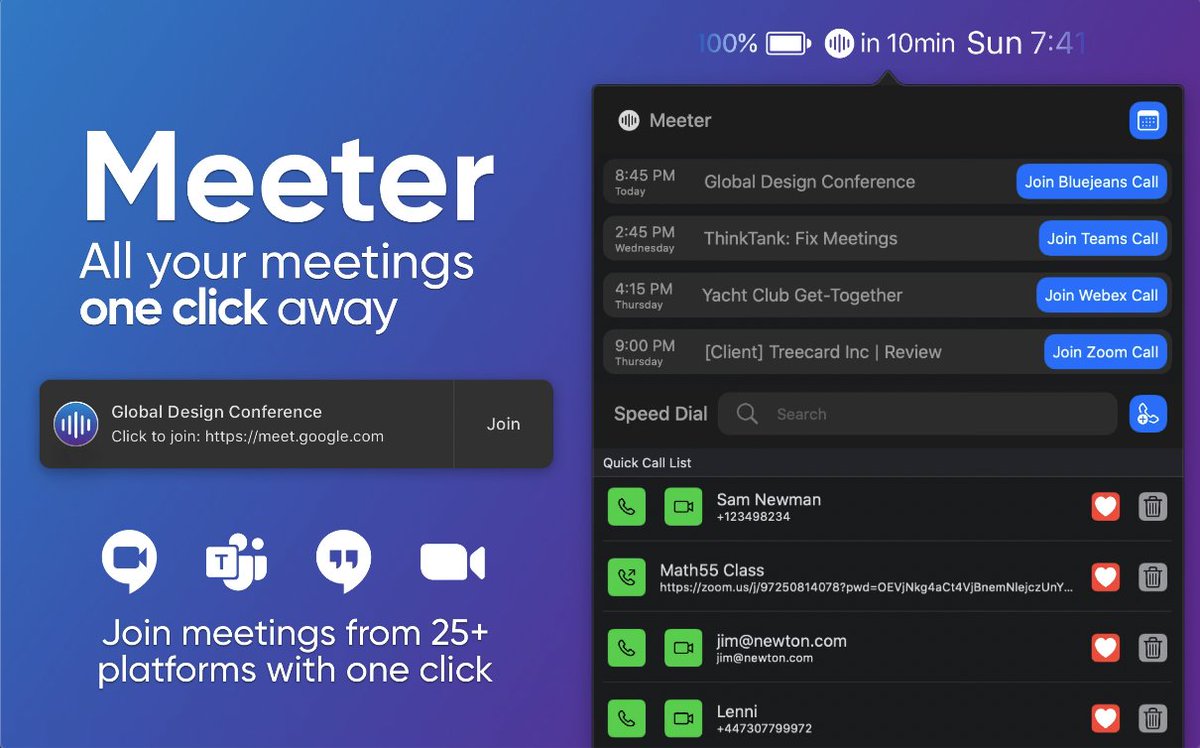
Join Zoom, Google Meet, or other virtual conference meetings faster with Meeter.

Meeter automatically pulls your upcoming calls and puts them in your menu bar, letting you manage them all in one place.

https://t.co/VJL0vr9RDJ
#5: HandMirror

Say goodbye to the moments when you join a Zoom call at your not-so flattering best (or with something embarrassing in the background).

HandMirror is a one-click camera check that lives in your menu bar.

Save your blushes.

https://t.co/WB7hPm6OlE
#6: Flux

Flux makes the colour of your computer's display adapt to the time of day.

It’ll be warm at night and like sunlight during the day.

Take care of your eyes and sleep better when you use Flux.

https://t.co/va2ldXDczw
#7: Duet Display

Duet turns your iPad, iPhone, Android phone, or tablet into an extra display for your Mac and PC.

Unlike other solutions, Duet works entirely through software—no dongles or cords required.

Double your productivity with Duet.

https://t.co/mXrfstu28a
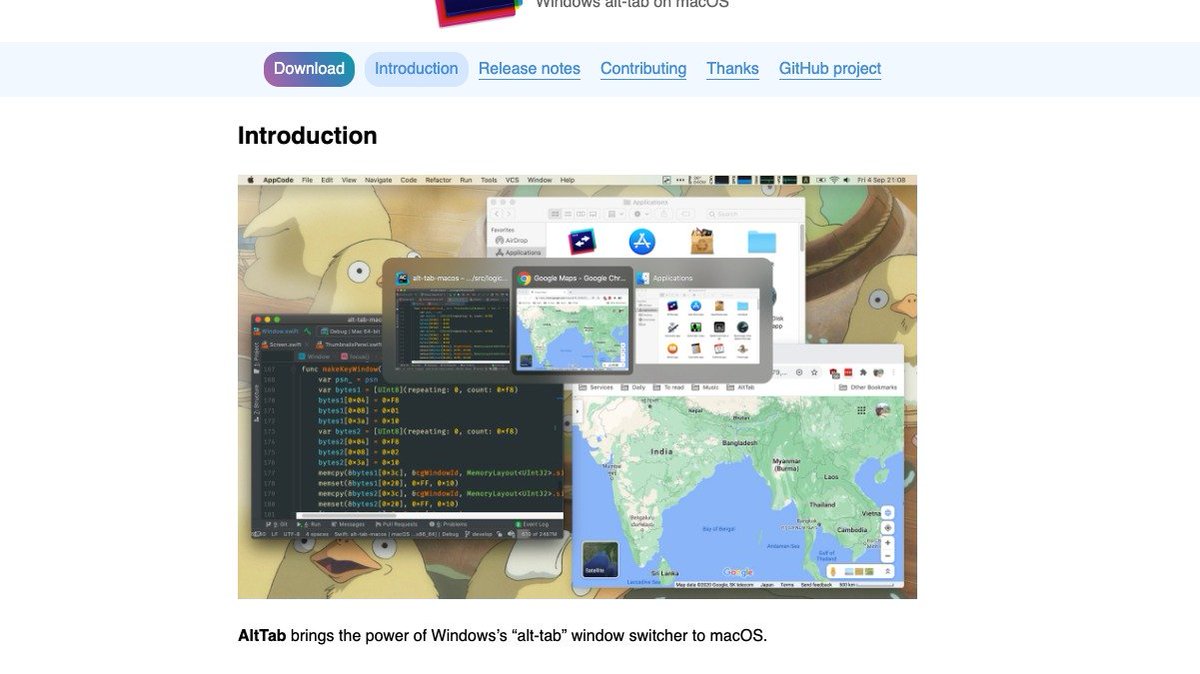
#8: AltTab

Switching from Windows to MacOS? Alt-tab won’t work so well…

Luckily, AltTab brings the power of Window’s “alt-tab” window switcher to Mac and solves this problem, helping speed up your workflow again.

https://t.co/63ybAr9aA8
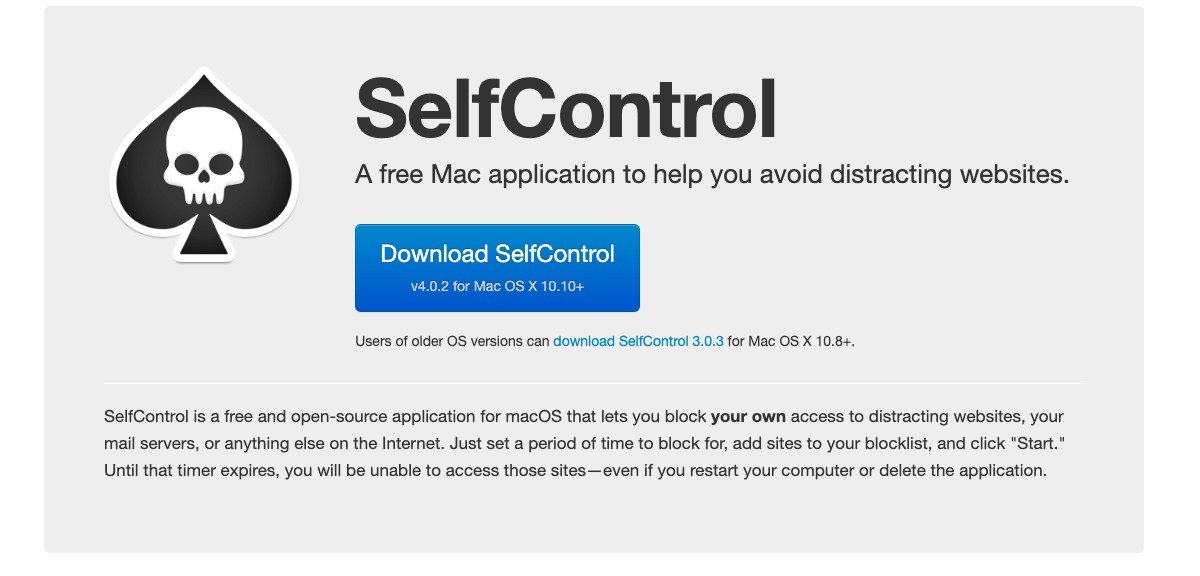
#9: SelfControl

SelfControl lets you block your own access to distracting websites, mail servers, or anything else on the internet.

Steps:
• Set a time block period
• Add sites to your blacklist
• Click “start”

You’ll never be more productive.

https://t.co/nBnana4sRW
#10: KeyPad

Use your MacBook keyboard and mouse on your phone, iPad, Android device, TV and more (through bluetooth).

KeyPad provides a universal control for any device.

https://t.co/K30i3ZGBI5
#11: JumpShare

JumpShare is the quickest way to share files, screencasts, and screenshots.

How? Drag any file to the JumpShare menu bar icon and a shareable link will be copied to your clipboard which you can then share with anyone.

https://t.co/bdrl6OJ1yI
That’s 11 of the most valuable Mac apps.

If you enjoyed this thread:
1. Follow me @_alexbrogan for more thought-provoking content to help you get better at the game of life
2. RT the tweet below to share this with others who might enjoy it :) https://t.co/T7r4BY0fik

More from Alex Brogan

Most people have only just seen the opening scene of the internet.

But behind the curtains there’s pure gold.

Here are 10 of the most useful websites in existence:

https://t.co/YShvPsYfKT

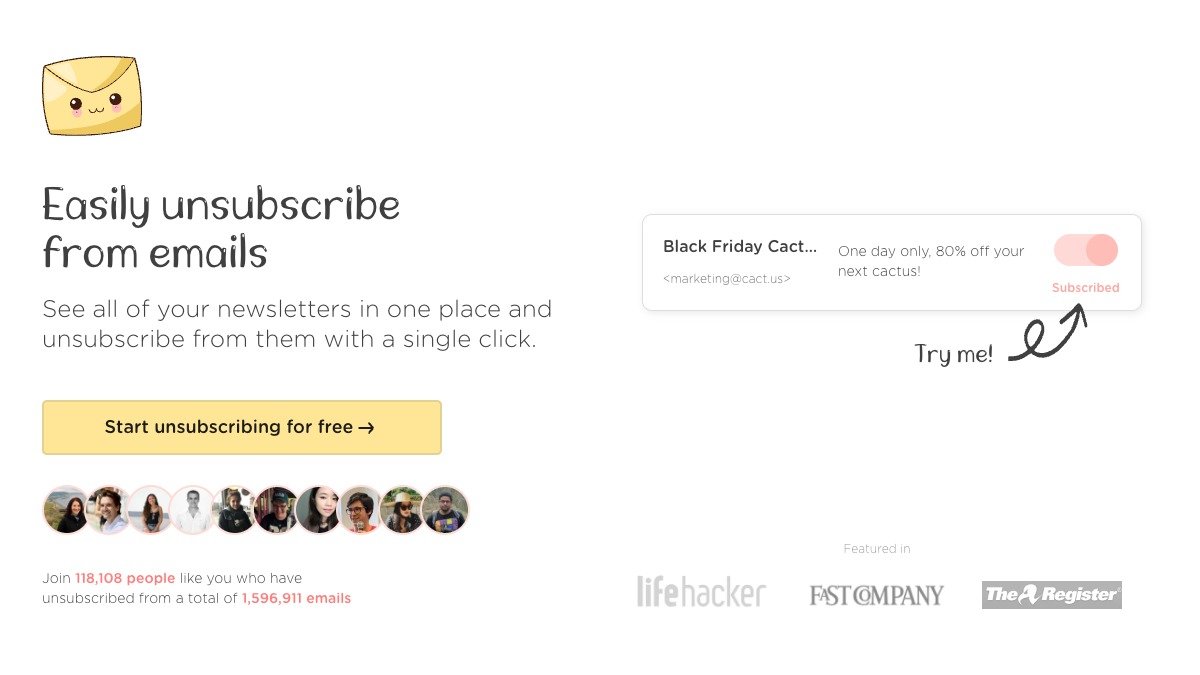
See all of your newsletters in one place and unsubscribe from them with a single click.


https://t.co/eIoLiGGIHh

Share files privately & secure, without a size limit or storing anything online.


https://t.co/fk467hI0Vu

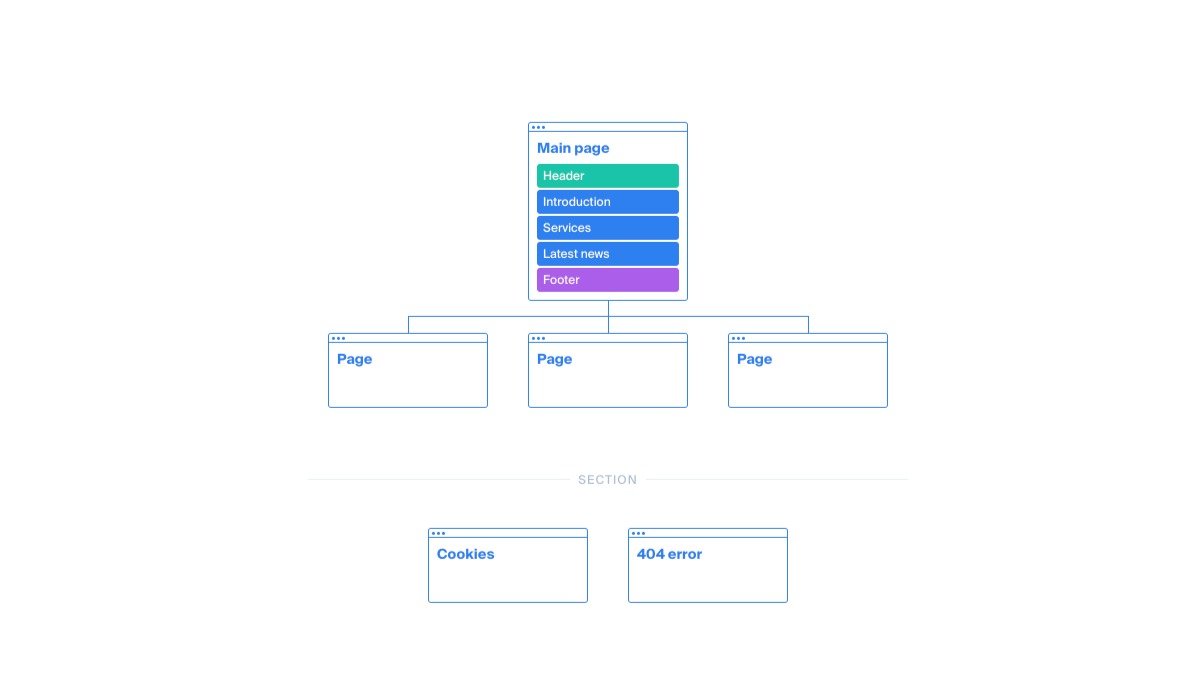
A fast visual sitemap builder and website planner.

You can build, plan, and visualise your website structure and create content in real-time.


https://t.co/rsJN67IqTI

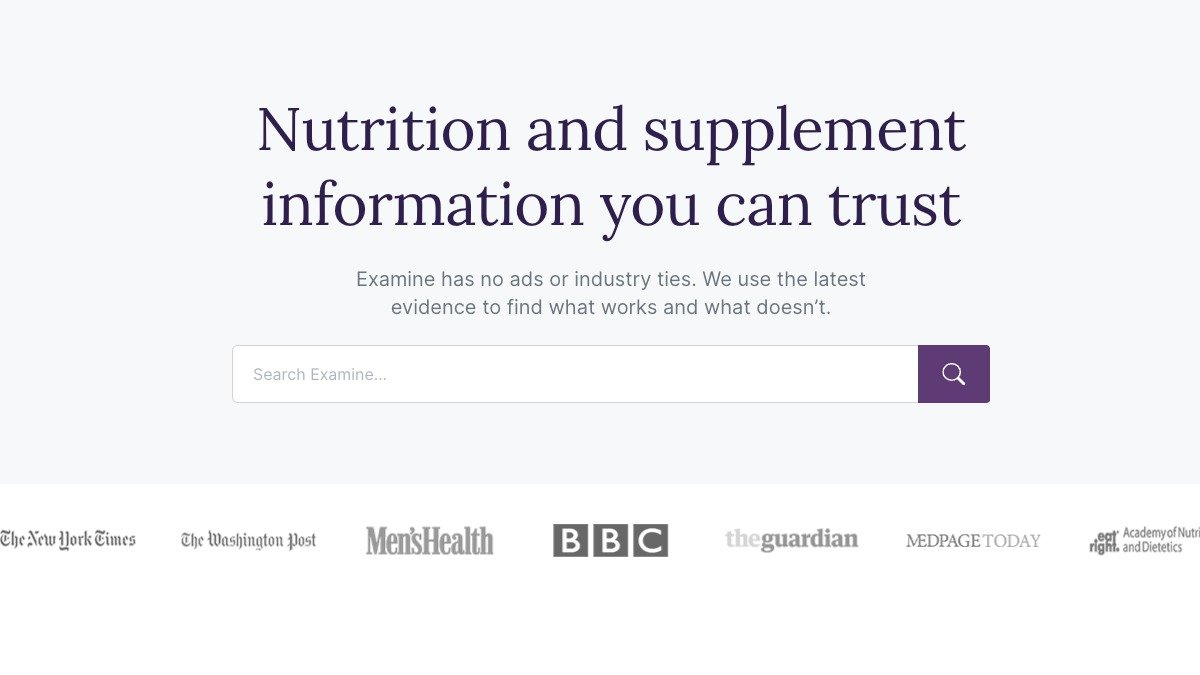
Examine lets you cut through the noise on Nutrition and supplement information.

It’s got zero conflicts of interest: No ads, No industry ties.
Most people have only just scratched the surface of the internet.

But beneath the shallow waters there’s pure gold.

Here are 10 of the most useful websites in existence:

https://t.co/YstnCuKJ4P

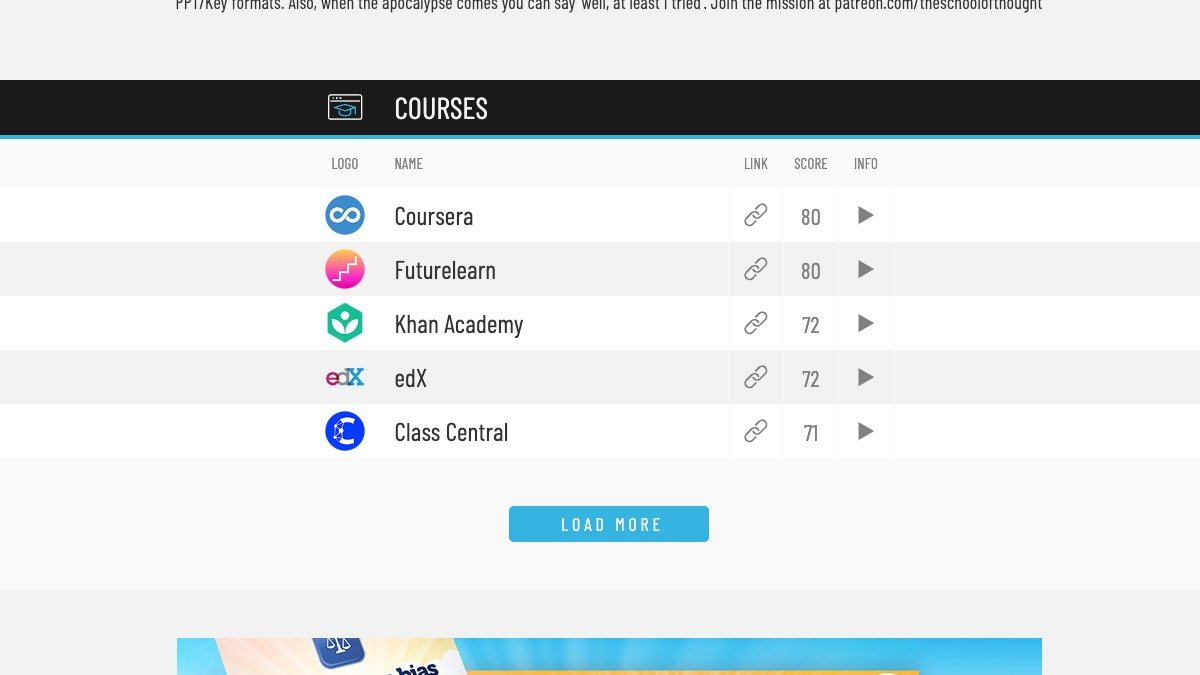
The best educational resources on the internet. All in one place. Period.


https://t.co/2HeKs2h8h8

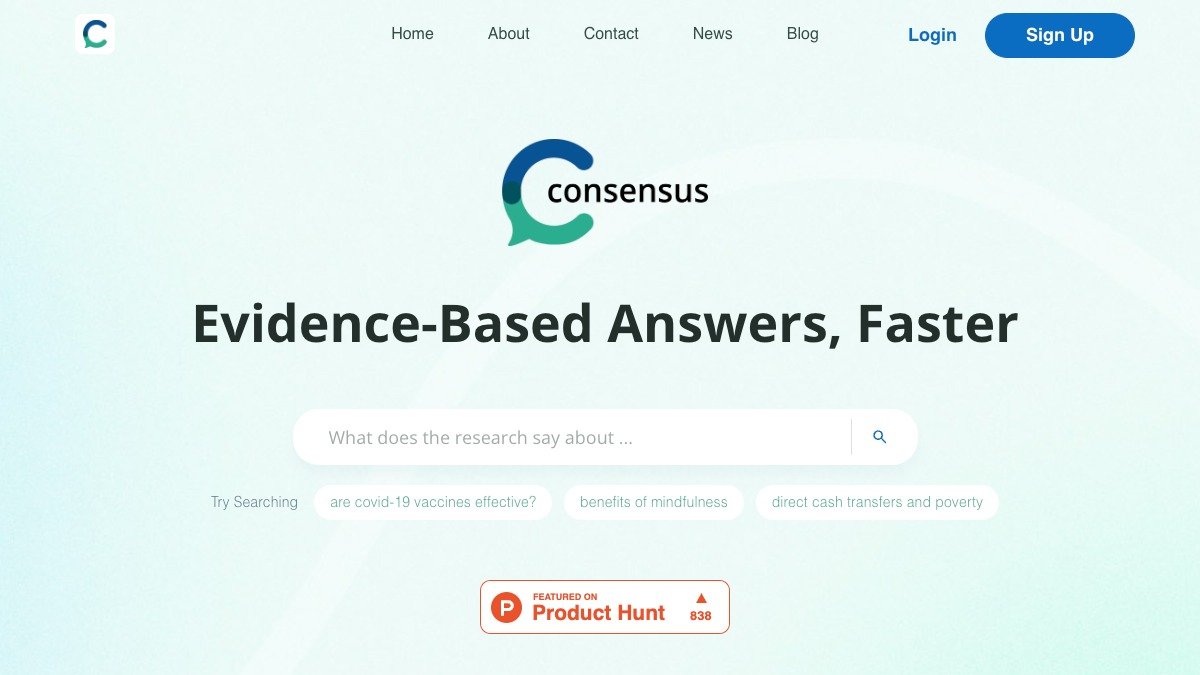
A search engine that uses AI to find answers to your questions directly from scientific research.


https://t.co/h0ucAFUjAo

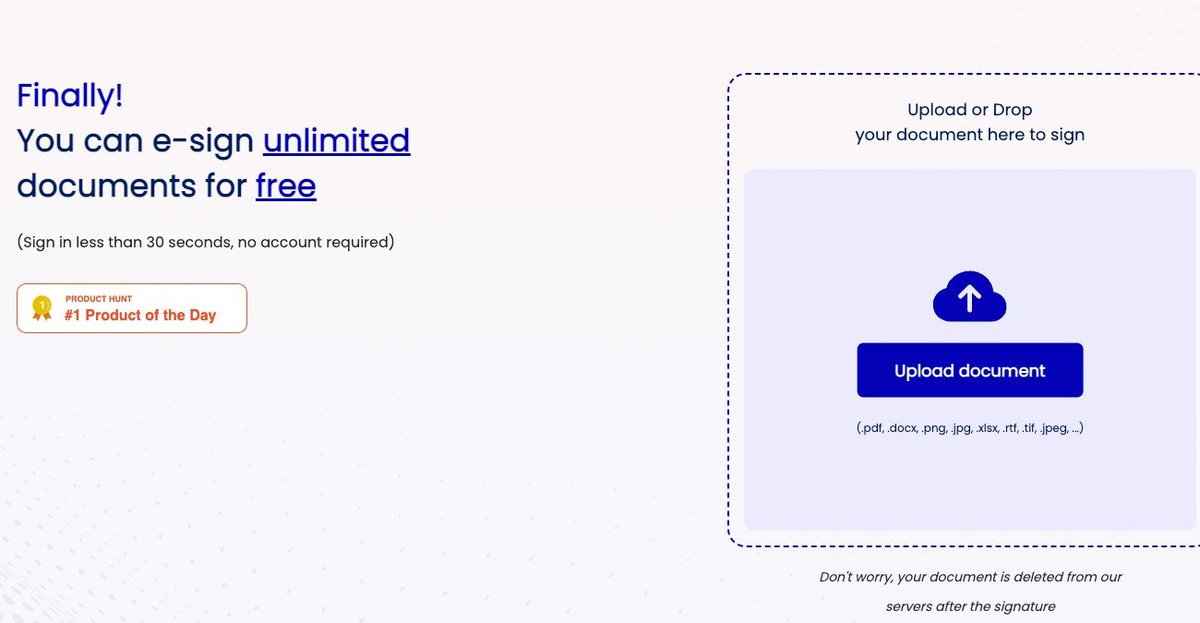
E-sign an unlimited number of documents for free in under 30 seconds.

Simply upload, sign, and send—no account required.


https://t.co/NpiPdNgA7K

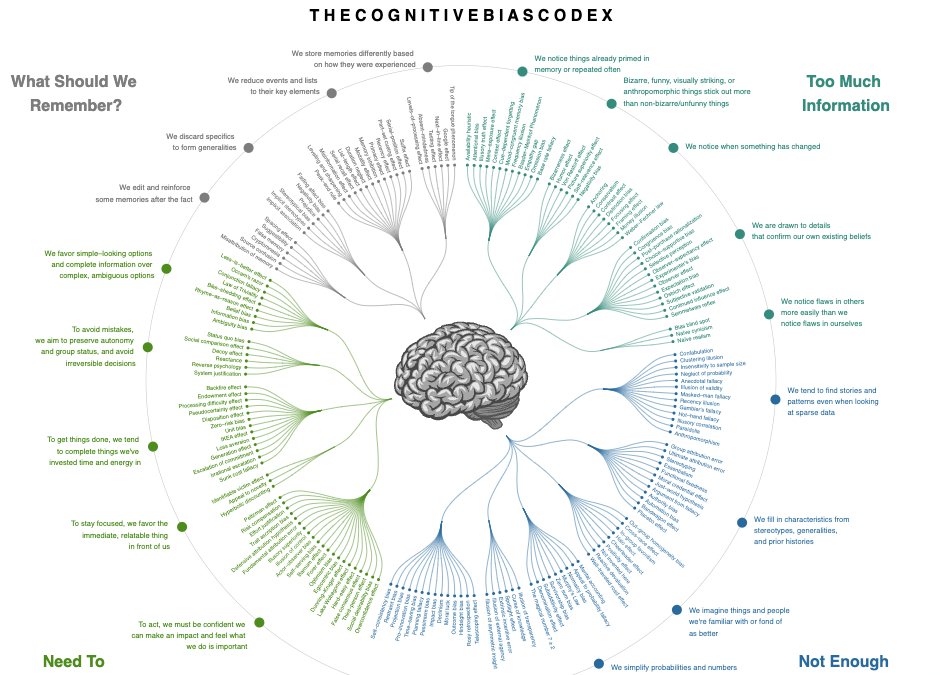
A infographic of 200+ of the most important cognitive biases from Wikipedia.

Side: @buster has one of the best personal websites I’ve ever seen.

More from All

Master Thread of all my threads!

Hello!! 👋

• I have curated some of the best tweets from the best traders we know of.

• Making one master thread and will keep posting all my threads under this.

• Go through this for super learning/value totally free of cost! 😃

1. 7 FREE OPTION TRADING COURSES FOR


2. THE ABSOLUTE BEST 15 SCANNERS EXPERTS ARE USING

Got these scanners from the following accounts:

1. @Pathik_Trader
2. @sanjufunda
3. @sanstocktrader
4. @SouravSenguptaI
5. @Rishikesh_ADX


3. 12 TRADING SETUPS which experts are using.

These setups I found from the following 4 accounts:

1. @Pathik_Trader
2. @sourabhsiso19
3. @ITRADE191
4.


4. Curated tweets on HOW TO SELL STRADDLES.

Everything covered in this thread.
1. Management
2. How to initiate
3. When to exit straddles
4. Examples
5. Videos on

You May Also Like

Ivor Cummins has been wrong (or lying) almost entirely throughout this pandemic and got paid handsomly for it.

He has been wrong (or lying) so often that it will be nearly impossible for me to track every grift, lie, deceit, manipulation he has pulled. I will use...


... other sources who have been trying to shine on light on this grifter (as I have tried to do, time and again:


Example #1: "Still not seeing Sweden signal versus Denmark really"... There it was (Images attached).
19 to 80 is an over 300% difference.

Tweet: https://t.co/36FnYnsRT9


Example #2 - "Yes, I'm comparing the Noridcs / No, you cannot compare the Nordics."

I wonder why...

Tweets: https://t.co/XLfoX4rpck / https://t.co/vjE1ctLU5x


Example #3 - "I'm only looking at what makes the data fit in my favour" a.k.a moving the goalposts.

Tweets: https://t.co/vcDpTu3qyj / https://t.co/CA3N6hC2Lq