10 insanely useful websites you’ll be kicking yourself you didn’t know (until now):

#1: https://t.co/0TQkimtKgY

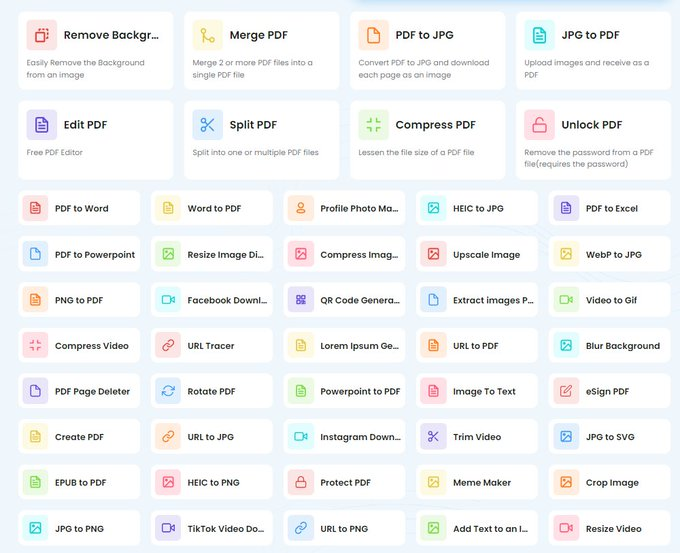
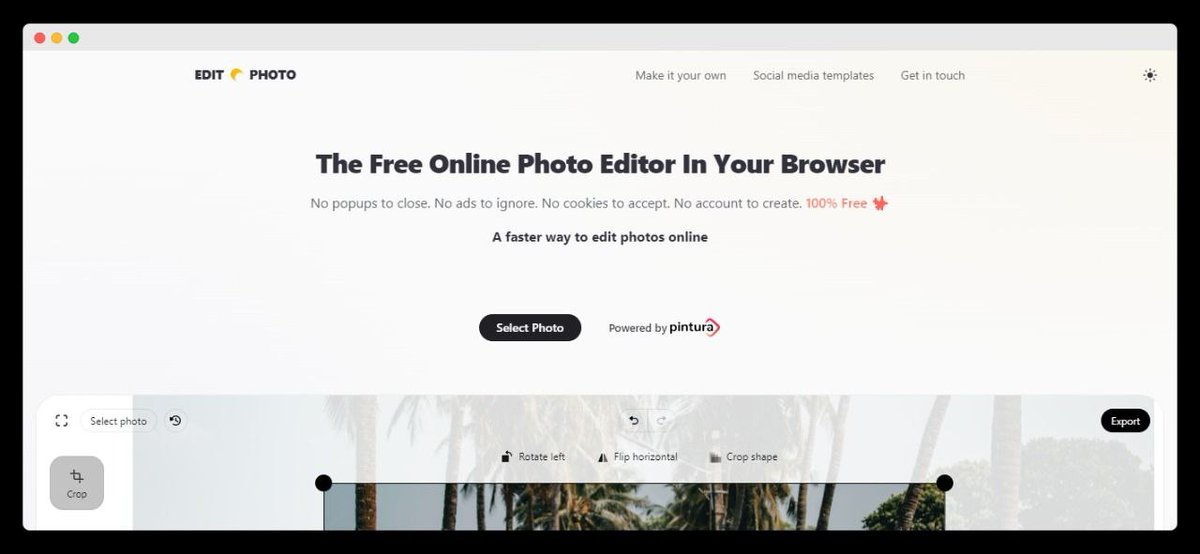
No more expensive photo editors.

Welcome to a free online photo editor in your browser.

What? Yes, that’s right.
• No popups
• No ads
• No cookies
• No account to create
• 100% free

Just select a photo and get going!
#2: https://t.co/mfr6V6kztv

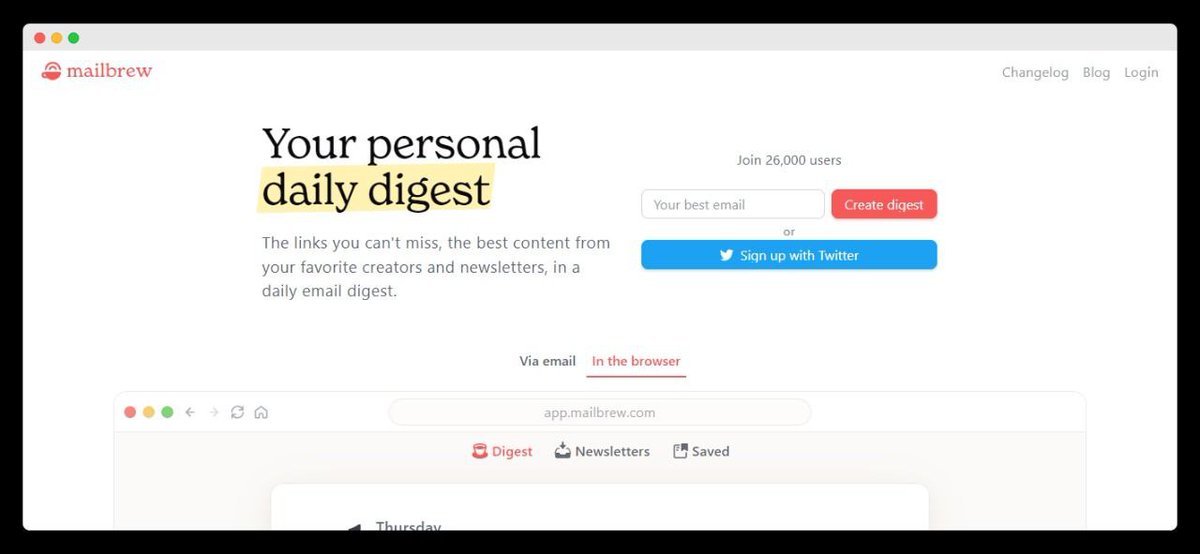
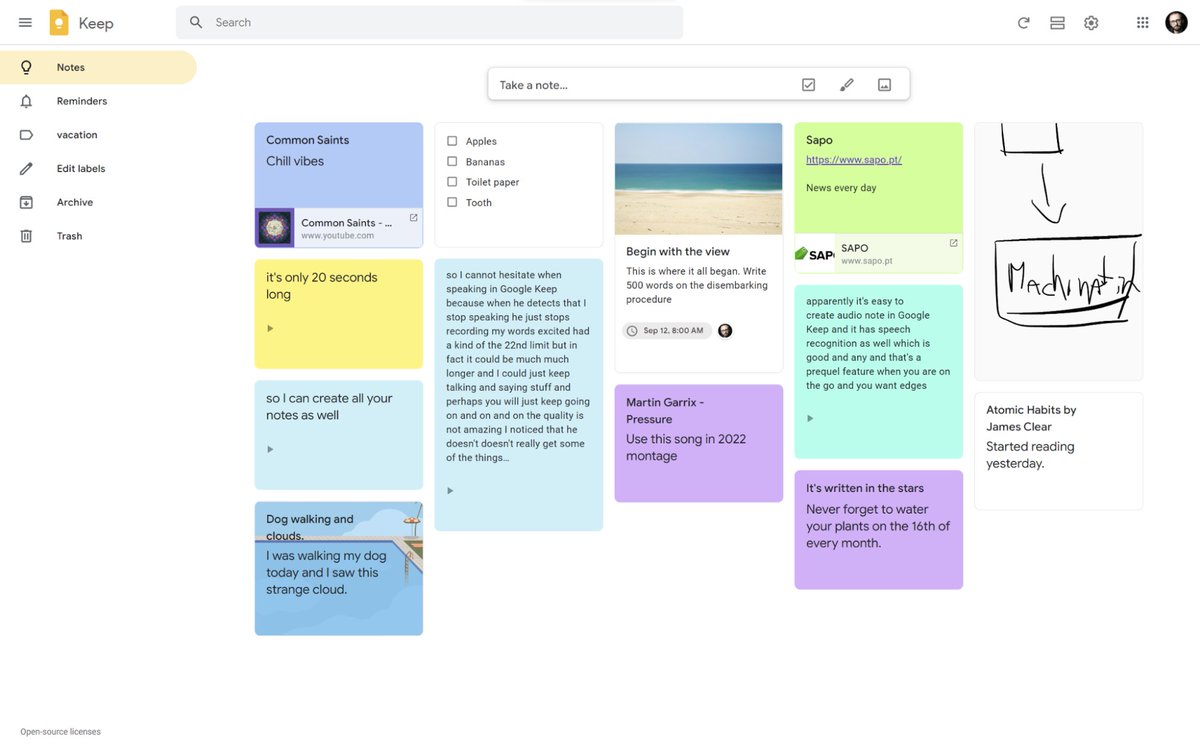
Tame the firehose of information with one daily email that curates all your favourite sources and links in one place.

You’ll get:
• Emails
• Twitter Accounts
• YouTube Channels

Staying on top of good information has never been easier.
#3: https://t.co/rjquIV2eXs

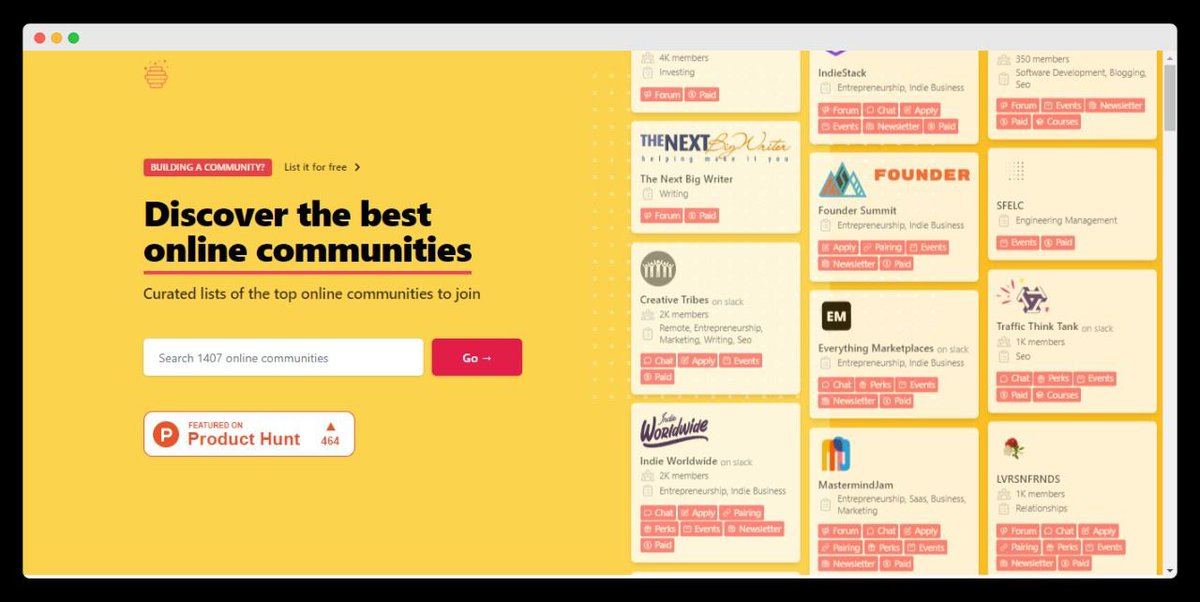
Looking to meet like-minded people but don’t know where to start?

Welcome to The Hive Index: A directory of online communities.

Find communities organized by topics, across all major platforms:
• Reddit
• Discord
• Slack
• Facebook
#4: https://t.co/nYfOIbZzr0

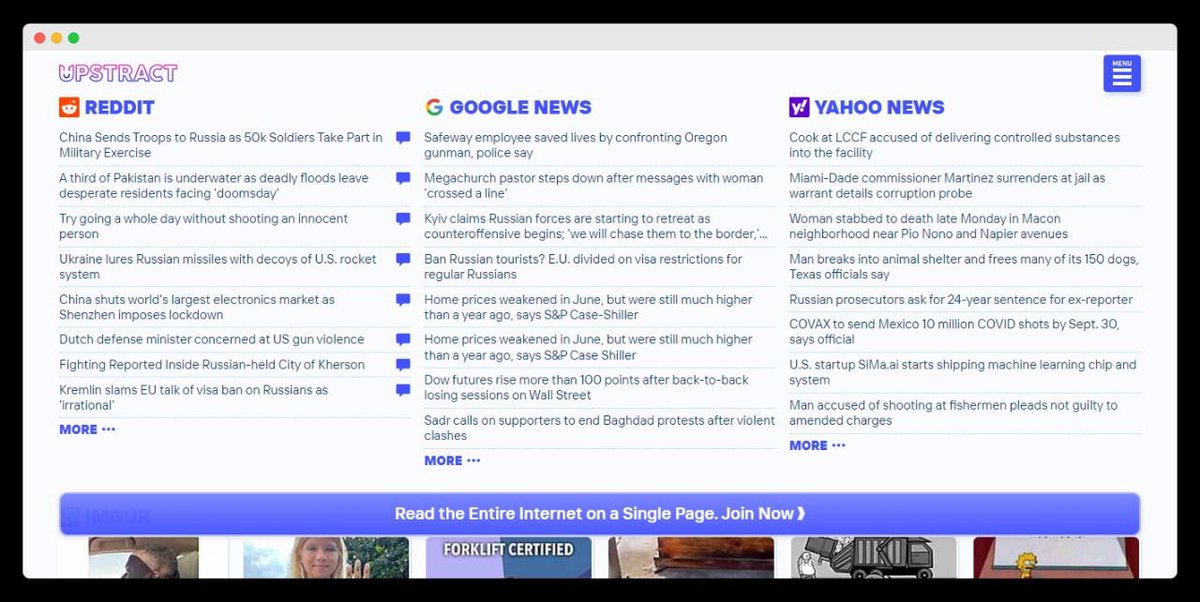
Read the entire internet on a single page.

Upstract has headlines and links to the most popular news sites in the world:

• Reddit
• Reuters
• NY Times
• YouTube
• Vice
• Buzzfeed

Never miss a beat.
#5: https://t.co/BerQSMzZDY

If you’re like me, you’re constantly signing up for new subscriptions online.

Your inbox pays a hefty price.

Luckily, Throttle automatically generates unique email addresses and combines all sign-ups into a single daily digest email.

Nice.
#6: https://t.co/i7OSuHSrwU

Learn and grow with help from world-class mentors for free.

Find, book and meet one of over 9k (vetted) mentors for professional guidance of any kind.

Like what?
• Ask for career advice
• Develop skills
• Get coaching
• Learn new knowledge
#7: https://t.co/3bRRqEfrd3

A comprehensive database of the world’s most wondrous places & foods.

Their mission?

To inspire wonder & curiosity about the incredible world we all share.

Find travel tips, articles, strange facts & unique events to discover the unexpected.
#8: https://t.co/NwlCsJ05zs

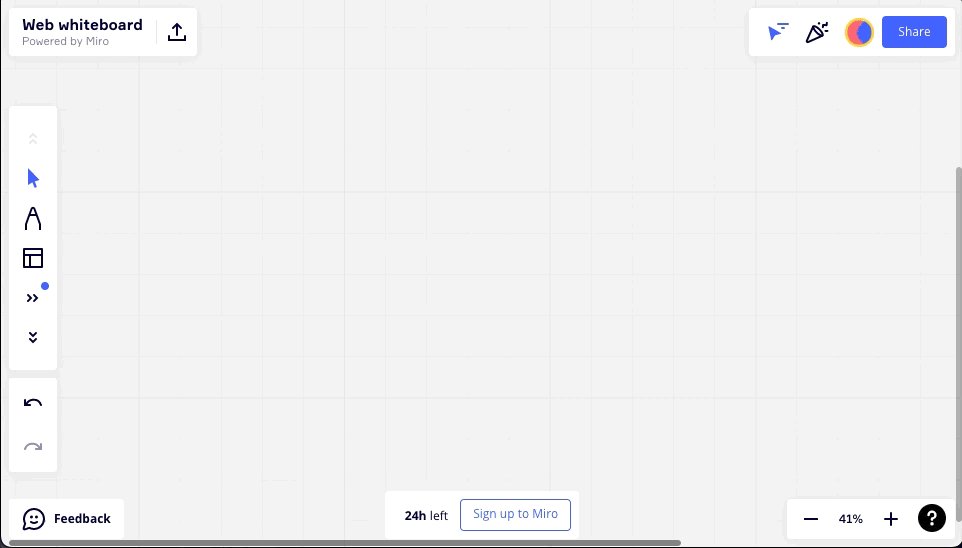
A free simple online whiteboard you can use without signup up or signing in.

Sketch ideas, brainstorm with a group, or build diagrams and charts.

Useful whether you're leading a workshop, conducting an interview, or problem solving.
#9: https://t.co/blMbmReaPX

For the trend hunters among us.

This tool helps you understand the economic dynamics and new growth opportunities for every country worldwide.

For example:
• Which new industries are likely to emerge?
• Which are likely to disappear?
#10: https://t.co/1YpVFoRNPI

A curation of the best documentary films online—both educational and entertainment.

"The formula for a great documentary is half Hollywood blockbuster and half Ivy League Education."

Knowledge is power.
That's 10 of the most useful websites you haven't heard of.

If you enjoyed this thread:

1. Follow me @_alexbrogan for more thought-provoking content to help you get better at the game of life
2. RT the tweet below to share this with others who might enjoy it :) https://t.co/BCCvh2rBpI

More from Alex Brogan

10 insanely useful free websites you needed but no one told you about (instant bookmarks):

#1:
https://t.co/jRQsijD6i7

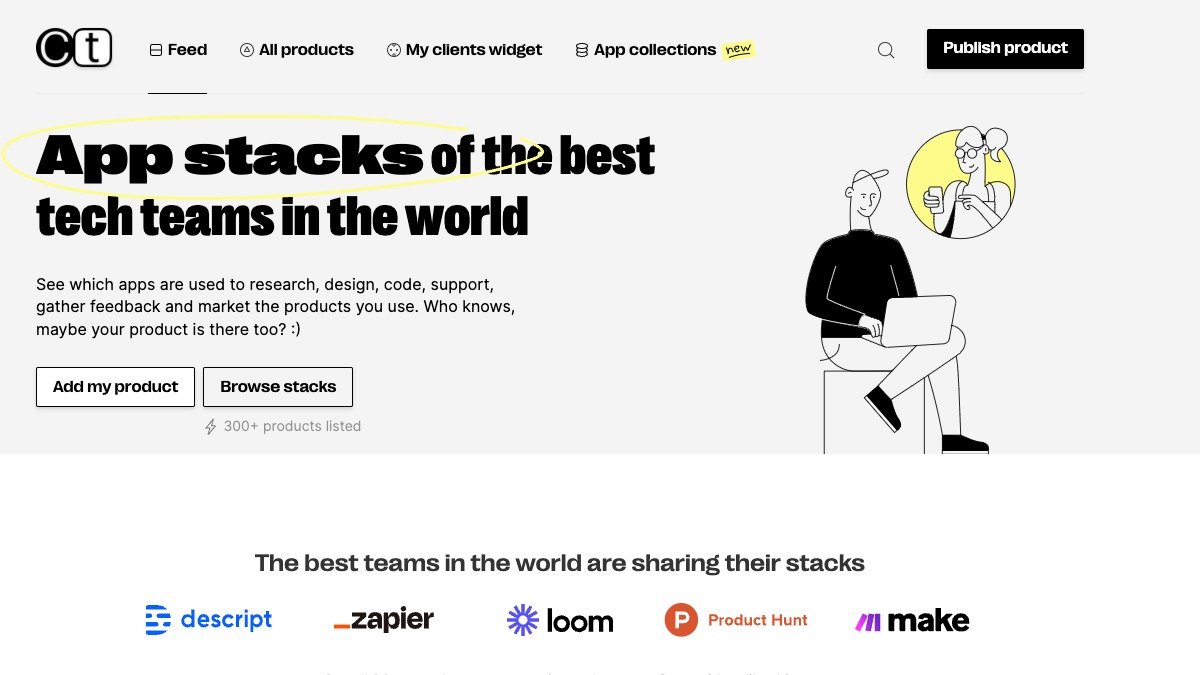
Ever wondered what technology the most successful startups in the world are using?

Wonder no more.

CT provides a curation of the design, research, code, support, and feedback tools of the best tech teams.

https://t.co/utBqlcETqP


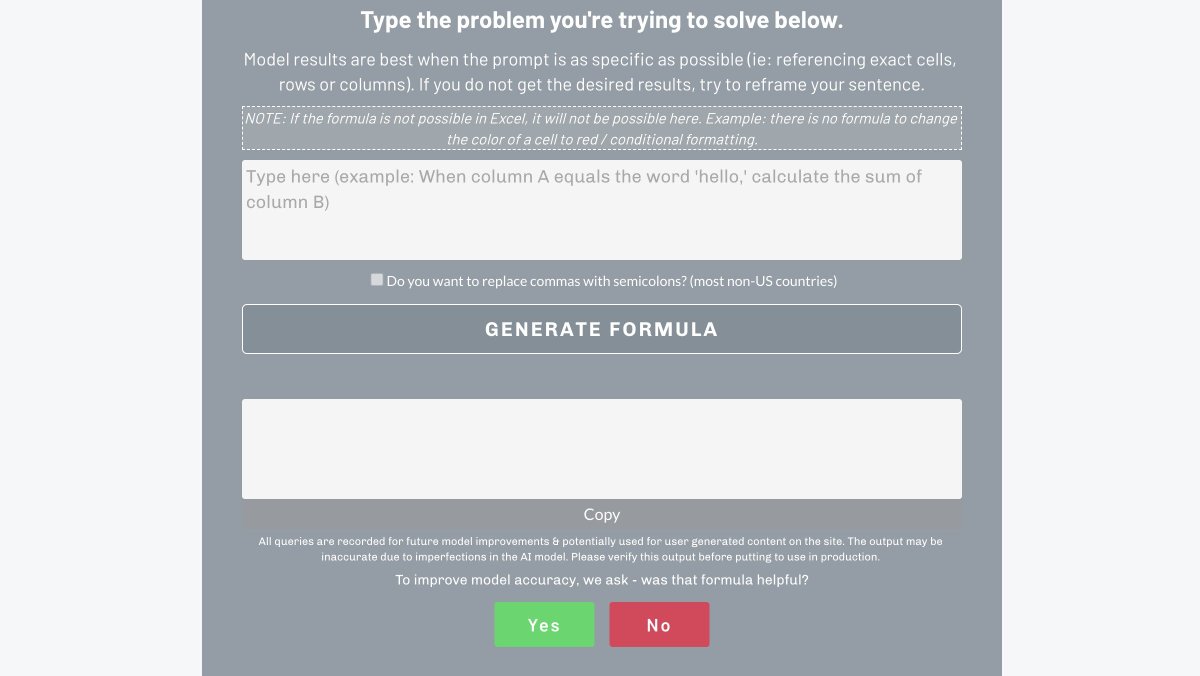
#2: Excel Formula Bot

Using excel, but forgot the right formula? @bresslertweets has you sorted.

Excel Formula Bot uses AI to transform text instructions to an excel formula.

The result? No more remembering complicated excel formulas.

https://t.co/2oBbrpX5lt


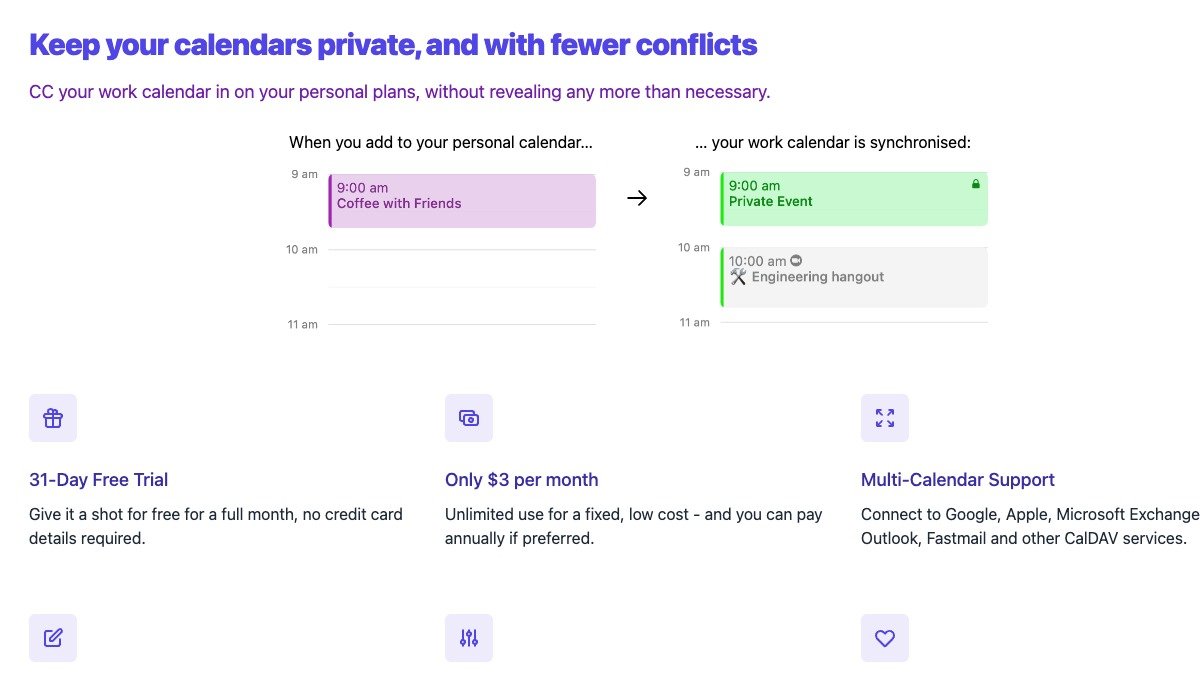
#3: Calm Calendar

Synchronise your events between your personal and work calendars, while excluding private details.

The result?
• Fewer conflicts
• Better privacy
• One source of truth for your personal & work calendar

https://t.co/6cLYX37cFl


#4: TypeLit

Kill two birds with one stone with TypeLit:

1) Improve your typing skills
2) Learn from any book in the world

How? TypeLit provides typing practice on any of your favourite books—or you can choose from dozens of pre-loaded classics.
Even the most well-informed internet user wouldn't know all of these 10 incredibly useful websites:

https://t.co/1hzVWpuYW8

Dread creating slide decks?

Meet Gamma.

You’ll write it like a doc and present it like a deck—and it’ll be done in half the time.

It’s like @NotionHQ and @canva had a baby.

Best features:
• One click deck restyling
• Flexible templates


https://t.co/hrIaTNqGgP

A powerful realistic photo generator and illustration designer that automatically creates pictures based on your text inputs.

Stop searching for hours to find stock images.

Create original images in minutes for any use case.


https://t.co/It3eg55Z92

An AI-powered summarization tool that’s "on a mission to help people be more productive with their knowledge."

Upword lets you learn 10x faster by capturing key ideas and generating personalized summaries with one-click.

Make your learning efficient.


https://t.co/B4VlMd1oMn

Visual Capitalist creates data-driven visuals to cut through the clutter and simplify our complex world.

It covers topics including markets, technology, energy, and the global economy.
Apple Mac apps are the most powerful productivity tools on earth.

Use them properly and they'll save you hours, days, even weeks.

Here are 10 of the most useful Mac apps in existence:

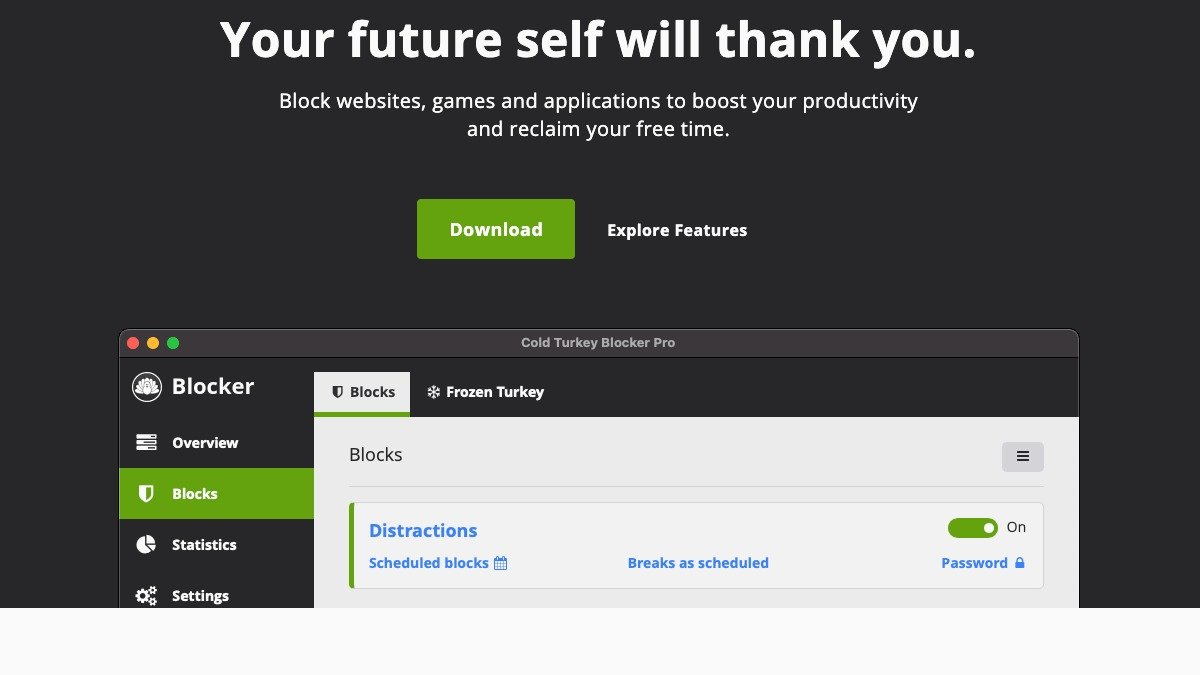
Cold Turkey

Cold Turkey is the most versatile website and application blocker for Mac’s.

It’s got advanced scheduling features, clever barriers to unblocking sites, and doesn’t collect any of your data.

https://t.co/ylt9e4gF9G


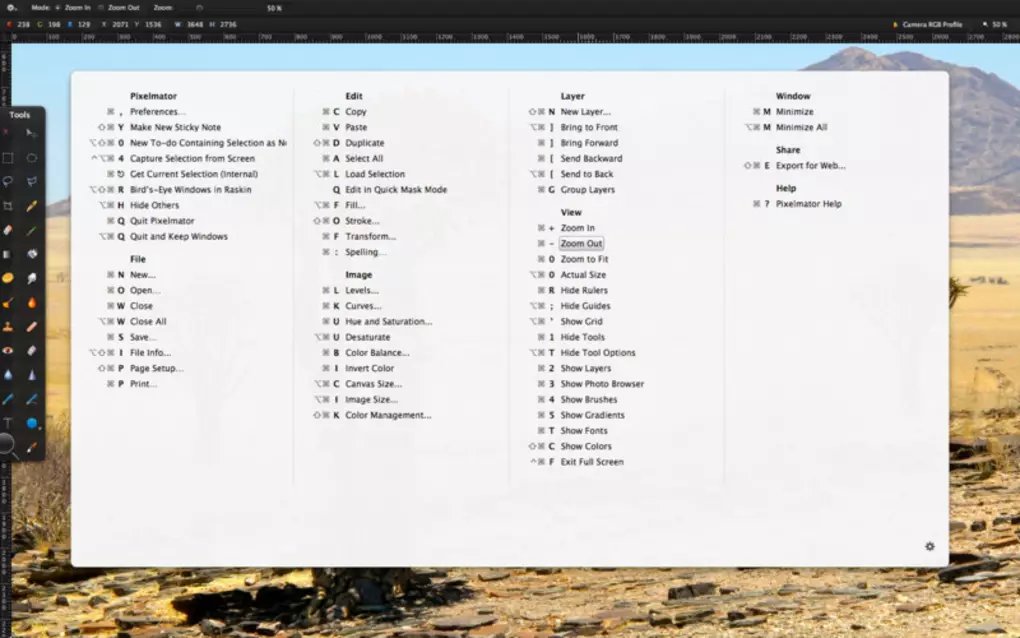
CheatSheet

CheatSheet helps you memorize keyboard shortcuts for all your favourite Mac apps.

Just hold the Command Key for a few seconds and you’ll get a list of every shortcut available in that app.

https://t.co/n8SV5URNUM


Meeter

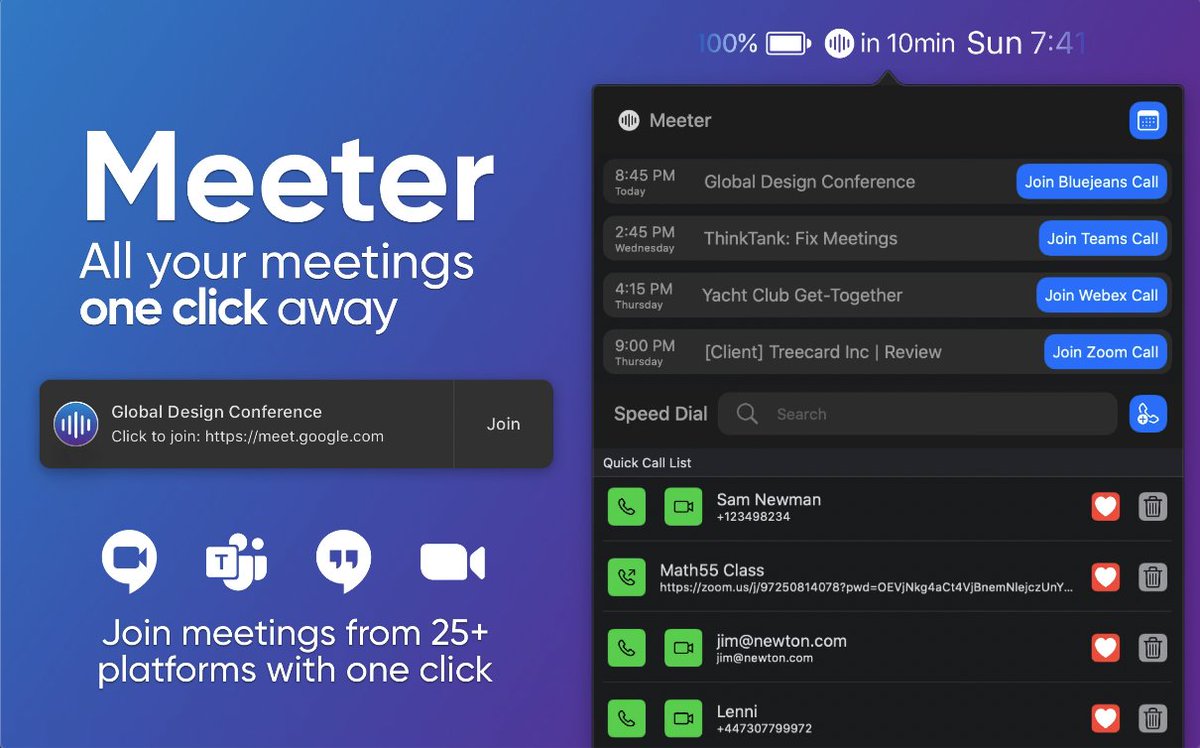
Join Zoom, Google Meet, or other virtual conference meetings faster with Meeter.

Meeter automatically pulls your upcoming calls and puts them in your menu bar, letting you manage them all in one place.

https://t.co/VJL0vr9RDJ


Fantastical — Calendar

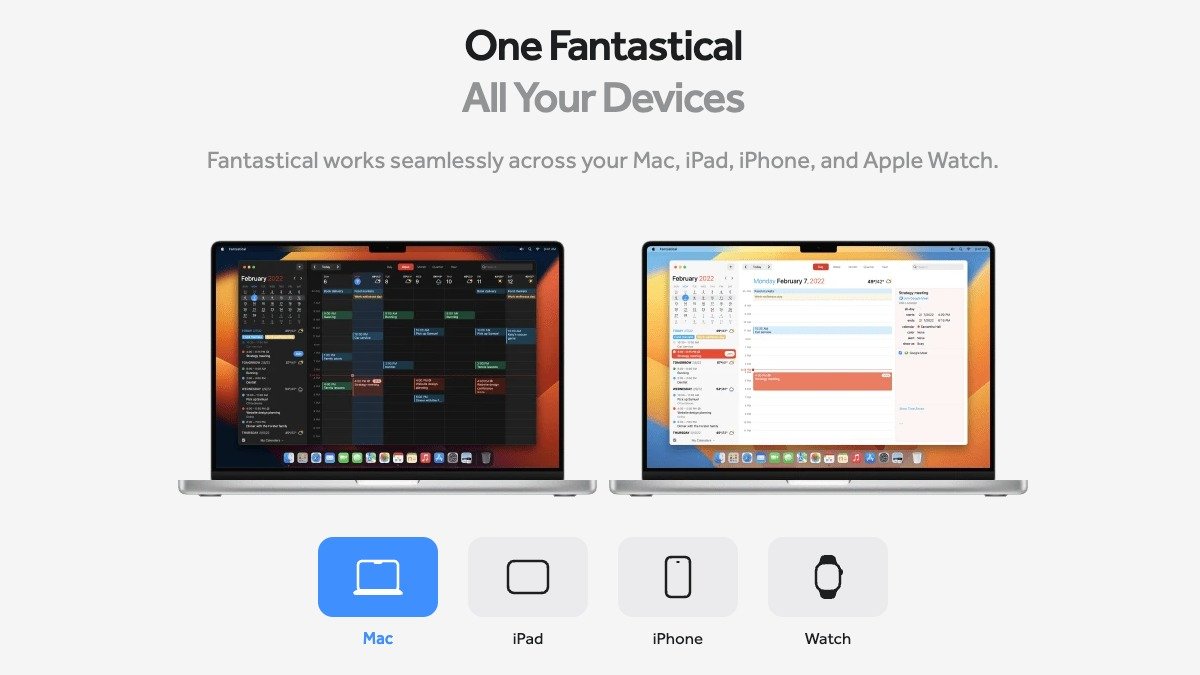
Fantastical is the best calendar available for Mac.

It’s got everything you’d expect from a modern calendar app and a little bit extra, including Time Zone sync, reminders, weather forecast, and more.

https://t.co/Q9ecOq6MOp

More from Website

10 websites you didn't know you were missing (until now) :

https://t.co/vC0nCFDmk0

People are visual learners.

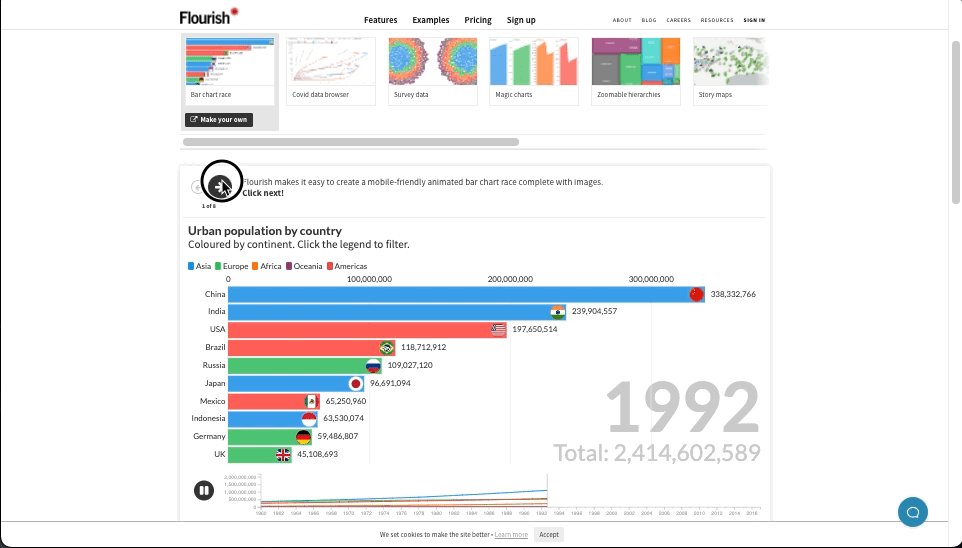
Easily turn your data into stunning charts, maps, and interactive stories.

Upload a spreadsheet, and return with:

• Animated bar charts
• Survey data
• Scatter plots
• Story maps & more


https://t.co/g9YBl2ELwq

Looking for a way to make your presentations more engaging?

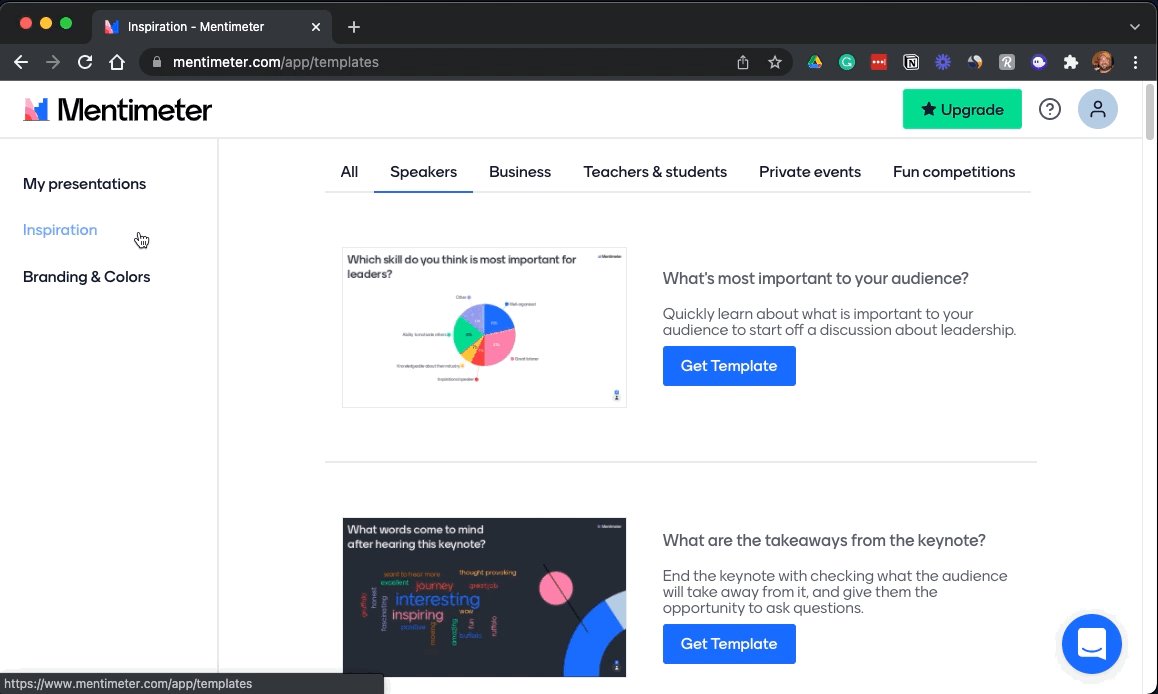
Build interactive polls, quizzes, and more allowing your audience to engage in real-time.

Using their smartphone, attendees can answer questions and the results are visualized as they happen.


https://t.co/wsUNfyHzFb

An online collaborative whiteboard ideal for remote meetings, brainstorming, and ideation across teams.

• Make flowcharts
• Build product roadmaps
• Engage in a quick retrospective

The best part?

It's free.


https://t.co/RxDEsvPB2w

My friend @thejustinwelsh brought this site to my attention recently.

If you're in the solopreneur game and need to spin up a quick landing page or website for just about anything, Carrd is tough to beat.

Simple, free, mobile responsive.

Check 'em out.

You May Also Like

"I really want to break into Product Management"

make products.

"If only someone would tell me how I can get a startup to notice me."

Make Products.

"I guess it's impossible and I'll never break into the industry."

MAKE PRODUCTS.

Courtesy of @edbrisson's wonderful thread on breaking into comics –
https://t.co/TgNblNSCBj – here is why the same applies to Product Management, too.


There is no better way of learning the craft of product, or proving your potential to employers, than just doing it.

You do not need anybody's permission. We don't have diplomas, nor doctorates. We can barely agree on a single standard of what a Product Manager is supposed to do.

But – there is at least one blindingly obvious industry consensus – a Product Manager makes Products.

And they don't need to be kept at the exact right temperature, given endless resource, or carefully protected in order to do this.

They find their own way.