10 Google Calendar tips so good that you'll kick yourself for not knowing them :

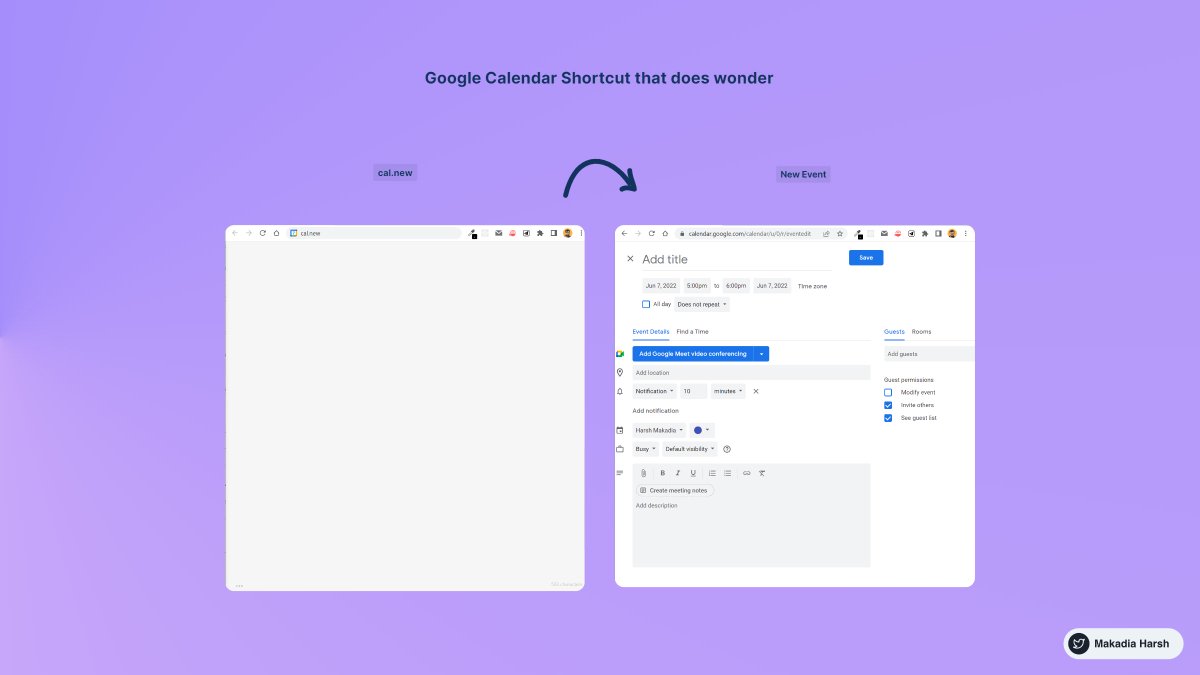
1. Create New Calendar Event

use https://t.co/eFpzENNmRR to quickly create a new calendar event.

Save time by avoiding multiple clicks.
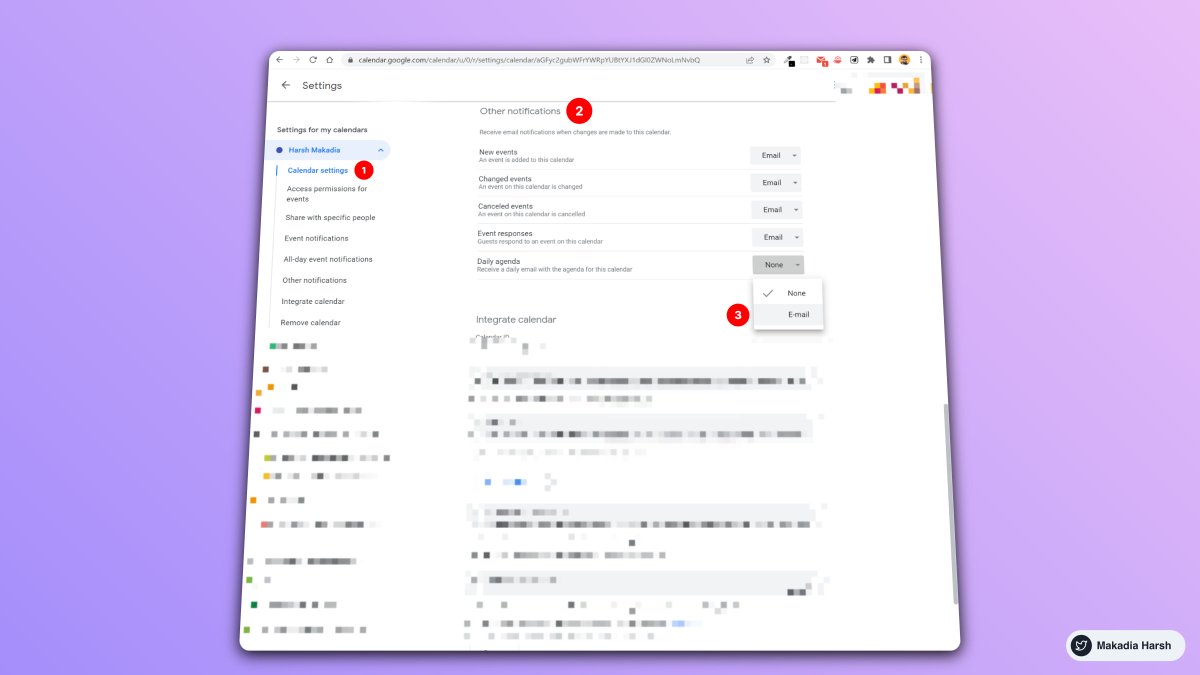
2. Daily Email Digest

Start your day with a daily agenda in your Gmail inbox, based on your Google Calendar schedule.

To Activate:

1. Go to settings

2. Settings for my calendars

3. Go to Other notifications

4. Daily Agenda → Select Email
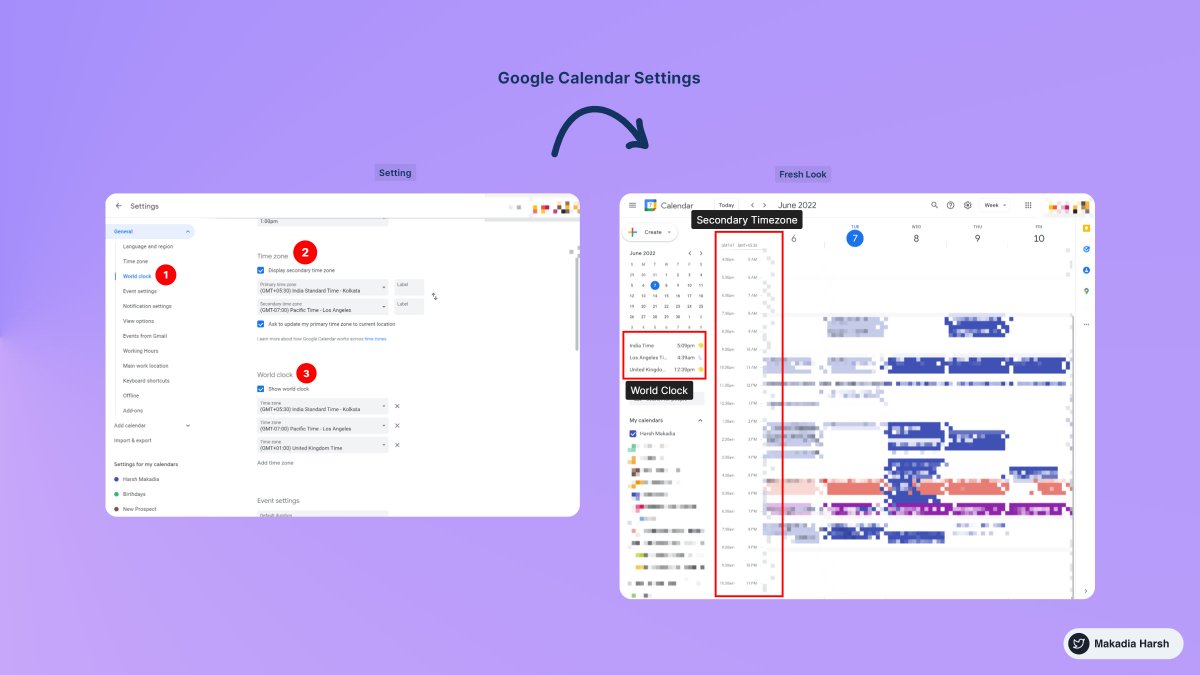
3. Display World Clock and Secondary Timezone

Never leave the calendar to check the time in another timezone.

Everything at one place, 10X Productivity.

To Activate:

1. Go to settings

2. World Clock, Add countries you want
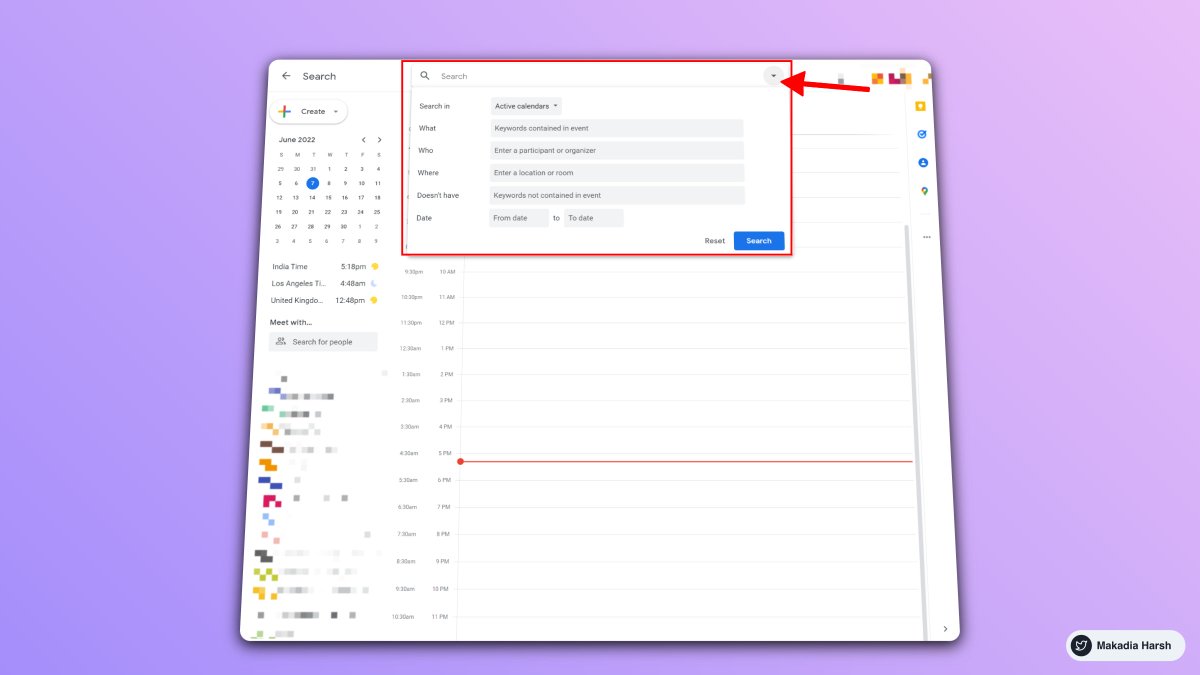
4. Advanced Search

Unlock results faster with smart search.

Everything works just like the Gmail Advanced filter.

Search faster, Save time.
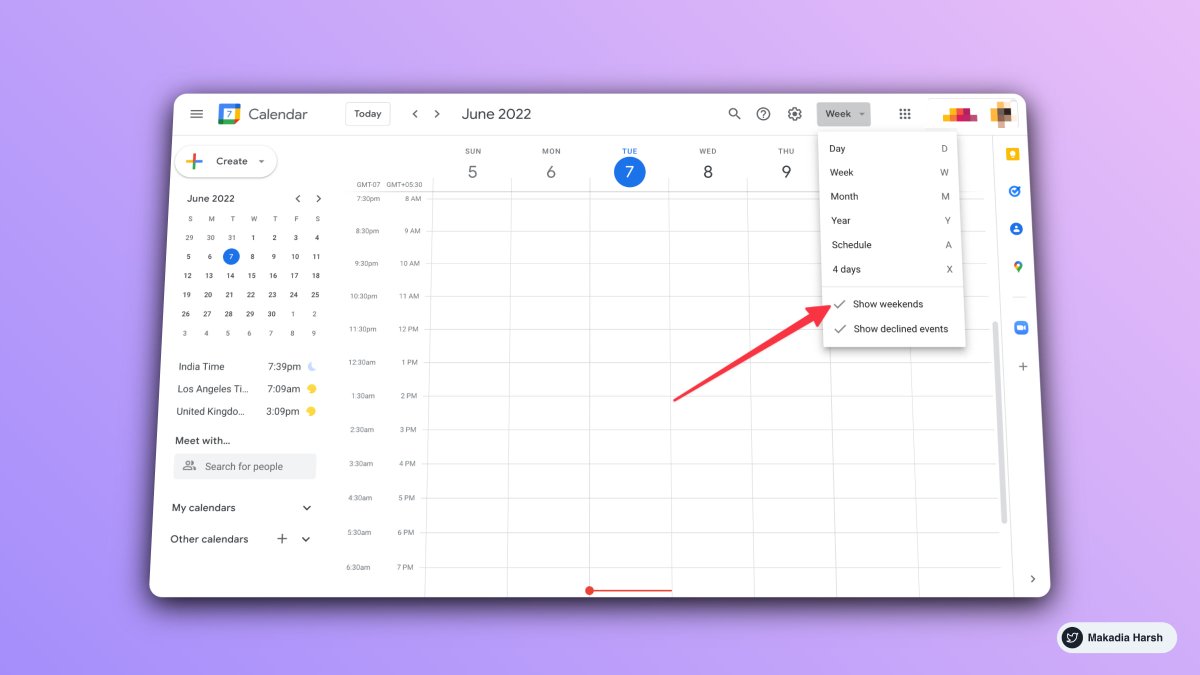
5. Hide / Show Weekends

In seconds, switch between weekend and weekday views.

Stay focused on what matters the most.
6. Merge Multiple Account Calendars into One

Want to combine your work and personal calendar to keep track of everything?

Simple it is:

1. Share your calendar from one account

2. Accept the invite and start seeing in another account
7. Trash Calender

Ever deleted an event by mistake?

It's simple to retrieve them by simply heading to the Trash.
8. Calendar Shortcuts

Learn these frequently used shortcuts :

Create event → c
Go to today’s view → t
Day view → d
Week view → w
Month view → m
Agenda view → a
Search → /
Settings → s
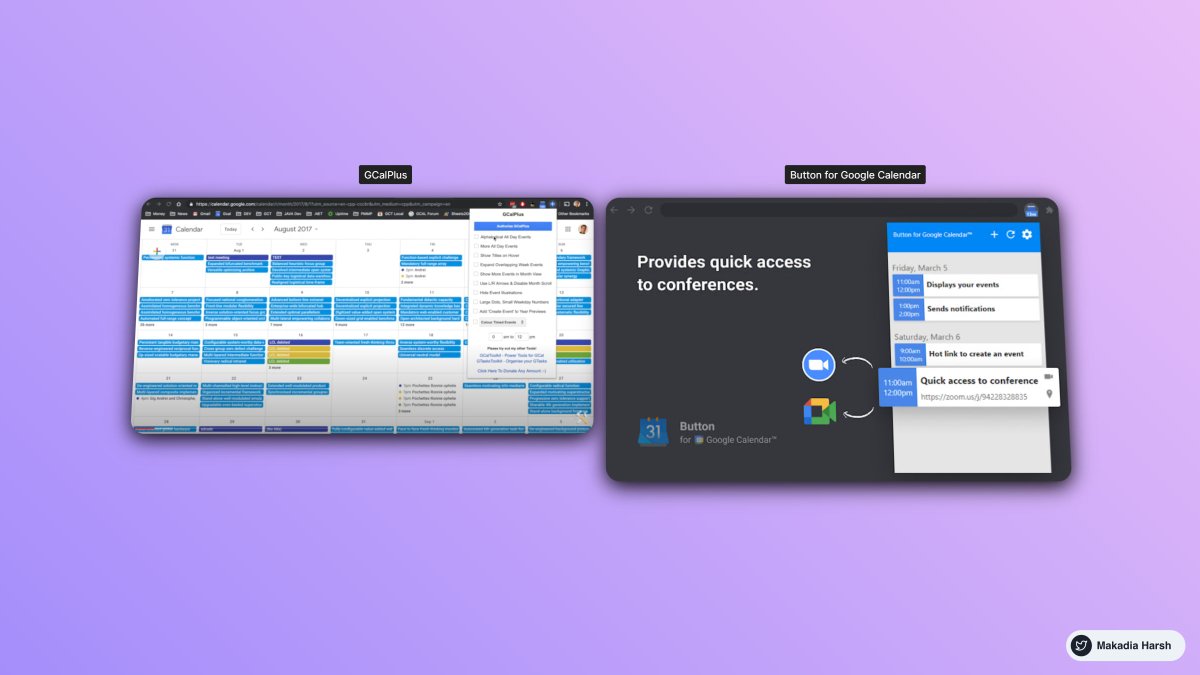
9. Chrome Extensions

Get Extra Options of Google Calendar with gCal—https://t.co/q0Pngi8F63

Button for Google Calendar—
https://t.co/CB9jiVJ7xf
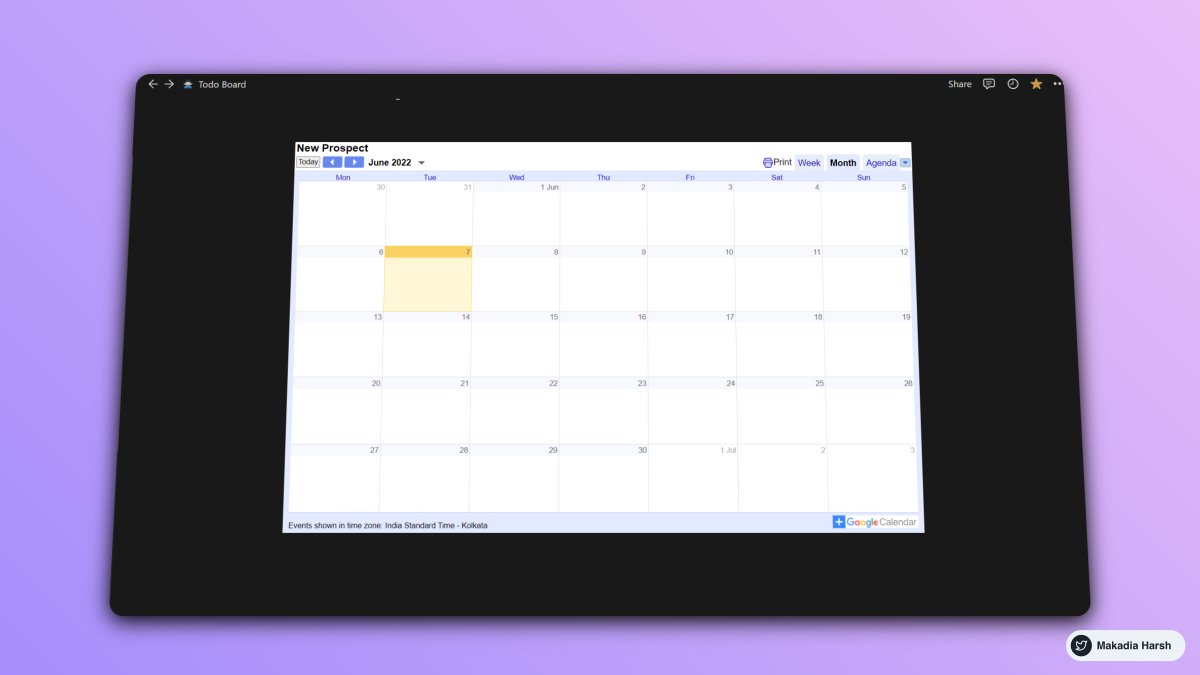
10. Publish a calendar to the website

Example: Embed GCal inside Notion

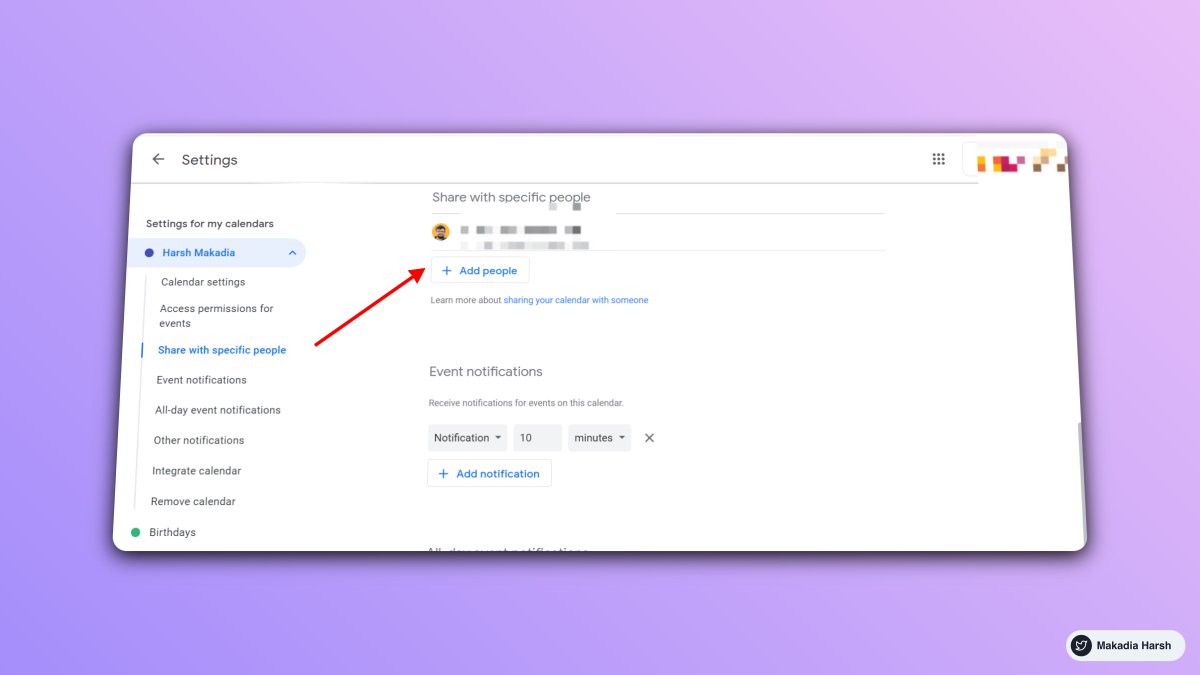
To Activate:

1. Go to settings

2. Select Calendar

3. Integrate calendar

4. Grab the embed code ( Make sure the calendar is public )
Thanks for checking this out.

Follow @Makadiaharsh for more such threads.

If you loved this thread, like and retweet the first tweet. https://t.co/oTEiigx4i3

More from Harsh Makadia

Everyone wants to grow on Twitter.

But only a few are aware of the right tools.

I went from 0 to 34,000 in 10 months.

Here's a list of 16 free Twitter tools that you cannot miss:

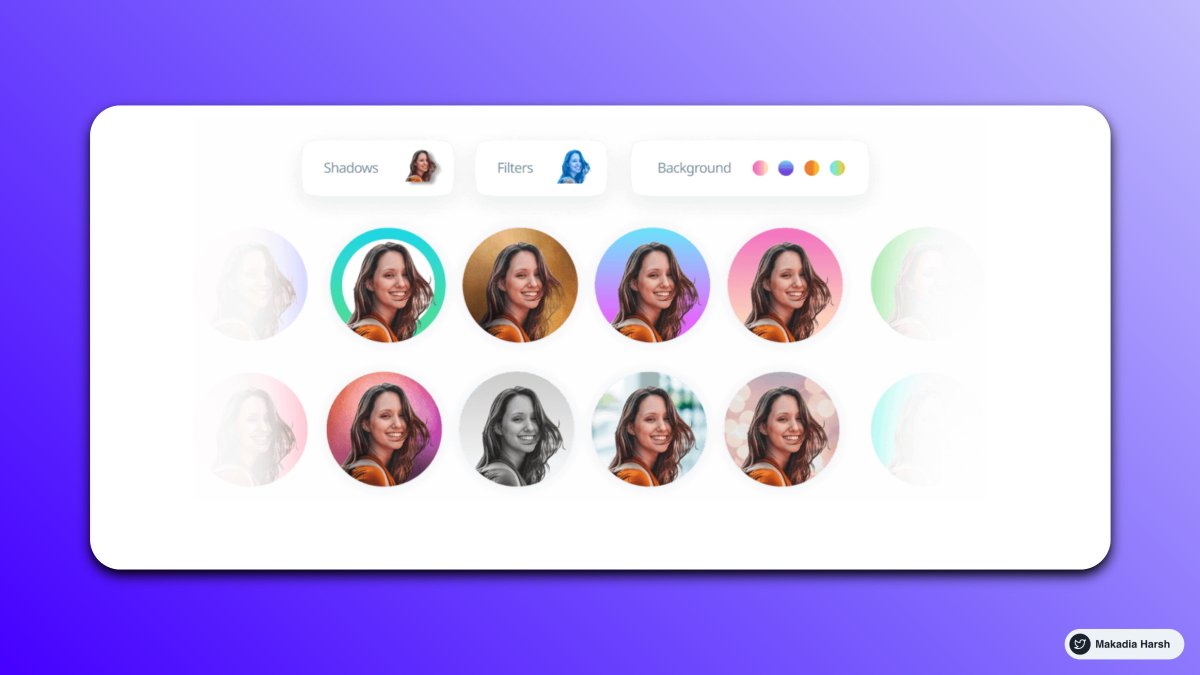
1. Profile Picture Maker

Remove the background easily and make an awesome profile picture.

Instantly generated profile pictures.

Get more views, likes with this Hack.

https://t.co/T5LqCQQ3xK


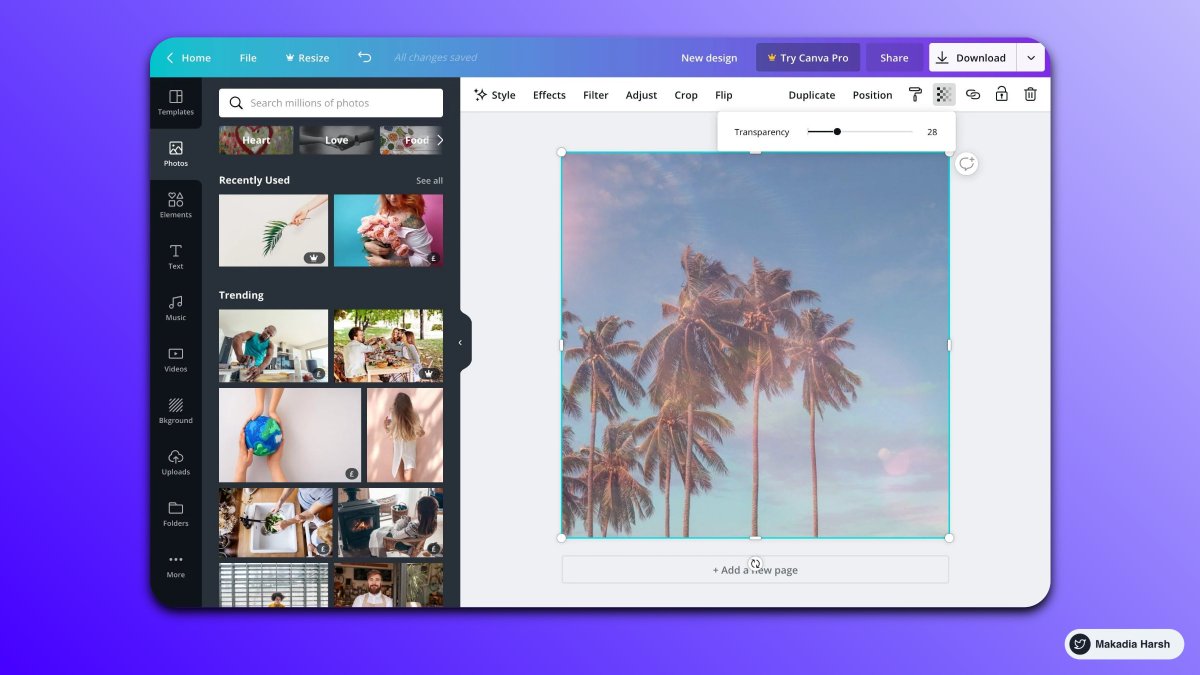
2. Canva

Create Beautiful Twitter Banners in minutes.

You can use it to create media images.

You can create a design and reuse them as your own brand.

https://t.co/brDgzY0LdX


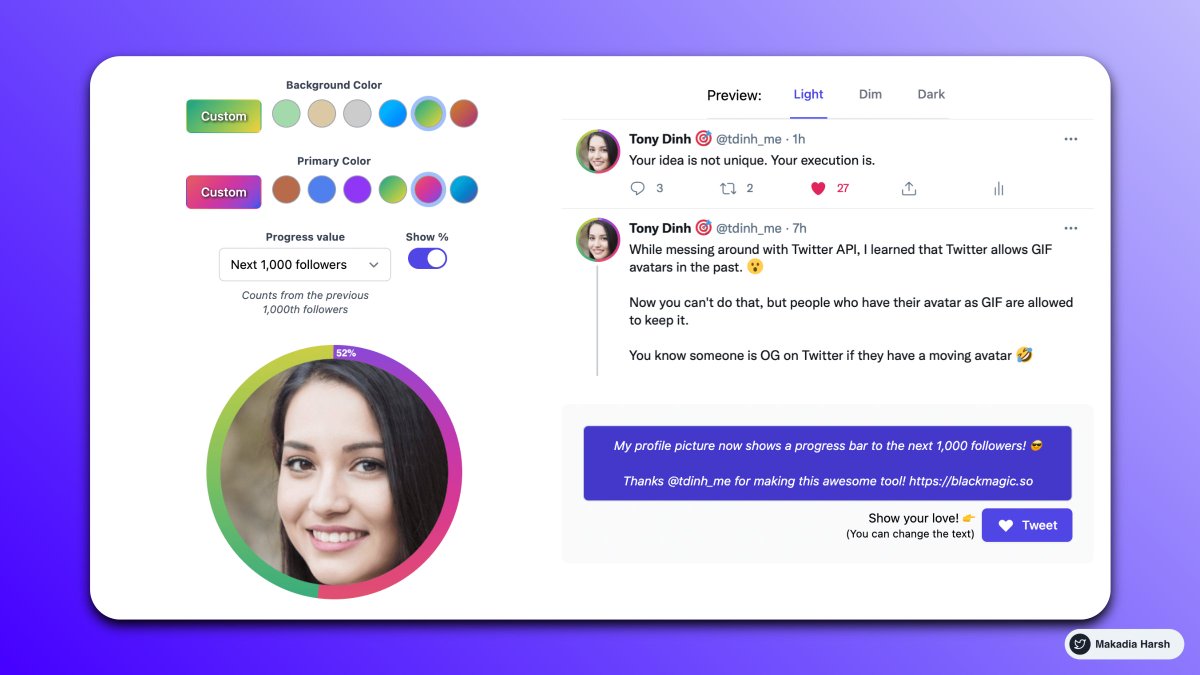
3. BlackMagic

Stand out on social media.

Real-time Banner and Profile Progress Bar.

Sleep Indicator.

Magic Sidebar for analytics.

https://t.co/9esv6KAqek


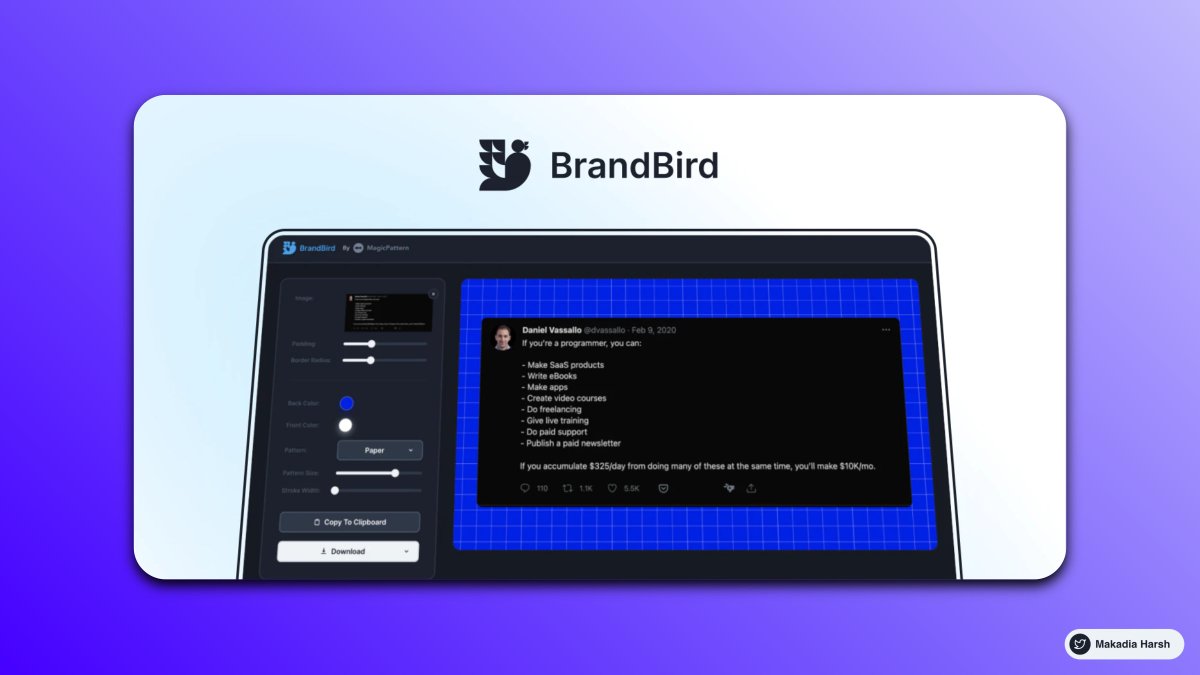
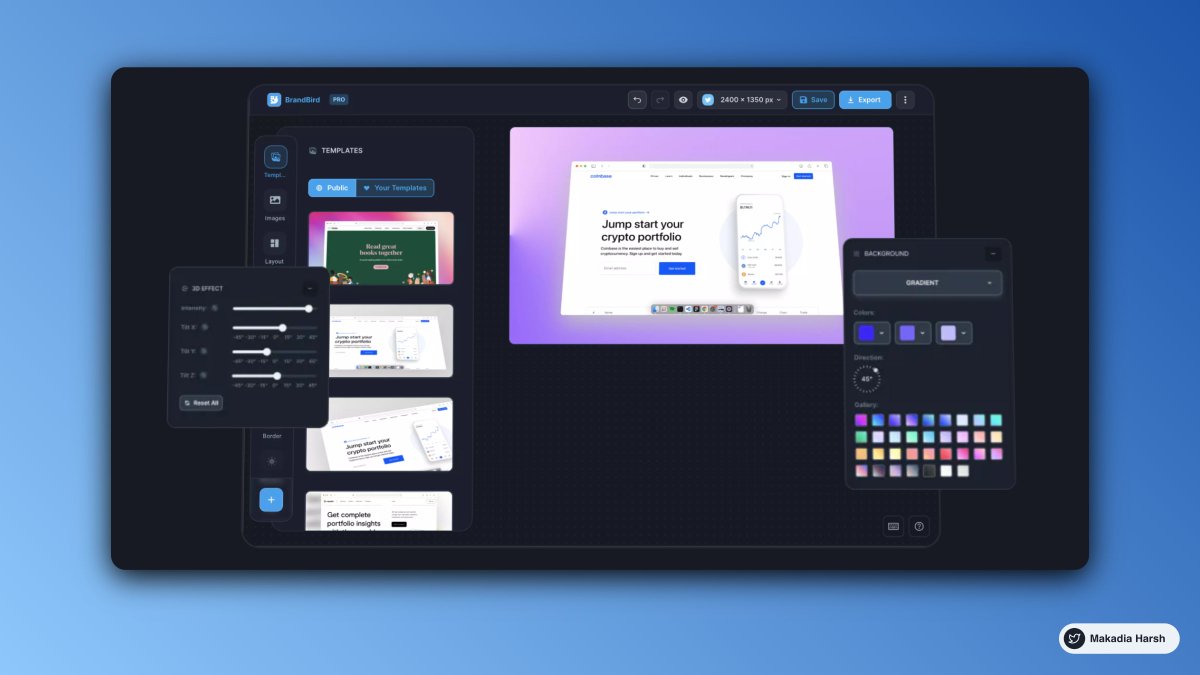
4. Brandbird (Similar to Purplephoto )

Turn your Images into beautiful social media posts.

https://t.co/jEr5ZlSHO5
Google Chrome has 137,345+ extensions.

But only a few are super handy.

Here are 10 Chrome extensions that you cannot miss:

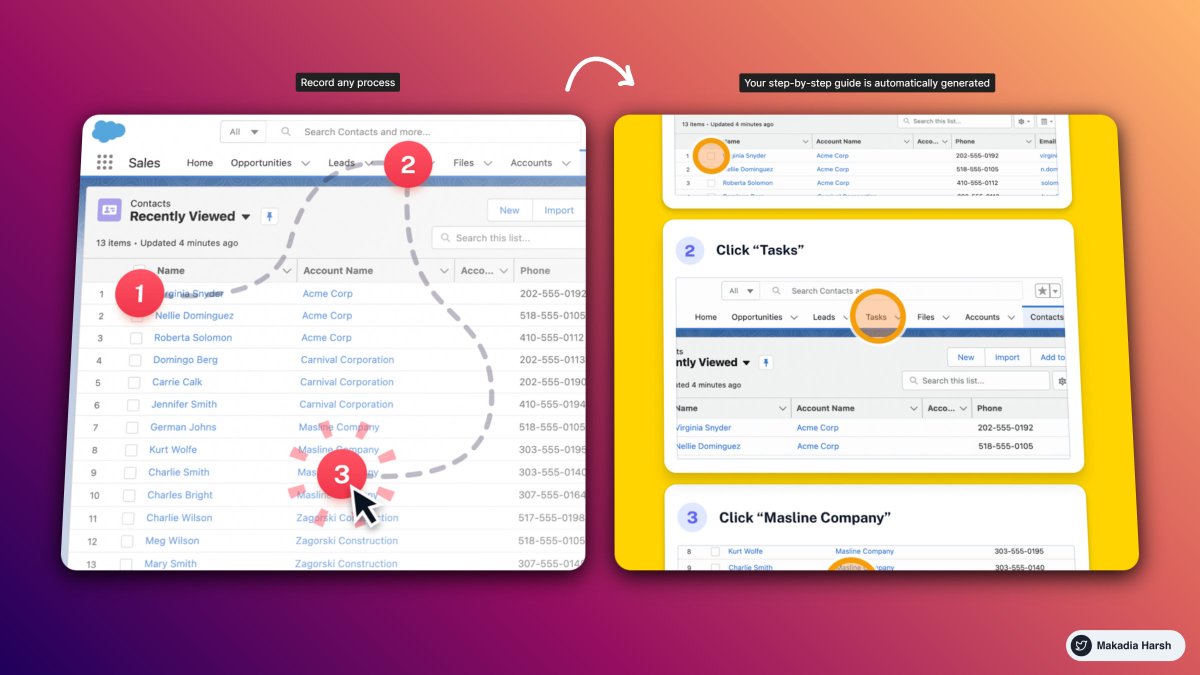
1. ScribeHow

Screen recording extension that turns any process into a guide instantly.

Perfect for: founders, creators, entrepreneurs, educators, and more.

Reduce the time you spend documenting and sharing processes by 93%

🔗
https://t.co/lPncjsnScF


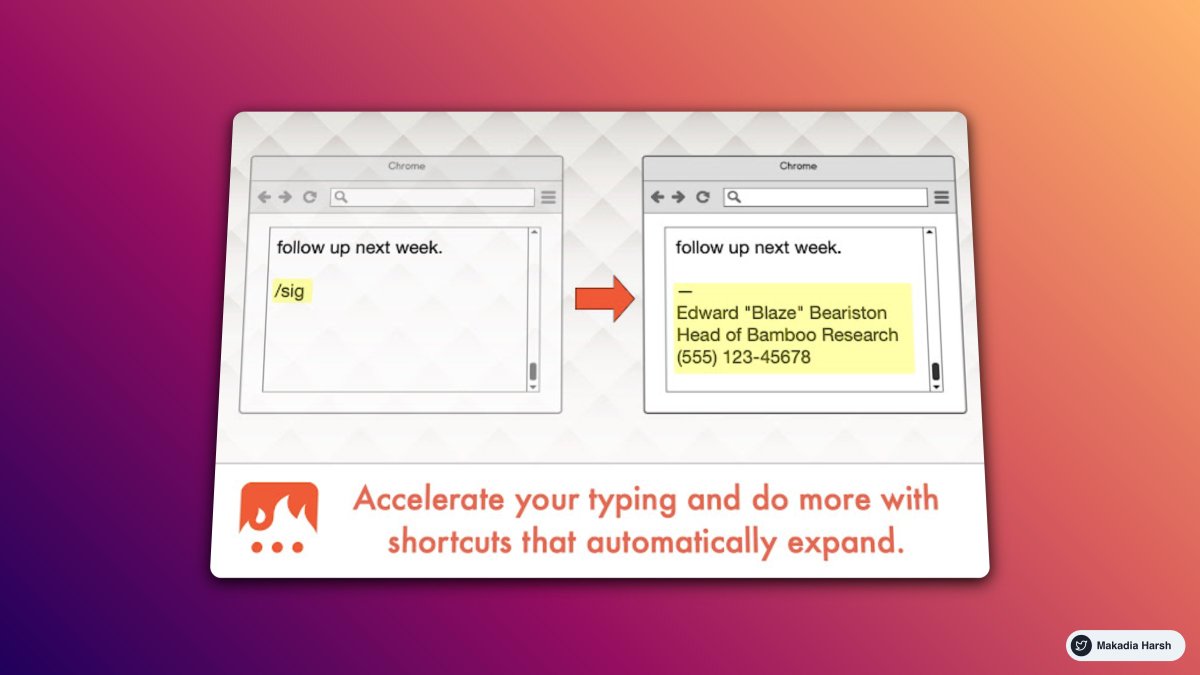
2. Text Blaze

Eliminate repetitive typing and mistakes.

Easy-to-use templates with endless customizability and powerful automation.

All with full control at your fingertips.

🔗 https://t.co/WB4ChCRrk3


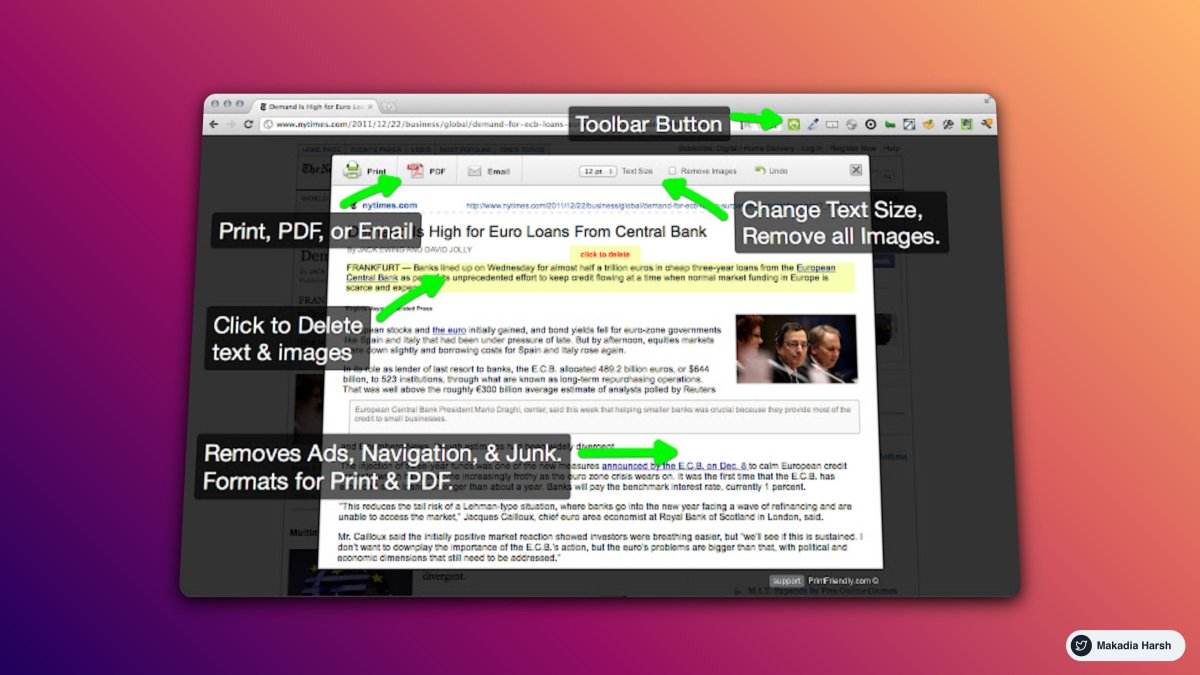
3. Print Friendly

Make any web page Print Friendly & PDF.

Removes Junk.

Editable Preview.

PDF with clickable links.

🔗 https://t.co/onthbnWhF6


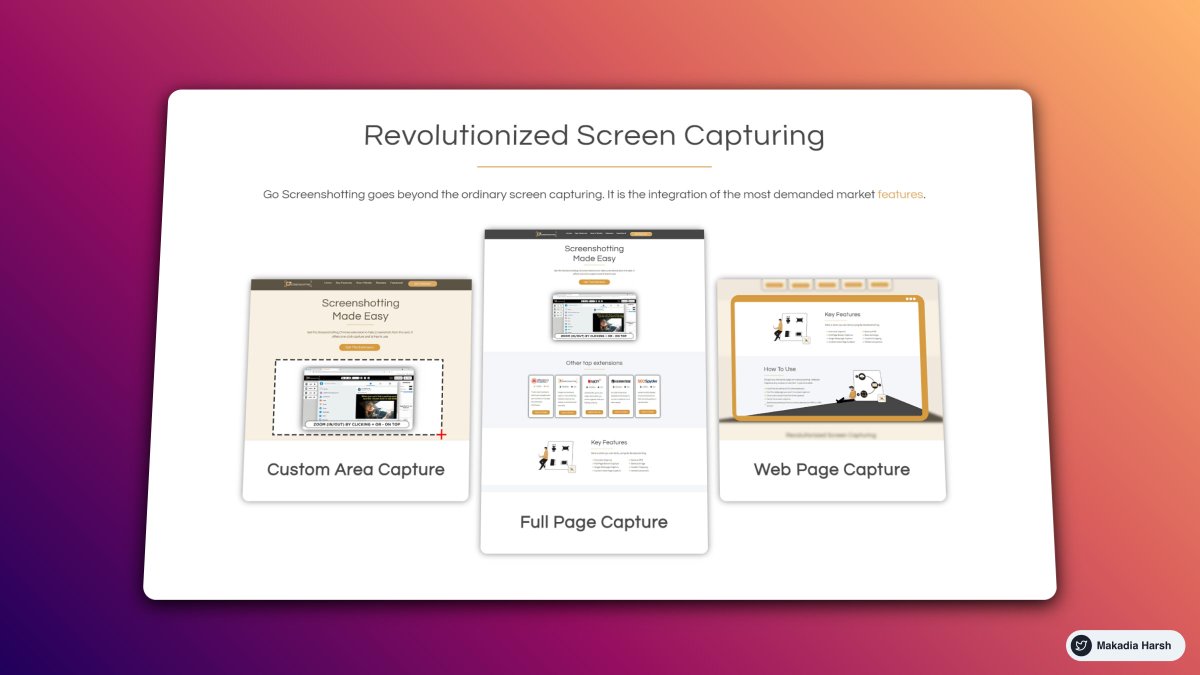
4. GoFullPage

The best browser extension for taking a screenshot of an entire webpage.

🔗 https://t.co/wdwVLlSTFg
13 Mind-blowing tools for content creator that you'll regret not knowing ( I bet ):

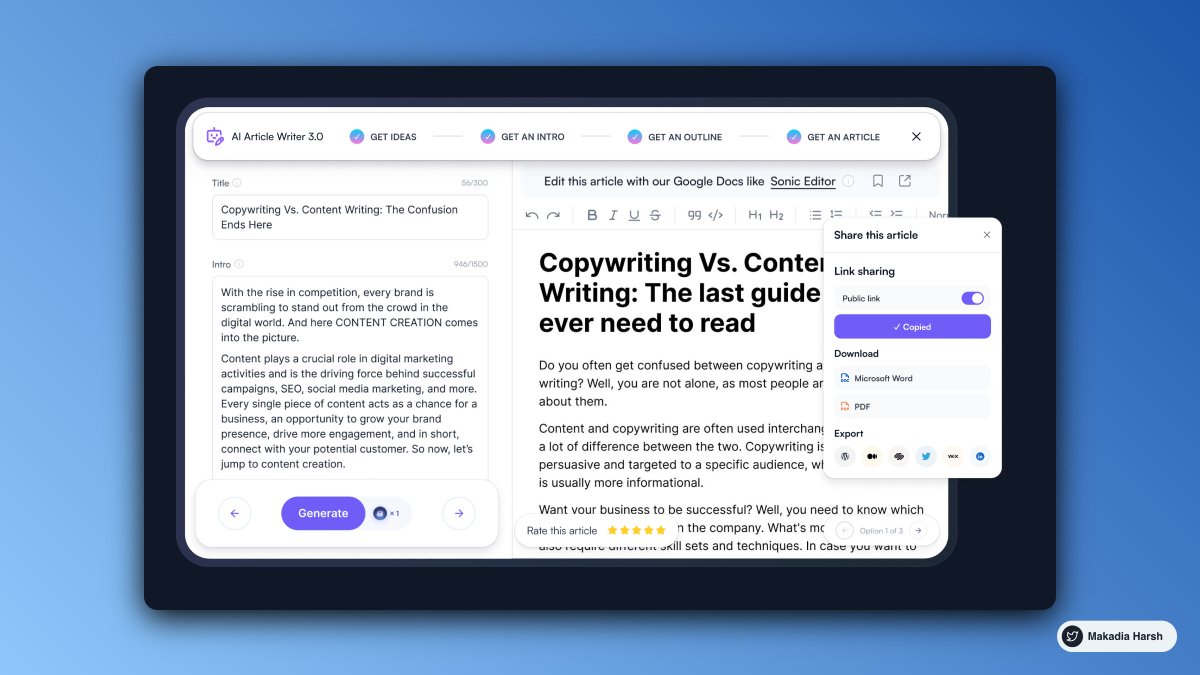
1. Writesonic

Your AI assistant for writing.

World's only AI writer that helps you write SEO-optimized, long-form (up to 1500 words) blog posts & articles in 15 seconds.

Save 100+ hours, 10X productivity.

🔗
https://t.co/j8GX4jmsii


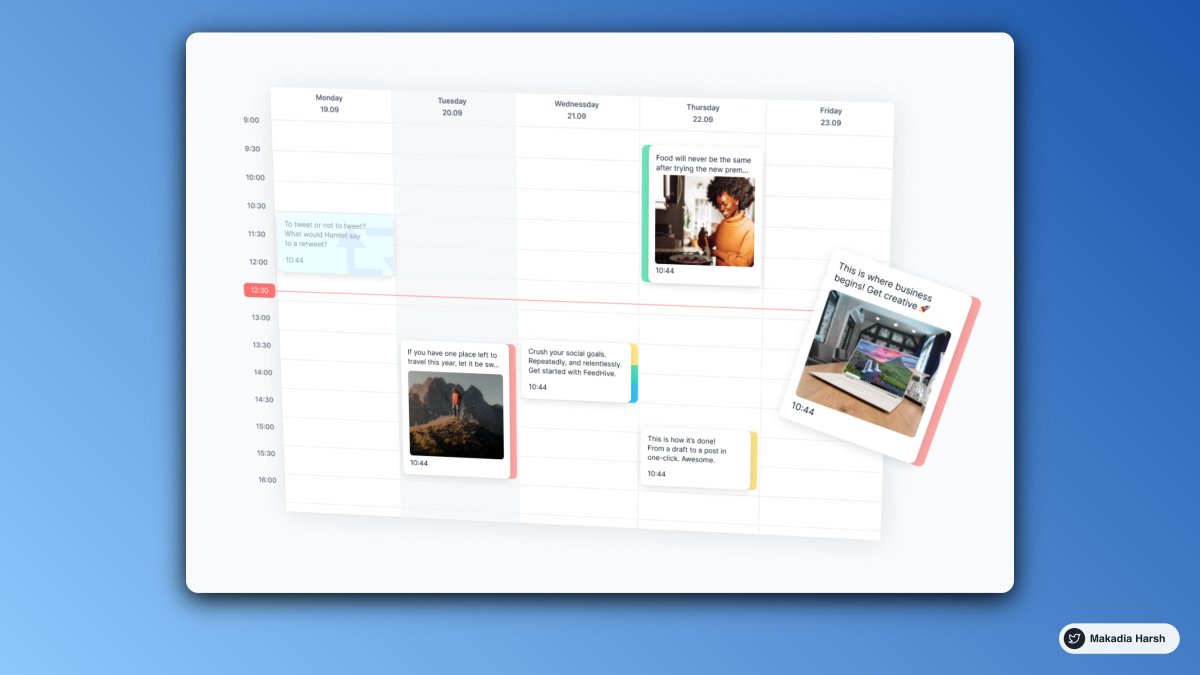
2. FeedHive

Building an audience shouldn't be that time-consuming!

Create, publish, and easily manage your social efforts at scale with FeedHive's AI-powered platform.

🔗 https://t.co/7HosD6Geus


3. BrandBird

BrandBird turns your screenshots into captivating graphics aligned with your branding to help you boost your social media reach & engagement!

🔗 https://t.co/eXb3ZZxSX4


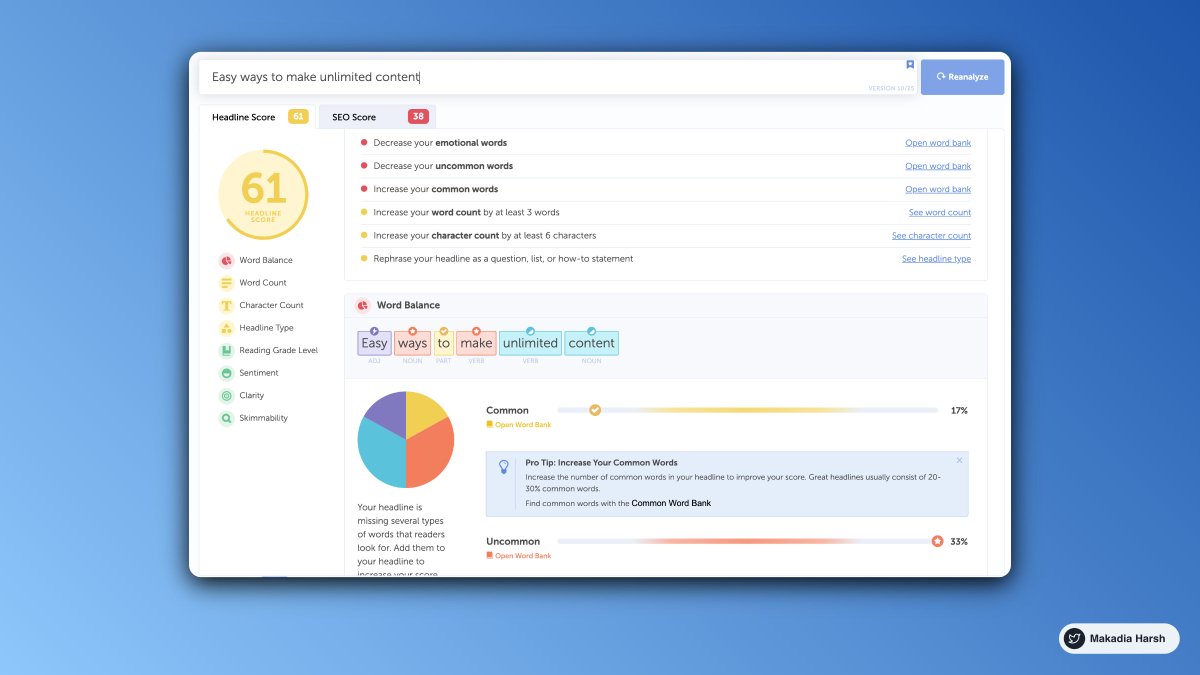
4. Headline Analyzer

The Headline Analyzer will score your overall headline quality and rate its ability to result in social shares, increased traffic, and SEO value.

🔗 https://t.co/n3mKtCekZJ

More from All

MASTER THREAD on Short Strangles.

Curated the best tweets from the best traders who are exceptional at managing strangles.

• Positional Strangles
• Intraday Strangles
• Position Sizing
• How to do Adjustments
• Plenty of Examples
• When to avoid
• Exit Criteria

How to sell Strangles in weekly expiry as explained by boss himself. @Mitesh_Engr

• When to sell
• How to do Adjustments
• Exit


Beautiful explanation on positional option selling by @Mitesh_Engr
Sir on how to sell low premium strangles yourself without paying anyone. This is a free mini course in


1st Live example of managing a strangle by Mitesh Sir. @Mitesh_Engr

• Sold Strangles 20% cap used
• Added 20% cap more when in profit
• Booked profitable leg and rolled up
• Kept rolling up profitable leg
• Booked loss in calls
• Sold only


2nd example by @Mitesh_Engr Sir on converting a directional trade into strangles. Option Sellers can use this for consistent profit.

• Identified a reversal and sold puts

• Puts decayed a lot

• When achieved 2% profit through puts then sold

You May Also Like