Google Chrome has 137,345+ extensions.

But only a few are super handy.

Here are 10 Chrome extensions that you cannot miss:

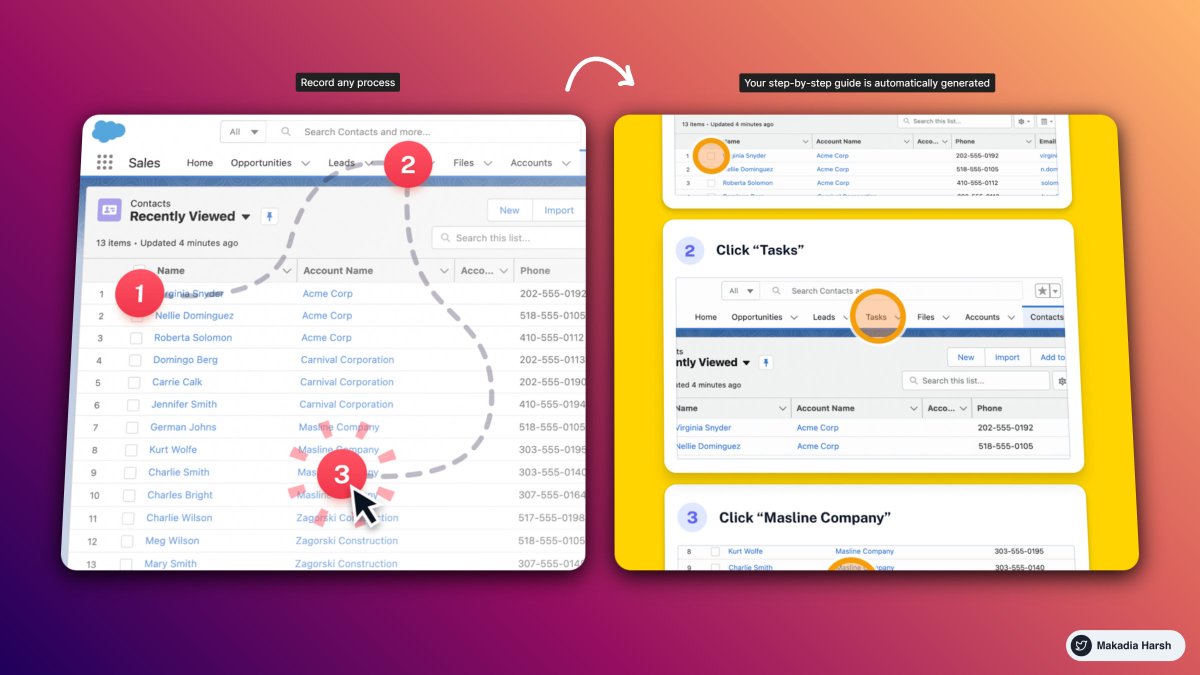
1. ScribeHow

Screen recording extension that turns any process into a guide instantly.

Perfect for: founders, creators, entrepreneurs, educators, and more.

Reduce the time you spend documenting and sharing processes by 93%

🔗 https://t.co/lPncjsnScF
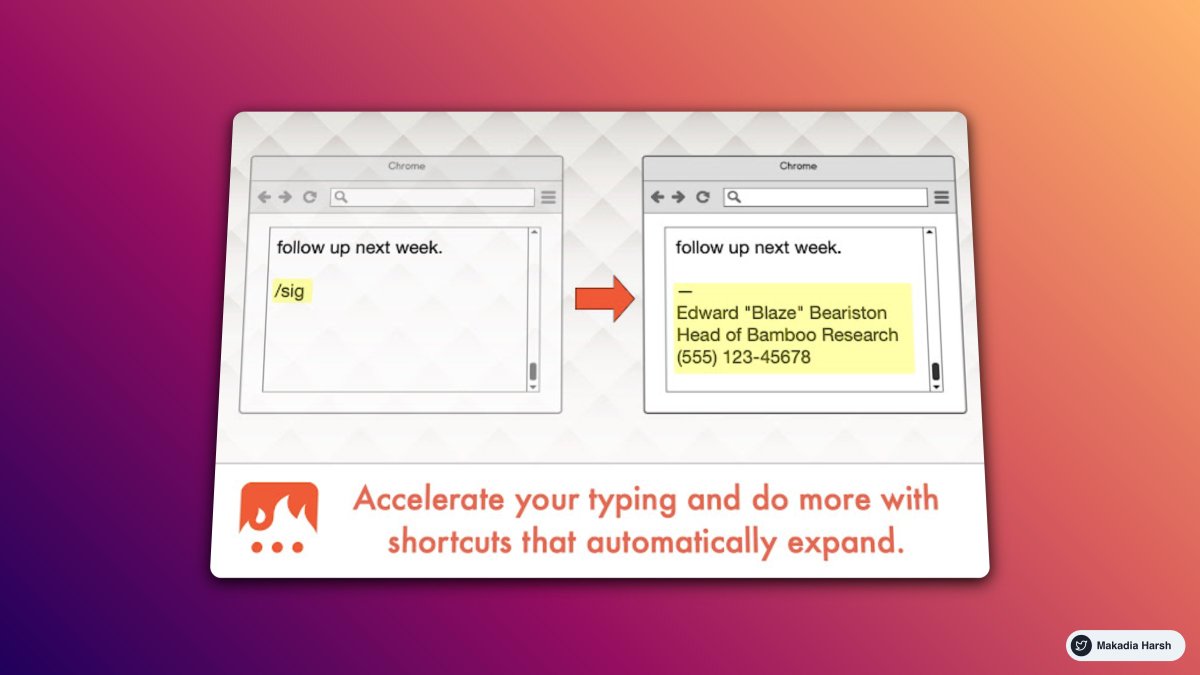
2. Text Blaze

Eliminate repetitive typing and mistakes.

Easy-to-use templates with endless customizability and powerful automation.

All with full control at your fingertips.

🔗 https://t.co/WB4ChCRrk3
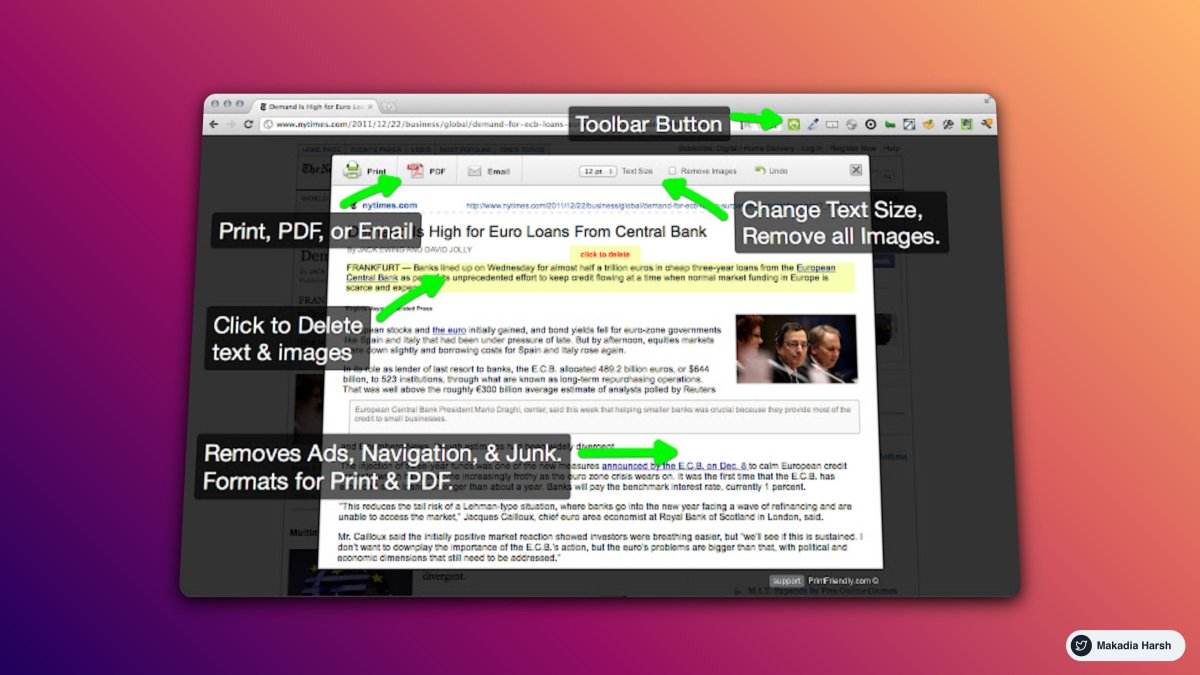
3. Print Friendly

Make any web page Print Friendly & PDF.

Removes Junk.

Editable Preview.

PDF with clickable links.

🔗 https://t.co/onthbnWhF6
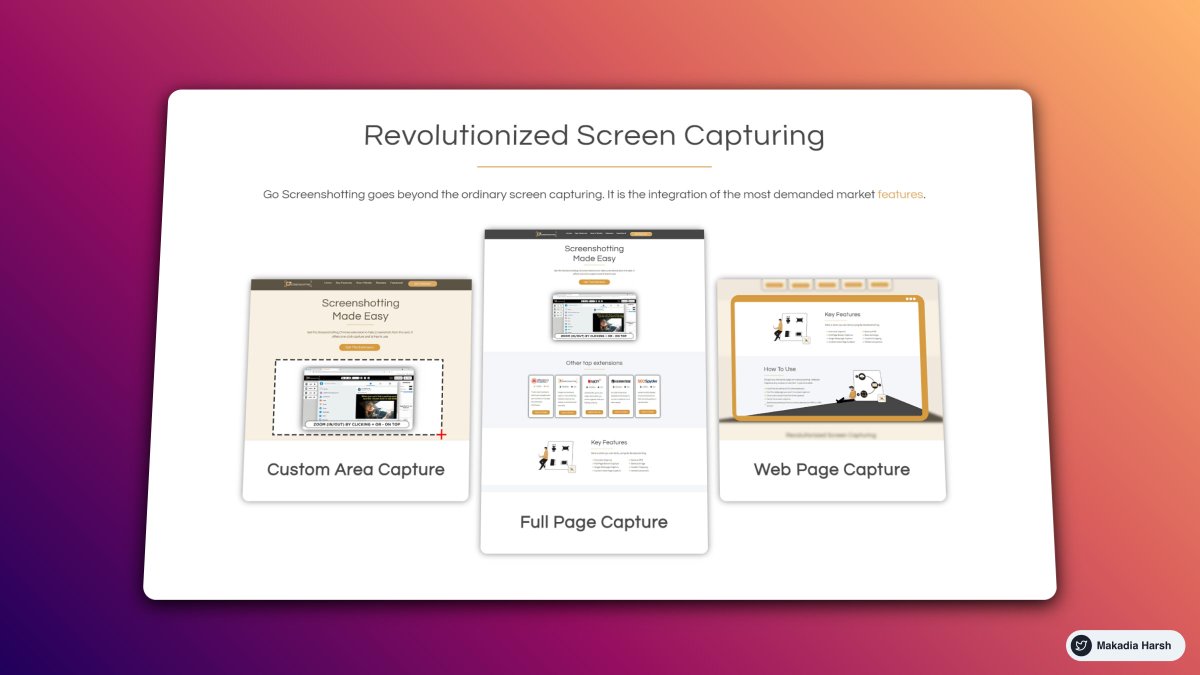
4. GoFullPage

The best browser extension for taking a screenshot of an entire webpage.

🔗 https://t.co/wdwVLlSTFg
5. MailTrack

Know When Your Emails Are Opened.

Receive real-time notification pop-ups when your emails are opened.

🔗 https://t.co/8t42DHsYGb
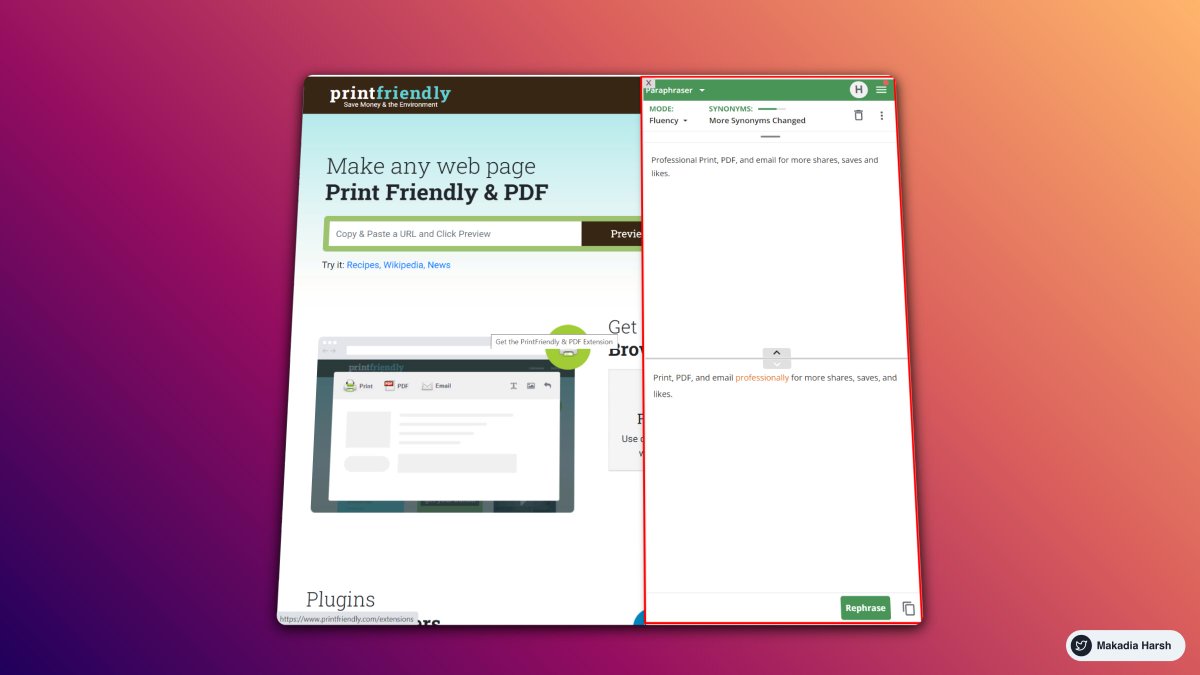
6. Quillbot

QuillBot's paraphrasing tool helps millions of people rewrite and enhance any sentence, paragraph, or article using state-of-the-art AI.

🔗 https://t.co/zMDGlddsvP
7. Dark Reader

This eye-care extension enables night mode by creating dark themes for websites on the fly.

Dark Reader inverts bright colors, making them high contrast and easy to read at night.

🔗 https://t.co/lEy95qgtX9
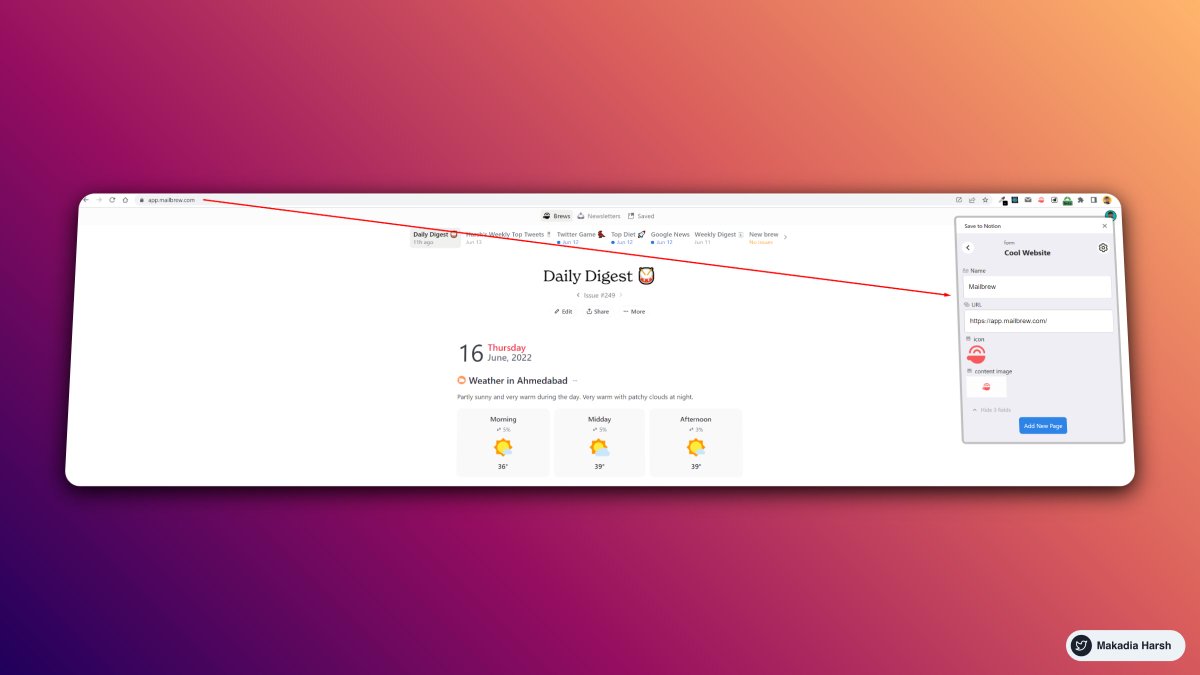
8. Save to Notion

Save links to your Notion database.

Use this extension to bookmark articles quickly and save other data like emails, jobs, cooking recipes, books, and movies.

Anything that matters to you.

🔗 https://t.co/zNjjI7DWCy
9. Rabbit Hole for YouTube™

Remove YouTube™ recommendations, comments, and more so you don't go down the rabbit hole again!

🔗 https://t.co/cByOUxHzSO
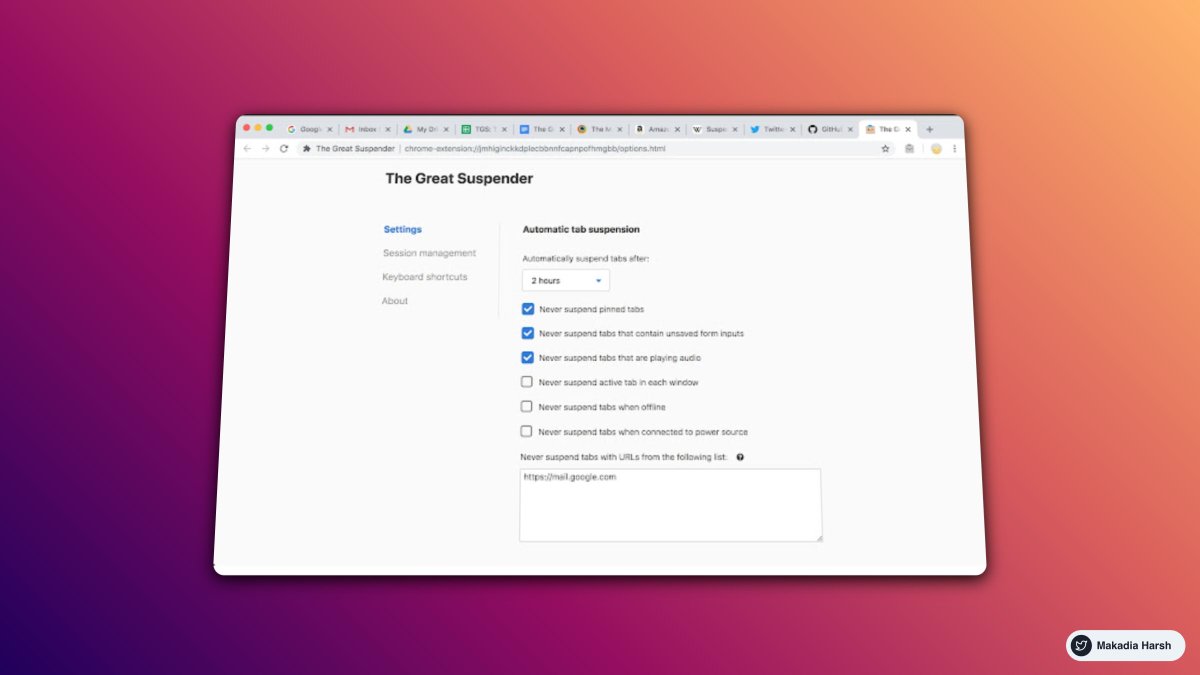
10. The Great Suspender

Make your computer run smoothly by suspending the tabs you aren't using.

A lightweight extension to reduce chrome's memory footprint.

Perfect if you have a lot of tabs open at the same time.

🔗 https://t.co/wF7lBk69yM
Thanks for checking this out.

Follow @MakadiaHarsh for more such threads.

If you loved this like and retweet the first tweet. https://t.co/aeaHpBIPT3
Check out "Zero to MVP with No-code."

Learn to build apps without coding in one week.

https://t.co/2TZkfyQgaH
Want to take Twitter seriously?

Check out "70+ Tweet Templates."

— Skyrocket your impressions
— Increase your engagement
— Generate content for a month
— Reusable formats for any niche

https://t.co/FaR4EUWvoT

More from Harsh Makadia

17 Killer Websites for Web Developer 🤯

99.8% don't know all of them.

THREAD 🧵 ↓

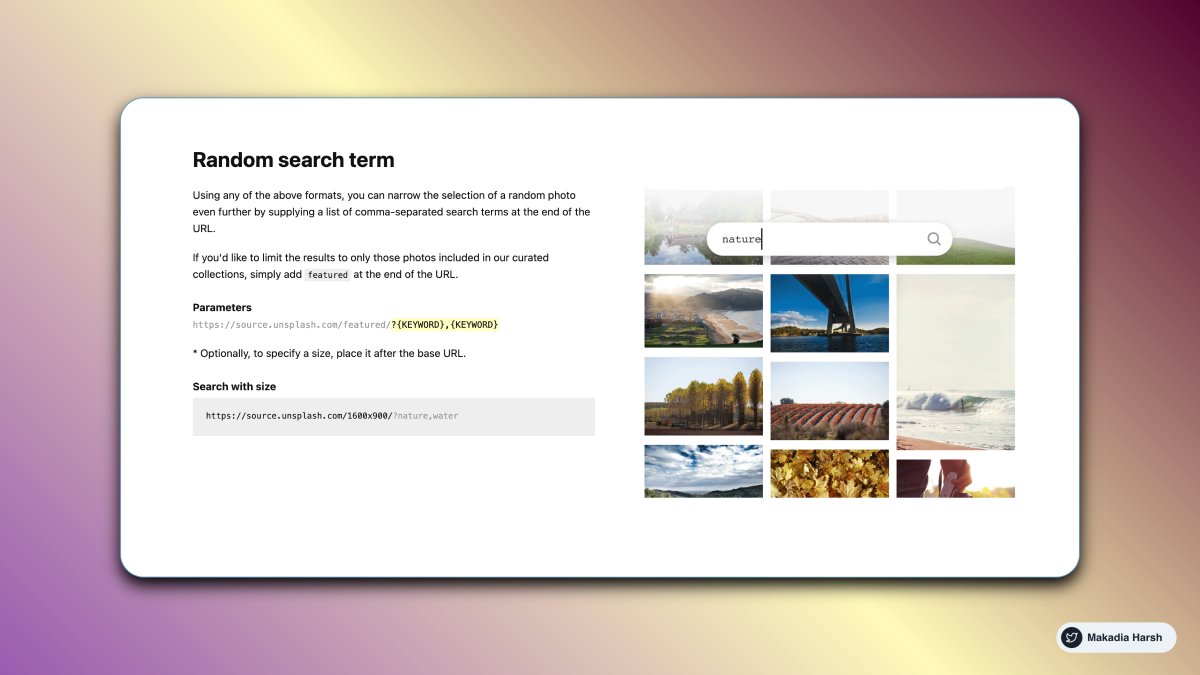
1. Random Image via API

The most powerful photo engine in the world.

The Unsplash API is a modern JSON API that surfaces all of the info you’ll need to build any experience for your users

https://t.co/1QjvCWijQi


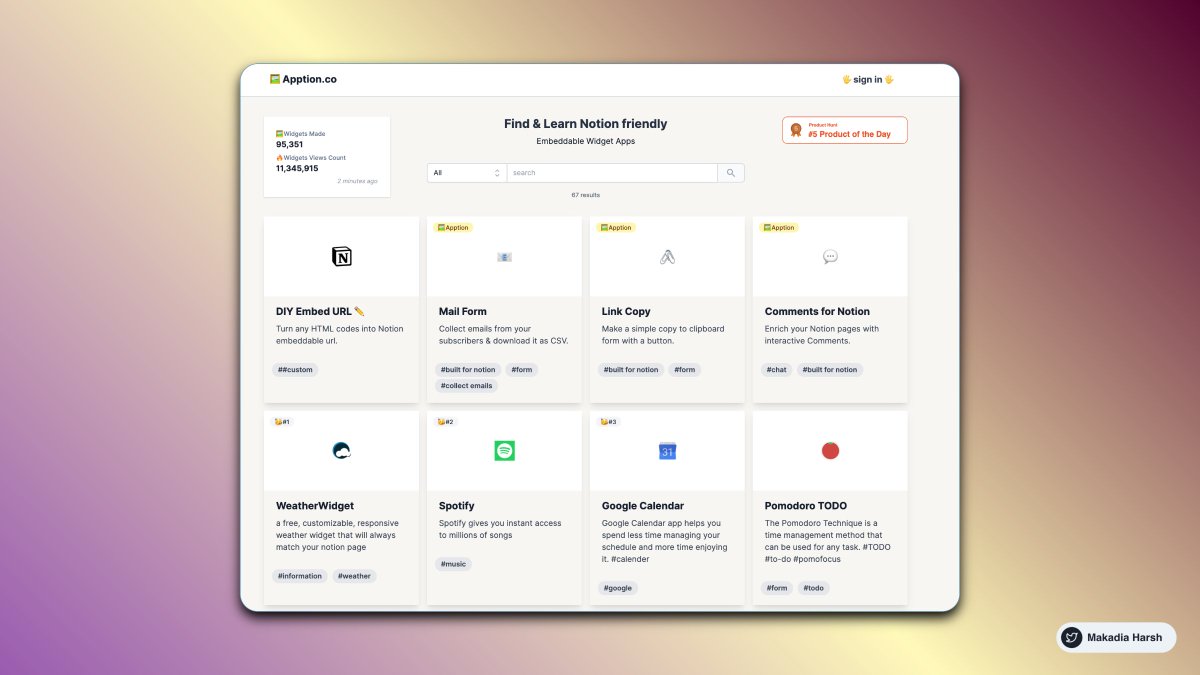
2. Embeddable Widget Apps for Notion

Add 3rd party apps embed or create a custom embed for your Notion Document.

https://t.co/ivxZvNGMf0


3. Carbon

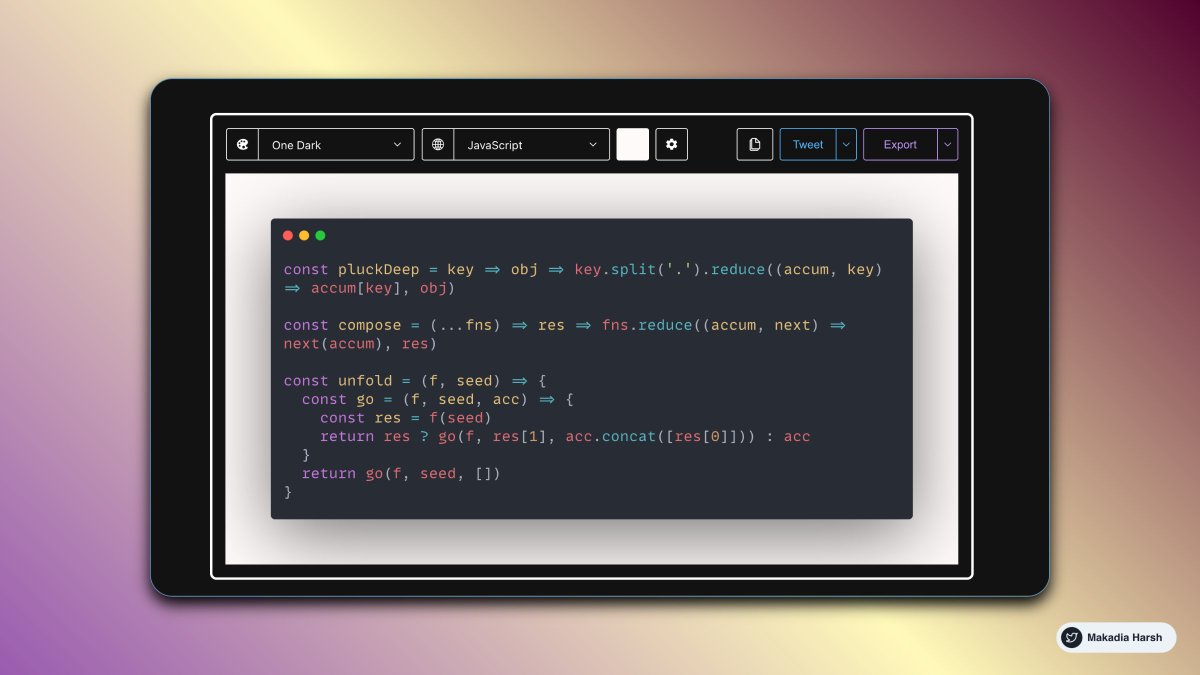
Create and share beautiful images of your source code. Start typing or drop a file into the text area to get started.

https://t.co/CpDiVOhYDS


4. Peppertype

Generate better content copies in seconds with the power of Artificial Intelligence.

Expanding your content for writing blogs is easier than ever before

AI-Generated tweet ideas

https://t.co/zQp1AI66Ew
I went from 0 to 120,000 followers on Twitter in 17 months.

It changed my life.

Here are 15 mind-blowing tools that’ll change yours, too:

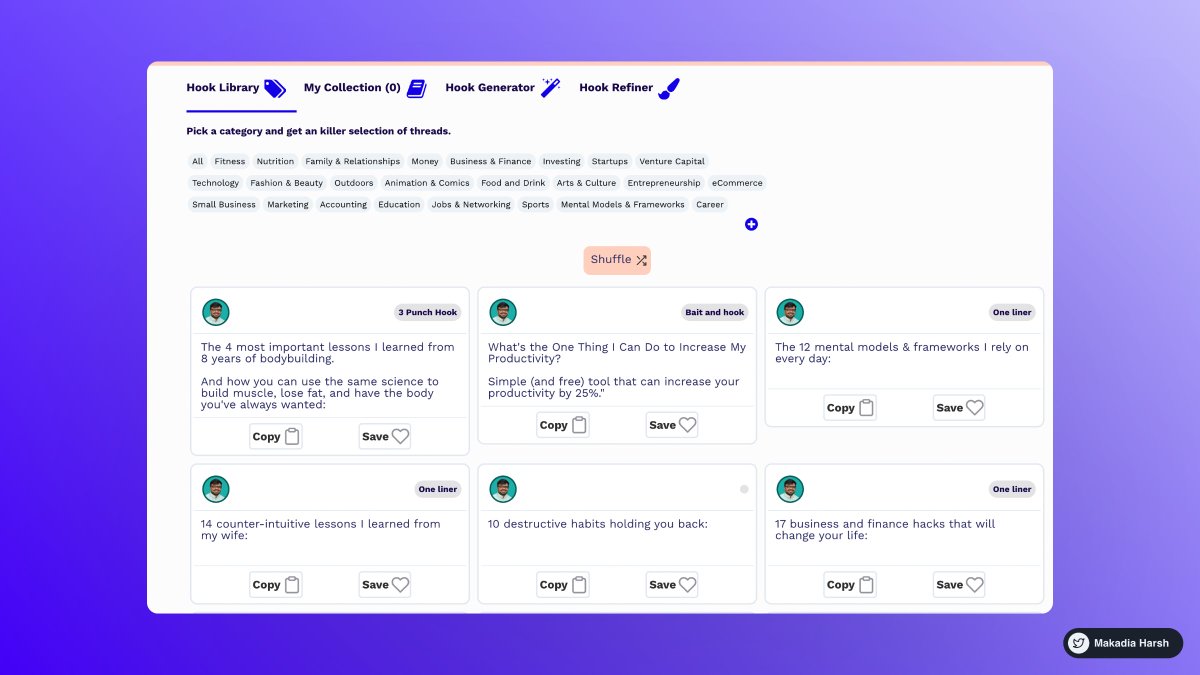
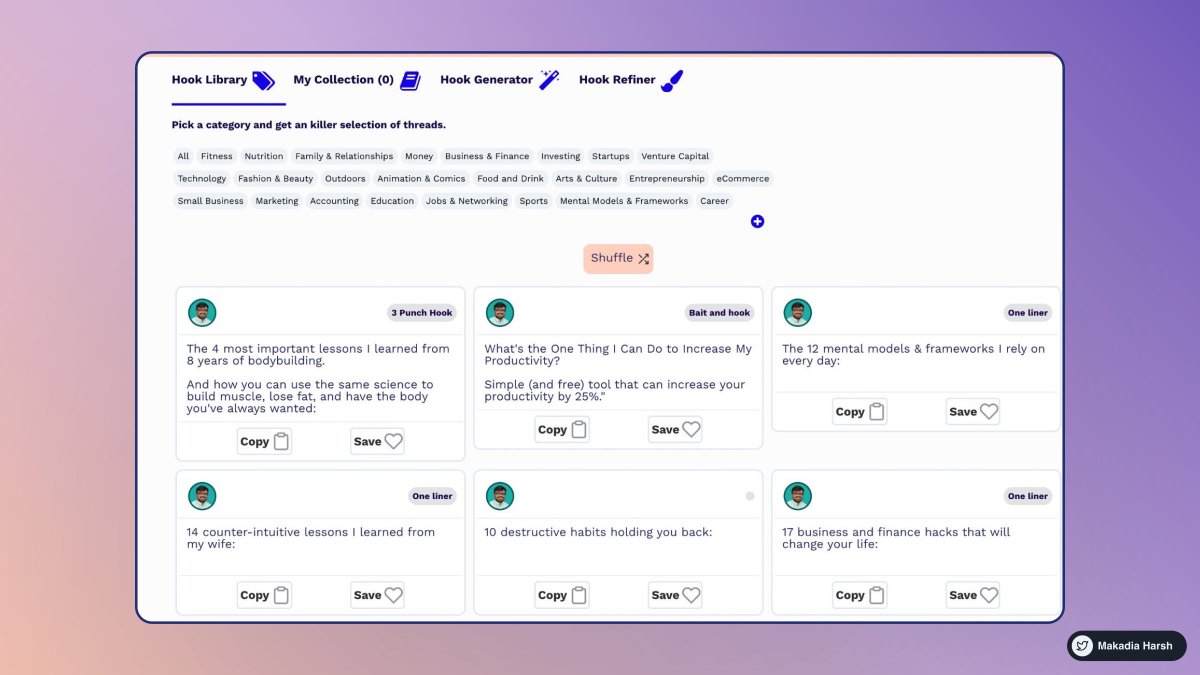
1. Tribescaler

Tribescaler makes your tweets go viral.

It helps you write better hooks in seconds.

Powered by AI to write better & faster.

https://t.co/dUx2BNaVZc


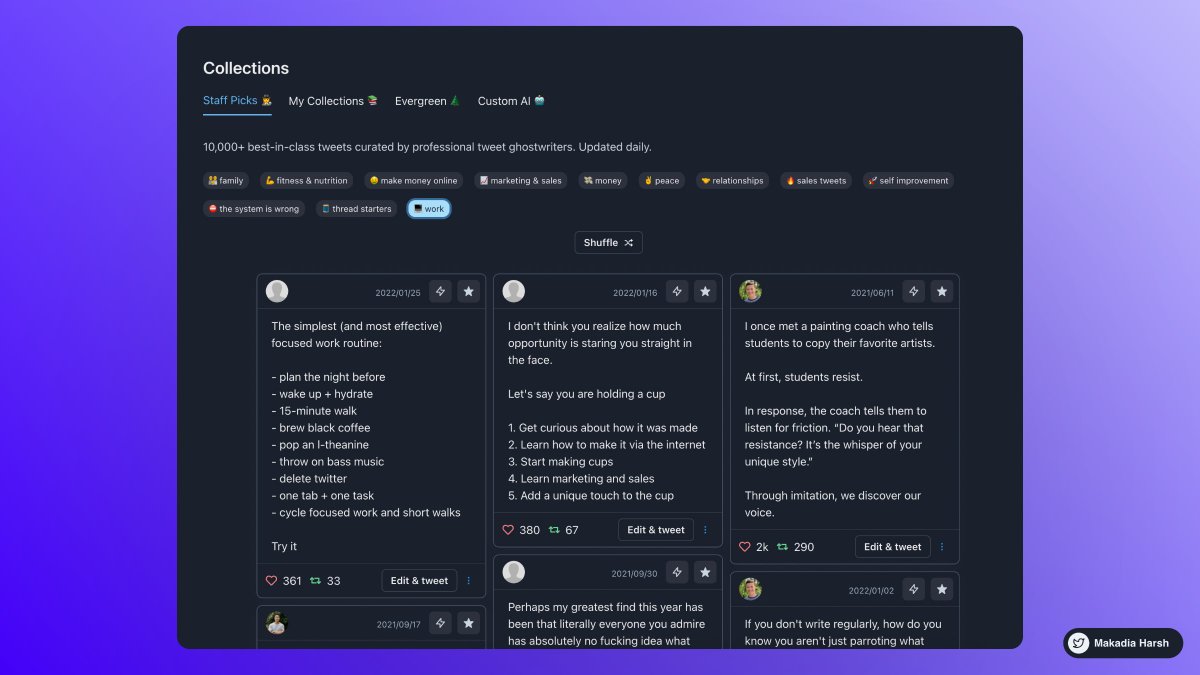
2. TweetHunter

Tweet Hunter helps you at EVERY step:

Get Content Ideas, Write Faster & Better, Boost & Automate, Engage & Sell To People, Analyze & Understand.

https://t.co/DmWEXuJ0lR


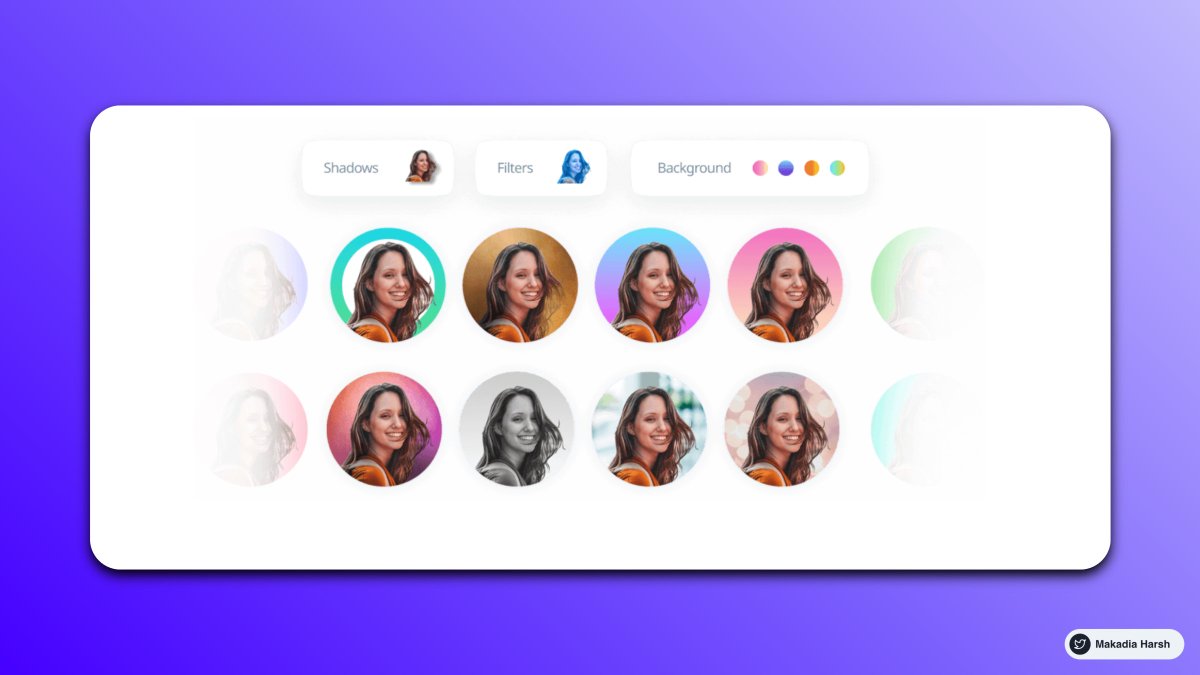
3. Profile Picture Maker

Remove the background easily and make an awesome profile picture.

Instantly generated profile pictures.

Get more views, likes with this Hack.

https://t.co/xw3co1wuXQ


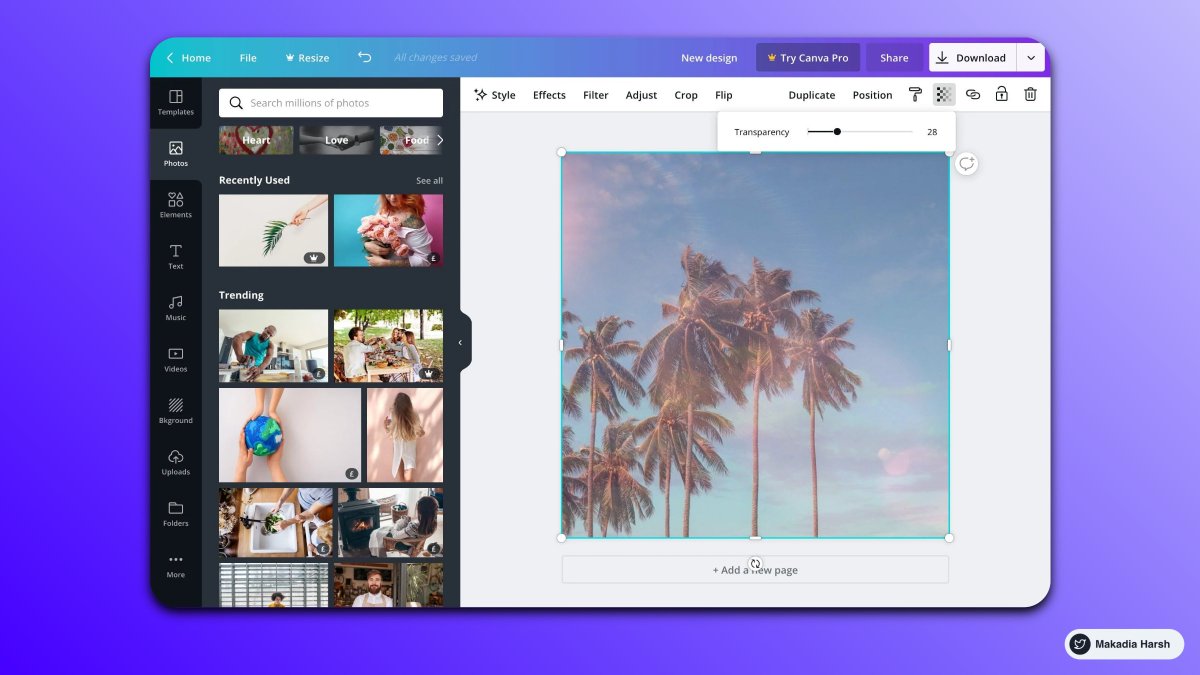
4. Canva

Create Beautiful Twitter Banners in minutes.

You can use it to create media images.

You can create a design and reuse them as your own brand.

https://t.co/1QPfG90r0R
8 Brilliant websites that use AI to save you countless hours of manual work ( I bet ) :

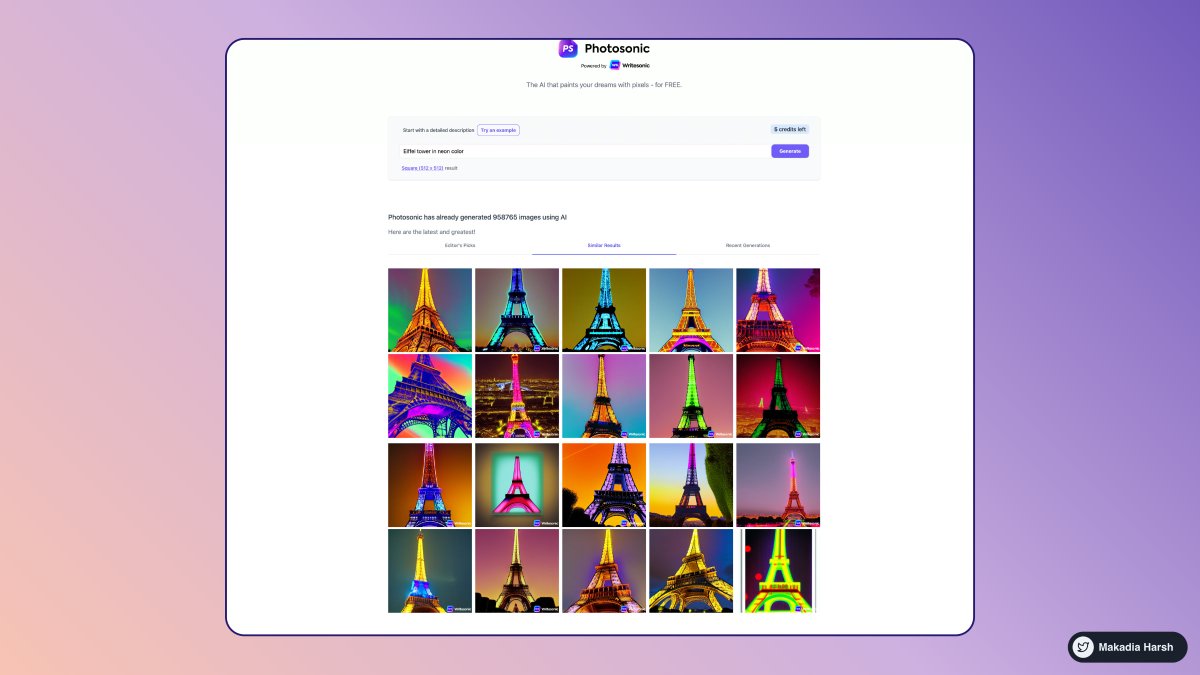
1. Photosonic AI

Create realistic or artistic images from any text description, using a state-of-the-art text-to-image AI model.

No design skills or Photoshop are required.

Generate images in seconds.

🔗
https://t.co/5GSeTfmfgw


2. Tribescaler

Your tweets go viral with Tribescaler.

It enables you to create better hooks faster, saving you hundreds of hours.

Write more effectively and quickly.

🔗 https://t.co/dUx2BNaVZc


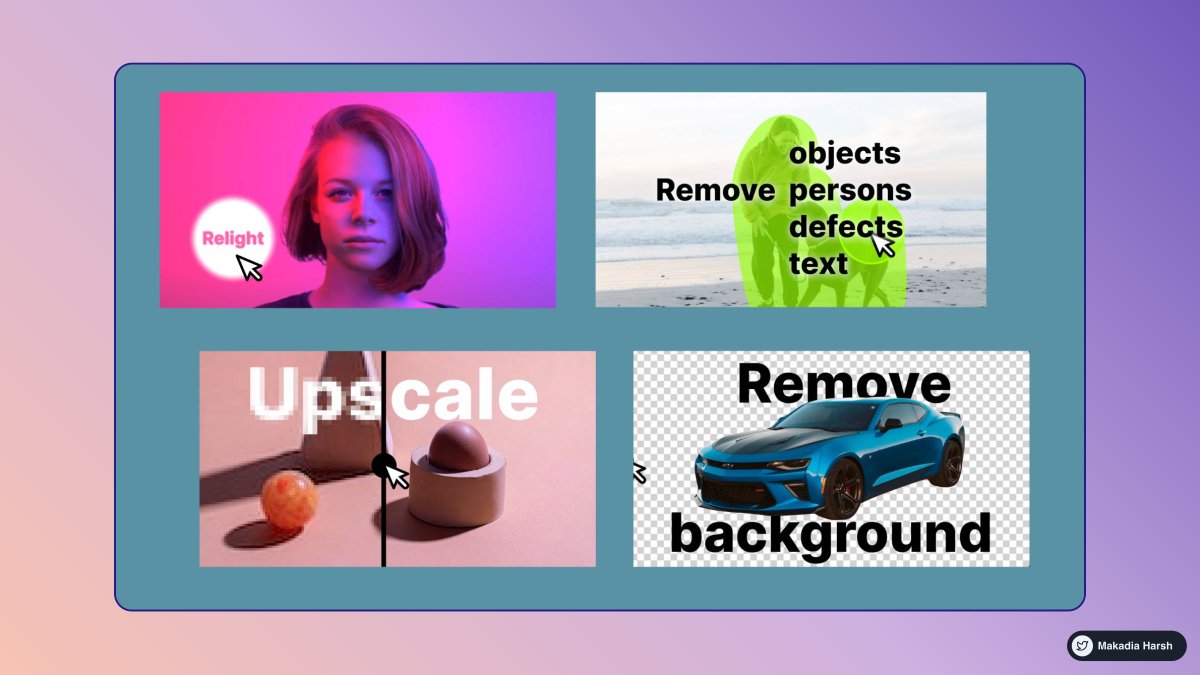
3. ClipDrop

The ultimate ecosystem of apps, plugins & resources for all creators.

Remove objects, people, text, and defects from your pictures automatically.

Upscales your images by 2x or 4x in seconds.

🔗 https://t.co/yzTiQ5RJRn


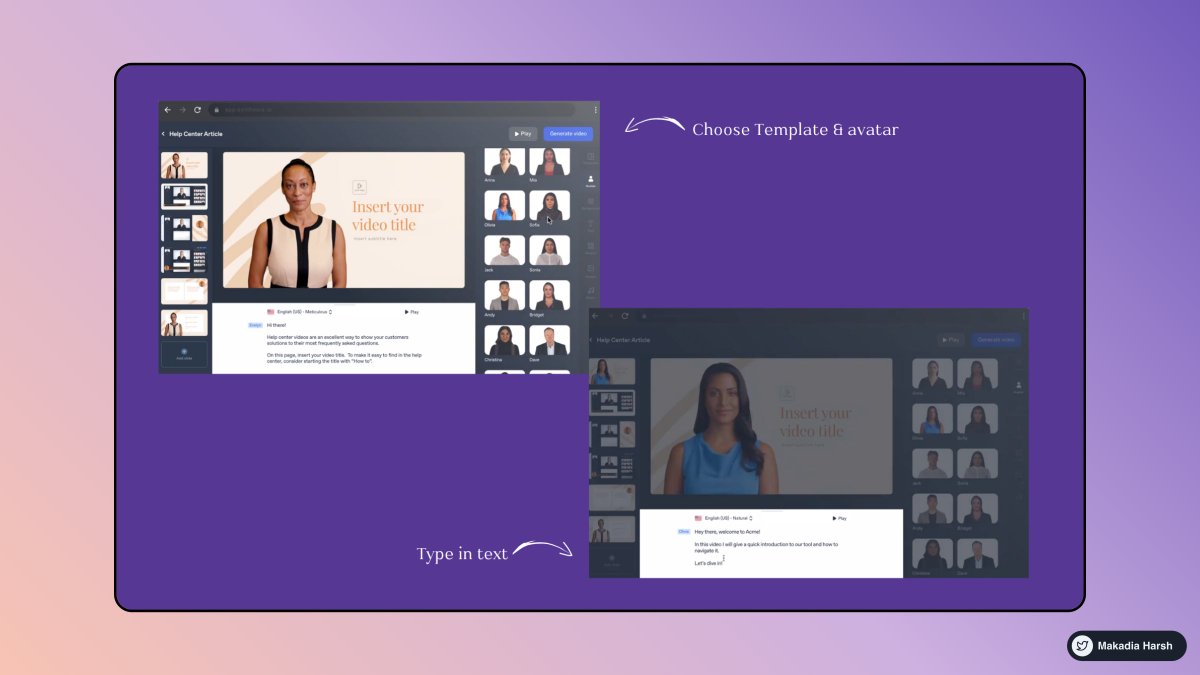
4. Synthesia

Web-based platform for creating videos with AI avatars and voices.

Simple, intuitive, and requires no prior knowledge of video creation.

Create professional videos in over 60 languages.

🔗 https://t.co/HPaGTV4moU

More from All

You May Also Like

12 TRADING SETUPS which experts are using.

These setups I found from the following 4 accounts:

1. @Pathik_Trader
2. @sourabhsiso19
3. @ITRADE191
4. @DillikiBiili

Share for the benefit of everyone.

Here are the setups from @Pathik_Trader Sir first.

1. Open Drive (Intraday Setup explained)


Bactesting results of Open Drive


2. Two Price Action setups to get good long side trade for intraday.

1. PDC Acts as Support
2. PDH Acts as


Example of PDC/PDH Setup given