Everyone wants to grow on Twitter.

But only a few are aware of the right tools.

I went from 0 to 34,000 in 10 months.

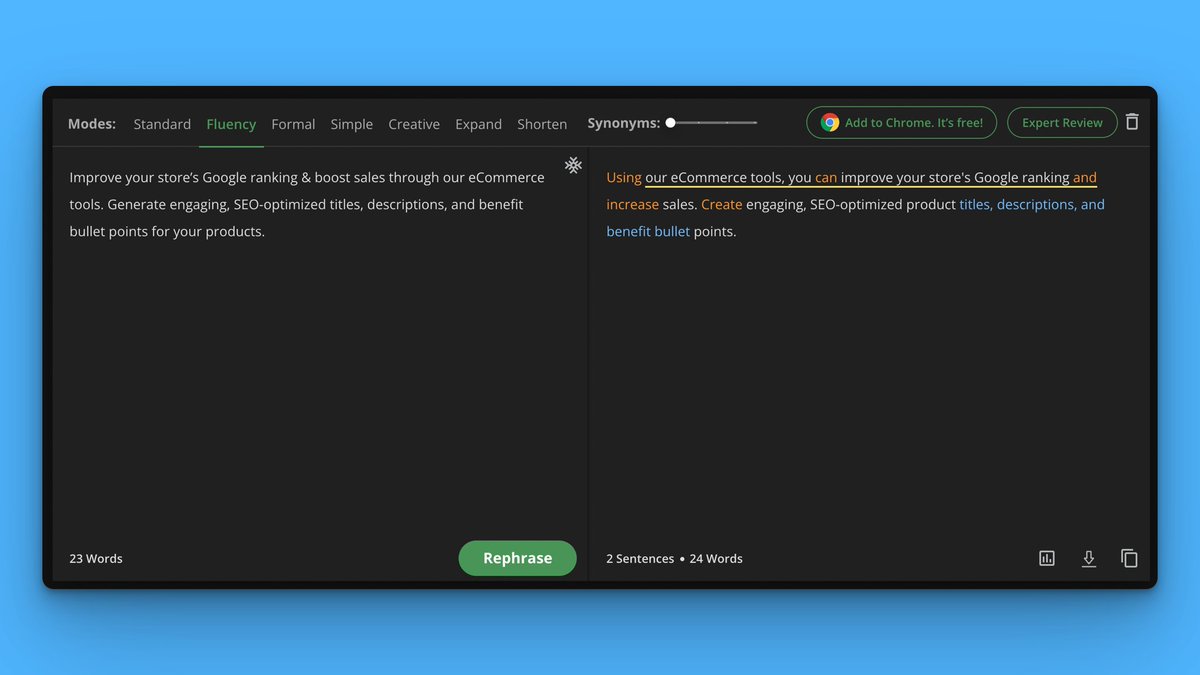
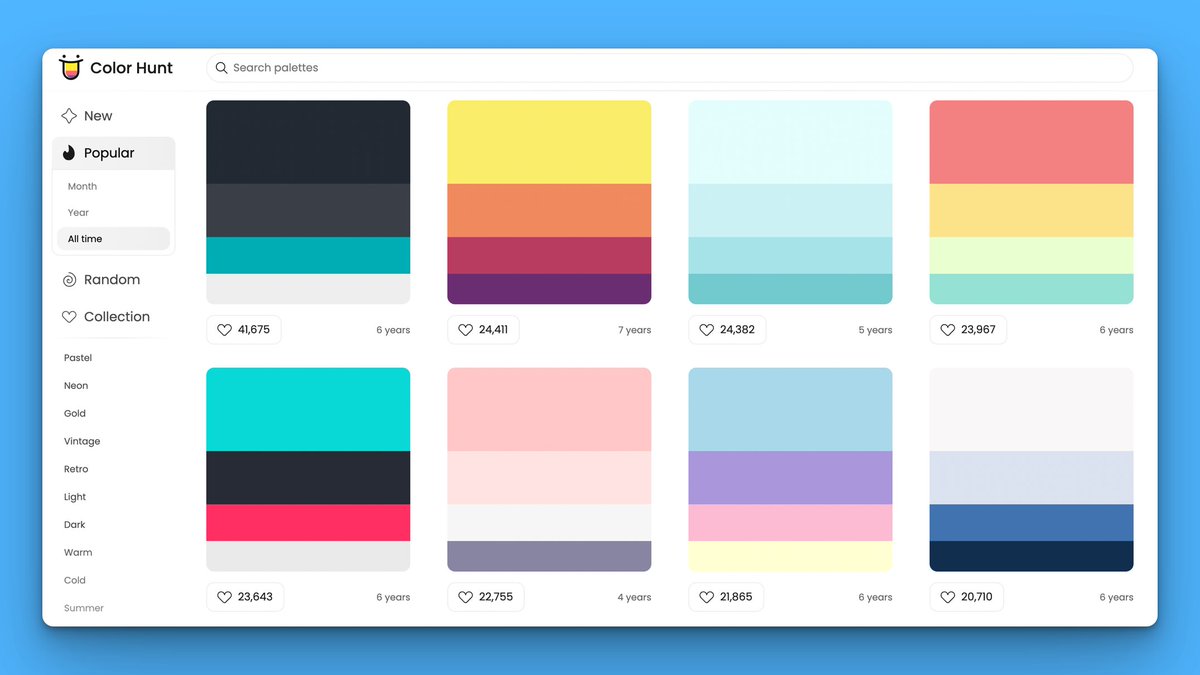
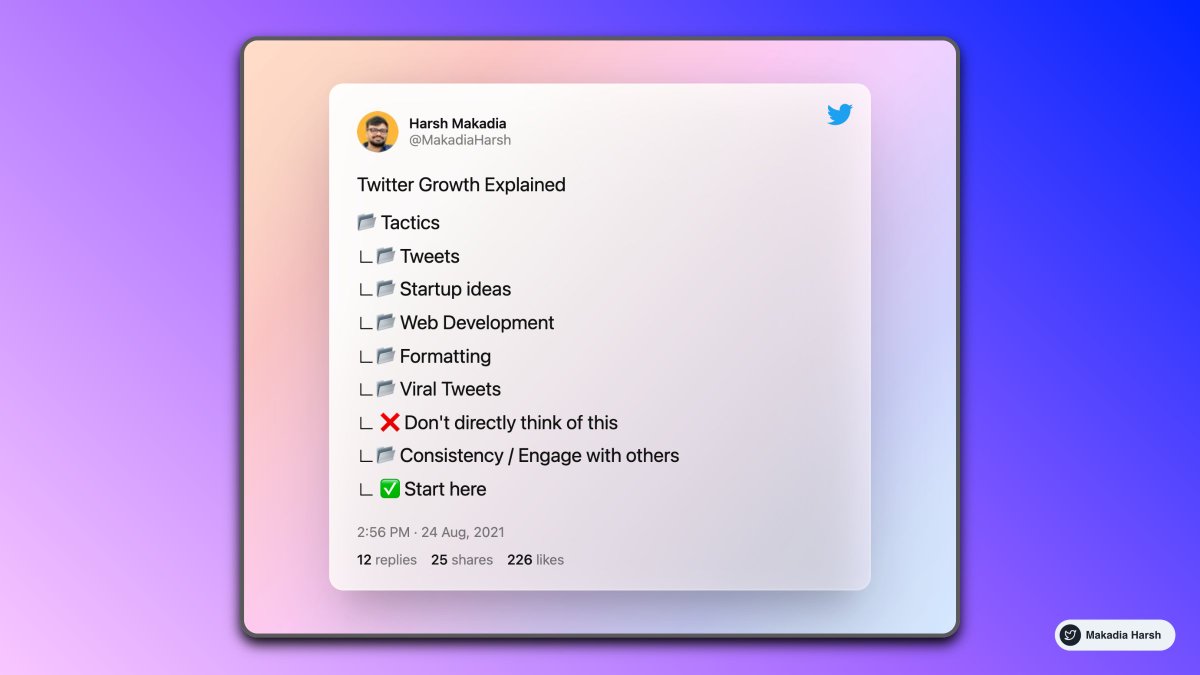
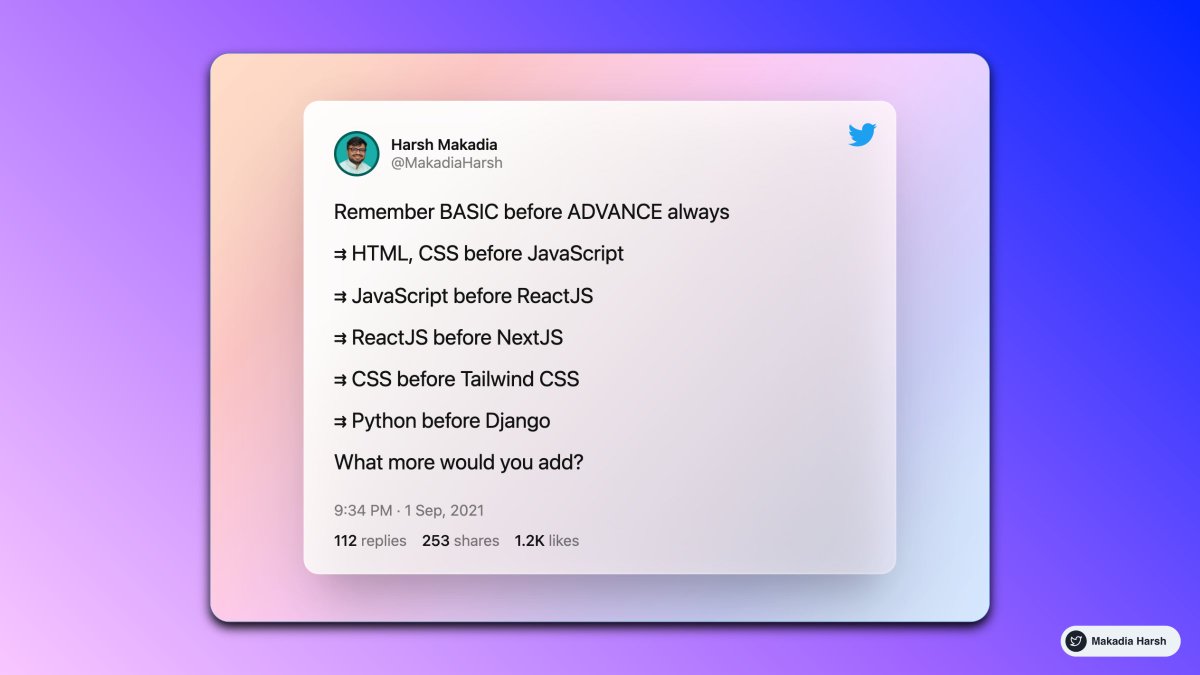
Here's a list of 16 free Twitter tools that you cannot miss:

1. Profile Picture Maker

Remove the background easily and make an awesome profile picture.

Instantly generated profile pictures.

Get more views, likes with this Hack.

https://t.co/T5LqCQQ3xK

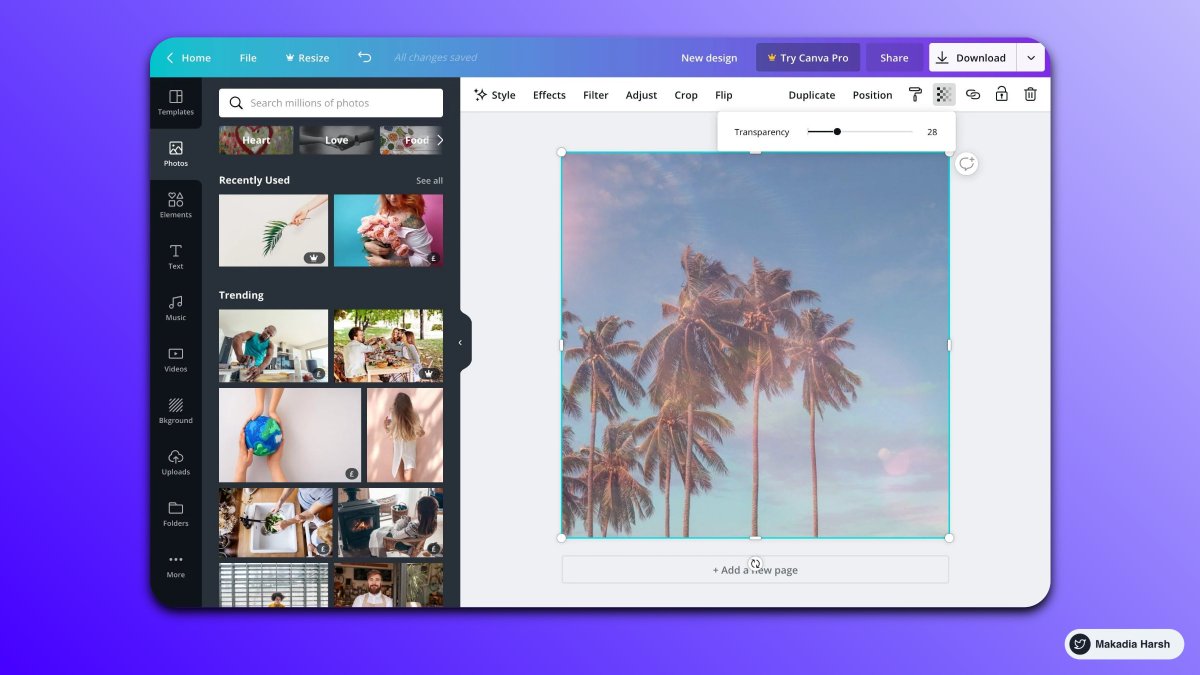
2. Canva

Create Beautiful Twitter Banners in minutes.

You can use it to create media images.

You can create a design and reuse them as your own brand.

https://t.co/brDgzY0LdX
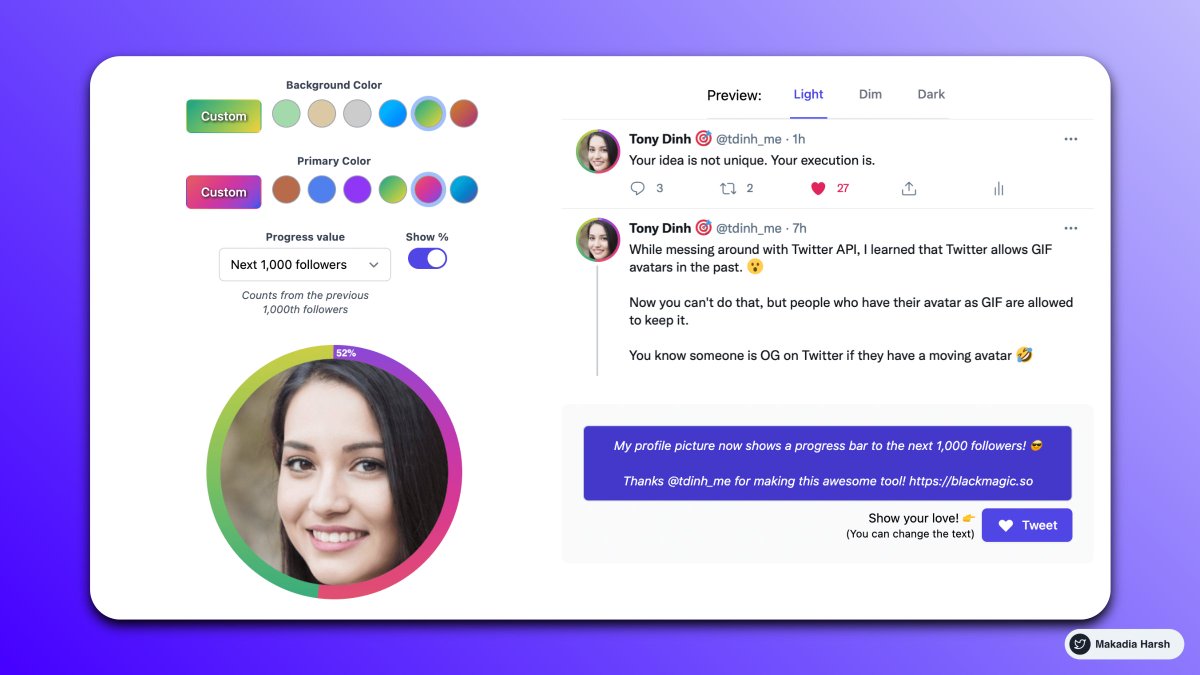
3. BlackMagic

Stand out on social media.

Real-time Banner and Profile Progress Bar.

Sleep Indicator.

Magic Sidebar for analytics.

https://t.co/9esv6KAqek
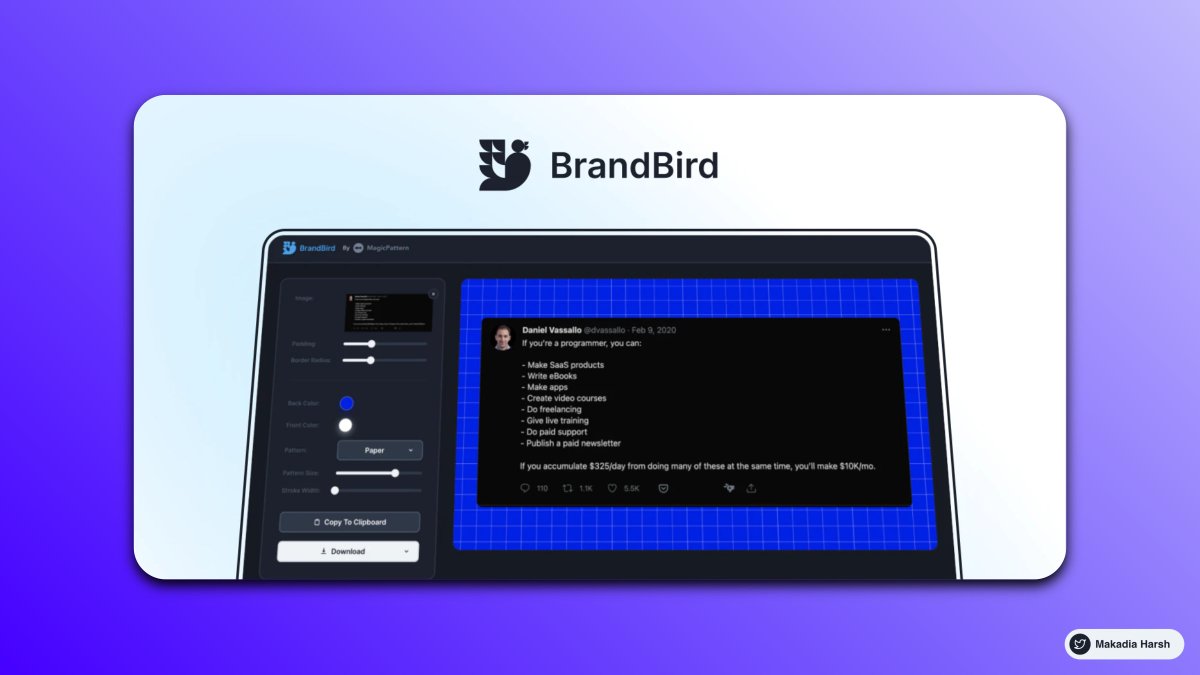
4. Brandbird (Similar to Purplephoto )

Turn your Images into beautiful social media posts.

https://t.co/jEr5ZlSHO5
5. Poet

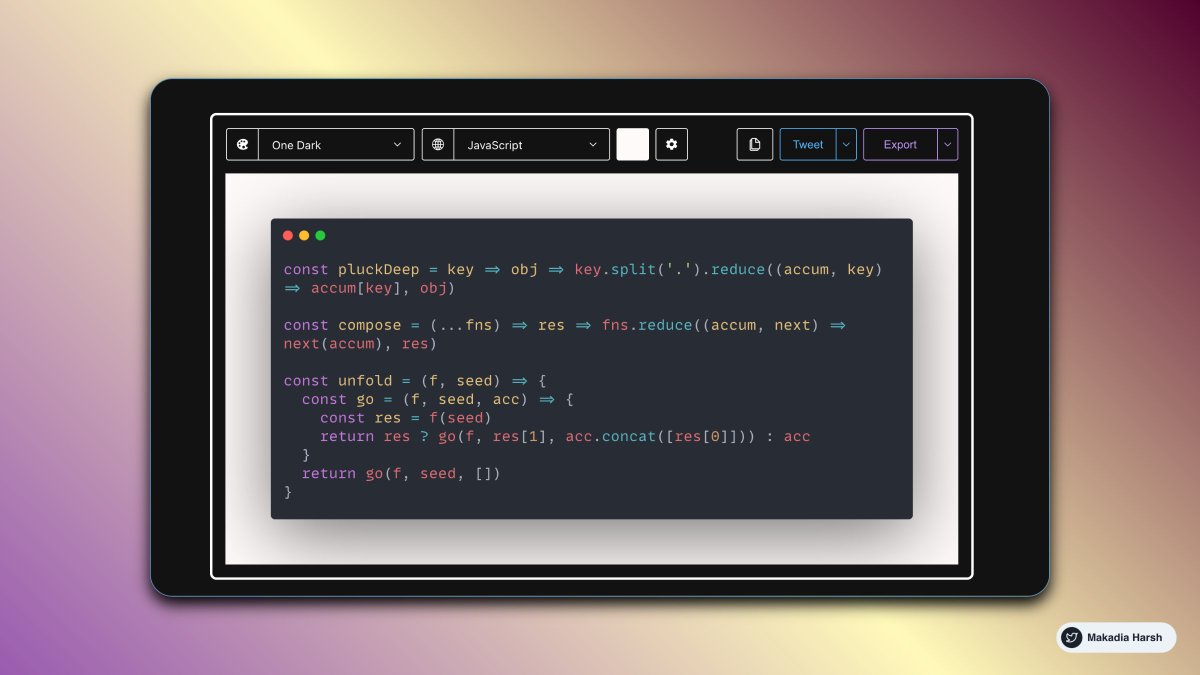
Capture and share Twitter posts as beautiful images.

https://t.co/nvj7PT5C2o
6. Bio Link

One link for all your links.

Get better analytics like click, geographic region, etc.

https://t.co/c2RWgZQTLr
7. Minimal Twitter

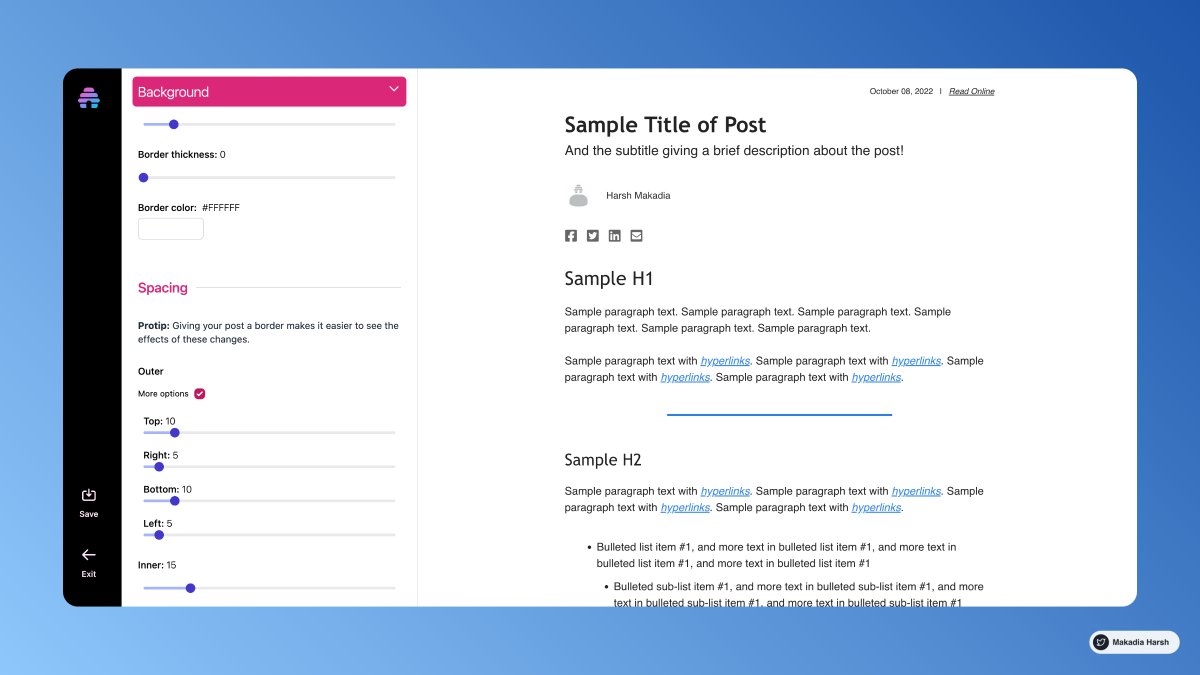
A minimal Twitter theme that drastically simplifies and declutters the new Twitter UI.

Remove suggestions and all necessary things and focus on what matters the most

https://t.co/5j9pbpMLmj
8. Twemex

Get more insight from Twitter.

See a user's most popular tweets of all time.

https://t.co/v5Q6ATBAkA
9. Purplephoto

Turn your Images into beautiful social media posts.

Add stickers to screenshots.

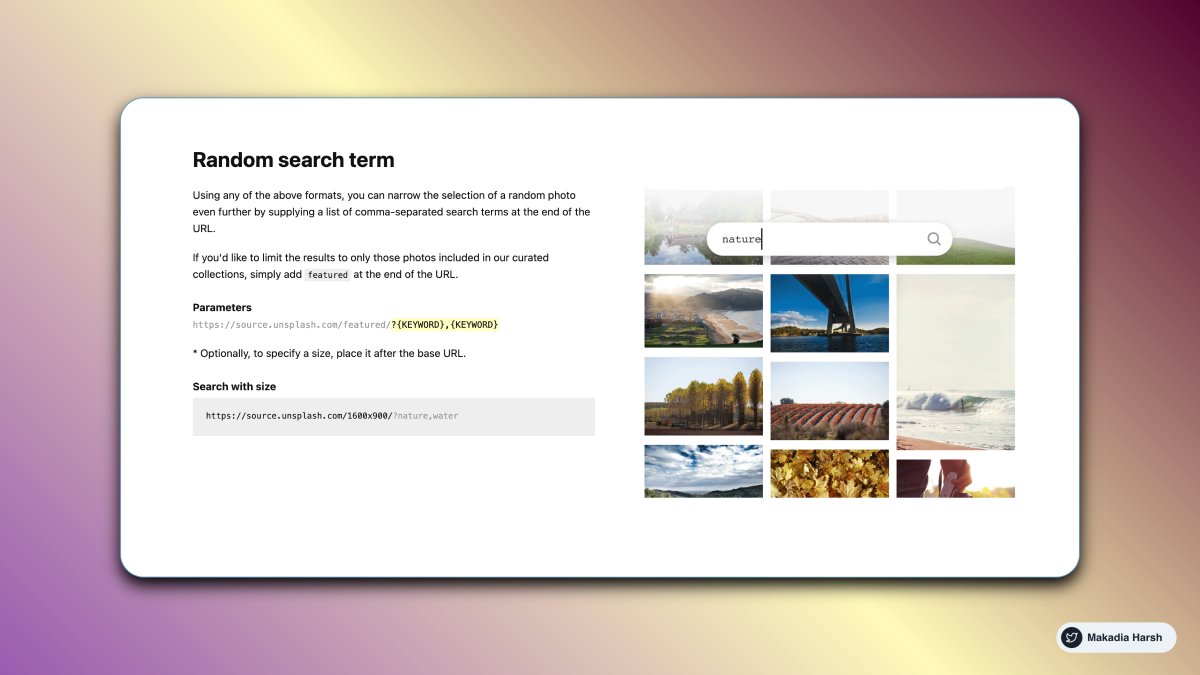
Generate random quotes.

https://t.co/mT1Fxw5pv7
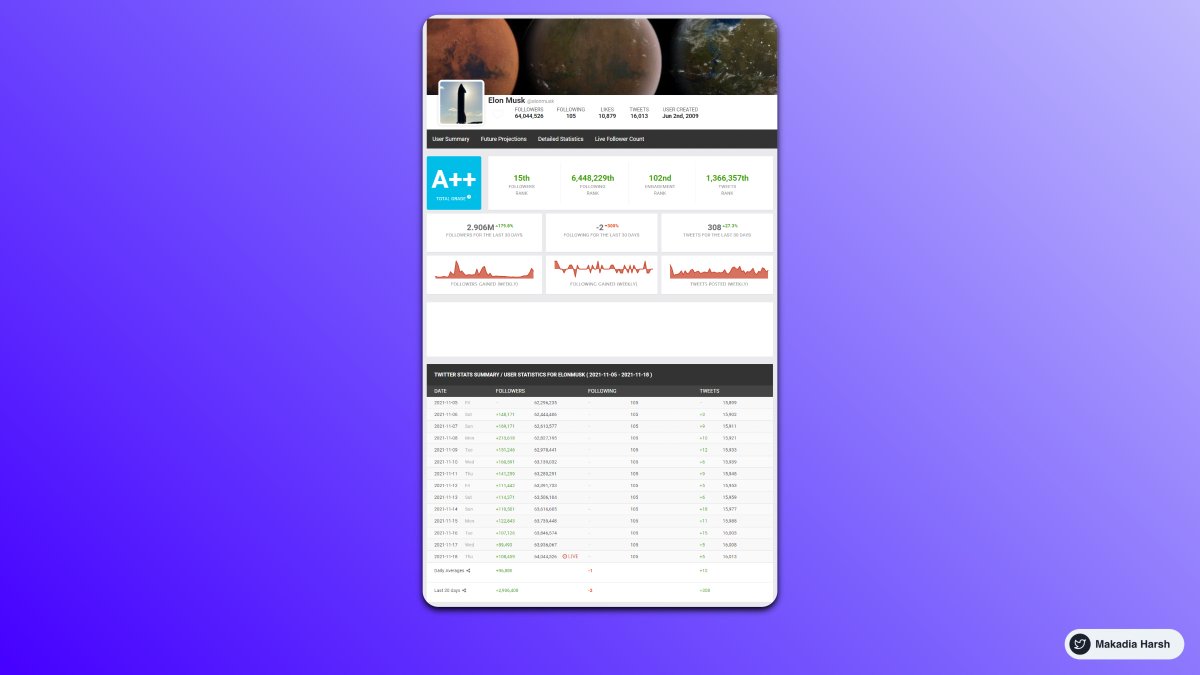
10. Social blade

Spy on competitor growth.

Get more insights about any profile.

Predict future followers growth.

https://t.co/GSsOKpMzoX
11. TweetDeck

Create a customized view of Twitter.

View multiple lists on-screen together.

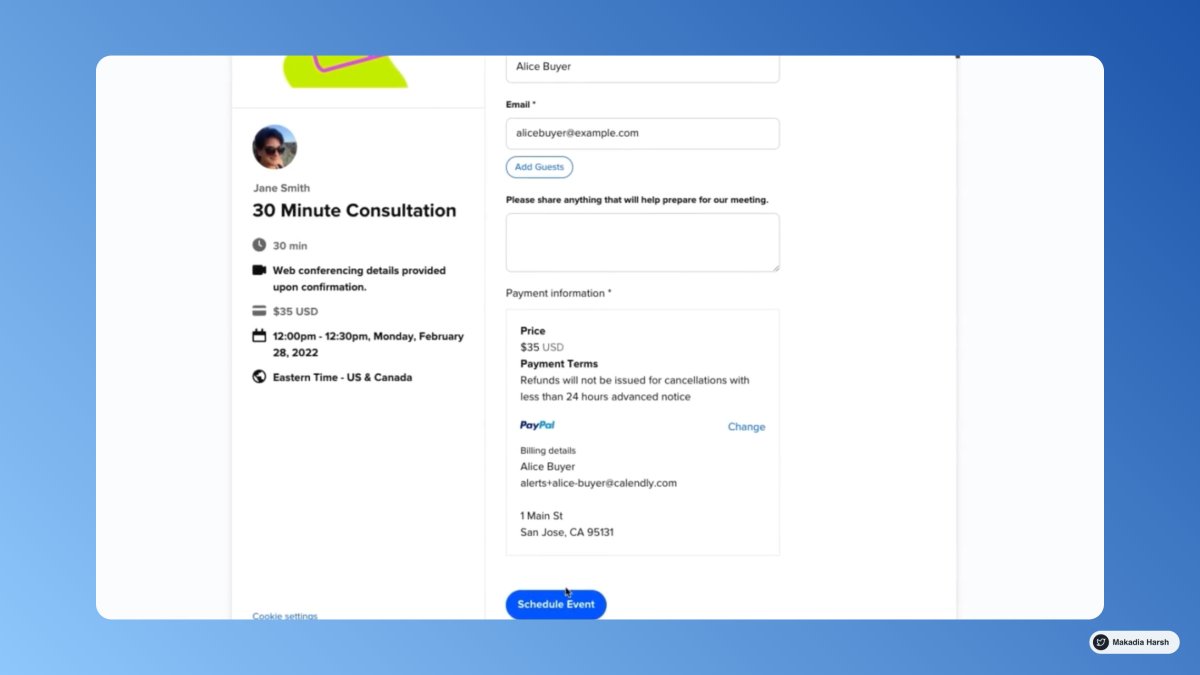
Schedule tweets.

Easily watch on specific keywords and topics.

https://t.co/oQG6BcuIC0
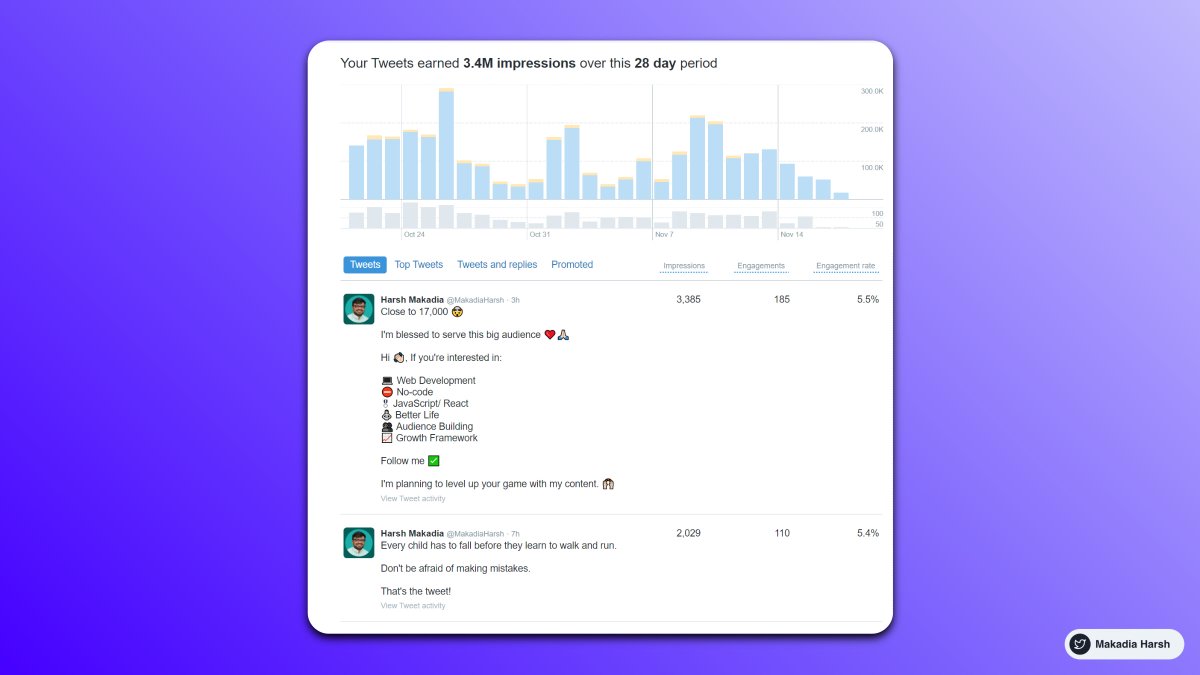
12. Twitter Analytics?

Watch how your Twitter is performing.

Double down what's working, skip what isn't.

https://t.co/HKlq5PvNtX
13. Schedule Threads / Atomic Essay

Schedule threads, Atomic easy ahead of time.

https://t.co/0evgXir2vC

https://t.co/7yPqw0GA0J

https://t.co/NWI5cze3J3

https://t.co/8FDy12g1Qm
14. Loom

Sharing an onboarding video or explaining something via screen share becomes easy.

I launched 1 info product the pre-recorded videos to watch at your own pace.

https://t.co/ma0mGJiz3m
15. Best time to tweet

Tweet when your audience is more active.

Login into Twitter and open https://t.co/m1cNxZoQeY

PS: Watch for the timezone at the bottom.

This option is shown if you have more than 1,000 followers.
16. Excalidraw

Make diagrams that have a hand-drawn feel to them.

Get more engagement easily.

https://t.co/7opNPa415Q
Thanks for checking this out. I hope it helps in your Growth.

If you loved this, Follow @MakadiaHarsh for more such threads on:

• Web Development
• No-code
• Personal Growth
• Building Audience

Cheers!
Back to Top 🔝 https://t.co/IXBo01CnGe
Want to Skyrocket your impressions and engagement?

I made a 70+ Tweet Template that helped me in my Twitter journey.

Check it out here:
https://t.co/FaR4EUFsmT

More from Harsh Makadia

I went from 0 to 120,000 followers on Twitter in 17 months.

It changed my life.

Here are 15 mind-blowing tools that’ll change yours, too:

1. Tribescaler

Tribescaler makes your tweets go viral.

It helps you write better hooks in seconds.

Powered by AI to write better & faster.

https://t.co/dUx2BNaVZc


2. TweetHunter

Tweet Hunter helps you at EVERY step:

Get Content Ideas, Write Faster & Better, Boost & Automate, Engage & Sell To People, Analyze & Understand.

https://t.co/DmWEXuJ0lR


3. Profile Picture Maker

Remove the background easily and make an awesome profile picture.

Instantly generated profile pictures.

Get more views, likes with this Hack.

https://t.co/xw3co1wuXQ


4. Canva

Create Beautiful Twitter Banners in minutes.

You can use it to create media images.

You can create a design and reuse them as your own brand.

https://t.co/1QPfG90r0R
10 Google Calendar tips so good that you'll kick yourself for not knowing them :

1. Create New Calendar Event

use
https://t.co/eFpzENNmRR to quickly create a new calendar event.

Save time by avoiding multiple clicks.


2. Daily Email Digest

Start your day with a daily agenda in your Gmail inbox, based on your Google Calendar schedule.

To Activate:

1. Go to settings

2. Settings for my calendars

3. Go to Other notifications

4. Daily Agenda → Select Email


3. Display World Clock and Secondary Timezone

Never leave the calendar to check the time in another timezone.

Everything at one place, 10X Productivity.

To Activate:

1. Go to settings

2. World Clock, Add countries you want


4. Advanced Search

Unlock results faster with smart search.

Everything works just like the Gmail Advanced filter.

Search faster, Save time.

You May Also Like

॥ॐ॥
अस्य श्री गायत्री ध्यान श्लोक:
(gAyatri dhyAna shlOka)
• This shloka to meditate personified form of वेदमाता गायत्री was given by Bhagwaan Brahma to Sage yAgnavalkya (याज्ञवल्क्य).

• 14th shloka of गायत्री कवचम् which is taken from वशिष्ठ संहिता, goes as follows..


• मुक्ता-विद्रुम-हेम-नील धवलच्छायैर्मुखस्त्रीक्षणै:।
muktA vidruma hEma nIla dhavalachhAyaiH mukhaistrlkShaNaiH.

• युक्तामिन्दुकला-निबद्धमुकुटां तत्वार्थवर्णात्मिकाम्॥
yuktAmindukalA nibaddha makutAm tatvArtha varNAtmikam.

• गायत्रीं वरदाभयाङ्कुश कशां शुभ्रं कपालं गदाम्।
gAyatrIm vardAbhayANkusha kashAm shubhram kapAlam gadAm.

• शंखं चक्रमथारविन्दयुगलं हस्तैर्वहन्ती भजै॥
shankham chakramathArvinda yugalam hastairvahantIm bhajE.

This shloka describes the form of वेदमाता गायत्री.

• It says, "She has five faces which shine with the colours of a Pearl 'मुक्ता', Coral 'विद्रुम', Gold 'हेम्', Sapphire 'नील्', & a Diamond 'धवलम्'.

• These five faces are symbolic of the five primordial elements called पञ्चमहाभूत:' which makes up the entire existence.

• These are the elements of SPACE, FIRE, WIND, EARTH & WATER.

• All these five faces shine with three eyes 'त्रिक्षणै:'.