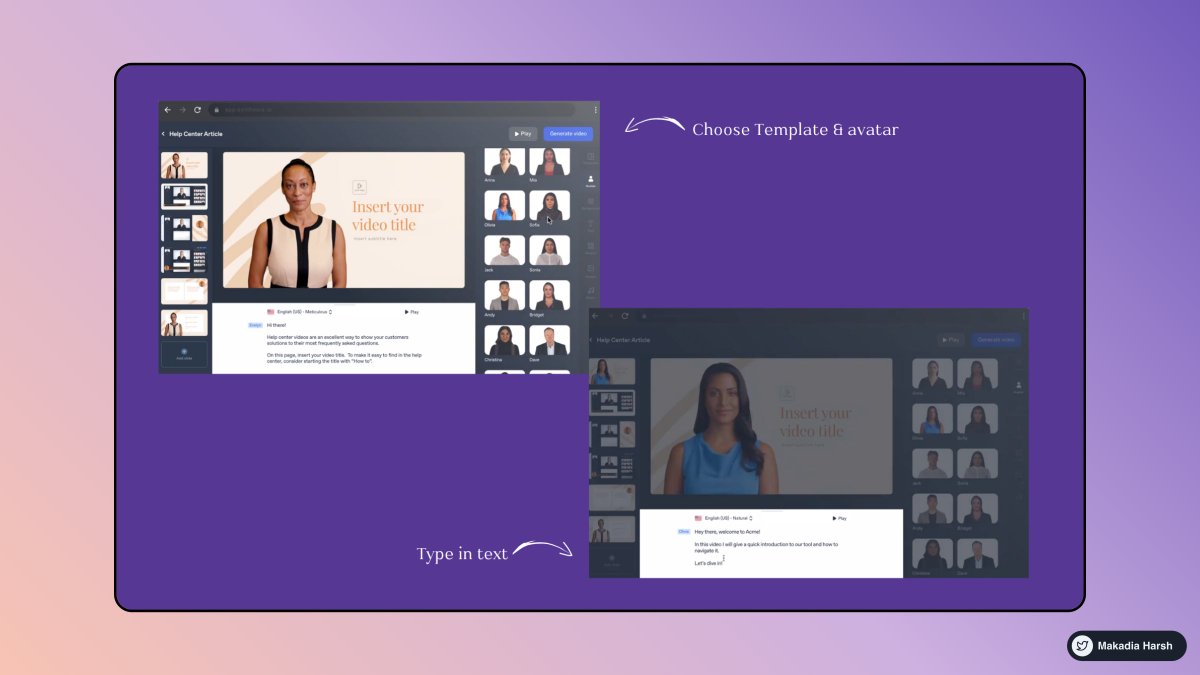
Authors Harsh Makadia


99.8% don't know all of them.
THREAD 🧵 ↓
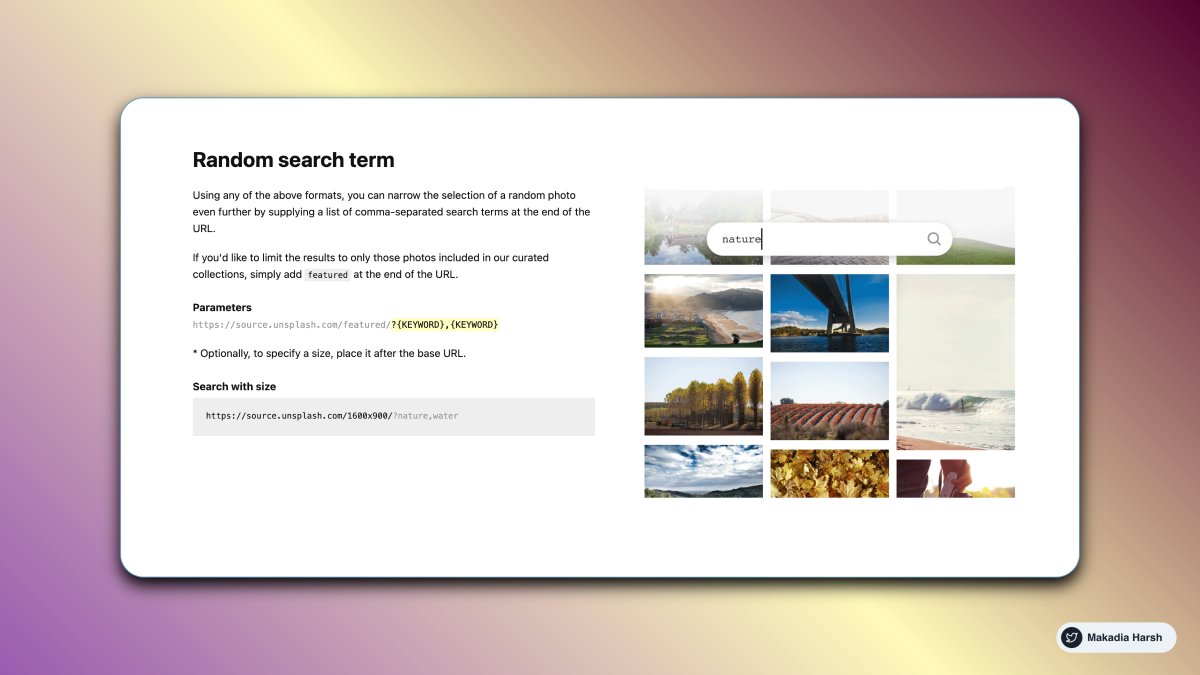
1. Random Image via API
The most powerful photo engine in the world.
The Unsplash API is a modern JSON API that surfaces all of the info you’ll need to build any experience for your users
https://t.co/1QjvCWijQi
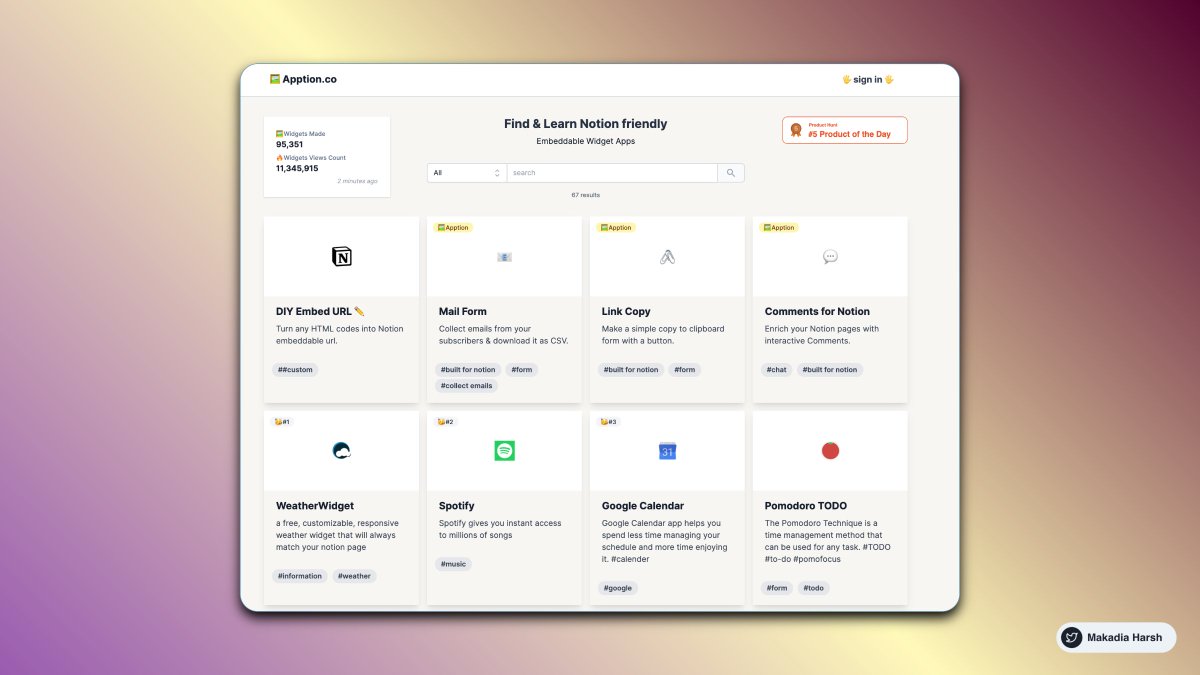
2. Embeddable Widget Apps for Notion
Add 3rd party apps embed or create a custom embed for your Notion Document.
https://t.co/ivxZvNGMf0
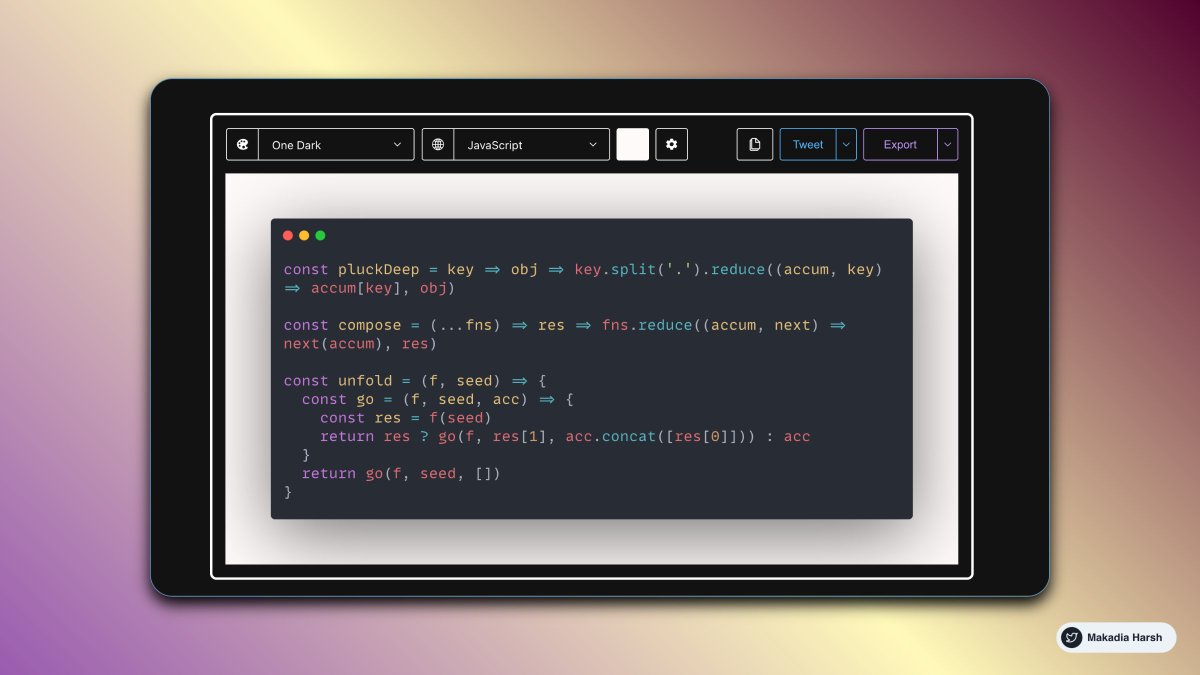
3. Carbon
Create and share beautiful images of your source code. Start typing or drop a file into the text area to get started.
https://t.co/CpDiVOhYDS
4. Peppertype
Generate better content copies in seconds with the power of Artificial Intelligence.
Expanding your content for writing blogs is easier than ever before
AI-Generated tweet ideas
https://t.co/zQp1AI66Ew


But only a few are super handy.
Here are 10 Chrome extensions that you cannot miss:
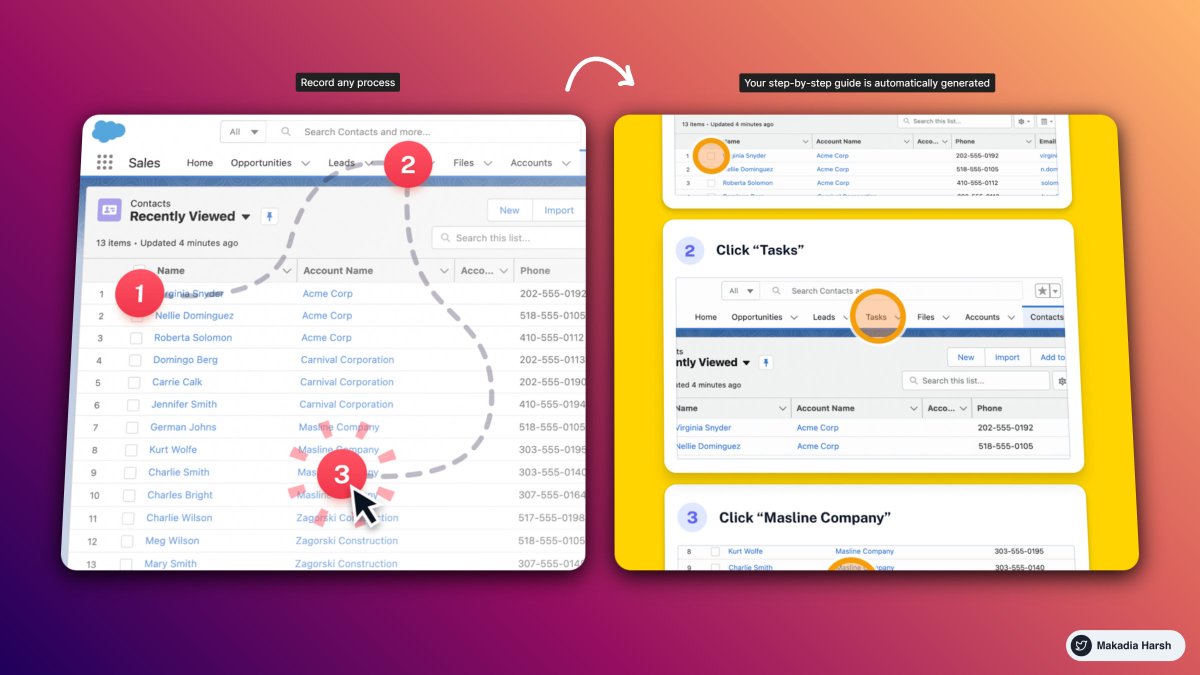
1. ScribeHow
Screen recording extension that turns any process into a guide instantly.
Perfect for: founders, creators, entrepreneurs, educators, and more.
Reduce the time you spend documenting and sharing processes by 93%
🔗 https://t.co/lPncjsnScF
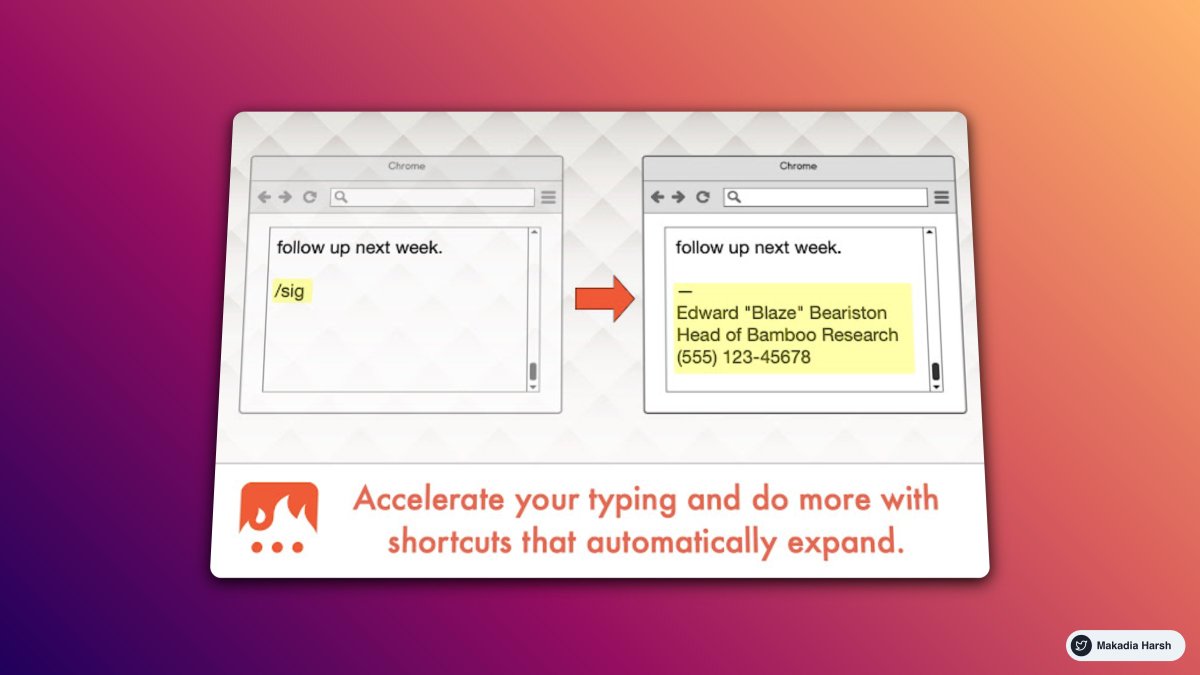
2. Text Blaze
Eliminate repetitive typing and mistakes.
Easy-to-use templates with endless customizability and powerful automation.
All with full control at your fingertips.
🔗 https://t.co/WB4ChCRrk3
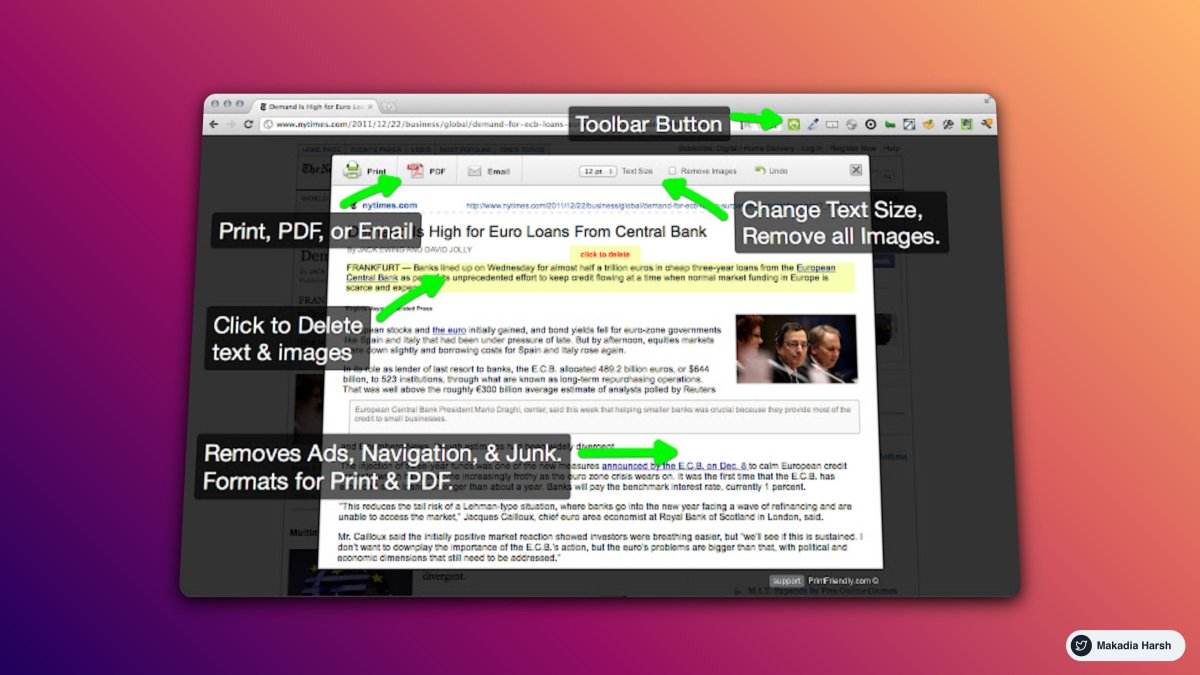
3. Print Friendly
Make any web page Print Friendly & PDF.
Removes Junk.
Editable Preview.
PDF with clickable links.
🔗 https://t.co/onthbnWhF6
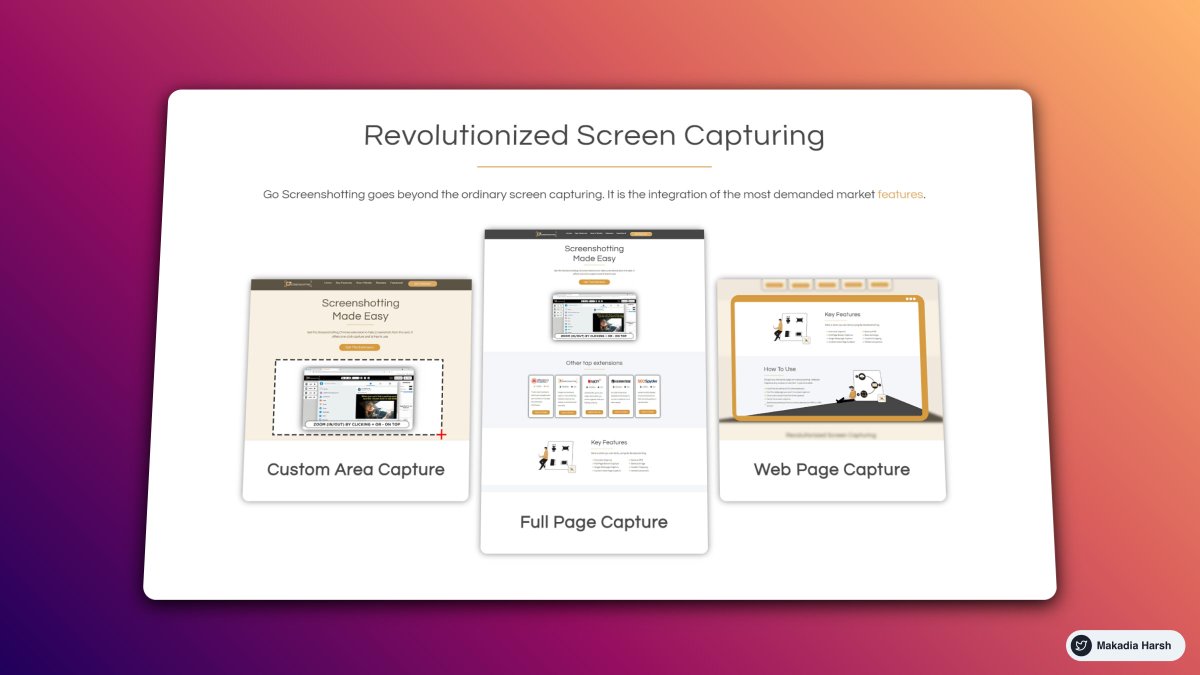
4. GoFullPage
The best browser extension for taking a screenshot of an entire webpage.
🔗 https://t.co/wdwVLlSTFg
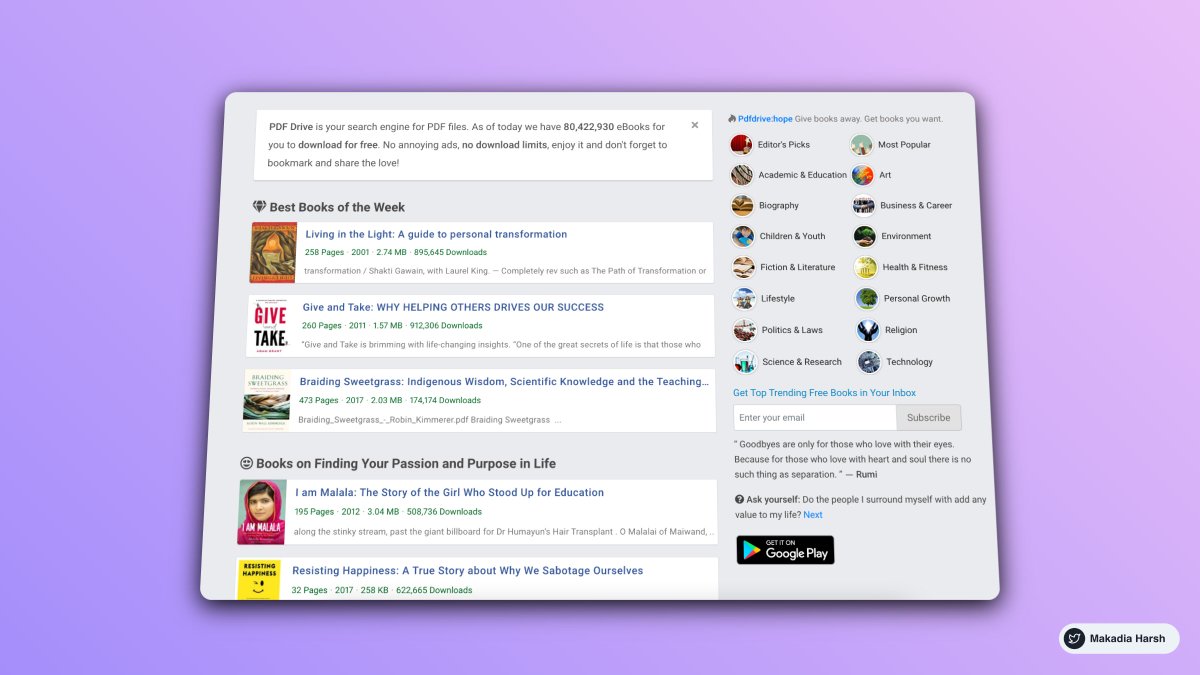
1. PDF Drive
PDF Drive is your search engine for PDF files.
Today, there are 80,422,827 eBooks for you to download for free.
🔗 https://t.co/JZdcHeqV4V
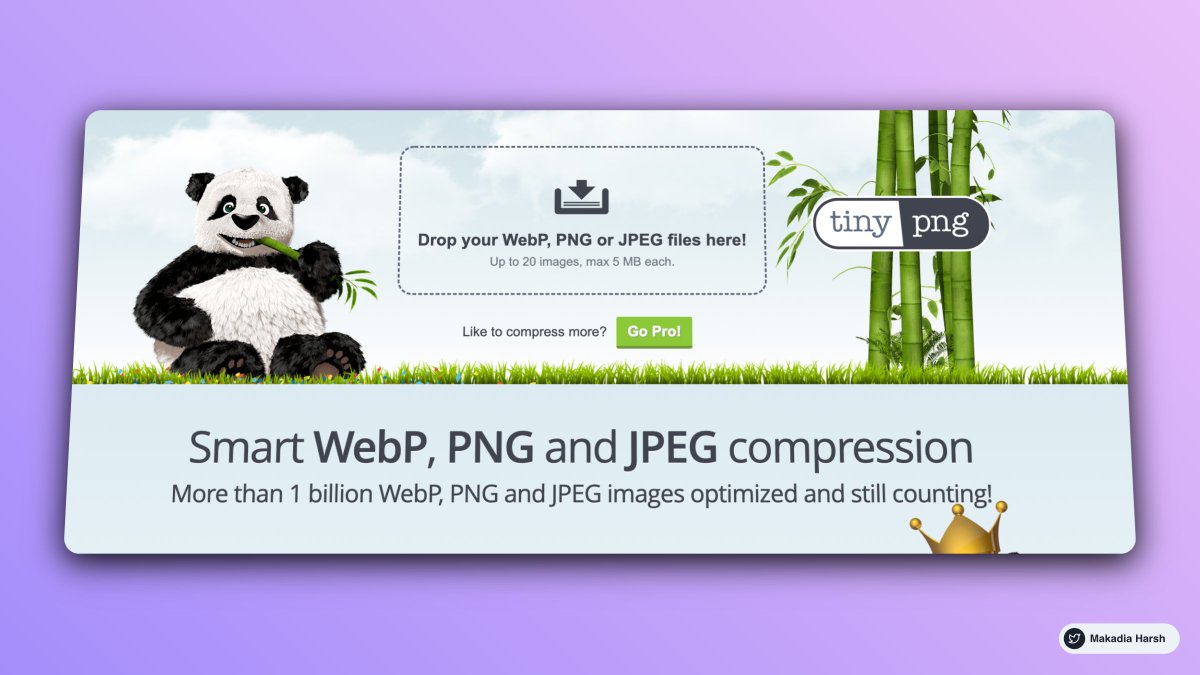
2. TinyPNG
TinyPNG uses smart lossy compression techniques to reduce the file size of your WEBP, JPEG, and PNG files.
🔗 https://t.co/Z6cOHskseV
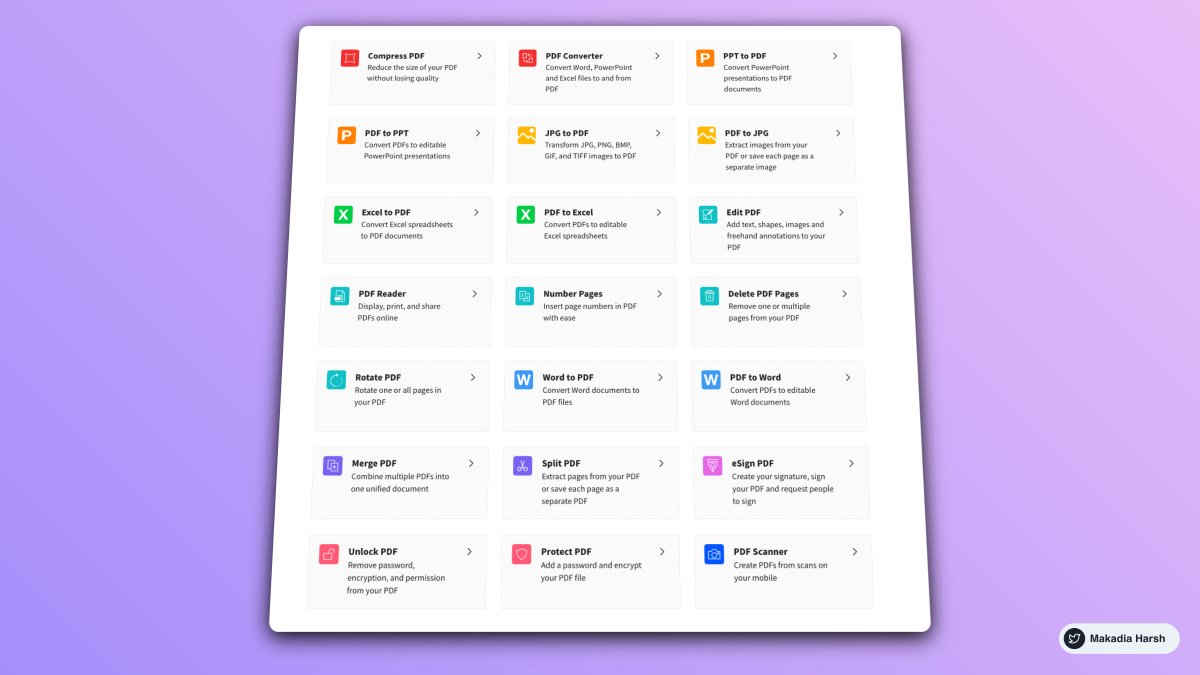
3. SmallPDF
All the tools you’ll need to be more productive and work smarter with documents.
🔗 https://t.co/b52ts1h7zf
4. Photpea
Photopea is a web-based photo and graphics editor.
It is used for editing, making illustrations, web design, or converting different image formats.
🔗 https://t.co/1eEAOZzCmz

Here are 21 formats that helped me reach 64,000+ followers.
Marketing and Copywriting Practical Guide 🧵:
In this thread, we will go over:
1. Tweet Formats
2. Twitter Threads Hooks
Warning: You're about to steal some of my secrets that will level up your Twitter game.
Grab a cup of coffee Hot ☕️
1. Better Presentation
Try to differentiate from the rest.
Good presentation and message passing are crystal clear.
People stop scrolling as they see something new.
Tweet Link:
https://t.co/Ciq27ogrTI
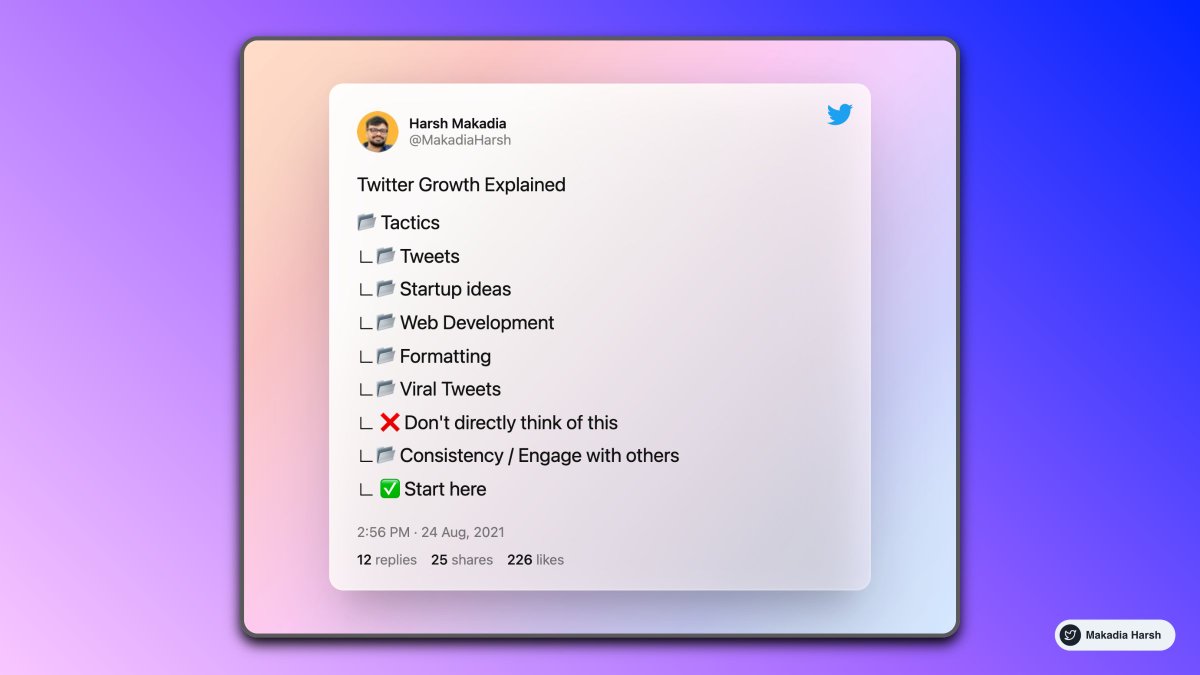
Twitter Growth Explained
— Harsh Makadia (@MakadiaHarsh) August 24, 2021
\U0001f4c2 Tactics
\u221f\U0001f4c2 Tweets
\u221f\U0001f4c2 Startup ideas
\u221f\U0001f4c2 Web Development
\u221f\U0001f4c2 Formatting
\u221f\U0001f4c2 Viral Tweets
\u221f \u274c Don't directly think of this
\u221f\U0001f4c2 Consistency / Engage with others
\u221f \u2705 Start here
2. Share your experience with someone who is starting today
Share some of the common mistakes people make based on your experience.
Tweet Link:
https://t.co/OliLutvsZM
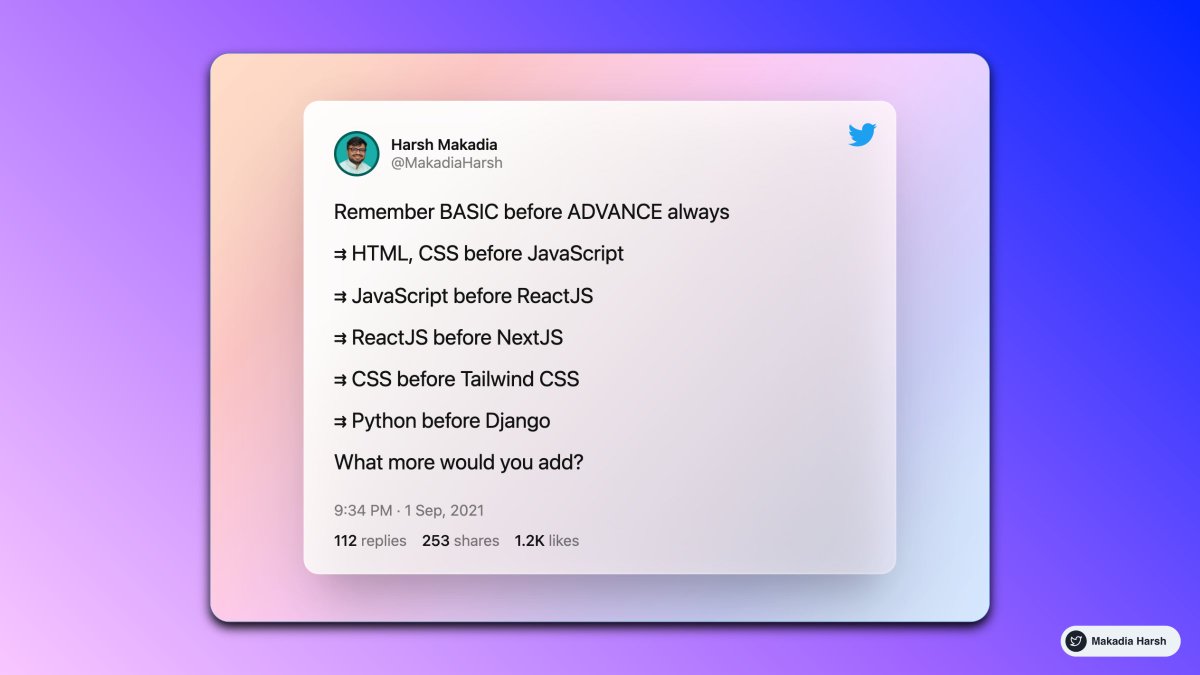
Remember BASIC before ADVANCE always
— Harsh Makadia (@MakadiaHarsh) September 1, 2021
\u21c9 HTML, CSS before JavaScript
\u21c9 JavaScript before ReactJS
\u21c9 ReactJS before NextJS
\u21c9 CSS before Tailwind CSS
\u21c9 Python before Django
What more would you add?
3. Use Emoji's like a bullet
Easy to relate to and understand faster.
Tweet Link:
https://t.co/rBrXQr7EBY
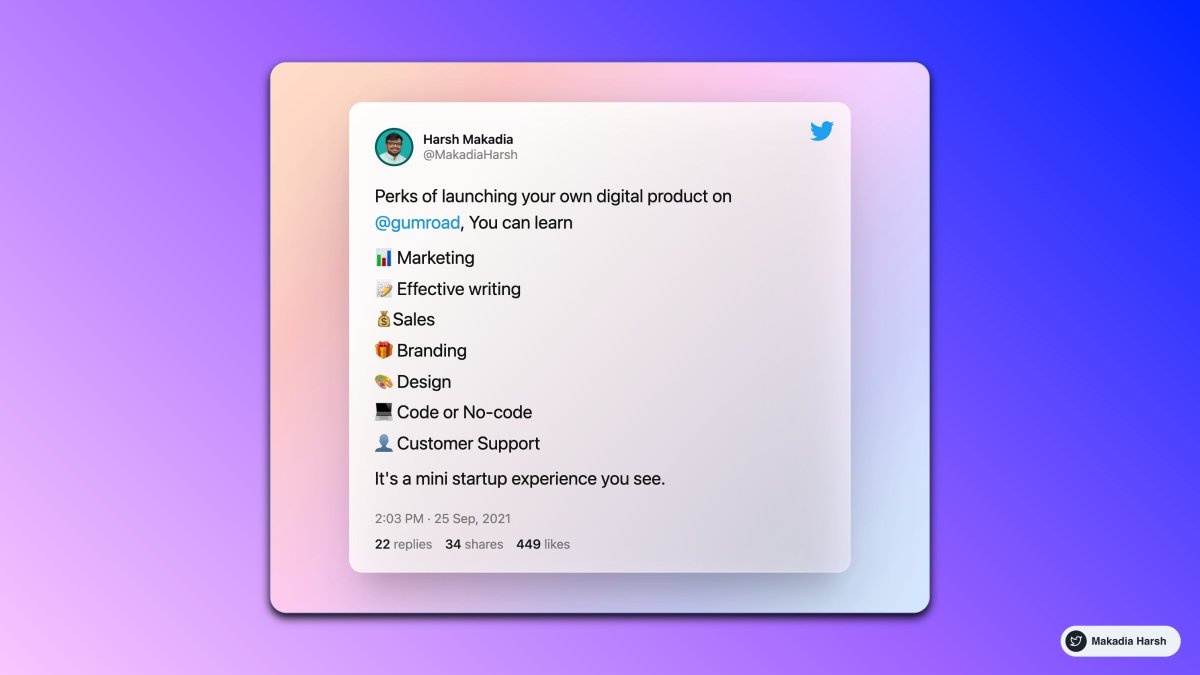
Perks of launching your own digital product on @gumroad, You can learn
— Harsh Makadia (@MakadiaHarsh) September 25, 2021
\U0001f4ca Marketing
\U0001f4dd Effective writing
\U0001f4b0Sales
\U0001f381 Branding
\U0001f3a8 Design
\U0001f4bb Code or No-code
\U0001f464 Customer Support
It's a mini startup experience you see.
Leverage it right, and you'll be miles ahead of the rest.
Here are 11 threads that'll accelerate your growth:
Save thousands of marketing
ChatGPT is a FREE employee.
— MATT GRAY (@matt_gray_) January 18, 2023
But most people don't know how to use it to superpower their marketing.
Here are 8 ways ChatGPT can save you thousands of marketing hours in 2023:
10 mindblowing things you can
ChatGPT has crossed 1M+ users in just 5 days.
— Aleksandr Volodarsky \U0001f1fa\U0001f1e6 (@volodarik) December 8, 2022
To compare, it took Netflix 41 months, FB - 10 months, and Instagram - 2.5 months.
But many haven\u2019t yet realized its full potential.
Here are the 10 mindblowing things you can do using it right now:
ChatGPT is a FREE
ChatGPT is a FREE assistant.
— Joe Speiser \u26a1\ufe0f (@jspeiser) January 2, 2023
But most people don\u2019t know the best ways to use it.
Here are 8 ways ChatGPT can save you thousands of hours in 2023:
Become
ChatGPT combined with modern marketing is going to make people millions in 2023.
— Logan | Landing Pages (@LoftedLearning) January 3, 2023
Here\u2019s the system they\u2019ll use (and how you can copy them with the help of ChatGPT):
It changed my life.
Here are 15 mind-blowing tools that’ll change yours, too:
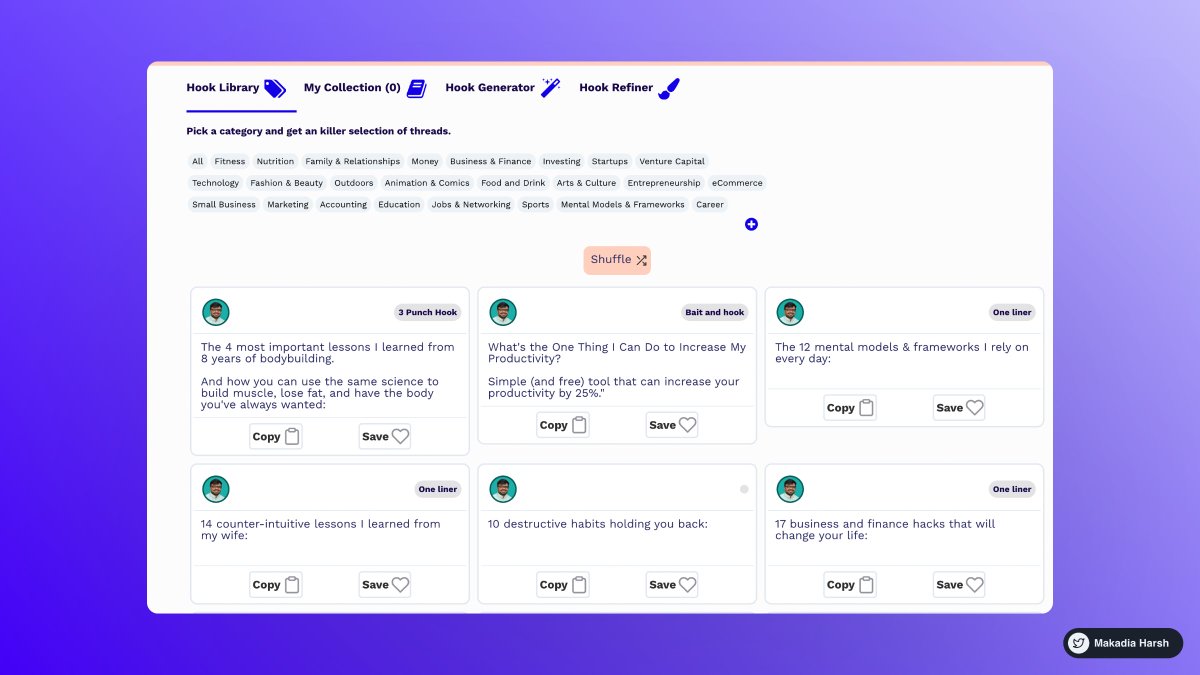
1. Tribescaler
Tribescaler makes your tweets go viral.
It helps you write better hooks in seconds.
Powered by AI to write better & faster.
https://t.co/dUx2BNaVZc
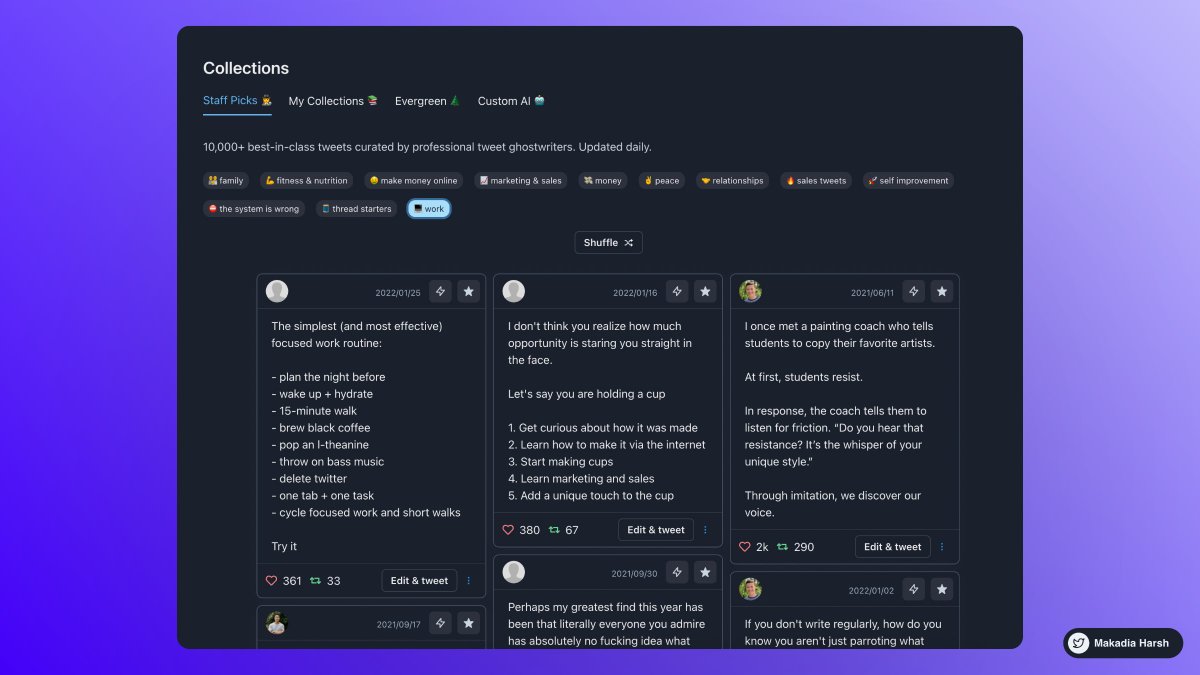
2. TweetHunter
Tweet Hunter helps you at EVERY step:
Get Content Ideas, Write Faster & Better, Boost & Automate, Engage & Sell To People, Analyze & Understand.
https://t.co/DmWEXuJ0lR
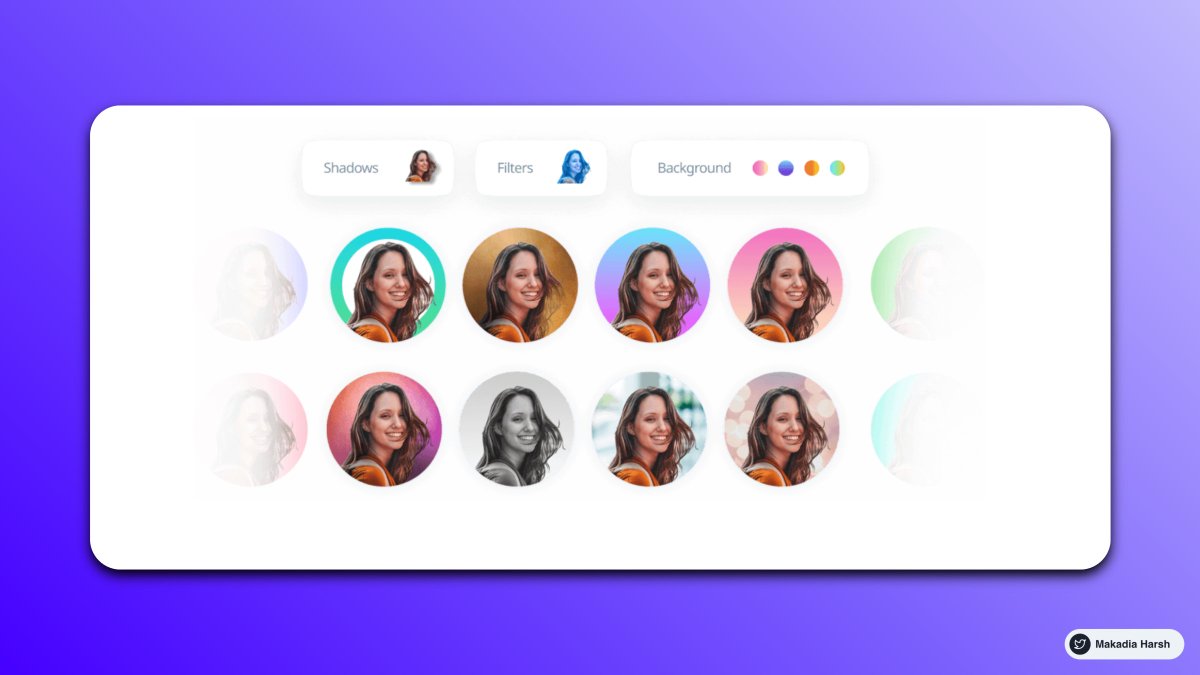
3. Profile Picture Maker
Remove the background easily and make an awesome profile picture.
Instantly generated profile pictures.
Get more views, likes with this Hack.
https://t.co/xw3co1wuXQ
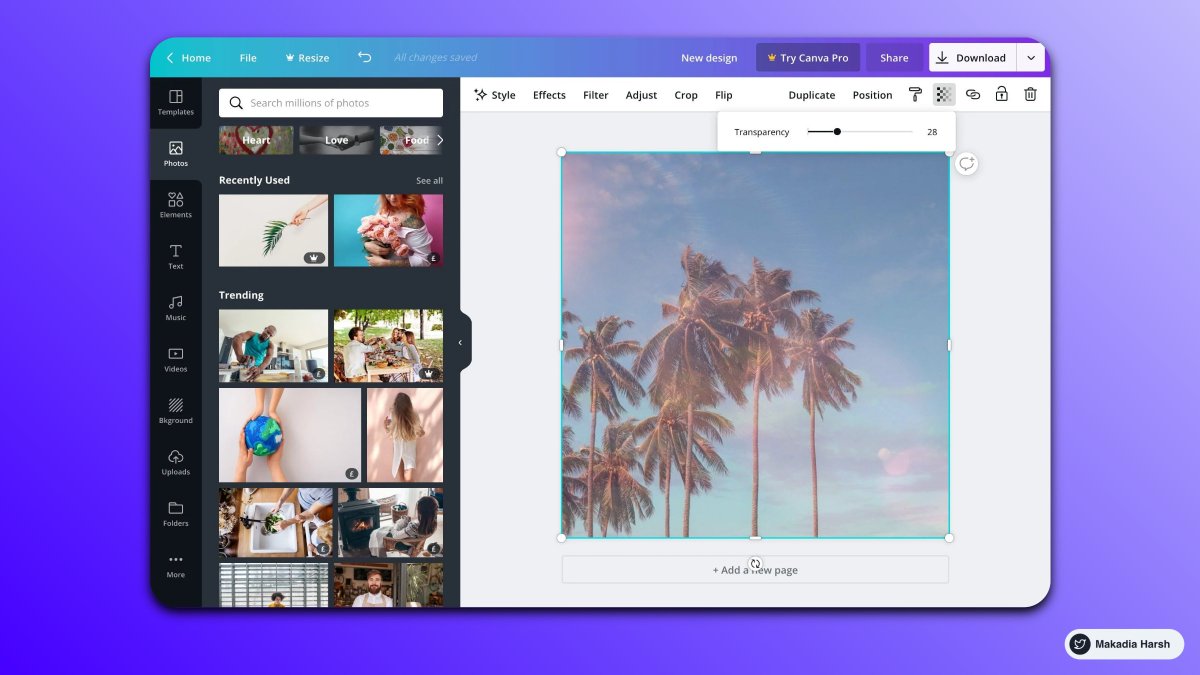
4. Canva
Create Beautiful Twitter Banners in minutes.
You can use it to create media images.
You can create a design and reuse them as your own brand.
https://t.co/1QPfG90r0R
Mentoring 40+ beginners.
Here is a battle-tested roadmap to master frontend development:
The web development journey is a never-ending process.
There are a lot of new technologies and frameworks coming up every day.
But guess what?
For the last two years, I've been mentoring many developers within organizations to help them outperform.
This thread will contain all information on How I learned all the technologies that helped me stand out from the crowd.
I'm pouring out everything I have learned to help you reach the same milestone.
Assuming you starting from ZERO today, this is how you should go.
Here are some of the lessons you should keep in mind forever:
Don't give up - Nothing in life comes easy.
Practice, Practice, Practice - This is the ultimate hack to be unstoppable
Start small today. Go big tomorrow
1. First, learn about HTML
Read Everything from: https://t.co/JkKNCZB0xZ
Build a new project on the local machine to implement simple things you learn.
Example:
If you're learning about the Heading element,
I try to use H1, H2... H6 and see what things look like.
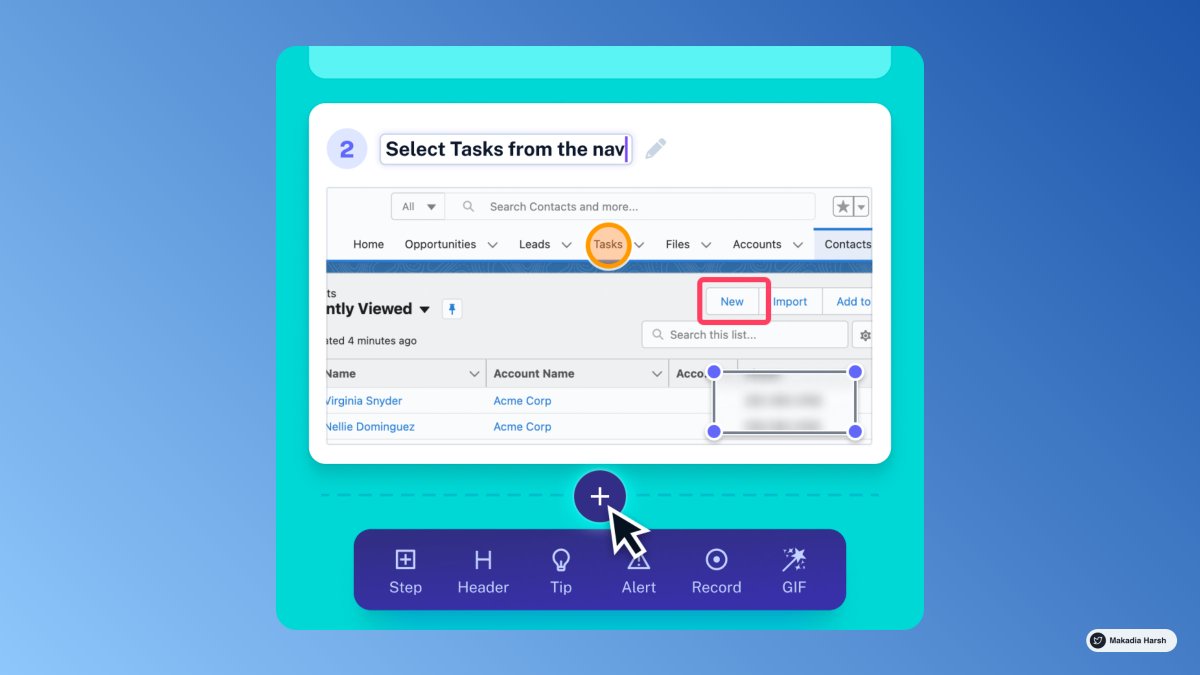
1. ScribeHow [ @ScribeHow ]
Extension for screen recording that converts any procedure into a tutorial in seconds.
super handy for: entrepreneurs, educators, founders, and more.
93% less effort should be spent recording and sharing procedures.
🔗 https://t.co/dk5fk7zxmz
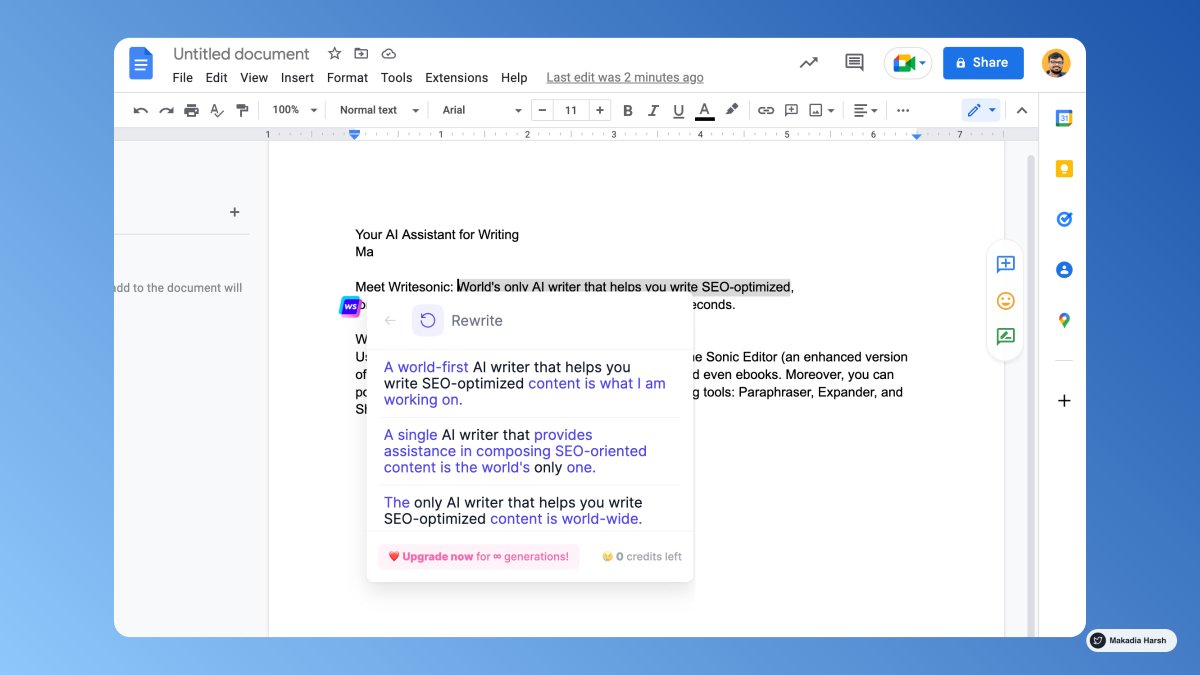
2. Writesonic [ @WriteSonic ]
AI-powered writing assistant lets you rephrase, expand or shorten any text in a click.
One tool for any type of writing.
🔗 https://t.co/psGIwFpgm0
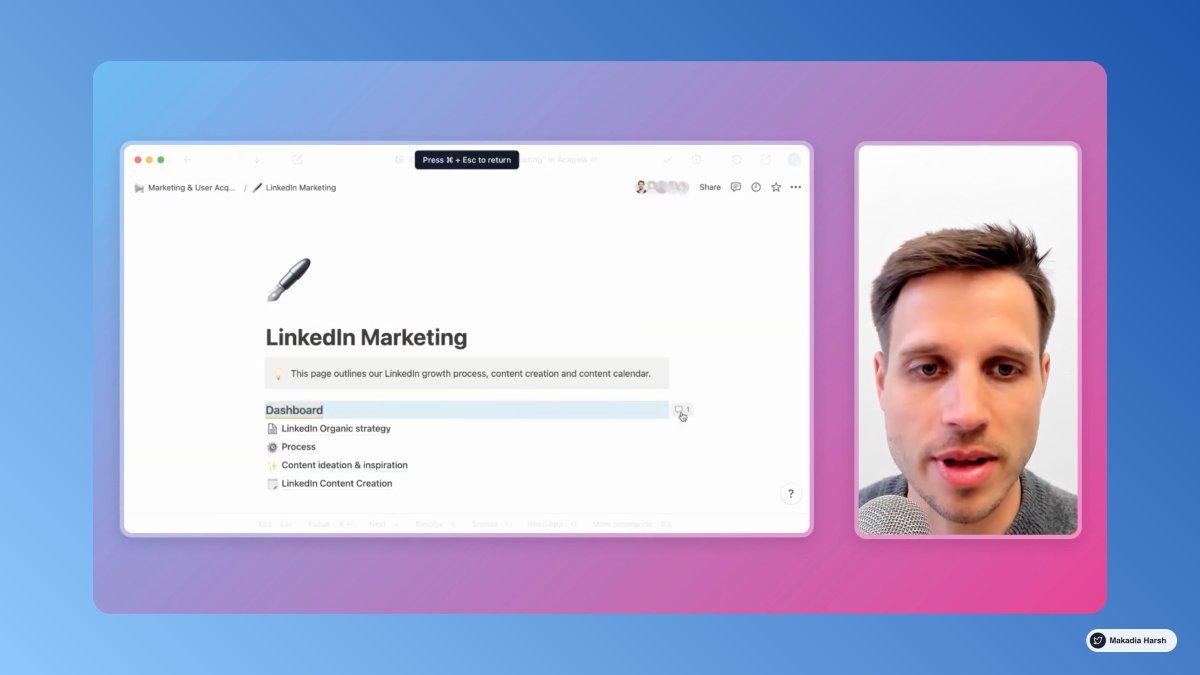
@WriteSonic 3. Tella [ @TellaHQ ]
Bring your work to life with video.
Screen and camera recording for making an impression.
Fully customizable, instantly shareable, all in your browser.
🔗 https://t.co/yebcyquBnl
@WriteSonic @TellaHQ 4. Arcade [ @arcade_demo ]
The easiest way to showcase your products.
Create interactive demos in minutes and embed them on:
• Websites
• Blog post
• Tweet
🔗 https://t.co/BlZIrVir2l

Using these will put Web Developer on Steroids.
THREAD 🧵 ↓
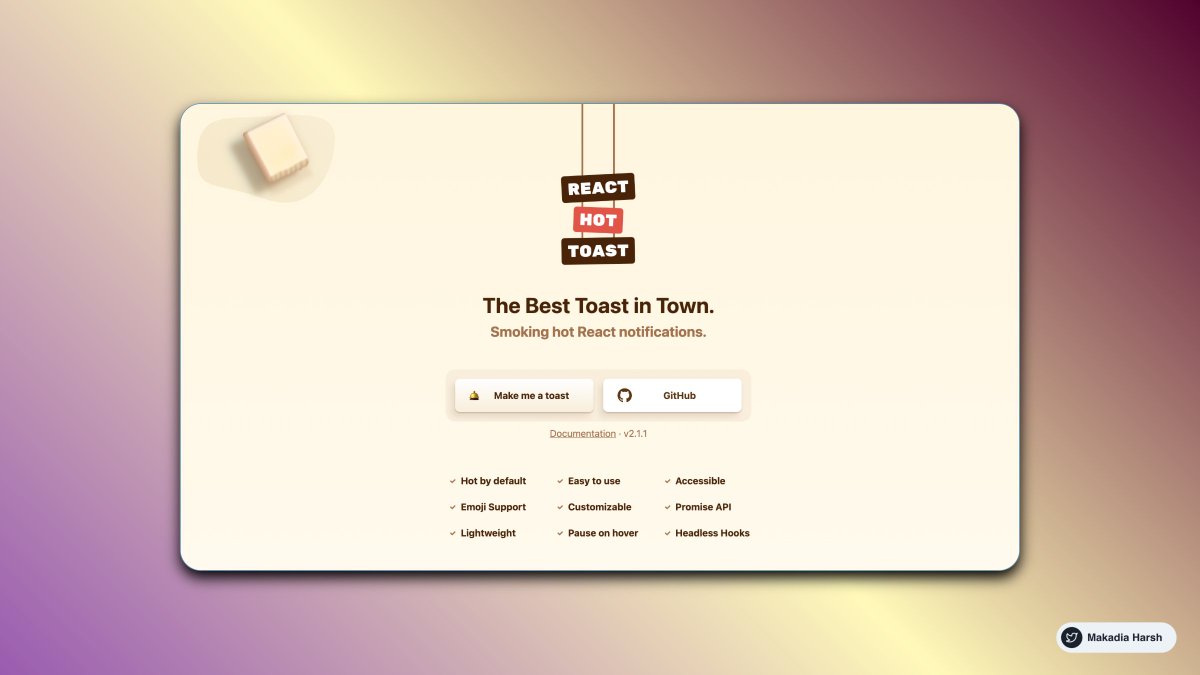
{ 1 } React Hot Toast
The Best Toast in Town. Smoking hot React notifications.
Add beautiful notifications to your React App
https://t.co/aS33IRbQwe
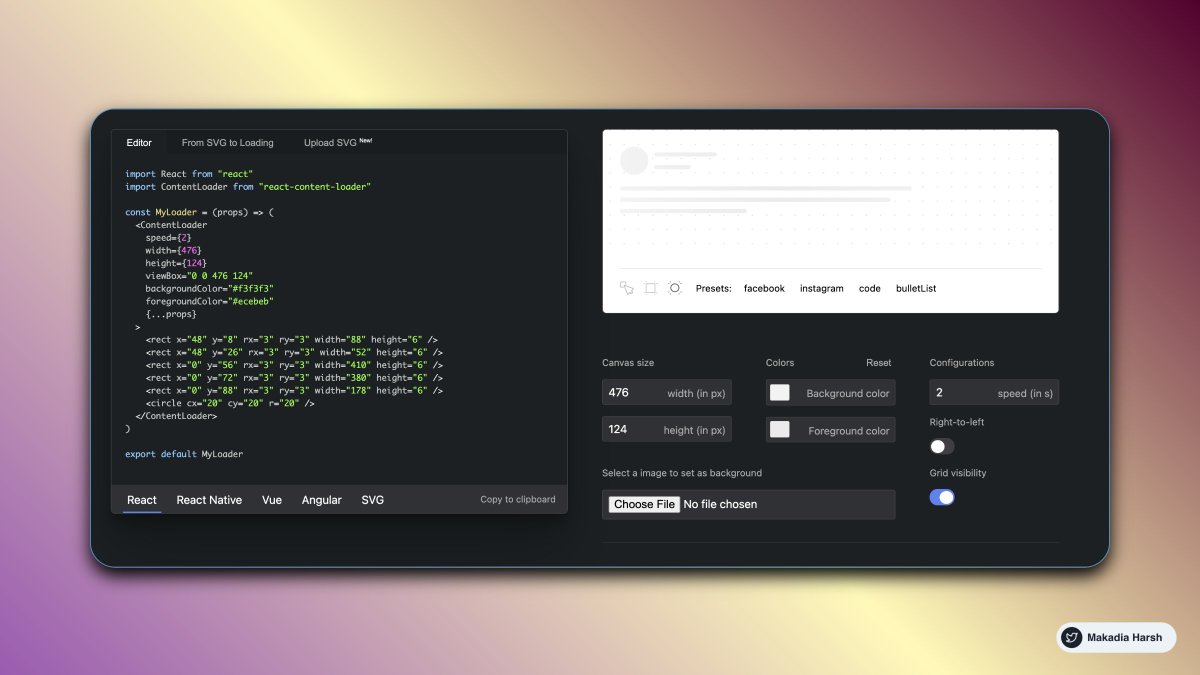
{ 2 } React Content Loader
SVG-Powered component to easily create placeholder loadings (like Facebook's cards loading).
https://t.co/pkj87VbESx
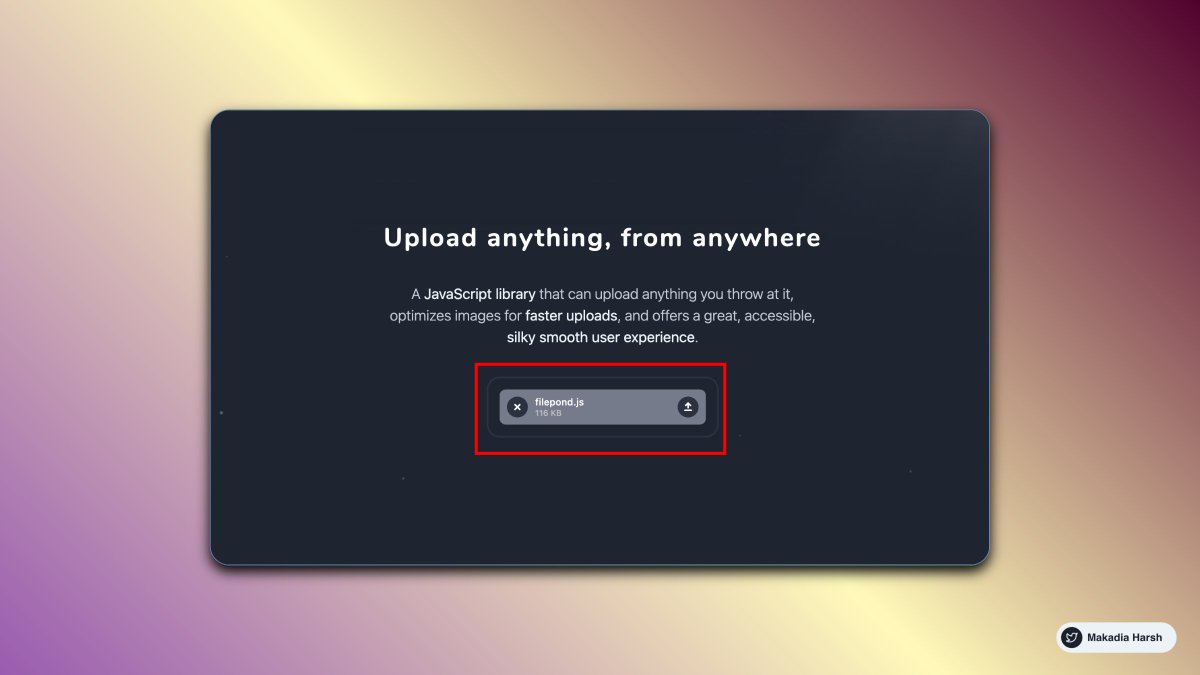
{ 3 } React Filepond
A new way to upload files
- Multiple Input Formats
- Image Optimization
- Responsive
- Async or Sync Uploading
https://t.co/C5k3EWX4eO
{ 4 } React Notion X
Fast and accurate React renderer for Notion. TS batteries included. ⚡ ️
https://t.co/TZ8aKhflR3
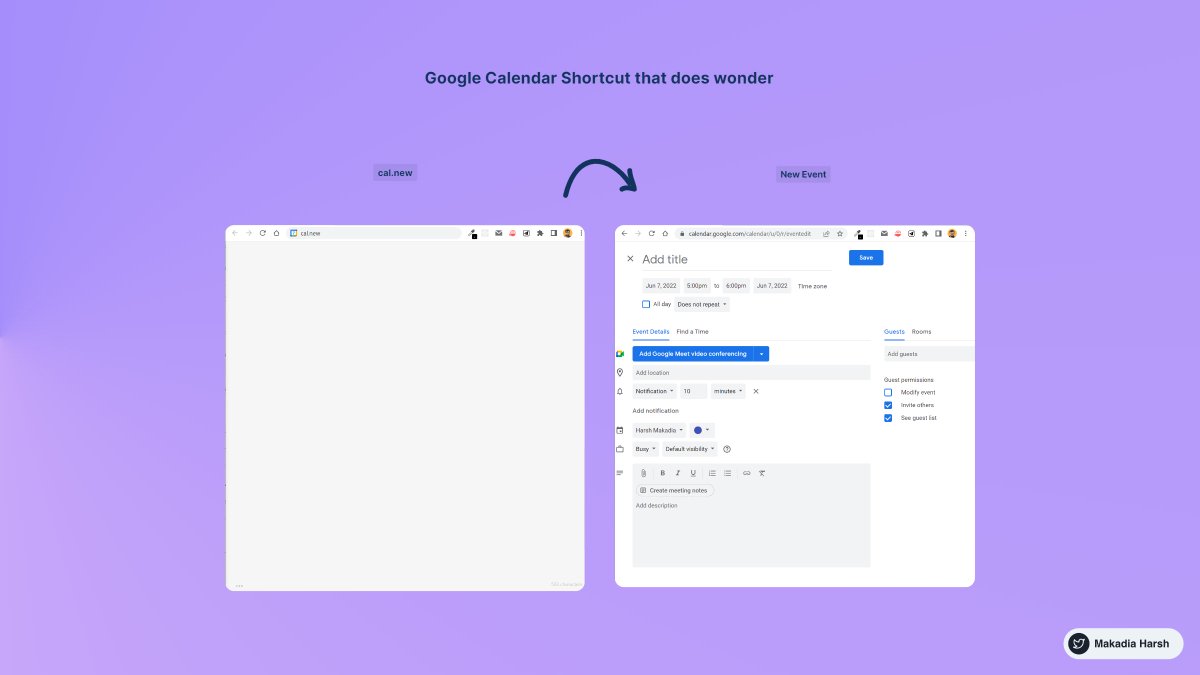
1. Create New Calendar Event
use https://t.co/eFpzENNmRR to quickly create a new calendar event.
Save time by avoiding multiple clicks.
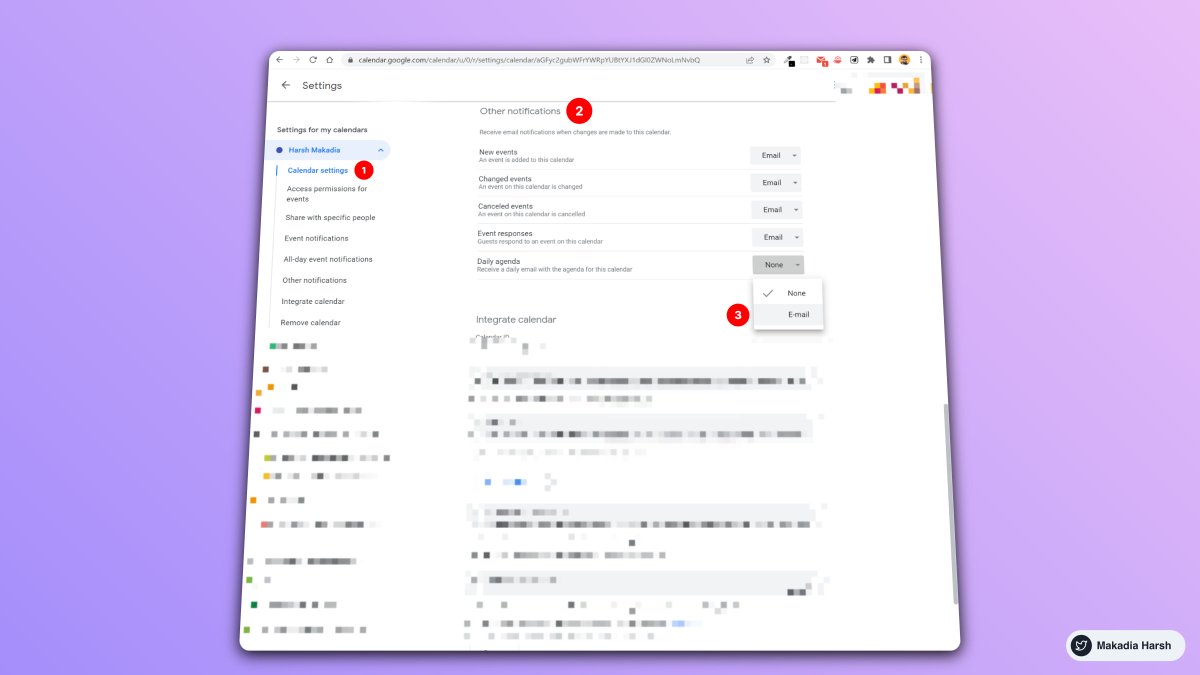
2. Daily Email Digest
Start your day with a daily agenda in your Gmail inbox, based on your Google Calendar schedule.
To Activate:
1. Go to settings
2. Settings for my calendars
3. Go to Other notifications
4. Daily Agenda → Select Email
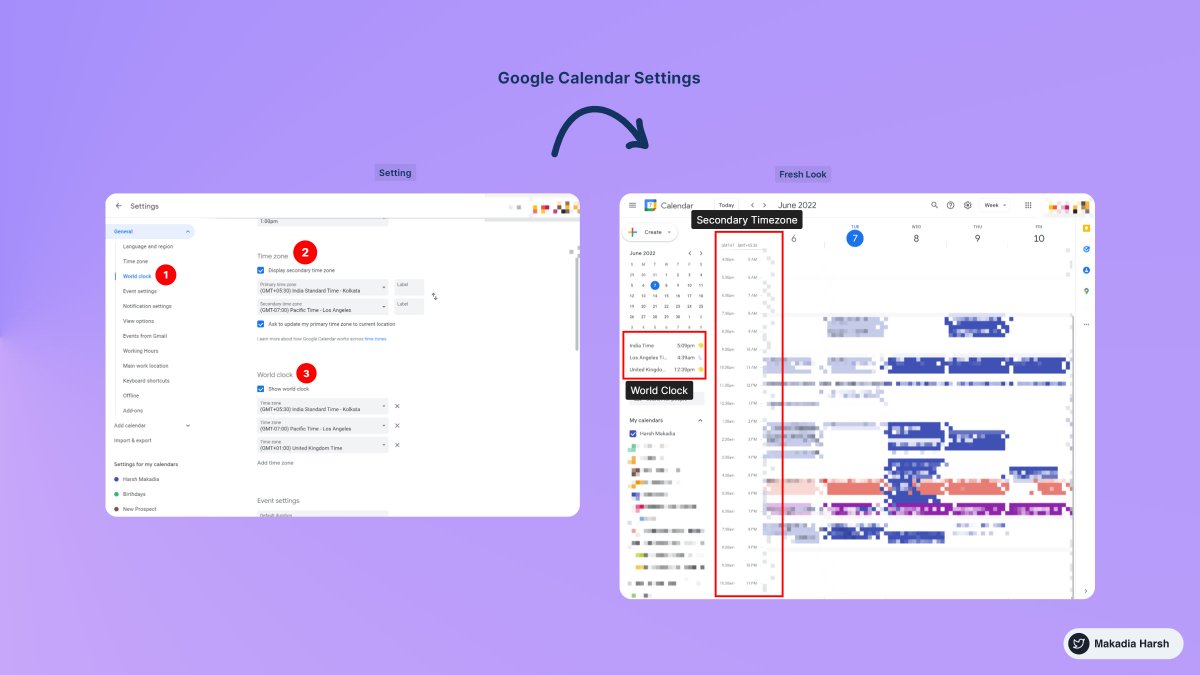
3. Display World Clock and Secondary Timezone
Never leave the calendar to check the time in another timezone.
Everything at one place, 10X Productivity.
To Activate:
1. Go to settings
2. World Clock, Add countries you want
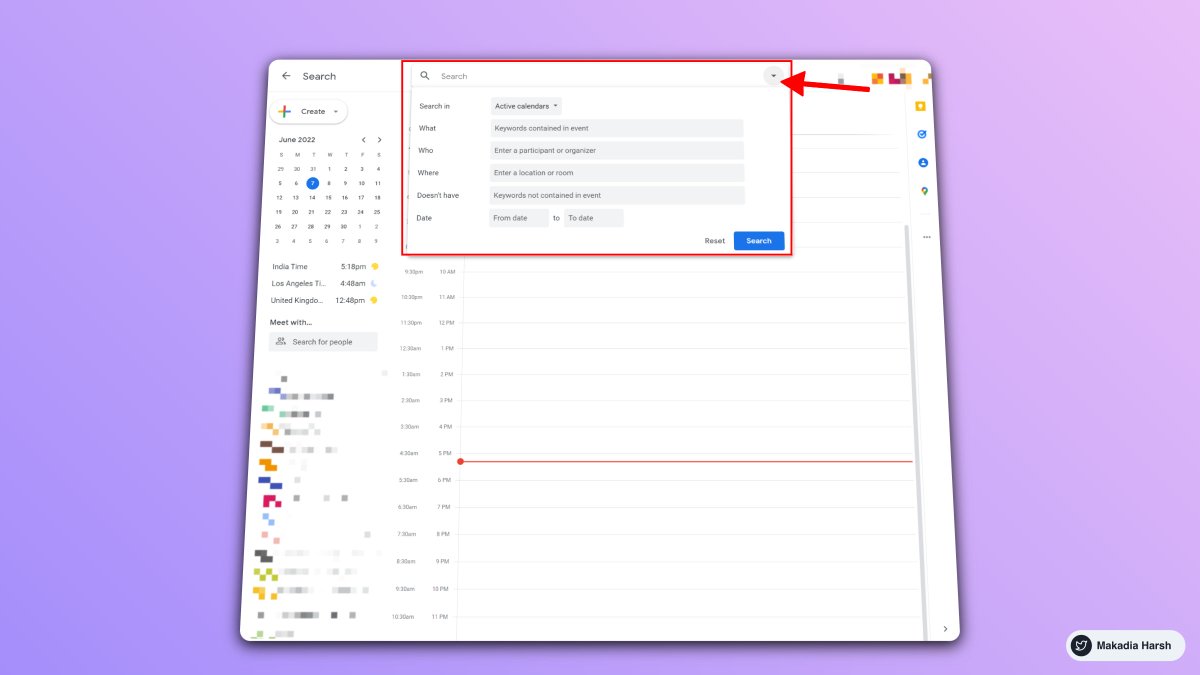
4. Advanced Search
Unlock results faster with smart search.
Everything works just like the Gmail Advanced filter.
Search faster, Save time.
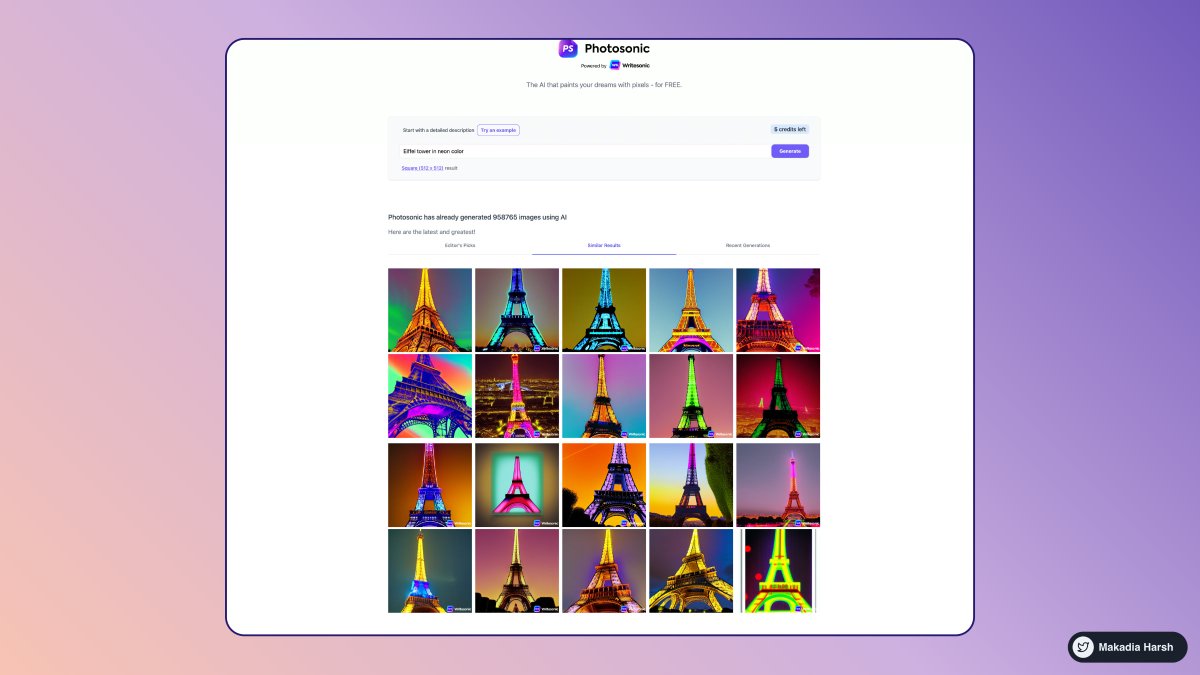
1. Photosonic AI
Create realistic or artistic images from any text description, using a state-of-the-art text-to-image AI model.
No design skills or Photoshop are required.
Generate images in seconds.
🔗 https://t.co/5GSeTfmfgw
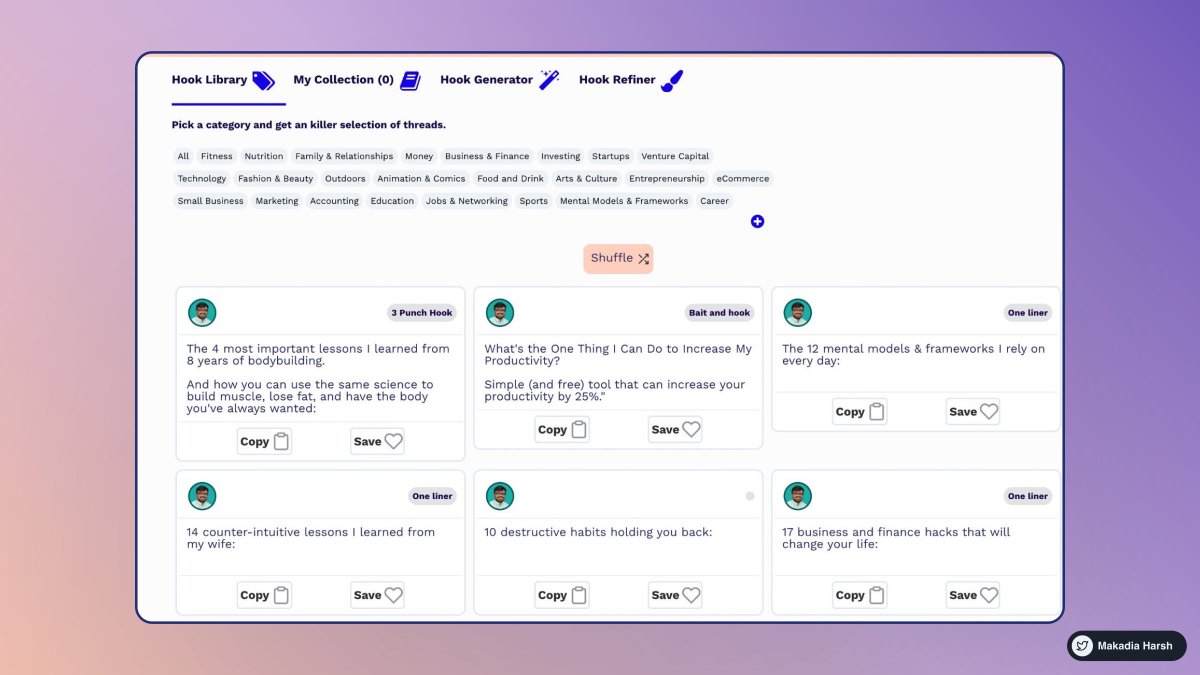
2. Tribescaler
Your tweets go viral with Tribescaler.
It enables you to create better hooks faster, saving you hundreds of hours.
Write more effectively and quickly.
🔗 https://t.co/dUx2BNaVZc
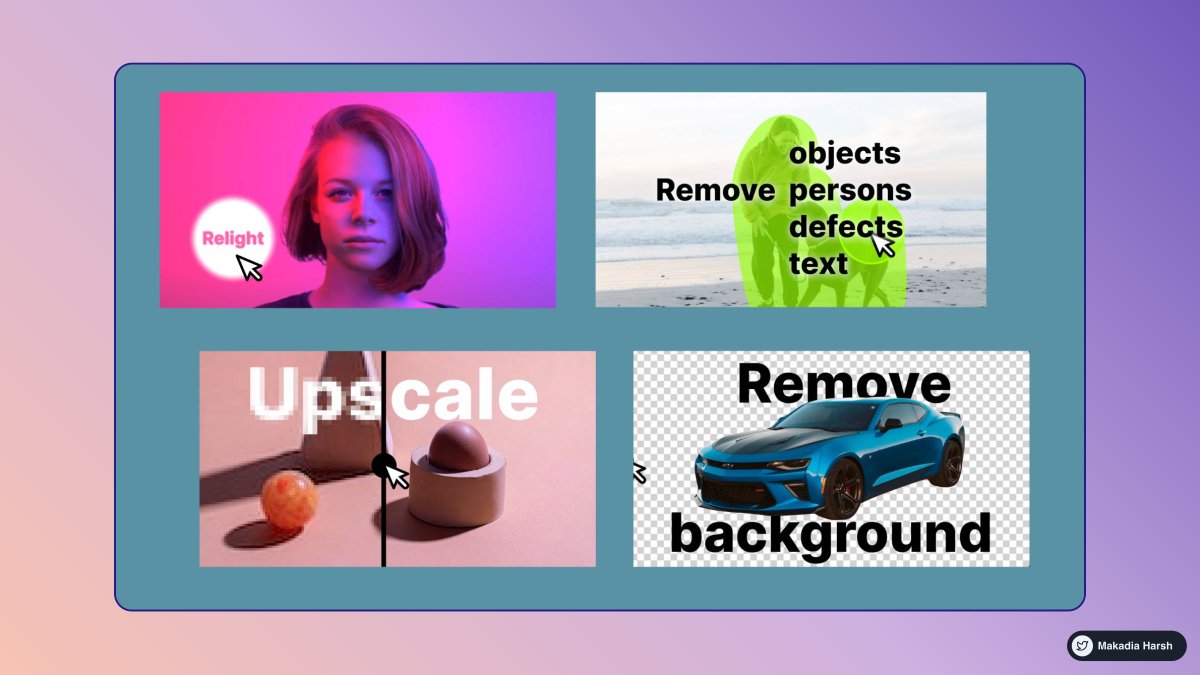
3. ClipDrop
The ultimate ecosystem of apps, plugins & resources for all creators.
Remove objects, people, text, and defects from your pictures automatically.
Upscales your images by 2x or 4x in seconds.
🔗 https://t.co/yzTiQ5RJRn
4. Synthesia
Web-based platform for creating videos with AI avatars and voices.
Simple, intuitive, and requires no prior knowledge of video creation.
Create professional videos in over 60 languages.
🔗 https://t.co/HPaGTV4moU