We just launched a fun little tool called Phantom Analyzer. It’s a 100% serverless tool that scans websites for hidden tracking pixels.
I want to talk about how we built it 👇
> Laravel Vapor
> ChipperCI for deployment
> SQS for queues
> DynamoDB for the database
We went with DynamoDB as we don’t want to worry about our database scaling!
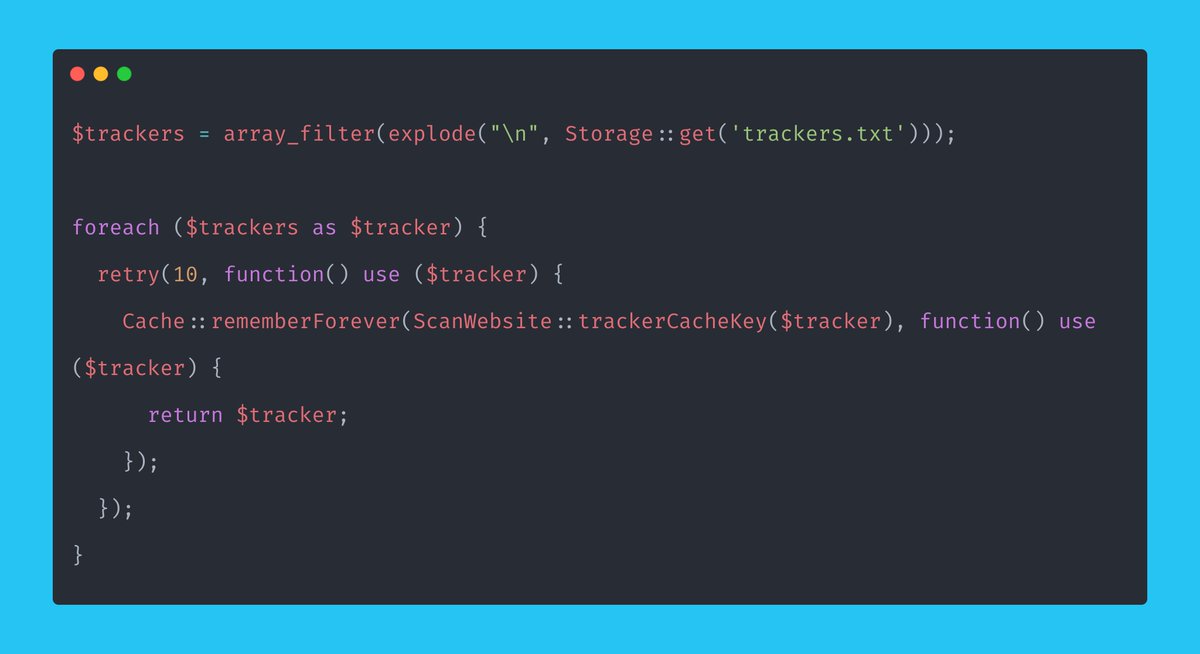
> How will we scan websites for tracking pixels?
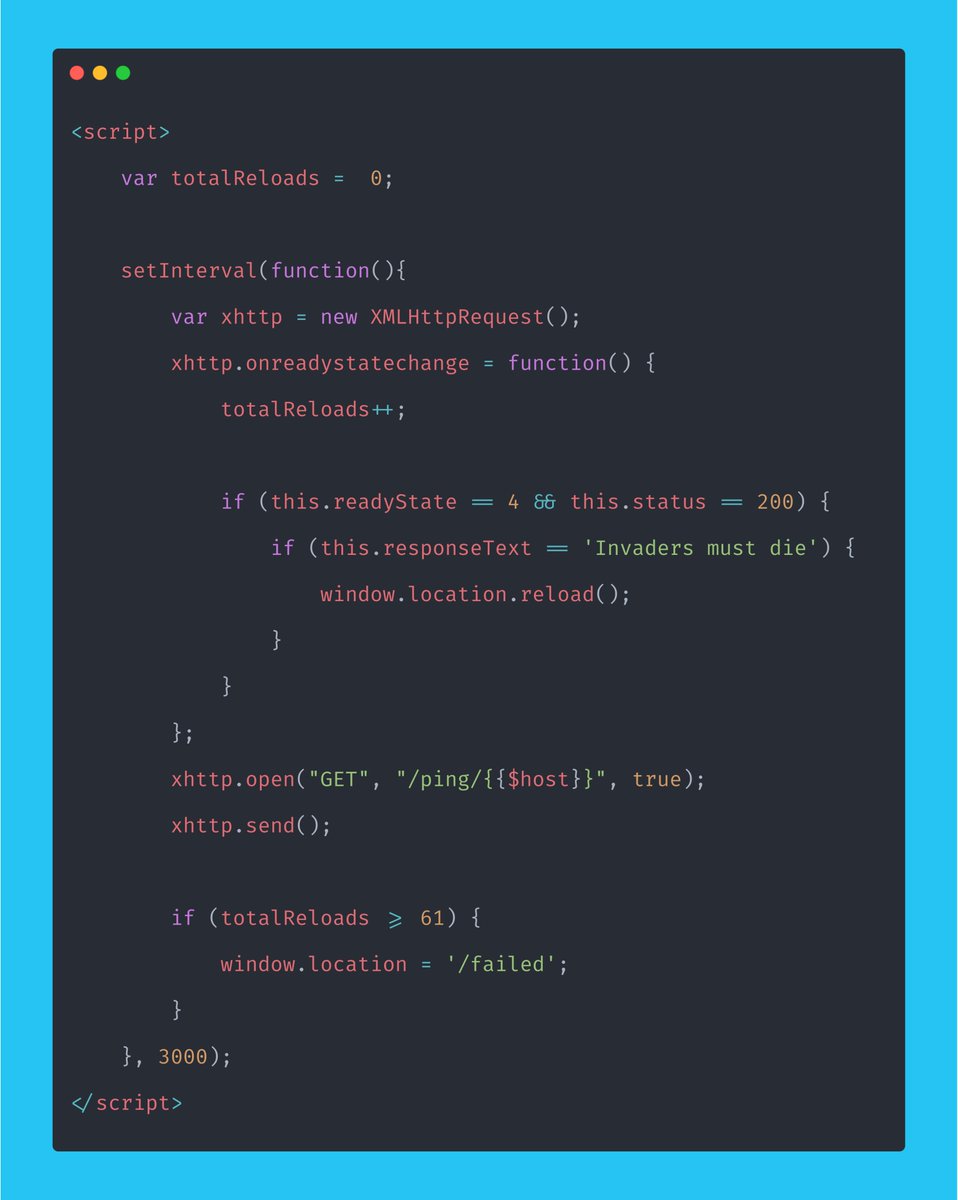
> How will we utilize the queue and check the job is done?
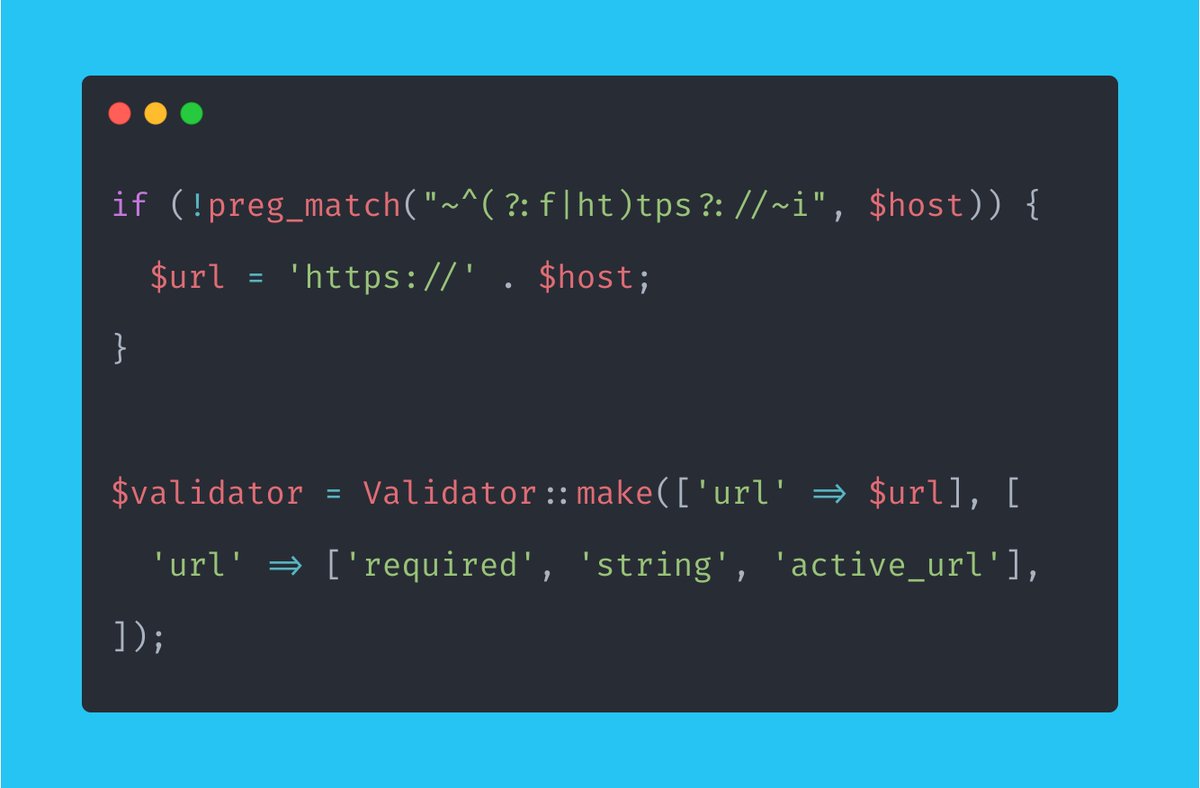
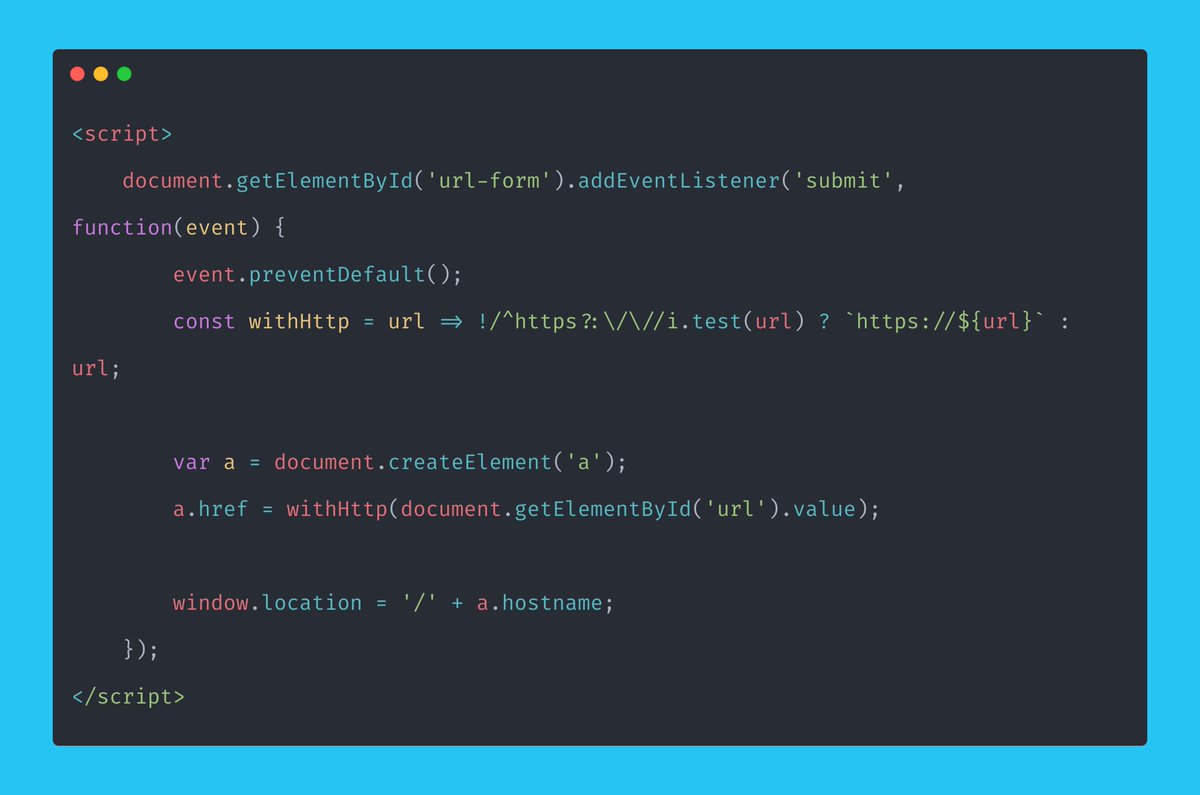
> How will we validate the URL?
Wait a minute...
Yes, out of the box, Browsershot already had what I needed. Are you kidding me?

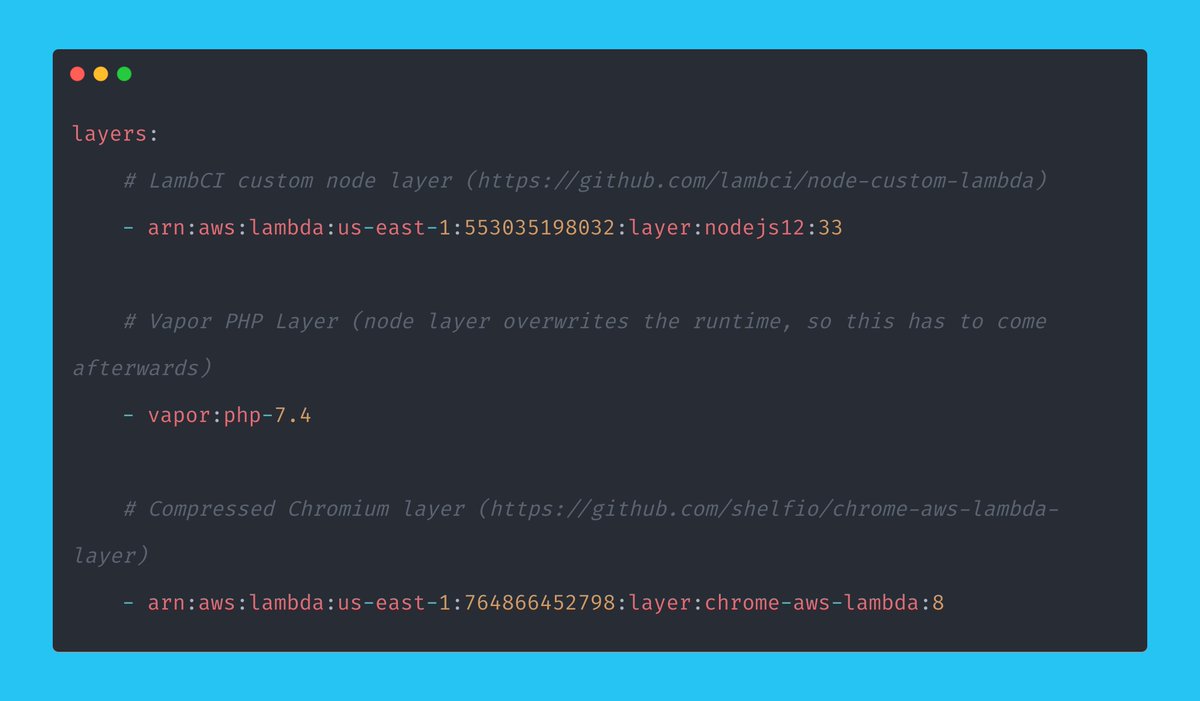
> 1024MB of RAM
> 2048 of RAM for the queue (could likely reduce!)
> Warm of 500
> CLI Timeout of 180 seconds
Those settings all worked nicely.
More from Tech








You May Also Like

https://t.co/6cRR2B3jBE
Viruses and other pathogens are often studied as stand-alone entities, despite that, in nature, they mostly live in multispecies associations called biofilms—both externally and within the host.
https://t.co/FBfXhUrH5d

Microorganisms in biofilms are enclosed by an extracellular matrix that confers protection and improves survival. Previous studies have shown that viruses can secondarily colonize preexisting biofilms, and viral biofilms have also been described.

...we raise the perspective that CoVs can persistently infect bats due to their association with biofilm structures. This phenomenon potentially provides an optimal environment for nonpathogenic & well-adapted viruses to interact with the host, as well as for viral recombination.

Biofilms can also enhance virion viability in extracellular environments, such as on fomites and in aquatic sediments, allowing viral persistence and dissemination.

Viruses and other pathogens are often studied as stand-alone entities, despite that, in nature, they mostly live in multispecies associations called biofilms—both externally and within the host.
https://t.co/FBfXhUrH5d
Microorganisms in biofilms are enclosed by an extracellular matrix that confers protection and improves survival. Previous studies have shown that viruses can secondarily colonize preexisting biofilms, and viral biofilms have also been described.
...we raise the perspective that CoVs can persistently infect bats due to their association with biofilm structures. This phenomenon potentially provides an optimal environment for nonpathogenic & well-adapted viruses to interact with the host, as well as for viral recombination.
Biofilms can also enhance virion viability in extracellular environments, such as on fomites and in aquatic sediments, allowing viral persistence and dissemination.