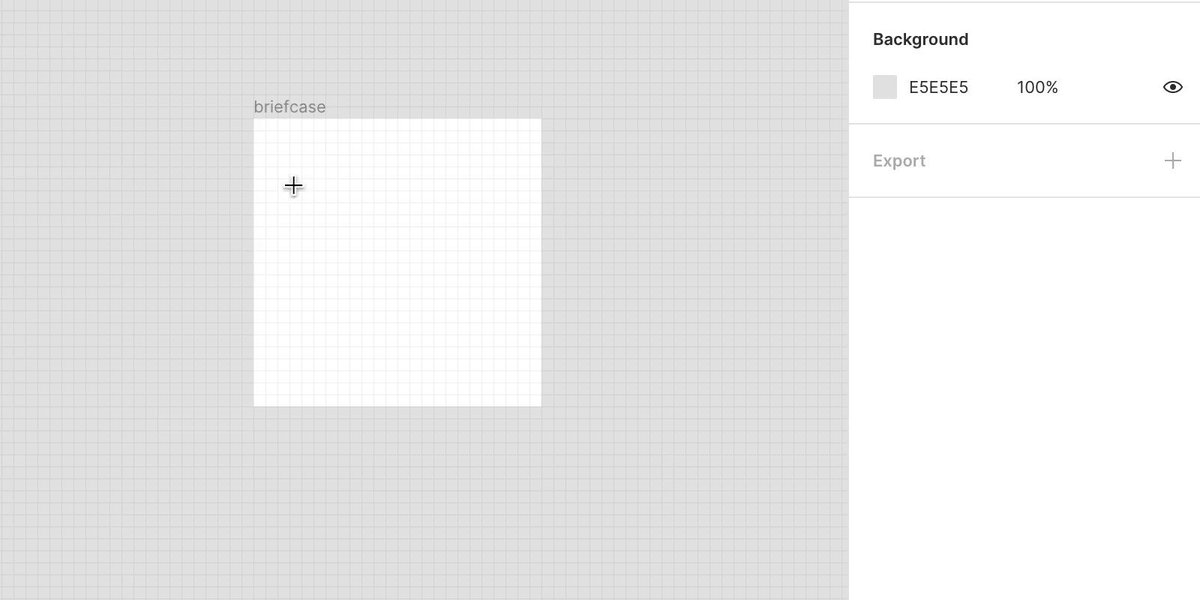
How to make a "Briefcase" icon in @figmadesign.

🧵
thread 👇

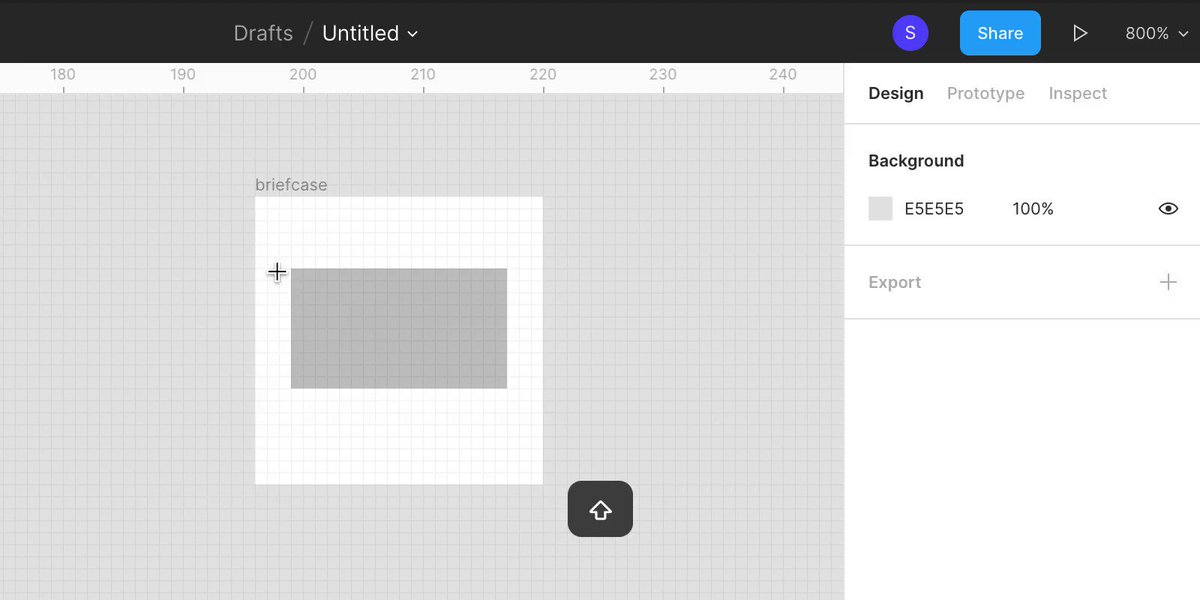
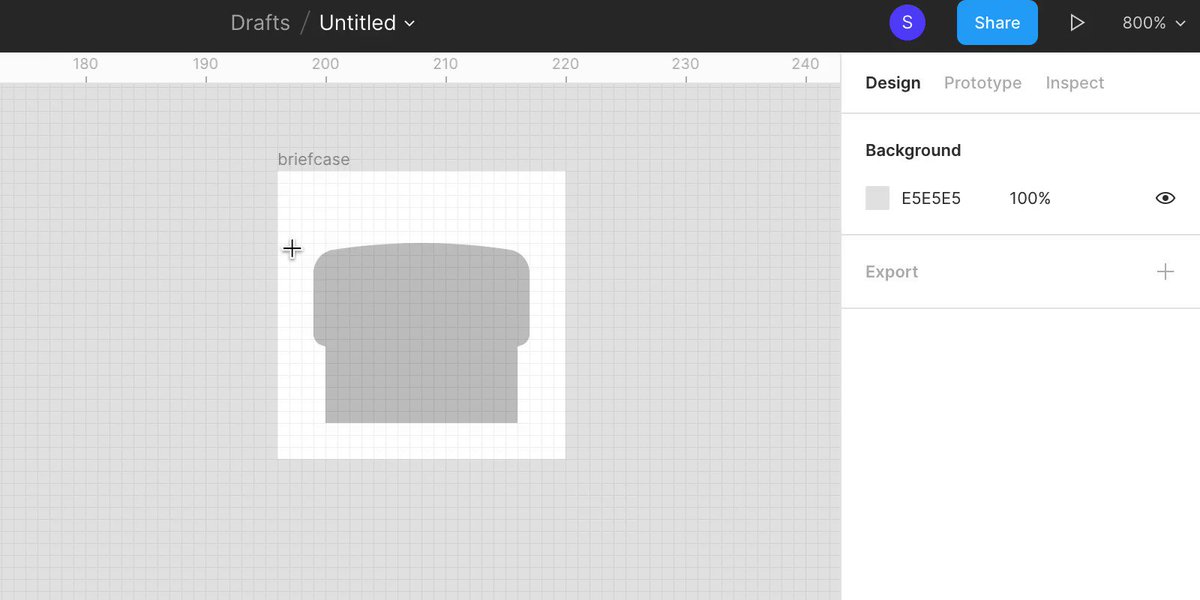
In a 24 x 24 pixel artboard, use the rectangle tool (R) to draw a 18 x 10 pixel rectangle positioned horizontally centered and 6 pixels from the top of the artboard.
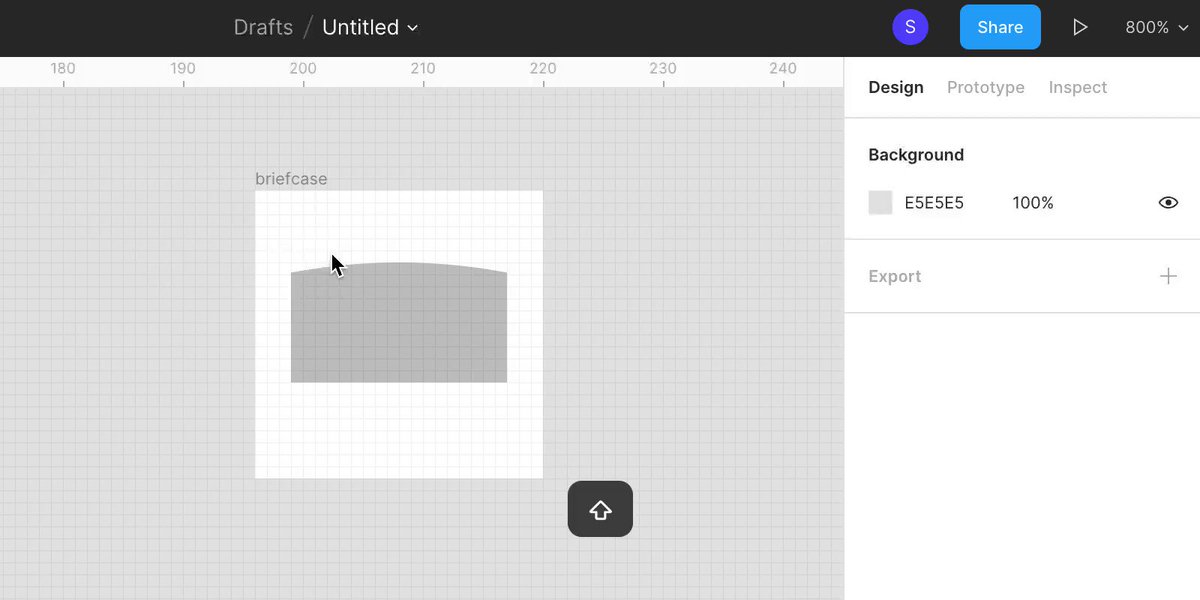
Using the ellipse tool (O), draw a 96 x 96 pixel circle and align the top to the center/top of the rectangle. Select both shapes and use the boolean tool to intersect the group.
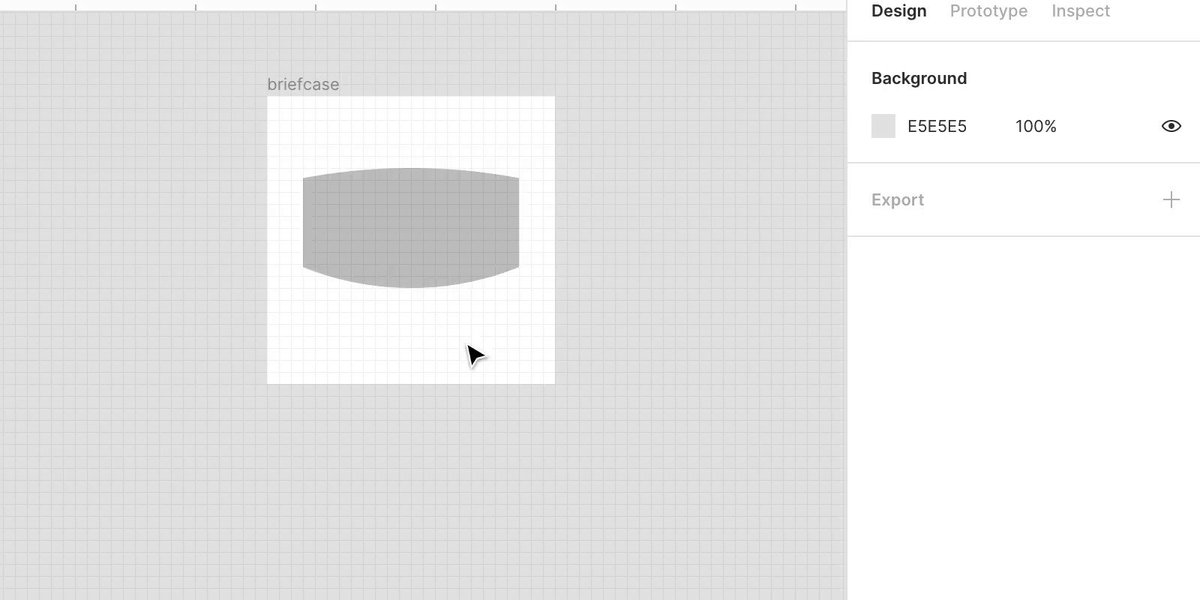
Using the ellipse tool (O), draw a 48 x 48 pixel circle and align the bottom to the center/bottom of the rectangle. Select both shapes and use the boolean tool to intersect the group.
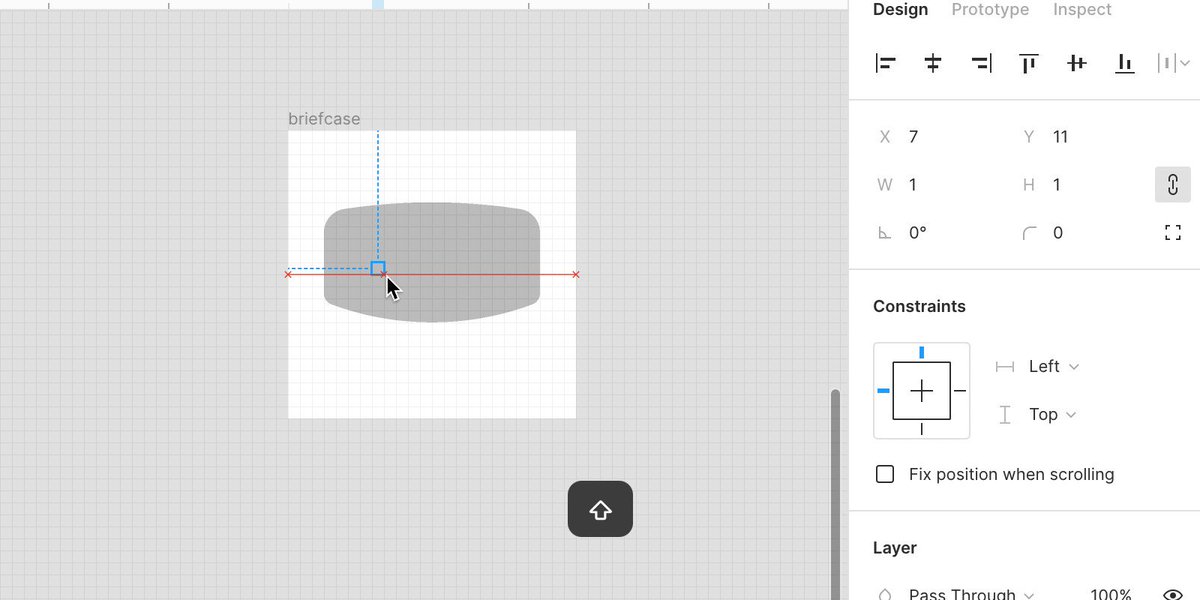
Flatten the shape (command + E) and double click it to make it editable. Select the top left and right points and give them a 2 pixel corner radius. Select the bottom left and right points and give them a 1 pixel corner radius.
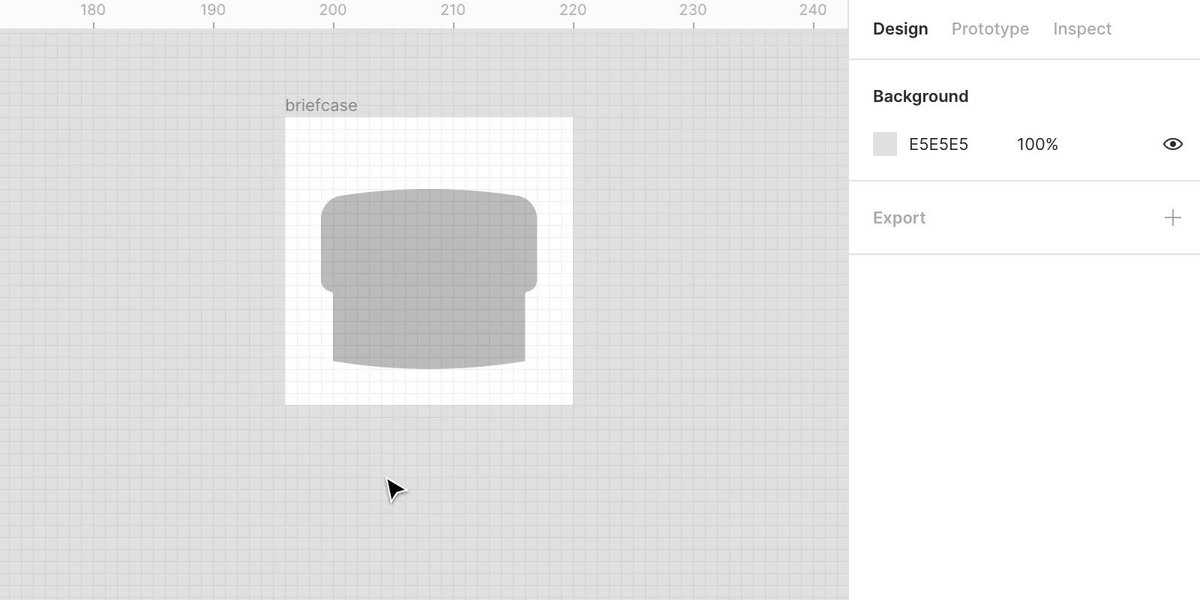
Using the rectangle shape tool (R), draw a 16 x 10 pixel rectangle positioned horizontally centered and make the bottom 3 pixels from the bottom of the artboard.
Using the ellipse tool (O), draw a 96 x 96 pixel circle and align the bottom to the center/bottom of the rectangle. Select both shapes and cut them using the intersect boolean group tool.
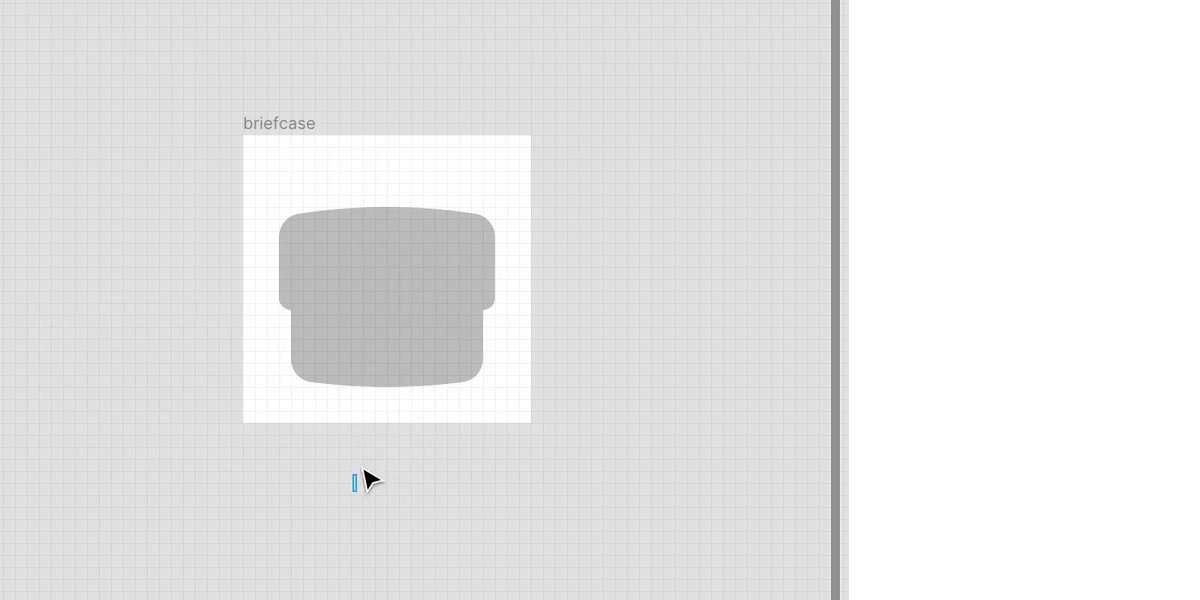
Flatten the shape (command + E) and double click it to make it editable. Select the bottom left and right points and give them a 2 pixel corner radius.
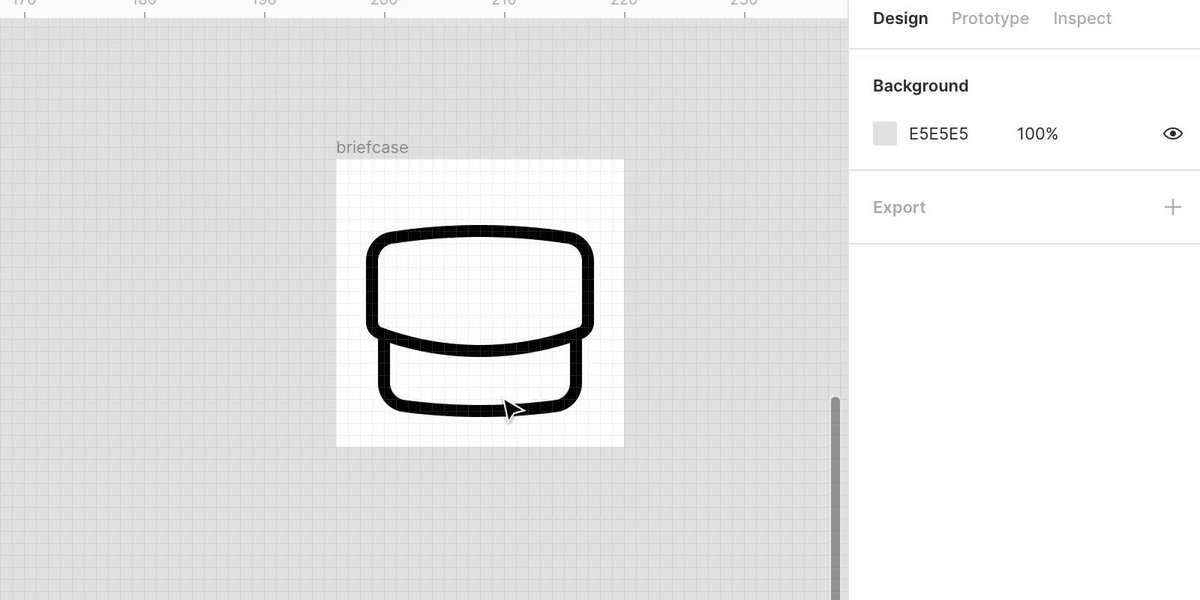
Select both shapes and convert them to a centered stroke and flatten them together (command + E). Using the pen tool (P), add 2 points where the shapes intersect (zoom in if the pen isn’t snapping into position).
Delete the overlapping lines.
Double click the shape to make it editable so you can add connecting points. Use the pen tool (P) to manually draw the handle connected to the top. I made it ~3 x 8 pixels. Give the points a 2 pixel corner radius.
To create the dot button, draw a rectangle and manually adjust the size to 0.01 and give it a stroke.
Flatten the layers (command + E) and adjust the stroke to your desired radius/width (Rounded/1.5 pixel stroke shown below).

TA DA 👏🏻

More from Tech

The YouTube algorithm that I helped build in 2011 still recommends the flat earth theory by the *hundreds of millions*. This investigation by @RawStory shows some of the real-life consequences of this badly designed AI.


This spring at SxSW, @SusanWojcicki promised "Wikipedia snippets" on debated videos. But they didn't put them on flat earth videos, and instead @YouTube is promoting merchandising such as "NASA lies - Never Trust a Snake". 2/


A few example of flat earth videos that were promoted by YouTube #today:
https://t.co/TumQiX2tlj 3/

https://t.co/uAORIJ5BYX 4/

https://t.co/yOGZ0pLfHG 5/
THREAD: How is it possible to train a well-performing, advanced Computer Vision model 𝗼𝗻 𝘁𝗵𝗲 𝗖𝗣𝗨? 🤔

At the heart of this lies the most important technique in modern deep learning - transfer learning.

Let's analyze how it


2/ For starters, let's look at what a neural network (NN for short) does.

An NN is like a stack of pancakes, with computation flowing up when we make predictions.

How does it all work?


3/ We show an image to our model.

An image is a collection of pixels. Each pixel is just a bunch of numbers describing its color.

Here is what it might look like for a black and white image


4/ The picture goes into the layer at the bottom.

Each layer performs computation on the image, transforming it and passing it upwards.


5/ By the time the image reaches the uppermost layer, it has been transformed to the point that it now consists of two numbers only.

The outputs of a layer are called activations, and the outputs of the last layer have a special meaning... they are the predictions!

You May Also Like