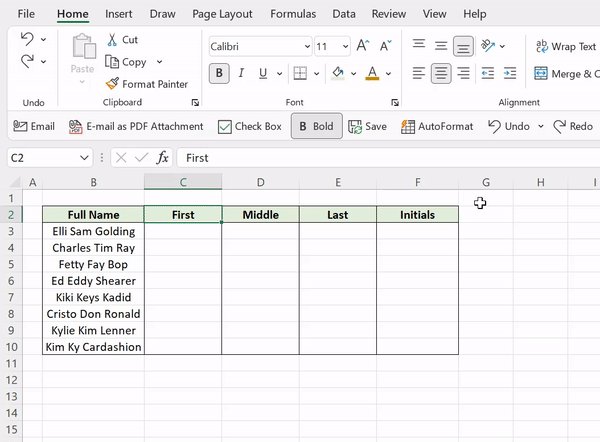
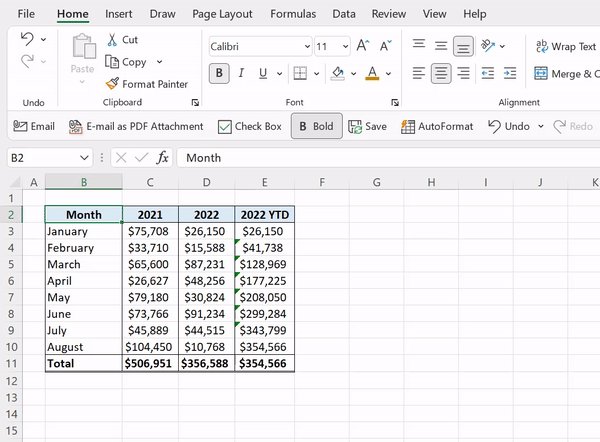
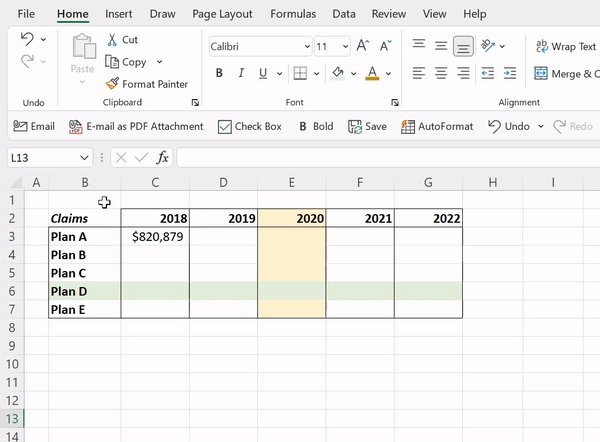
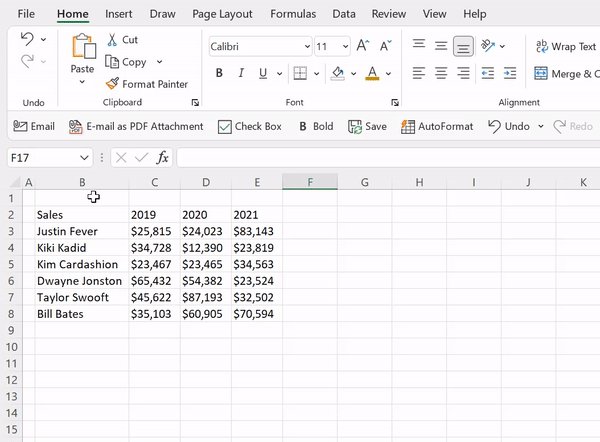
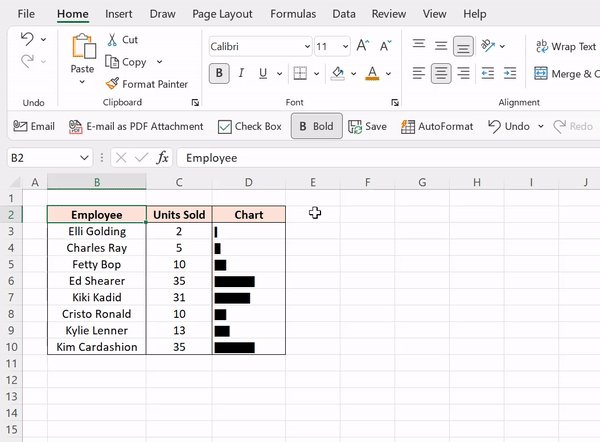
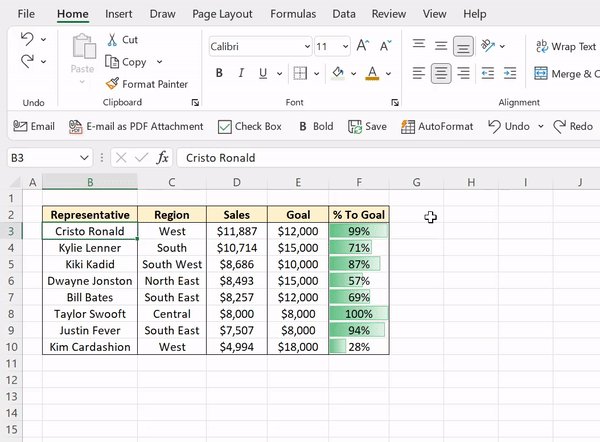
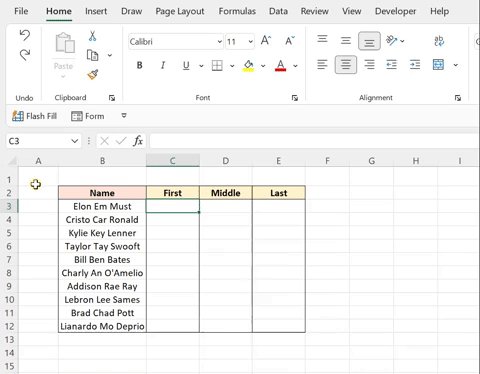
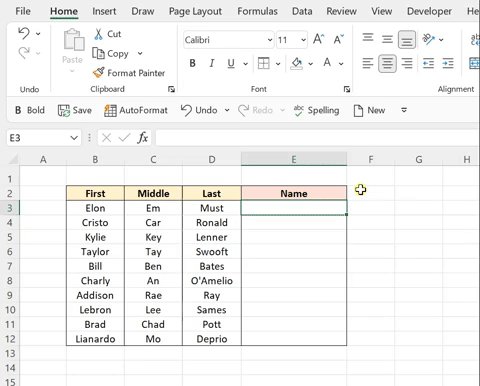
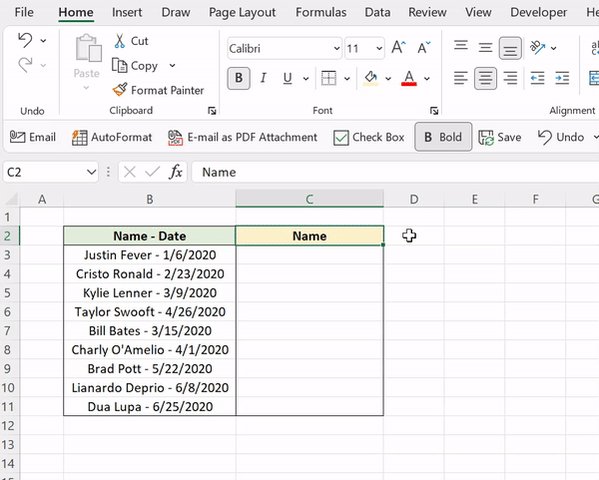
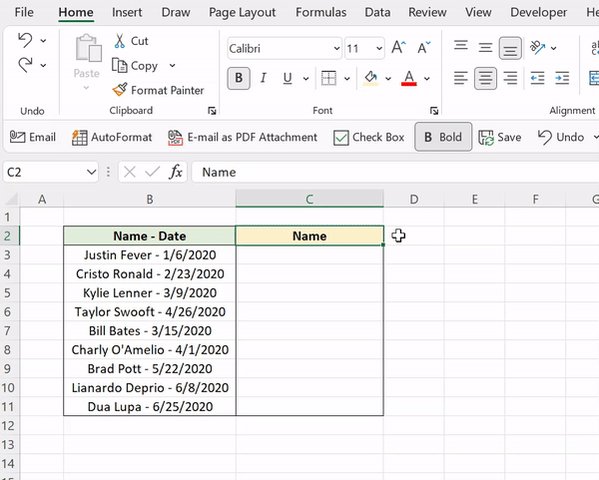
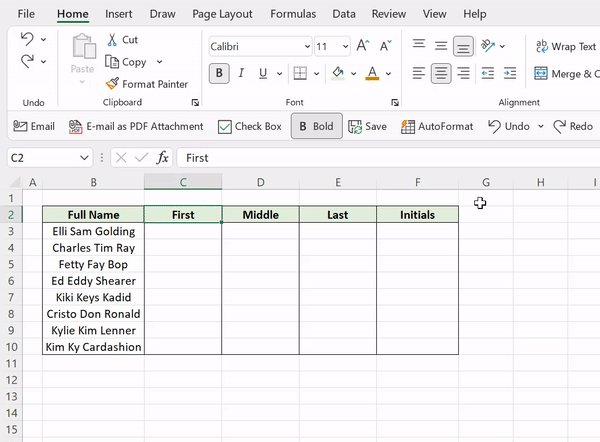
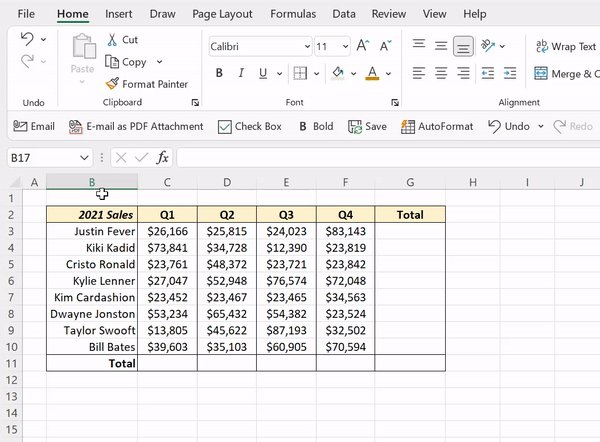
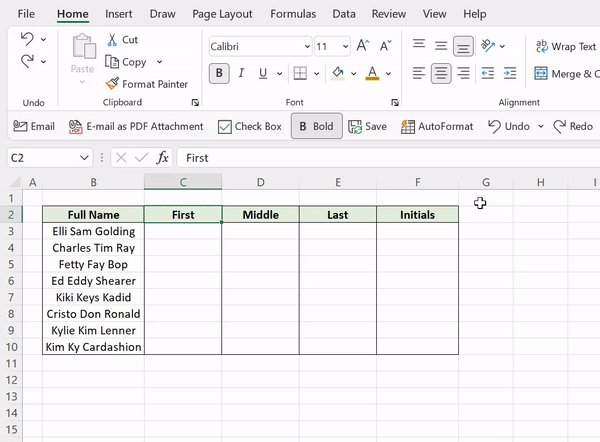
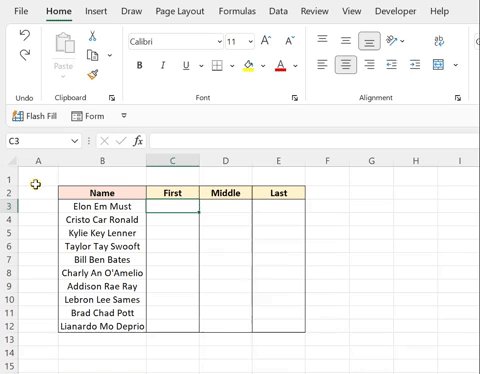
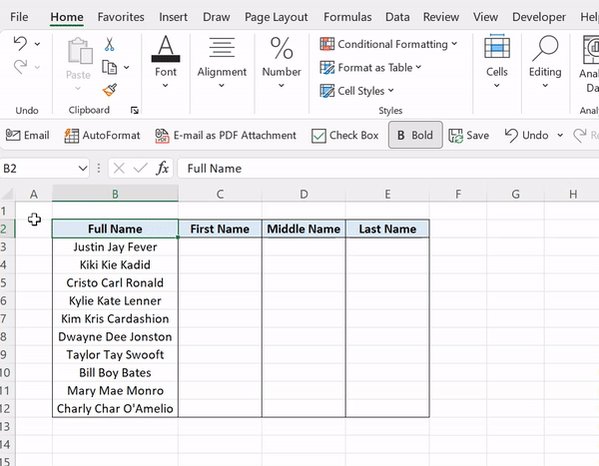
CTRL E makes complicated tasks easier than ever, thanks to Flash Fill. Flash Fill automatically fills data down a column based on detected patterns. Just enter how you want the data to appear, hit CTRL E, and Excel will fill the pattern down the column in a flash.
10 must-know Excel shortcuts:
CTRL E makes complicated tasks easier than ever, thanks to Flash Fill. Flash Fill automatically fills data down a column based on detected patterns. Just enter how you want the data to appear, hit CTRL E, and Excel will fill the pattern down the column in a flash.
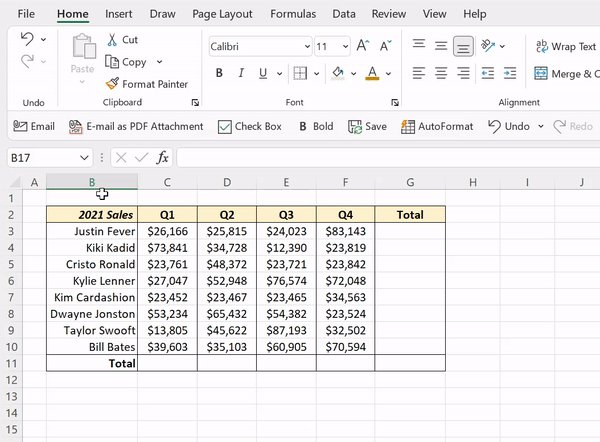
Let Excel do the math for you with this shortcut! ALT = detects data in adjacent cells and automatically sums it using the SUM function. Just select an empty cell adjacent to the data that needs to be added and press ALT =.
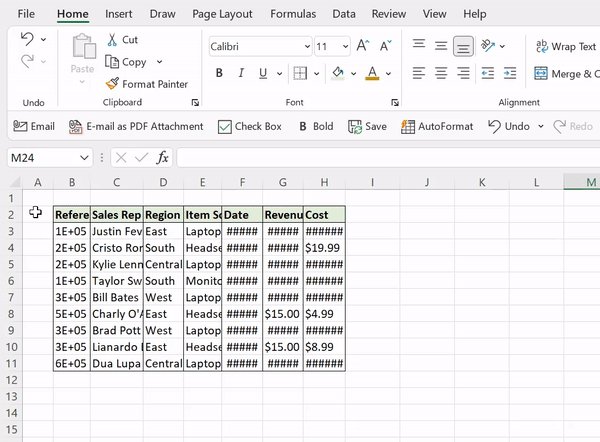
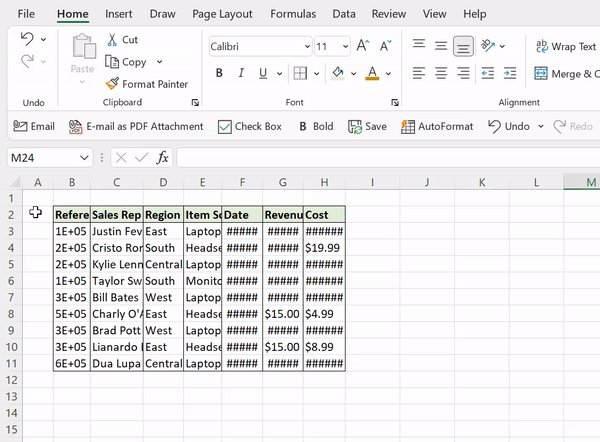
If you are unable to see your data, ALT H O I is here to help! Press ALT H O I to automatically adjust the column widths to fit the size of your data.
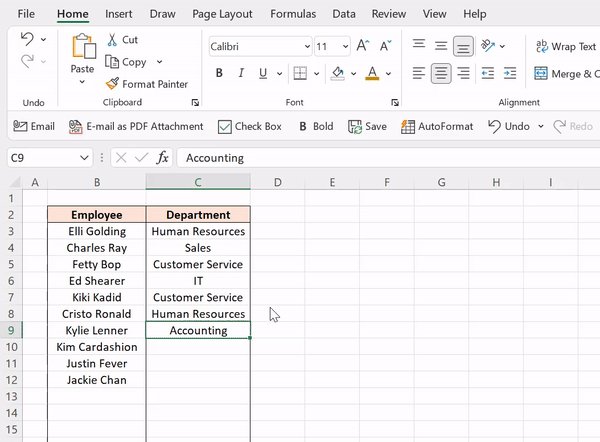
If you are entering repetitive data in Excel, ALT ↓ is a must-know shortcut. The Alt ↓ shortcut displays a dropdown list of all values previously entered in the column. Now, you can simply select any value, which will automatically be entered into the active cell!
When cranking out formulas in Excel, checking each one individually in the formula bar can be tedious. Instead, try the CTRL ` shortcut! CTRL ` toggles between displaying the cells’ formulas and values in the active worksheet.
Dragging formulas down columns and then again across rows can be a drag. Say goodbye to the fill handle and hello to CTRL ENTER! CTRL ENTER fills the active cell’s contents into selected cells. Note: The active cell has to be in editing mode for this to work.
Start getting into the routine of using Tables with CTRL T. CTRL T converts data to an Excel Table. Tables are a powerful tool that clean up formatting, auto-fill formulas down columns, automatically expand and update linked charts when new rows are added, and more!
If you are spending too much time creating charts to visualize data, meet ALT F1. These two magical keys automatically create a bar chart using the selected data and insert it right into the active worksheet!
Are you team gridlines or no gridlines? If you're team no gridlines, this ones for you. The ALT W VG shortcut removes all gridlines from the active worksheet.

More from Excel Dictionary ☕️
More from All
Curated the best tweets from the best traders who are exceptional at managing strangles.
• Positional Strangles
• Intraday Strangles
• Position Sizing
• How to do Adjustments
• Plenty of Examples
• When to avoid
• Exit Criteria
How to sell Strangles in weekly expiry as explained by boss himself. @Mitesh_Engr
• When to sell
• How to do Adjustments
• Exit
1. Let's start option selling learning.
— Mitesh Patel (@Mitesh_Engr) February 10, 2019
Strangle selling. ( I am doing mostly in weekly Bank Nifty)
When to sell? When VIX is below 15
Assume spot is at 27500
Sell 27100 PE & 27900 CE
say premium for both 50-50
If bank nifty will move in narrow range u will get profit from both.
Beautiful explanation on positional option selling by @Mitesh_Engr
Sir on how to sell low premium strangles yourself without paying anyone. This is a free mini course in
Few are selling 20-25 Rs positional option selling course.
— Mitesh Patel (@Mitesh_Engr) November 3, 2019
Nothing big deal in that.
For selling weekly option just identify last week low and high.
Now from that low and high keep 1-1.5% distance from strike.
And sell option on both side.
1/n
1st Live example of managing a strangle by Mitesh Sir. @Mitesh_Engr
• Sold Strangles 20% cap used
• Added 20% cap more when in profit
• Booked profitable leg and rolled up
• Kept rolling up profitable leg
• Booked loss in calls
• Sold only
Sold 29200 put and 30500 call
— Mitesh Patel (@Mitesh_Engr) April 12, 2019
Used 20% capital@44 each
2nd example by @Mitesh_Engr Sir on converting a directional trade into strangles. Option Sellers can use this for consistent profit.
• Identified a reversal and sold puts
• Puts decayed a lot
• When achieved 2% profit through puts then sold
Already giving more than 2% return in a week. Now I will prefer to sell 32500 call at 74 to make it strangle in equal ratio.
— Mitesh Patel (@Mitesh_Engr) February 7, 2020
To all. This is free learning for you. How to play option to make consistent return.
Stay tuned and learn it here free of cost. https://t.co/7J7LC86oW0