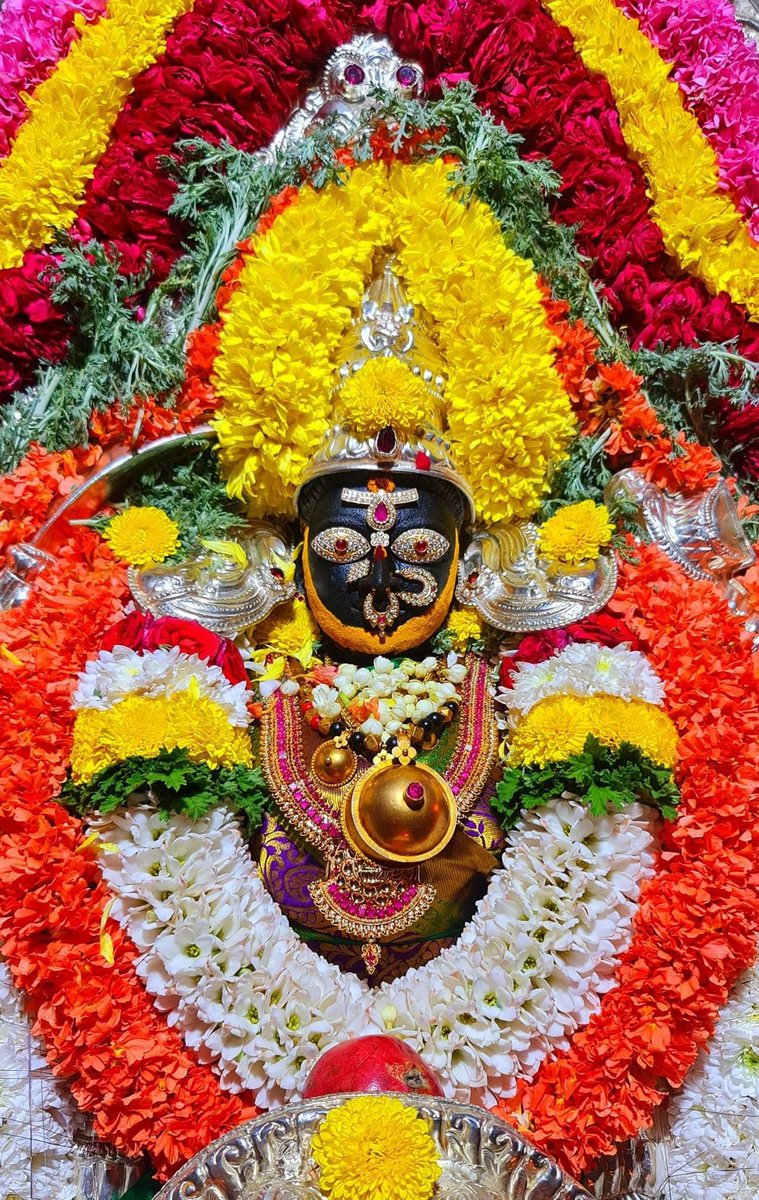
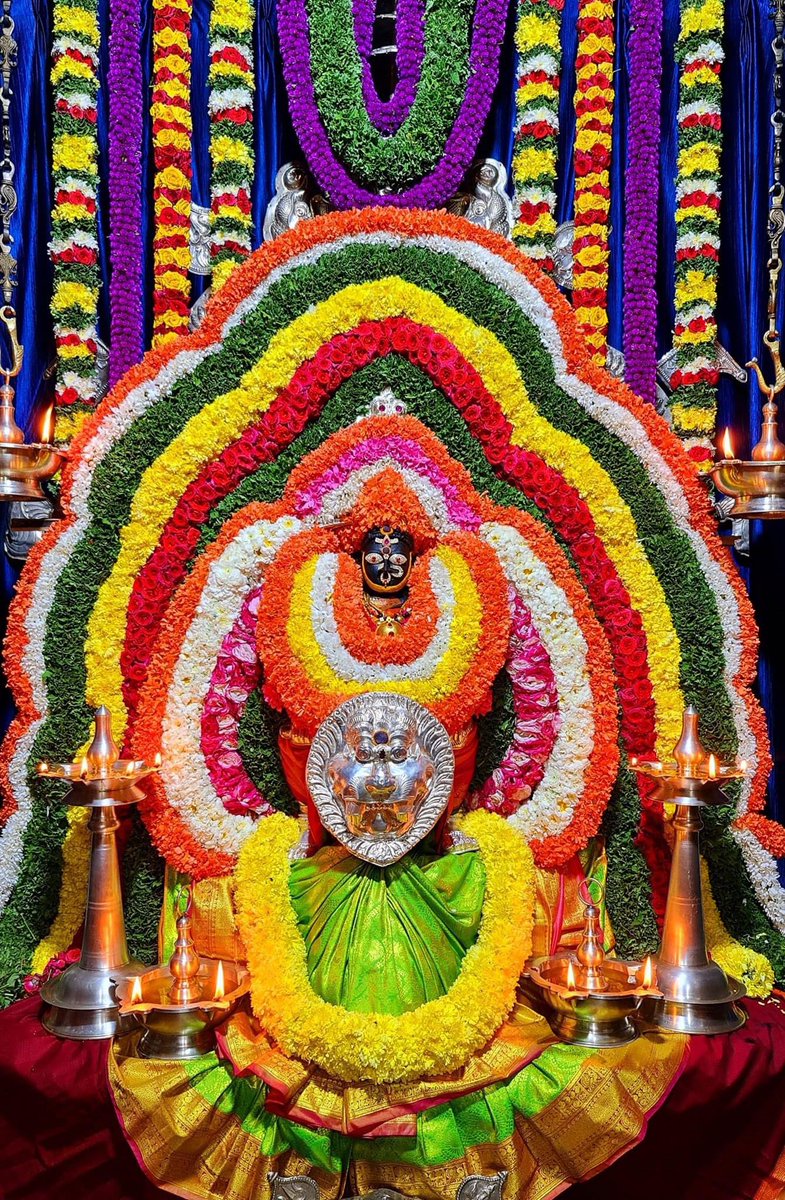
SRI BANASHANKARI AMMAN, BANGALORE
#bharatmandir
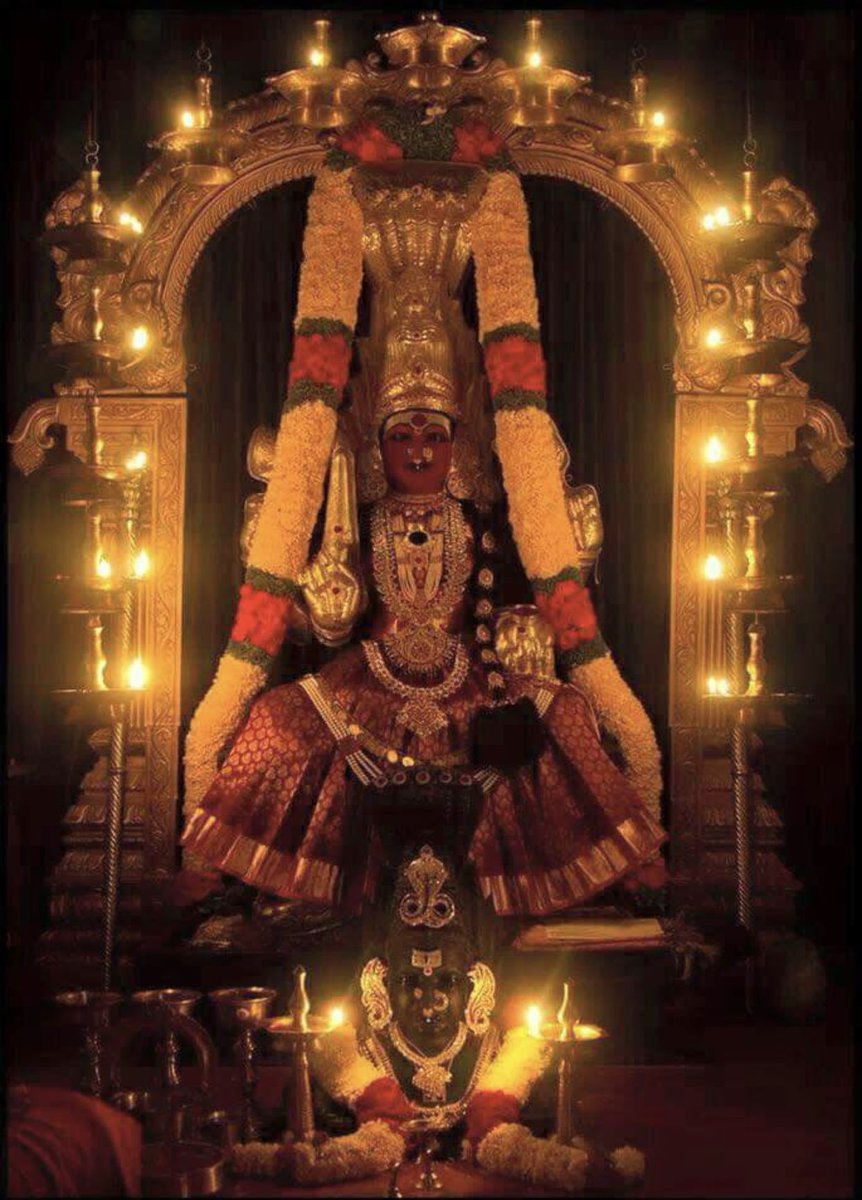
Located in Southern Bangalore, this is one of the most popular places of worship in Bangalore City.
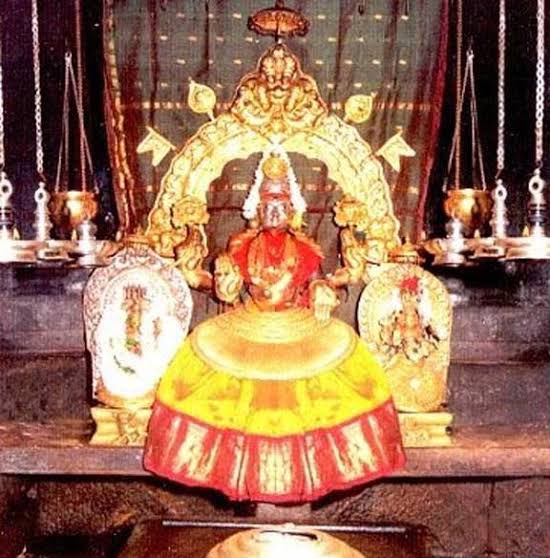
Devoted to Devi Banashankari, this shrine is visited specially during Rahukala which is believed to be an unfavorable time.
Somanna Shetty, a great devotee of Devi, brought this murti from Badami’s Banshankari Amma Kshetram.
It is said that many years ago, three ladies visited this shrine and requested the pujari to conduct puja for them. Since it was the inauspicious rahu kaal, the pujari refused.
However, upon their insistence, he conducted the puja. When he returned with prasadam, the ladies vanished. This made the people believe that they were none other than the Devi herself. Since then, the people perform poojas here during the Rahukaal.
@GunduHuDuGa
People use lemons as a diya. Lemons are cut from the centre and their pulps are removed, for pouring oil in them.
It is strongly believed that Devi removes all the troubles from the life of her devotees during the Rahukala although it is considered inauspicious for any pooja.