The 8-step quick-start guide to learn Machine Learning.

🧵👇

1⃣ Start with Python 🐍

Yes, you can do other languages, but Python is by far the most straightforward option.

👇
2⃣ Get familiar with numpy, pandas, and matplotlib

These three libraries are probably the most common Python libraries you'll have to use every day.

(Even if you don't end up doing machine learning, these libraries are awesome and useful.)

👇
3⃣ Start using notebooks

Look into Jupyter or Google Colab.

Notebooks are essential for data scientists and machine learning practitioners. Most of the code you'll read and write will be in notebooks.

👇
4⃣ Find a problem (already solved)

In my opinion, the best way to start is by working through a problem —especially when you can learn from its solution.

Start with something simple. I usually recommend "Titanic" from Kaggle.

👇
5⃣ Focus on the analysis and not the code

In the beginning, spend your time and energy analyzing the problem and its solution.

Code is not important at this stage. Code can come later.

👇
6⃣ Start incorporating new algorithms

As you work through problems, start incorporating new algorithms into your toolset.

Here are a few great options to start:

1. Decision Trees
2. Linear regression
3. Logistic regression
4. Neural Networks
5. KNN

👇
7⃣ Get familiar with a general process to approach problems

Here is a good start:

1. Define the problem
2. Prepare the data
3. Spot-ccheck algorithms
4. Improve the results
5. Present the results

👇
8⃣ Pick a new problem and repeat

It shouldn't be surprising that the best way to improve is to practice and solve new problems.

If you don't have access to real-life problems, get familiar with Kaggle: everything you need will be there.
In the next coming weeks, I'll be posting a whole series of machine learning advice for people wanting to start.

Stay tuned!

More from Santiago

10 machine learning YouTube videos.

On libraries, algorithms, and tools.

(If you want to start with machine learning, having a comprehensive set of hands-on tutorials you can always refer to is fundamental.)

🧵👇

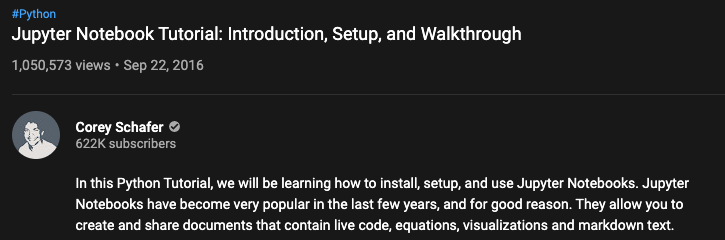
1⃣ Notebooks are a fantastic way to code, experiment, and communicate your results.

Take a look at @CoreyMSchafer's fantastic 30-minute tutorial on Jupyter Notebooks.

https://t.co/HqE9yt8TkB


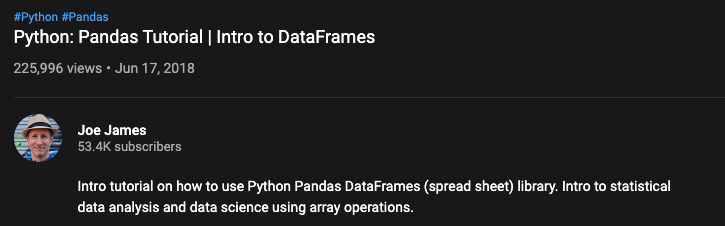
2⃣ The Pandas library is the gold-standard to manipulate structured data.

Check out @joejamesusa's "Pandas Tutorial. Intro to DataFrames."

https://t.co/aOLh0dcGF5


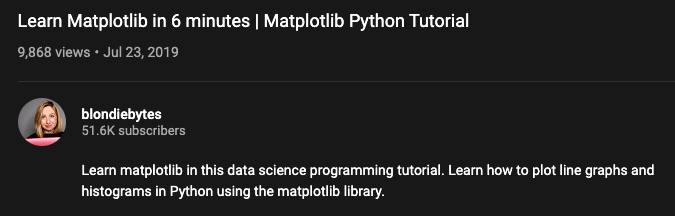
3⃣ Data visualization is key for anyone practicing machine learning.

Check out @blondiebytes's "Learn Matplotlib in 6 minutes" tutorial.

https://t.co/QxjsODI1HB


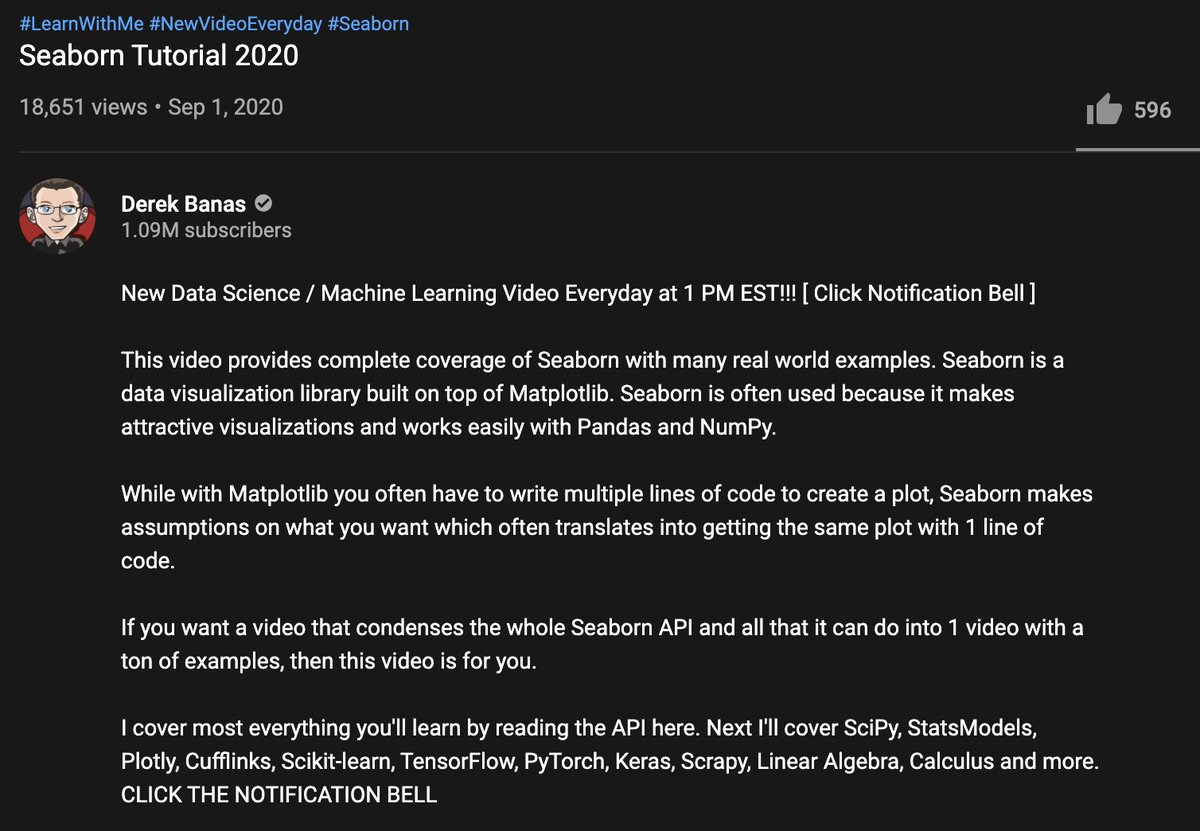
4⃣ Another trendy data visualization library is Seaborn.

@NewThinkTank put together "Seaborn Tutorial 2020," which I highly recommend.

https://t.co/eAU5NBucbm

More from Machine learning

Really enjoyed digging into recent innovations in the football analytics industry.

>10 hours of interviews for this w/ a dozen or so of top firms in the game. Really grateful to everyone who gave up time & insights, even those that didnt make final cut 🙇‍♂️ https://t.co/9YOSrl8TdN


For avoidance of doubt, leading tracking analytics firms are now well beyond voronoi diagrams, using more granular measures to assess control and value of space.

This @JaviOnData & @LukeBornn paper from 2018 referenced in the piece demonstrates one method
https://t.co/Hx8XTUMpJ5


Bit of this that I nerded out on the most is "ghosting" — technique used by @counterattack9 & co @stats_insights, among others.

Deep learning models predict how specific players — operating w/in specific setups — will move & execute actions. A paper here: https://t.co/9qrKvJ70EN


So many use-cases:
1/ Quickly & automatically spot situations where opponent's defence is abnormally vulnerable. Drill those to death in training.
2/ Swap target player B in for current player A, and simulate. How does target player strengthen/weaken team? In specific situations?

You May Also Like