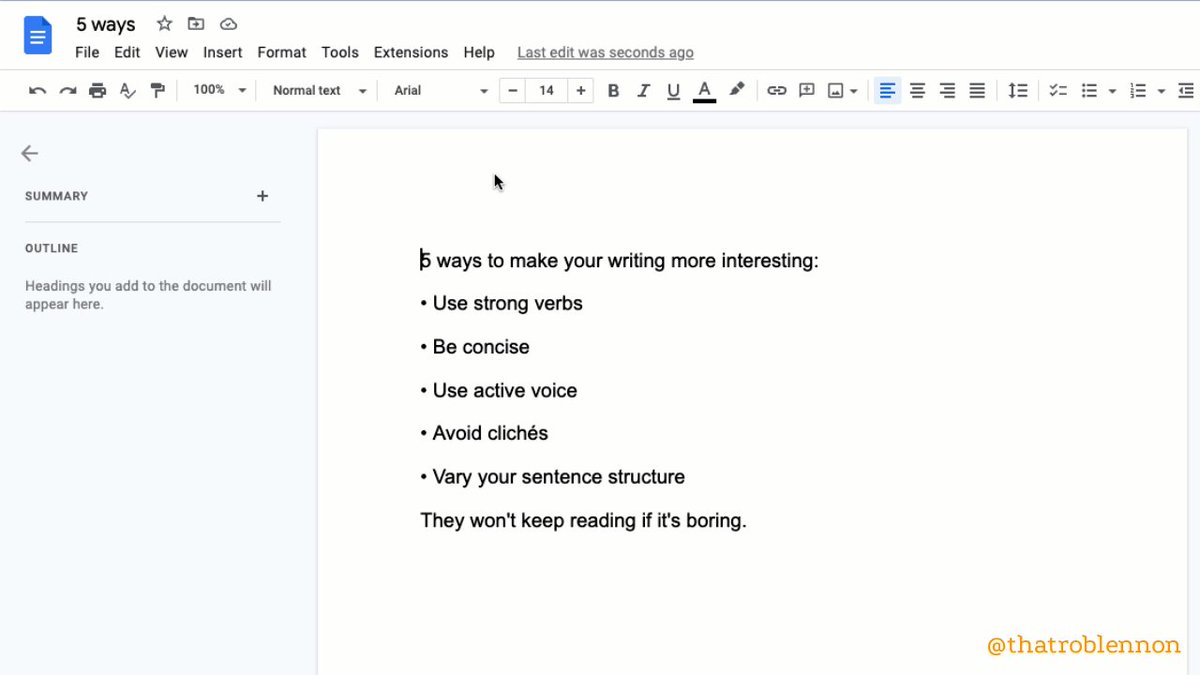
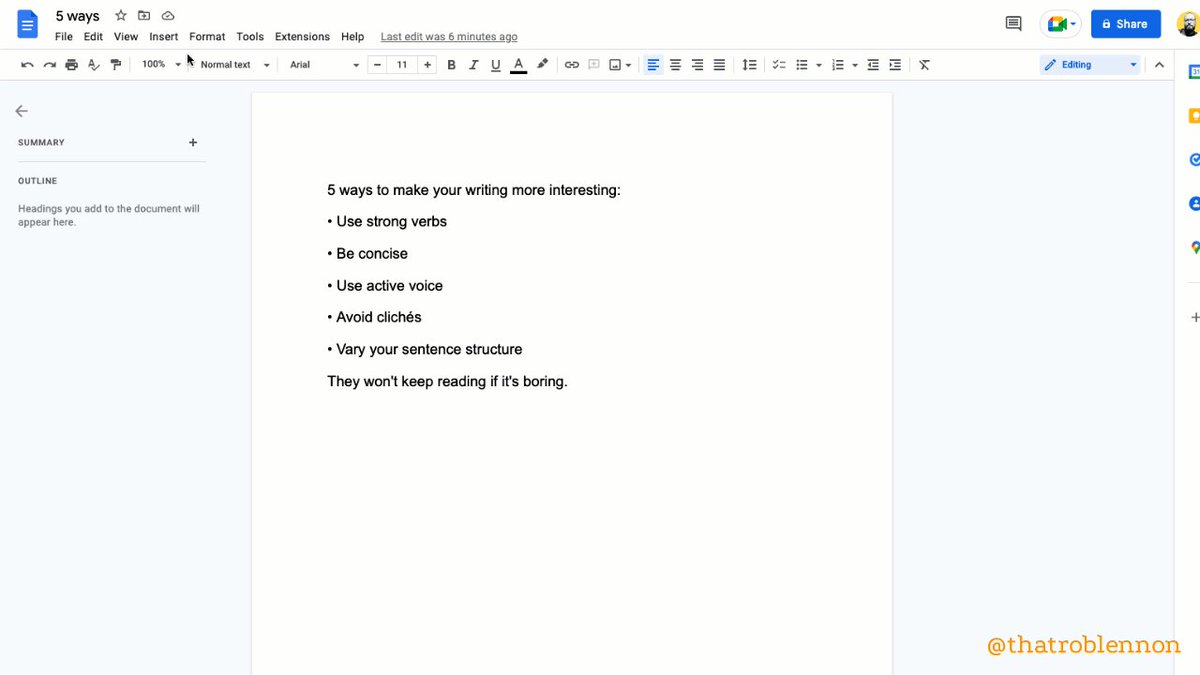
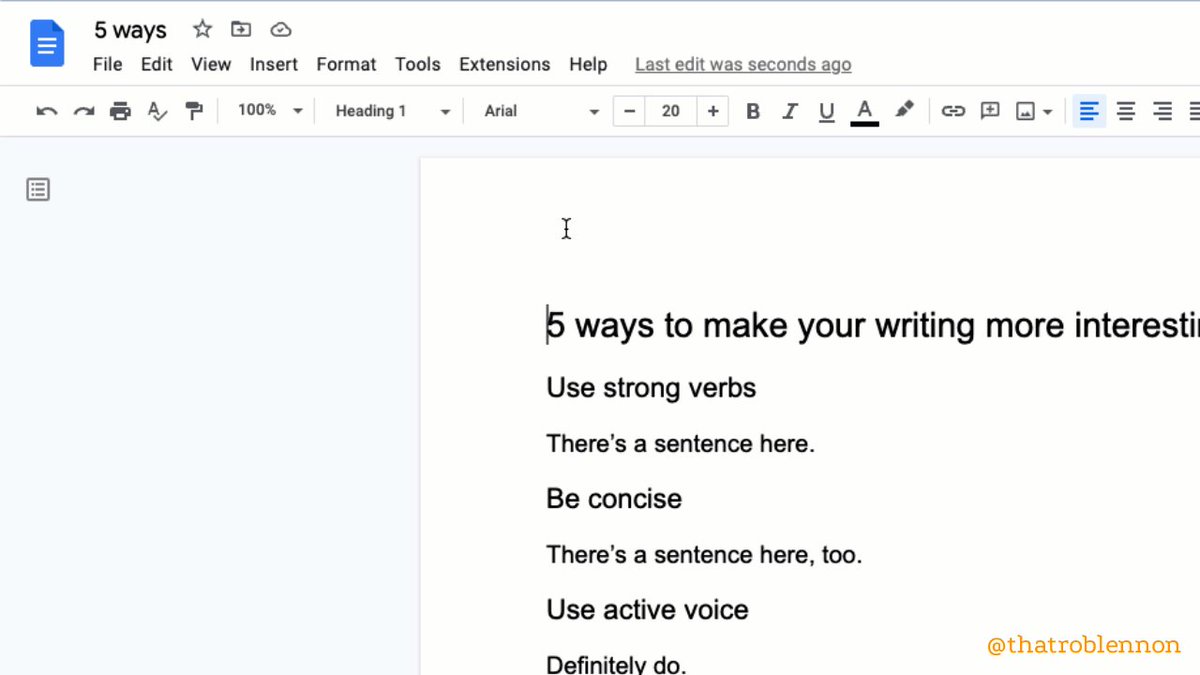
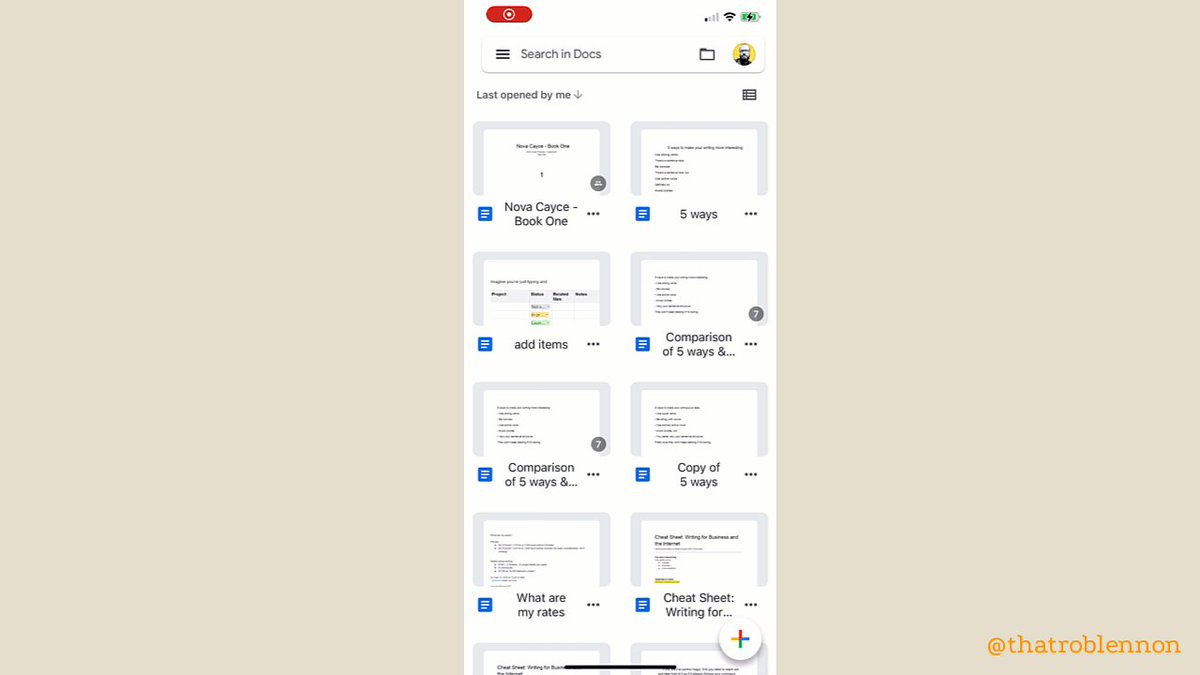
Google Docs is used by 1.8+ billion people worldwide.

The recent updates are perfection.

11 g-docs features so good, you'll kick yourself if you didn't know:

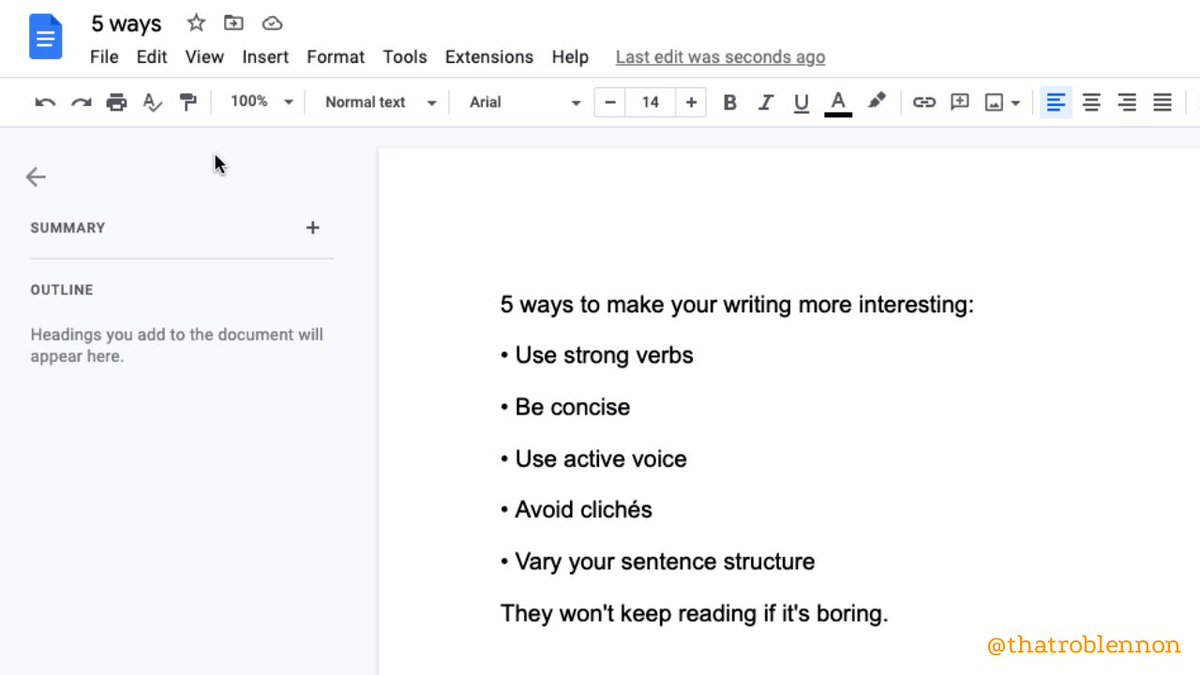
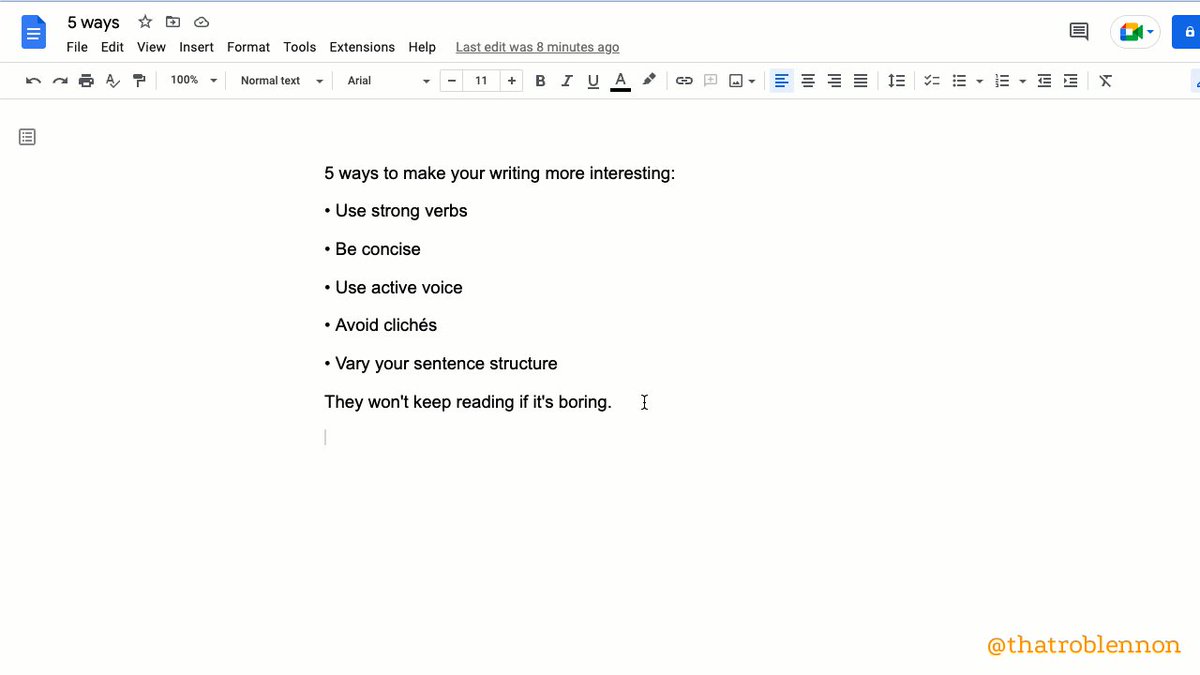
🔸 Pageless

Most people don't print anymore.

Get rid of your page breaks entirely.

So much cleaner-looking.

1. File >
2. Click'Page Setup'
3. Toggle 'Pageless'
🔸 Emoji Reaction

Instead of commenting, you can now react.

1. Select part of your doc to react to
2. Insert >
3. 'Emoji Reaction'

Some good shorthand:
✂️ Cut this
❓ Confusing
💖 Love this
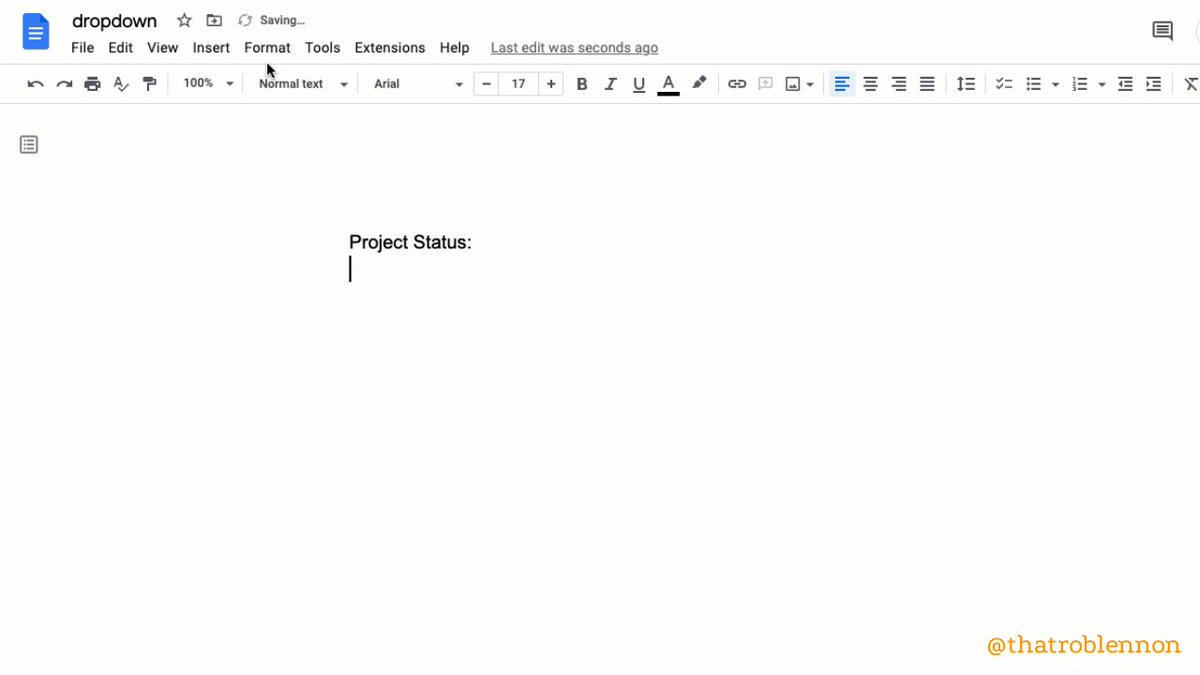
🔸 Dropdown

Add a Notion-like dropdown toggle you can put anywhere.

Extra cool because it accepts font styling.

1. Insert >
2. 'Dropdown'
3. Choose a preset or click 'New dropdown'
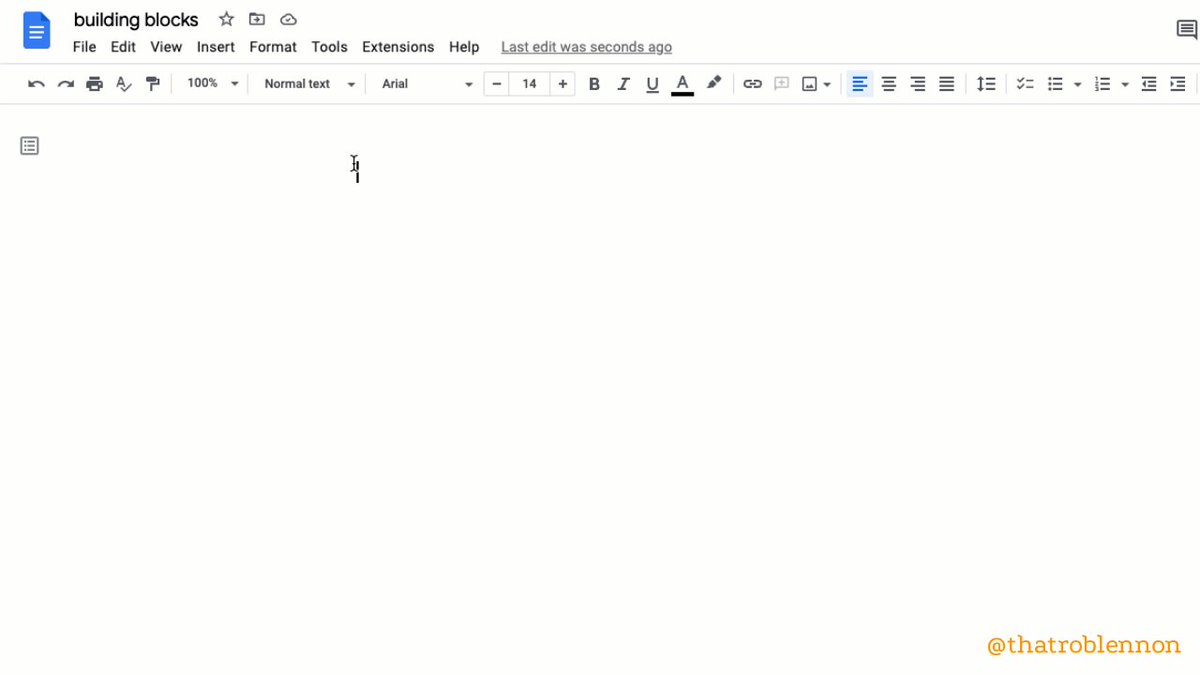
🔸 Building Blocks

Pre-made trackers to quickly add project management to your doc.

Powerful functionality in a ready-made template.

1. Insert >
2. Building Blocks >
3. Choose which pre-set you want
🔸 Watermark

Inlay a semi-transparent image OR text watermark into your doc.

(Must have pages to do this. Can't be using Pageless.)

1. Insert >
2. Click 'Watermark'
3. Choose between image or text watermark
🔸 Compare

See what's different between two docs.

Indispensable when working with freelancers (and others).

1. Tools >
2. Click 'Compare Documents'
3. Navigate to the doc you want to compare
4. Open your brand new comparison doc with suggested changes shown
🔸 Bookmark

Create and copy a link to a specific place in a longer doc.

(Not a super new feature, but one I'd never heard of until recently, given how powerful it is.)

1. Insert >
2. Bookmark >
3. Click the copy icon to get the url for the bookmark
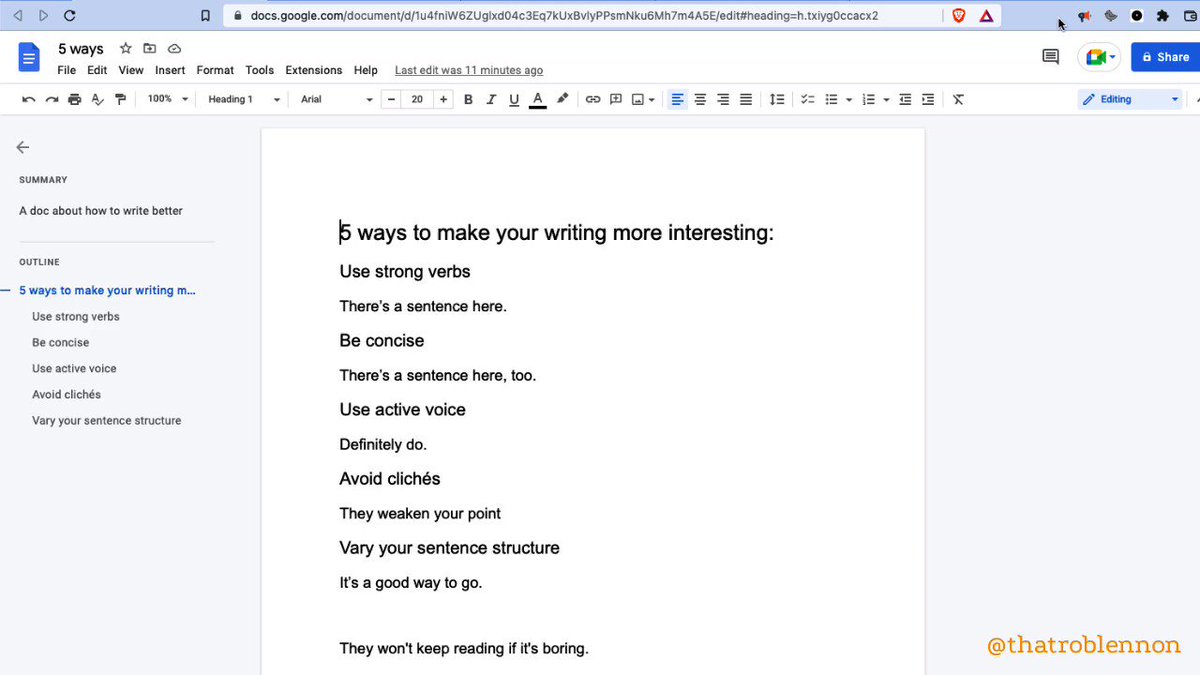
🔸 Add Summary to Outline

1. View >
2. 'Show outline'
3. At the top of your outline, click 'Add Summary +'
4. Type and press Enter to save
🔸 Dark Theme

iPhone / iPad / Android only.

1. Tap 'Menu'
2. Tap 'Settings'
3. Tap 'Theme'
5. Choose Dark

(To preview without, top More •••, 'View in light theme')
🔸 Add items with the @ menu

A quick shortcut to insert almost anything.

By typing @, you can add:

• Smart chips for people, files, and events
• Building blocks
• Dropdowns
• Lists (numbered, bulleted, checklists)
• Images
• Tables
• Charts
• Headings
• Hyperlinks
🔸 BONUS: ReadAloud (Chrome Extension)

Improve your proofreading process through text-to-speech by listening to your words.

Supports high-res voices like Amazon Polly if you have an account.

I use ReadAloud on every important project.

https://t.co/lZQ5XbsAC3
10 g-docs features you may have missed:

🔸 Pageless
🔸 Emoji Reaction
🔸 Dropdown
🔸 Building Blocks
🔸 Watermark
🔸 Compare
🔸 Bookmark
🔸 Add Summary
🔸 Dark Theme
🔸 @ menu

and 1 add-on to get:
🔸 ReadAloud (Chrome Extension)
My account exists to make you a better writer, businessperson, and human.

Follow me @thatroblennon for more.

Like/Retweet the first tweet below to share these amazing features: https://t.co/T9Us87jWUR

More from All

You May Also Like