BC AI

Using AI to complete work feels like cheating and winning a race.

Here are 7 mind-blowing websites to save you countless hours ( I bet ) ↓

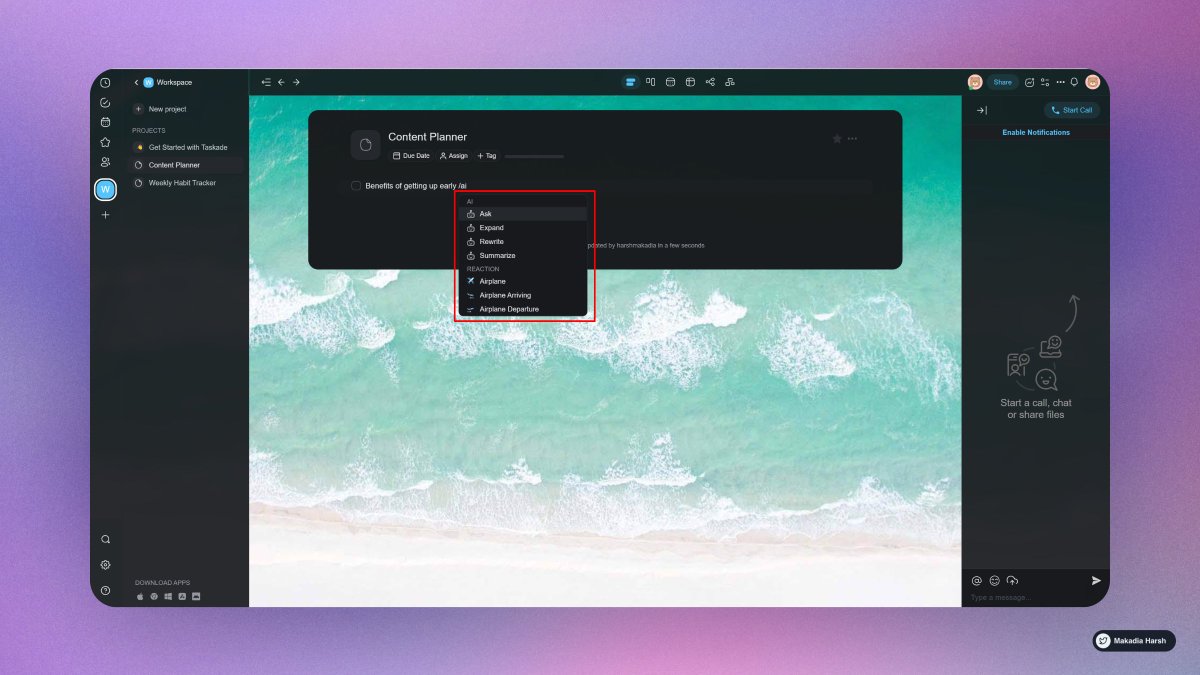
1. Taskade

Build your second brain.

Simply type “/ai“, select a command, and hit enter.

Work faster and smarter across any project using Taskade AI, and it is completely free!

🔗 https://t.co/A4fwdmPWt9
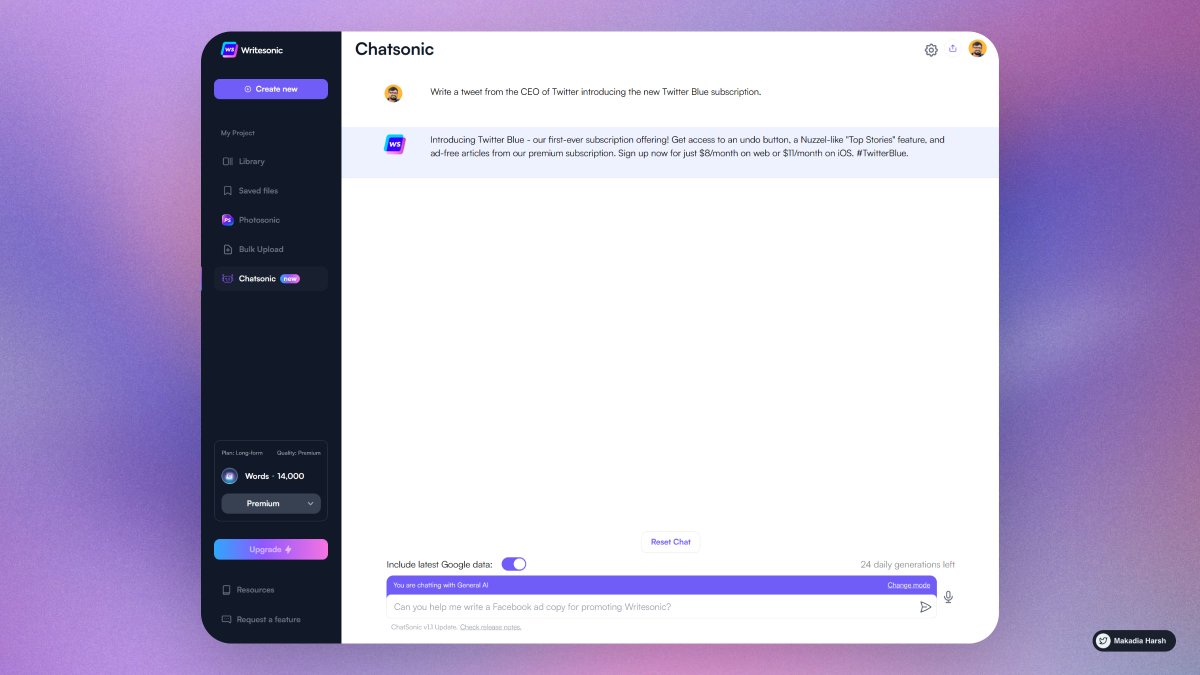
2. ChatSonic

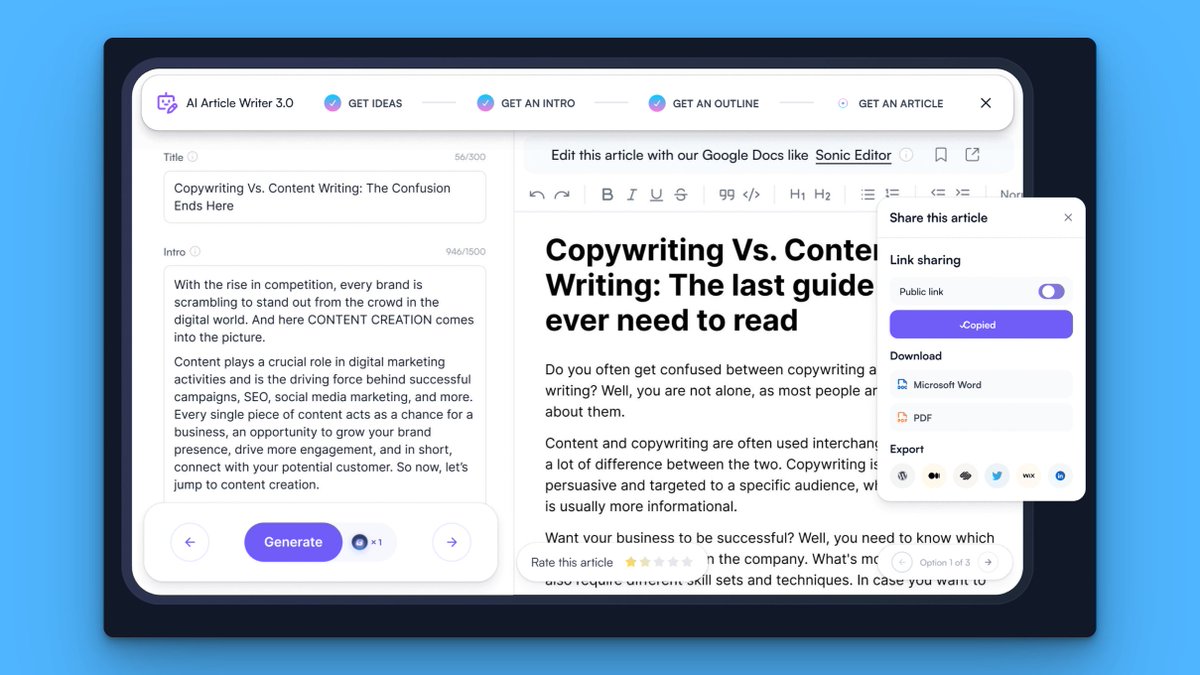
A chatGPT-like chatbot that integrates with Google Search to create content with the latest information.

Additionally, it can create digital images and respond to voice commands.

🔗 https://t.co/Zz2W3Mtiay
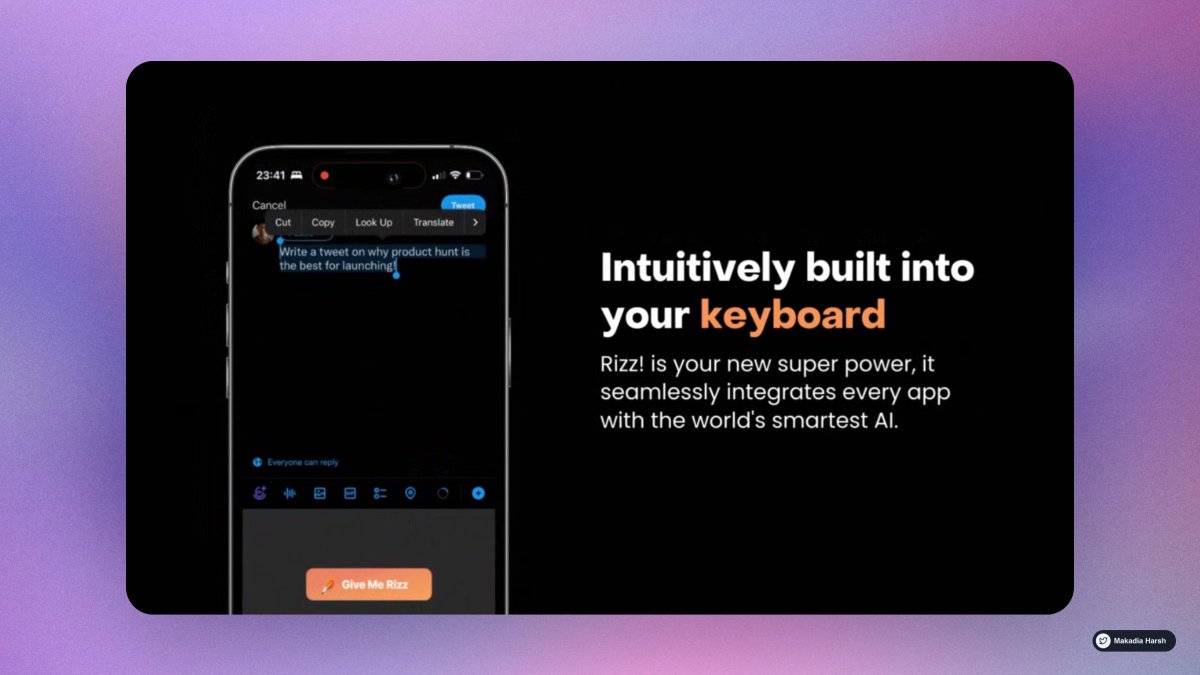
3. Rizzi

Unleash the power of infinite rizz!.

The world's most powerful text AI, built into your keyboard

🔗 https://t.co/QfeGMCJVyT
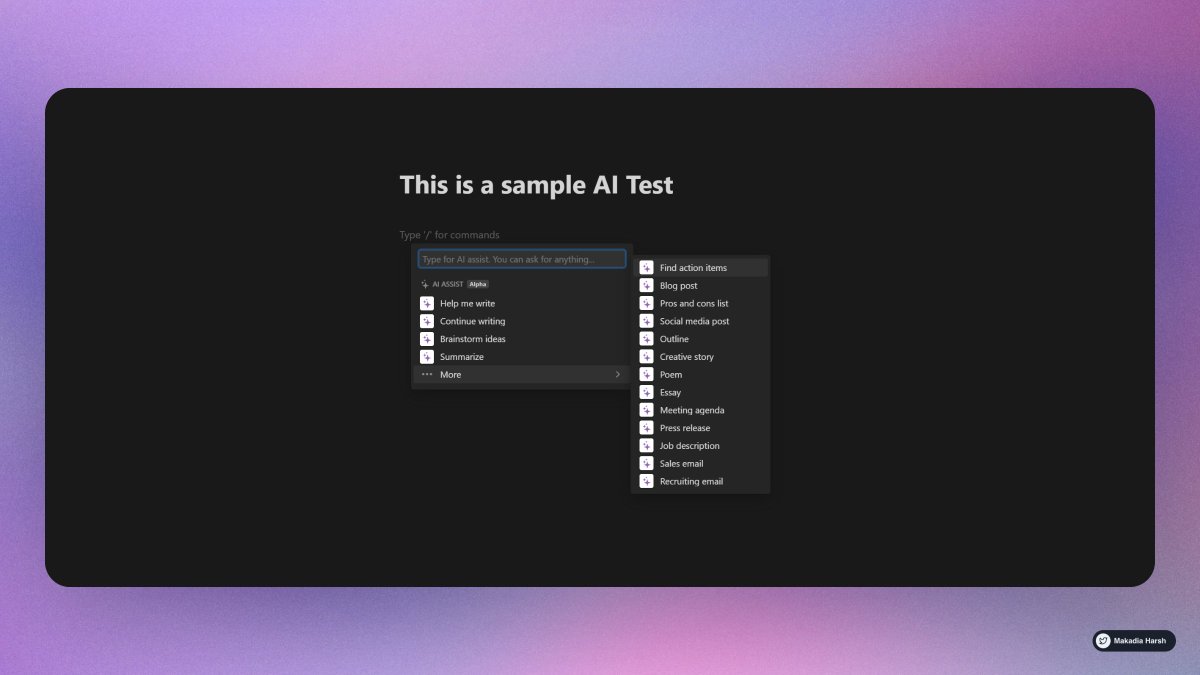
4. Notion AI

Leverage the limitless power of AI in any Notion page.

Write faster, think bigger, and augment your creativity.

Like magic!

🔗 https://t.co/cddxkME23K
5. Cutout Pro

Create your own professional passport photo online with single click in one sec.

AI Powered Creative Visual Design Platform.

🔗 https://t.co/cx7hlxNH6Z
6. Glasp AI Summary

Summarize your learning with AI.

Curate to summarize for you

🔗 https://t.co/pCB1Pf7NgE
7. Lex AI

Lex allows you to generate essays, articles, and stories with help from an AI.

The tool can summarize text & continue working off of current sentences.

Offers suggestions and ideas based on the context of your writing.

🔗 https://t.co/jEvB8RQJIN
Follow @MakadiaHarsh for more such threads.

If you loved it, Retweet the first tweet.

https://t.co/mrjc3byIc6

More from Harsh Makadia

I went from 0 to 120,000 followers on Twitter in 17 months.

It changed my life.

Here are 15 mind-blowing tools that’ll change yours, too:

1. Tribescaler

Tribescaler makes your tweets go viral.

It helps you write better hooks in seconds.

Powered by AI to write better & faster.

https://t.co/dUx2BNaVZc


2. TweetHunter

Tweet Hunter helps you at EVERY step:

Get Content Ideas, Write Faster & Better, Boost & Automate, Engage & Sell To People, Analyze & Understand.

https://t.co/DmWEXuJ0lR


3. Profile Picture Maker

Remove the background easily and make an awesome profile picture.

Instantly generated profile pictures.

Get more views, likes with this Hack.

https://t.co/xw3co1wuXQ


4. Canva

Create Beautiful Twitter Banners in minutes.

You can use it to create media images.

You can create a design and reuse them as your own brand.

https://t.co/1QPfG90r0R
10 Google Calendar tips so good that you'll kick yourself for not knowing them :

1. Create New Calendar Event

use
https://t.co/eFpzENNmRR to quickly create a new calendar event.

Save time by avoiding multiple clicks.


2. Daily Email Digest

Start your day with a daily agenda in your Gmail inbox, based on your Google Calendar schedule.

To Activate:

1. Go to settings

2. Settings for my calendars

3. Go to Other notifications

4. Daily Agenda → Select Email


3. Display World Clock and Secondary Timezone

Never leave the calendar to check the time in another timezone.

Everything at one place, 10X Productivity.

To Activate:

1. Go to settings

2. World Clock, Add countries you want


4. Advanced Search

Unlock results faster with smart search.

Everything works just like the Gmail Advanced filter.

Search faster, Save time.

You May Also Like